TOOLNAVIA / BUYING GUIDE
Intego ONE Firewall: When Is Outbound App Control Worth Paying For?
The short answer
Intego ONE Firewall is worth comparing when you want both Mac antivirus and control over which apps connect. The buying question is not whether a traffic graph looks impressive. It is whether you can understand a rule, apply it to the intended app and keep everyday work functioning.
Affiliate disclosure: Toolnavia may earn a commission from eligible Intego purchases through this article's buttons. The referral opens the merchant homepage; it does not preselect a plan or guarantee a discount.
At a glance
- Best for
- Mac owners needing antivirus and maintainable app-connection rules together.
- Price model
- Essential USD reference $29.99 first year, $39.99 renewal
- Check first
- Alerts are not malware proof; rules and local permissions need maintenance.
Define the missing control
Apple's built-in Firewall settings concentrate on unwanted incoming connections, including rules for apps and sharing services. That is a useful baseline, not the same decision as reviewing a desktop app's outgoing requests.
Intego's rule editor can target an app, choose Allow, Ask or Deny, and distinguish incoming, outgoing or both directions. Optional domain, IP and port restrictions can narrow a rule. This is relevant when a legitimate tool needs some connectivity but you want to examine its other requests. An unfamiliar destination is a reason to investigate, not proof that the app is malicious.
Before buying, name one actual problem: a background app consuming unexpected data, an offline workflow generating unwanted prompts, or a connection policy you cannot express with your current setup. A vague wish for 'more security' is harder to evaluate than a defined task.
Four details that change the experience
First, the scope matters. A rule for one app is different from a rule for every app, and blocking an entire program can also interrupt updates, sign-in or syncing. Choose a narrow, understood scope rather than assuming more blocking is always better.
Second, the rule-management view matters after the first day. Intego documents viewing, editing, reordering and removing saved rules. You should be able to find yesterday's decision and explain why it exists; otherwise a growing rule list becomes another maintenance burden.
Third, temporary and lasting decisions differ. Intego's alert guide describes a one-time option alongside persistent choices. This is useful when evaluating a known app without silently turning a single answer into an indefinite policy.
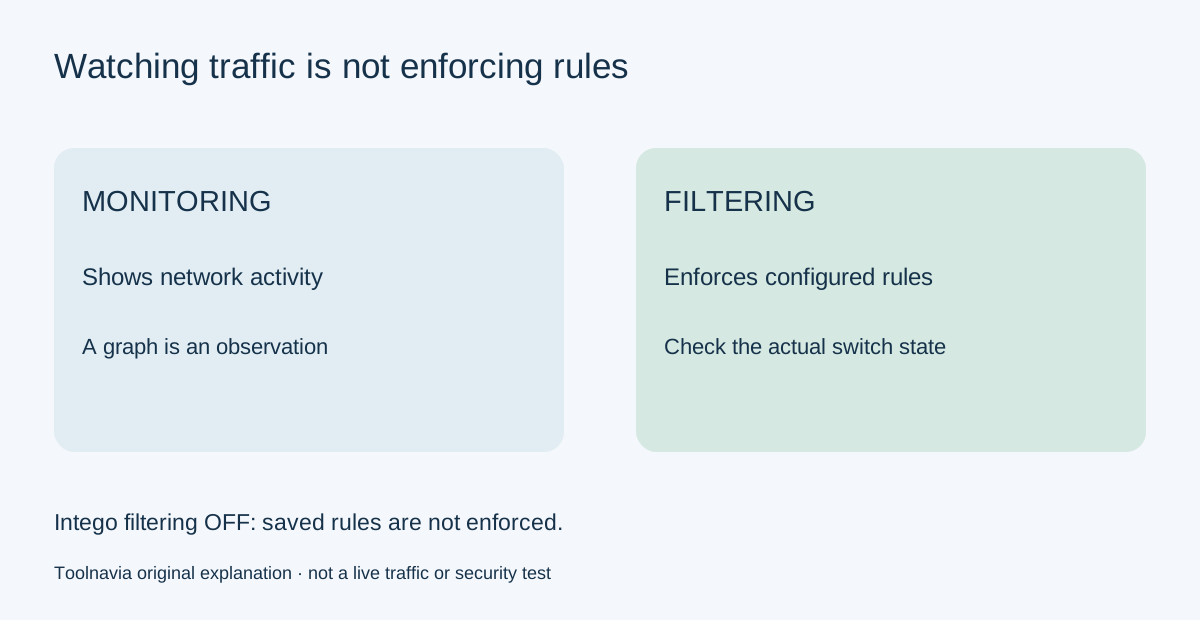
Fourth, monitoring and filtering are not interchangeable. Intego's Traffic Filtering switch controls enforcement; with filtering disabled, traffic is allowed regardless of saved rules even though monitoring can remain active. A moving graph therefore is not proof that your intended block is enforced.
Evaluate one harmless, reversible case
Use a noncritical app you recognize, save its work, and document its current rule before evaluating a narrow change. Avoid system services, security updates or a live business workflow as your first experiment. Inspect the rule summary, then check both the intended behavior and the app's normal functions.
Reopen the settings later and verify the rule is still present. If settings disappear, Intego's support guide recommends checking administrator access and Full Disk Access; managed-device policies can also take priority. Do not respond by bypassing workplace controls or permanently switching off filtering. Ask the device administrator or support team to resolve the cause.
This is a proposed purchase evaluation, not a Toolnavia penetration test, malware test or guarantee that every possible connection is blocked. The result you need is a rule workflow that you can maintain without breaking important applications.
Compare a bundle with narrower tools
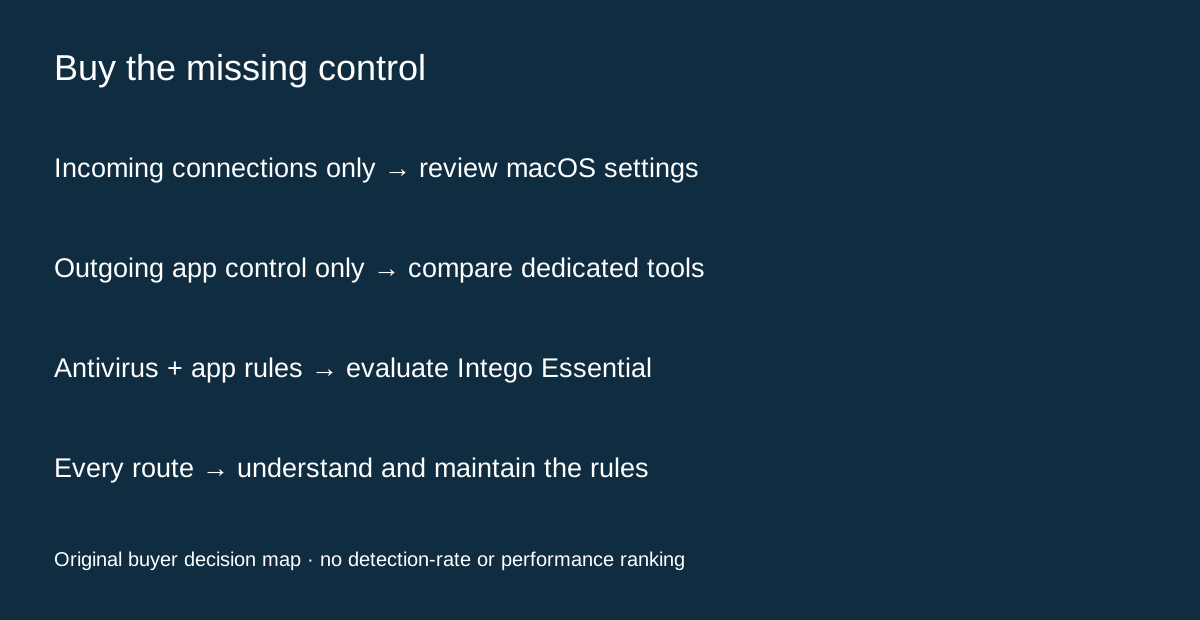
Objective-See's LuLu is a free, open-source outgoing firewall with app alerts and configurable rule scope. It also documents platform limitations, including traffic that may not pass through Network Extensions. It is a useful candidate when outgoing control is the only missing job; it is not the same antivirus bundle.
Little Snitch is another dedicated Mac network-monitoring and application-firewall option. Compare the clarity of its workflow with your needs rather than assuming a standalone tool or a suite must be better. No detection-rate or performance ranking is made here.
Intego Essential already includes Firewall and Antivirus; cleanup and VPN require other tier decisions. Its published one-Mac USD reference is $29.99 for the first year and $39.99 at annual renewal, with local offers and taxes potentially different. Compare the full subscription cost when you do not already need antivirus. Do not buy a higher tier solely to obtain the firewall that Essential already includes.
The practical purchase decision
Choose the combined Intego route when both its Mac security scope and rule workflow solve real needs. Choose a narrower tool when outgoing control alone is sufficient. Our [Essential guide](/en/software/intego-one-essential) covers the entry plan, while the [family-seat guide](/en/software/intego-family-mac-seats) explains several-Mac licensing. Before payment, confirm the local renewal and that the person using the Mac can maintain the controls.