TOOLNAVIA / BUYING GUIDE
Intego External-Drive Scans: Archives, Time Machine & Trial Limits
The short answer
At a glance
- Best for
- Supported Mac owner needing recurring external-drive checks and validated archive/remediation workflow.
- Price model
- Observed $29.99 initial and $39.99 annual renewal plus tax; live cart controls.
- Check first
- Time Machine not ordinary repairable target; trial cannot remediate; permissions/format/timeouts can make results incomplete.
Quick verdict
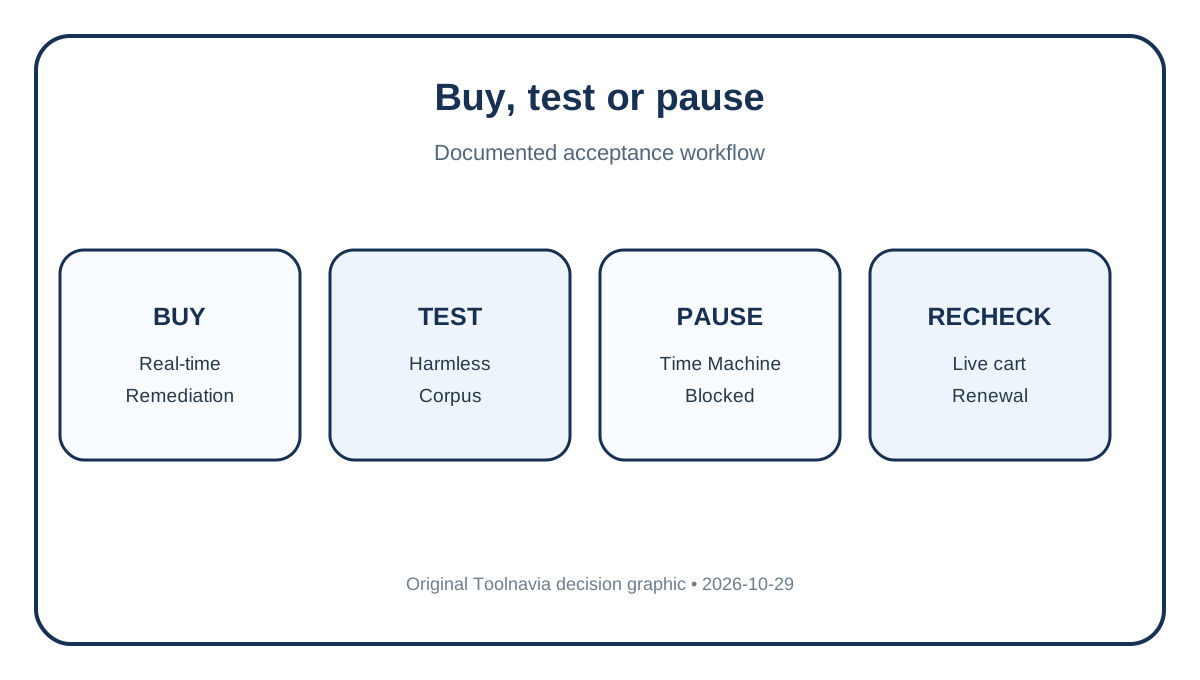
Intego ONE Essential can be worth paying for when you want real-time Mac protection plus a repeatable way to inspect ordinary external drives and archive files. Buy only after a small acceptance test. VirusBarrier can target a selected volume and Full Scan can include external drives, but permissions, volume format, Time Machine rules, archive timeouts and trial restrictions change what the result means.
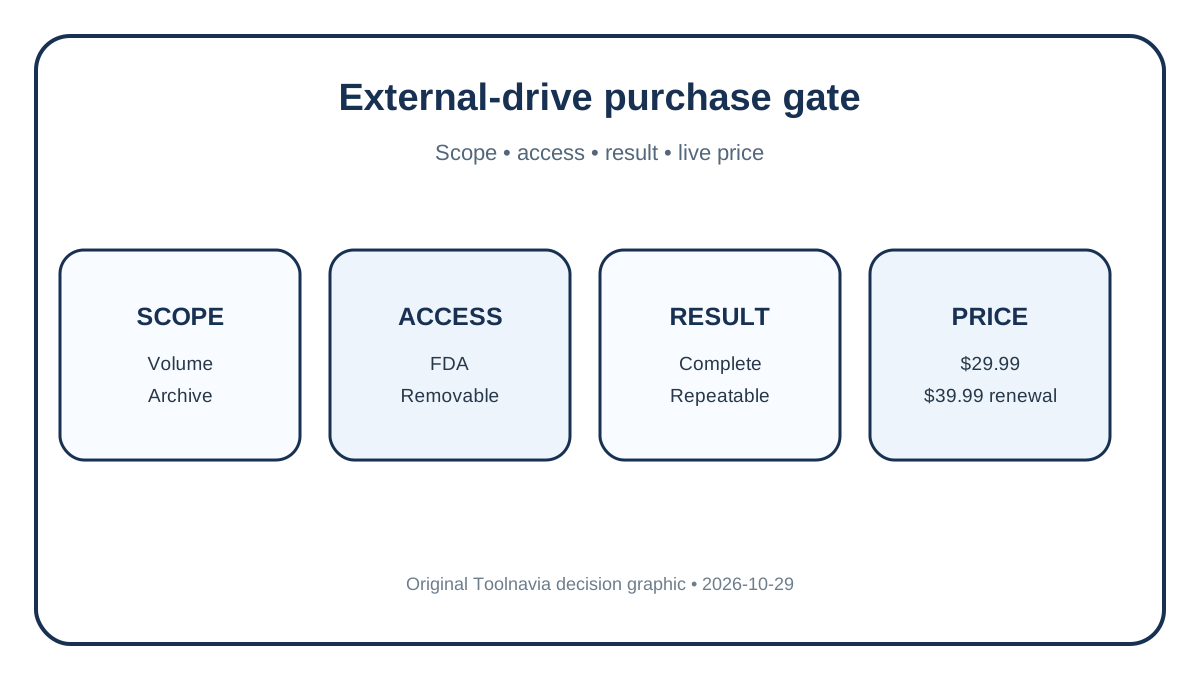
The exact one-Mac, one-year checkout showed **$29.99 initially** and **$39.99 per year at renewal**, plus tax. It auto-renews and the price may change after notice. Recheck the live cart.
> Affiliate disclosure: Toolnavia may earn a commission through the approved Intego link, at no extra cost to you. The recommendation remains conditional on the test and live checkout.

First define the target
| Job | Reasonable expectation | Boundary | | --- | --- | --- | | Ordinary USB/SSD folders | Select the volume or folder and scan | Access, format or errors can make a result incomplete | | ZIP or nested ZIP | Enable archive scanning and test your depth/size | Expansion costs time and can time out | | Time Machine disk | Protect backup reliability first | Current guidance can hide it; Apple advises exclusion if scanning disrupts backups | | Newly copied files | Paid real-time protection watches new/changed/copied/saved items | Existing files still need a baseline scan | | Occasional manual check | Free App Store Scanner may suffice | No real-time scan; only granted locations |
The free Scanner and paid VirusBarrier are not interchangeable. Scanner supports manual selected-volume checks and Mac/Windows malware detection, but has no real-time scan. Essential adds paid antivirus and firewall; SmartClean and VPN remain higher tiers.
Windows-malware detection can reduce passing an infected file to a Windows user. It does not mean Windows malware runs on macOS or that one lab's 100% result guarantees every file.
Build a safe corpus
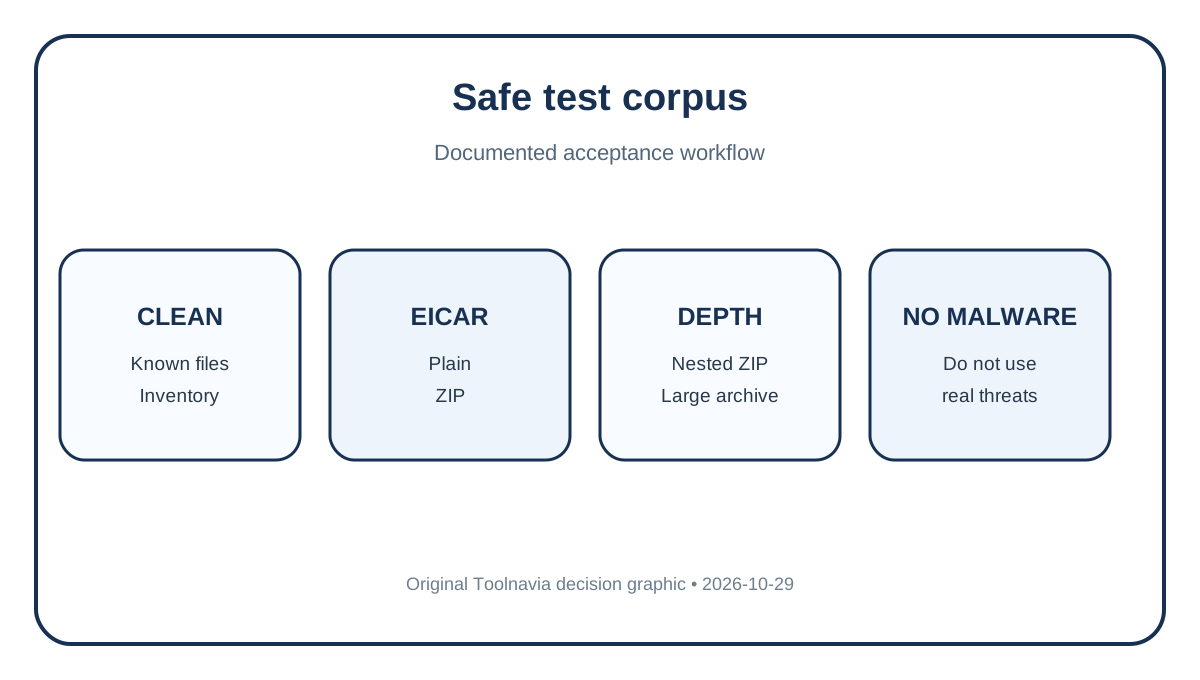
Never use live malware. On a disposable or backed-up drive, create a dedicated folder with known-clean documents/media, an ordinary ZIP, nested ZIP, large representative archive, and official harmless EICAR plain, ZIP and double-ZIP variants. Keep names, sizes and hashes.
EICAR proves only that a path and archive layer reached the scanner then. It does not measure unknown-threat protection, and a clean representative archive does not prove all threats absent.

Run the acceptance test
Use current app/definitions on a supported Mac. Grant Full Disk Access only to the trusted installed product and allow removable-volume access when macOS asks. Apple treats these as consent-controlled; unreadable scope is not a pass.
1. Connect only the test drive and confirm normal mounting. 2. Select the volume or dedicated folder. 3. Record archive and Windows-malware settings. 4. Capture start/end, files inspected, warnings and final status. 5. Confirm expected EICAR detections without opening/executing test files. 6. Quarantine first; keep a clean backup and review unexpected detections before deletion. 7. Repeat with large or nested archive. 8. Reconnect and confirm repeatability.
The 14-day trial helps scope/detection testing, but cannot repair, clean or delete. It can answer “does the scanner see my corpus?” but cannot prove paid remediation.
Interpret slow, failed and incomplete scans
Archive scanning expands and may recompress content. Intego documents timeouts and device-format/access failures. Disabling it may be faster, but archive contents were not validated.
Full Scan includes external drives; selective scan isolates one device. Archives and Windows-malware checks extend runtime. Record settings with duration.
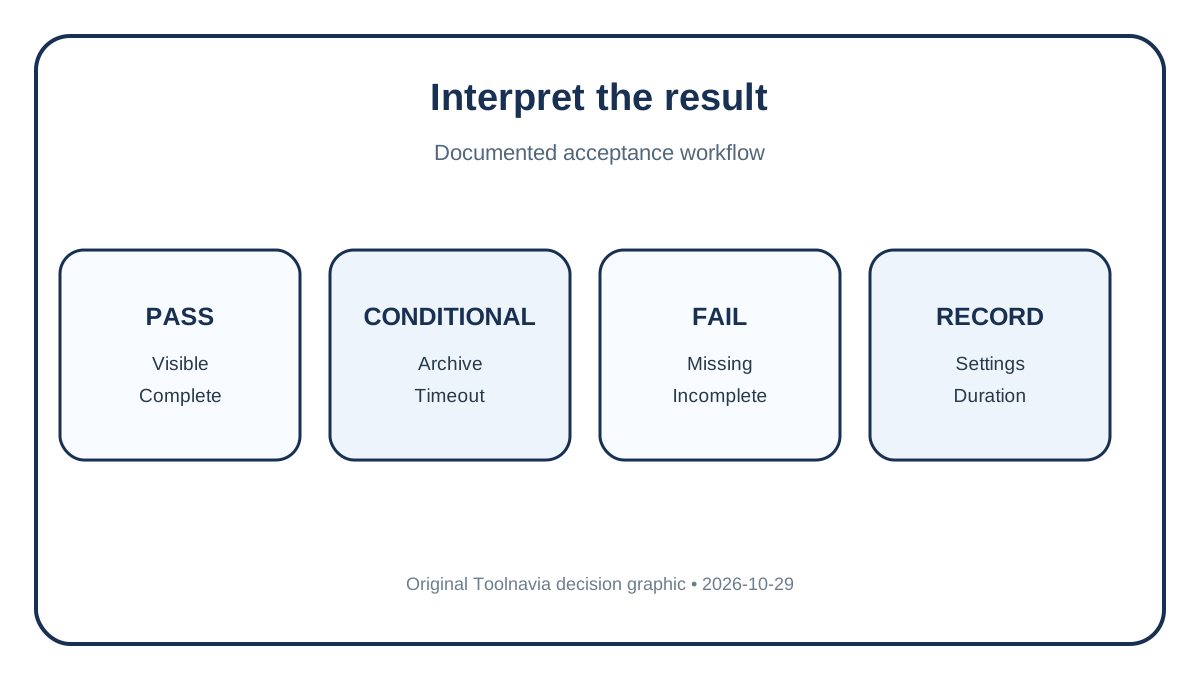
- **Pass:** volume selectable, expected harmless files detected at required depth, clean files usable, no unreadable warning ignored, repeat time acceptable. - **Conditional:** ordinary folders work but deep/large archives time out; narrow scope, scan staged extraction, or accept limit. - **Fail:** volume absent, unexplained incomplete result, permissions fail to persist, or scanning disrupts backup.

Time Machine is separate
“Full Scan includes external drives” does not make every Time Machine backup a normal repairable target. Intego says these volumes may be hidden because Apple permissions prevent repair/deletion and prior scans returned incomplete; limited legacy HFS+ cases outside the backup folder differ.
Apple says exclude a Time Machine disk if scanning prevents backups. Prioritize a valid backup/restore path. To inspect a backup file, restore a copy to a normal test location; do not alter the protected structure to force a scan.
Put lab results in the right box
AV-Comparatives 2026 tested ONE **Complete 1.2**, not this Essential bundle, and reported 96.7% Mac malware, 94% PUA and 100% Windows malware in its sample. The 2025 X9 report showed 97.1%, 97% and 100%. Products, methods and samples differ; do not average them or call a trend.
AV-TEST March 2026 gave ONE 1.2 scores of 6/6/6. Useful context, not a test of your disk format, nested archive, Time Machine volume or trial remediation.
Buying rule
Confirm live currency, tax, device count, term, compatibility and renewal. Buy Essential when you need ongoing real-time protection, ordinary volumes/archive depth pass, you accept the permission/remediation workflow, and annual price is justified.
Use/test free Scanner first for occasional manual checks. Do not buy expecting Time Machine as an ordinary repairable target, trial remediation, or one clean result to prove zero malware.

**Bottom line:** Essential fits a supported one-Mac buyer who validates ordinary volume access, archive depth and repeatable harmless results. Its value is maintained real-time protection and remediation—not a promise to scan every backup container or detect every threat.