TOOLNAVIA / BUYING GUIDE
EverDoc vs Paperless-ngx: Pay for Windows Simplicity or Self-Host Your Archive?
The short answer
> **Affiliate disclosure:** Toolnavia may earn a commission if you buy EverDoc through the approved direct link in this article. That does not change the price or framework. Paperless-ngx is open-source and is not an affiliate recommendation here.
At a glance
- Best for
- Windows-first buyers comparing lower operational burden with self-hosted control.
- Price model
- EverDoc €29.95 displayed on 2026-11-08; Paperless-ngx has no license fee; verify checkout and total operating cost.
- Check first
- EverDoc checkout terms require confirmation; Paperless-ngx requires self-hosting competence; no hands-on OCR benchmark was performed.
Bottom line
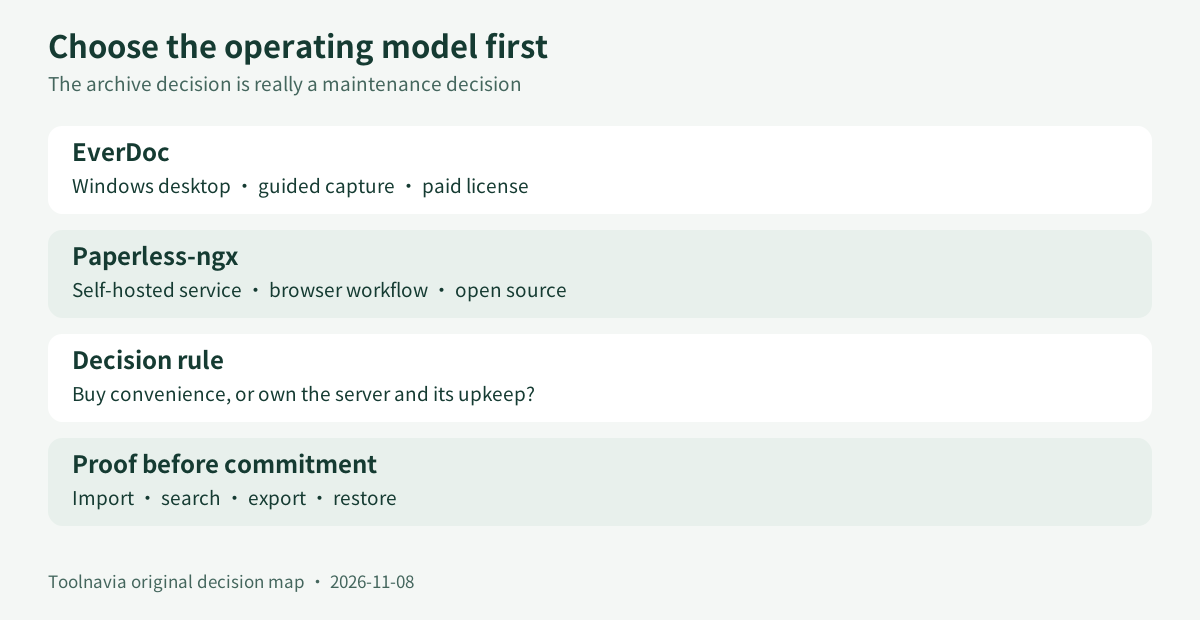
Choose **EverDoc** when one Windows user wants a guided desktop archive without becoming the administrator of a web service. Choose **Paperless-ngx** when you want browser access, explicit metadata workflows and self-hosted control—and accept responsibility for Docker, host, database, network boundary, backups and upgrades.
On 8 November 2026, EverDoc’s official English page displayed **€29.95**, a 30-day trial, OCR, full-text and keyword search, WIA 2.0 scanning, phone transfer and cloud management. The same page and Abelssoft’s terms use license/update language that must be reconciled at checkout. Paperless-ngx is open source, but its documentation makes the operator responsible for setup and warns that documents are stored in clear text. “Free” means no license fee, not no operating cost or security work.

What you are actually choosing
EverDoc and Paperless-ngx overlap at the outcome—searchable documents—but sell different operating models.
EverDoc is a Windows application. Its public page emphasizes capture from scanners, PDFs, Office documents, images, mobile devices and cloud sources, then retrieval through OCR, full-text search and keywords. The attraction is bounded responsibility: install one desktop program, learn one interface and keep the archive near its primary operator.
Paperless-ngx is a self-hosted document-management service. Its official setup guide assumes Docker or Docker Compose and asks the operator to choose host, database, ports and administrator credentials. Its usage guide exposes correspondents, document types, tags, storage paths, archive serial numbers, custom fields, saved views, advanced search and bulk editing. That is more governable for a structured household or small team, but also more system to operate.
The decisive question is not “Which one has OCR?” Both describe OCR/search. It is “Who owns the service after an update, disk failure or forgotten password?”
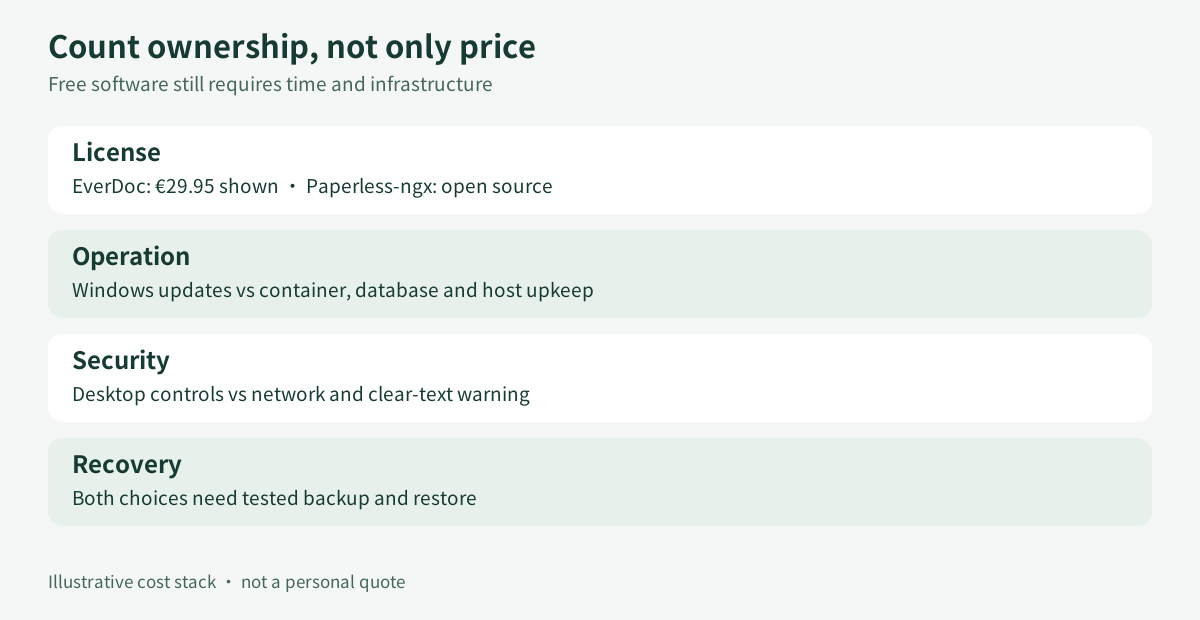
Cost: software versus ownership
EverDoc’s official page displayed €29.95. It also described access during a subscription period, while Abelssoft’s terms distinguish a **Current Version** license with unlimited use and six months of updates from a **Saver Subscription** active only while the subscription runs; lifetime updates are separate. Do not infer the exact license from a marketing label. Before payment, capture the checkout line naming license, renewal, device scope, cancellation, tax and update period.
Paperless-ngx has no license fee. Your bill can still include a computer or NAS, storage, off-site backup, electricity, domain or VPN, monitoring and administrator time. An existing home server can make cash cost small. A hosted instance with paid backup and maintenance can exceed a desktop license quickly.
**annual self-host cost = infrastructure + backup + electricity + administrator hours × hourly value**
Compare that with EverDoc’s verified checkout price plus any renewal or upgrade you choose. Do not call an existing server “free” unless capacity, backup and maintenance are genuinely available.

Security and privacy are deployment decisions
Paperless-ngx’s official README says documents are stored in clear text and warns against an untrusted host; it recommends a local home server with backups as the safest pattern. This is not a verdict against the project. It means self-hosting transfers security responsibility to you.
Define who can reach the service, whether it is exposed beyond the local network, how administrator access is protected, where backups live and whether disk or backup encryption is required. HTTPS protects transit but does not automatically encrypt files at rest. Do not expose a fresh instance publicly before completing the project’s security guidance.
EverDoc being desktop software does not remove privacy work. Windows account, disk encryption, backup destination, cloud-sync folder and phone-import path still determine who can read the archive. Simpler topology reduces components but does not replace access control or restore testing.
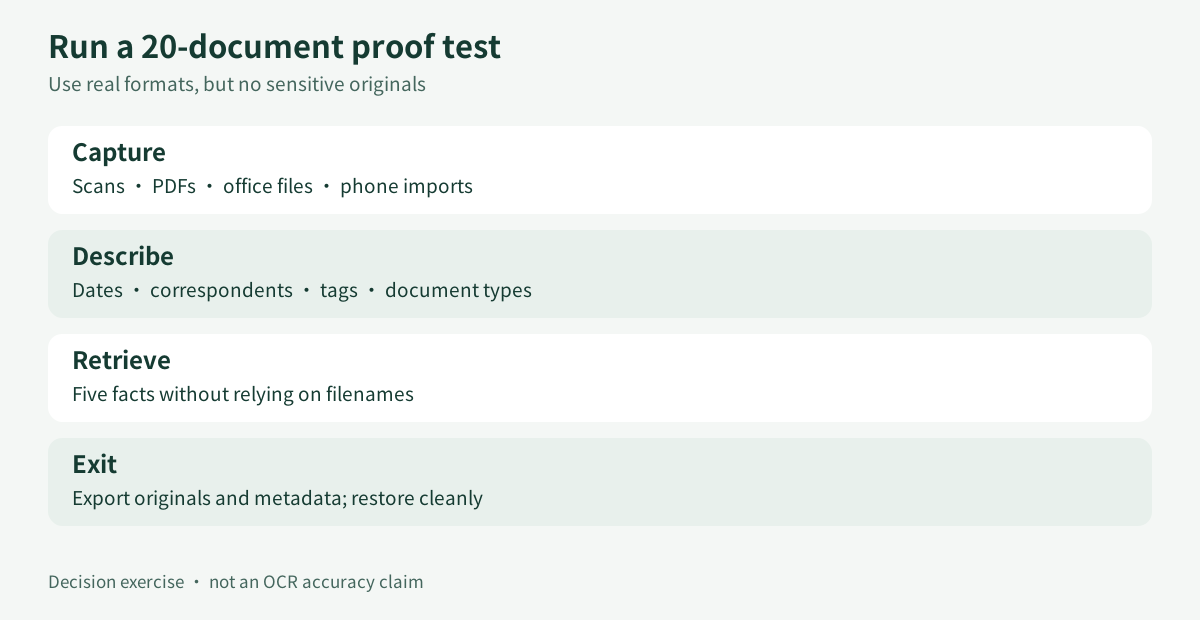
A fair 20-document proof test
Do not migrate years of records from a demo screenshot. Build a representative, non-sensitive sample:
1. Mix clean PDFs, scans, phone photos and office files. 2. Include two languages, rotation, faint text and a multi-page document. 3. Add consistent dates, titles and a small tag vocabulary. 4. Search for five facts you remember but cannot infer from filenames. 5. Open every result and record misses and false matches. 6. Export originals plus usable metadata. 7. Restore on a clean test environment.
For EverDoc, use the 30-day trial and verify scanner/mobile/cloud paths you need. For Paperless-ngx, test watched-folder and browser upload, then tags, correspondents, document types, custom fields, bulk editing, saved views and advanced search.
This article does not claim a measured OCR winner. Recognition depends on language packs, source quality, rotation, layout and configuration. Your sample is stronger evidence than a generic percentage.

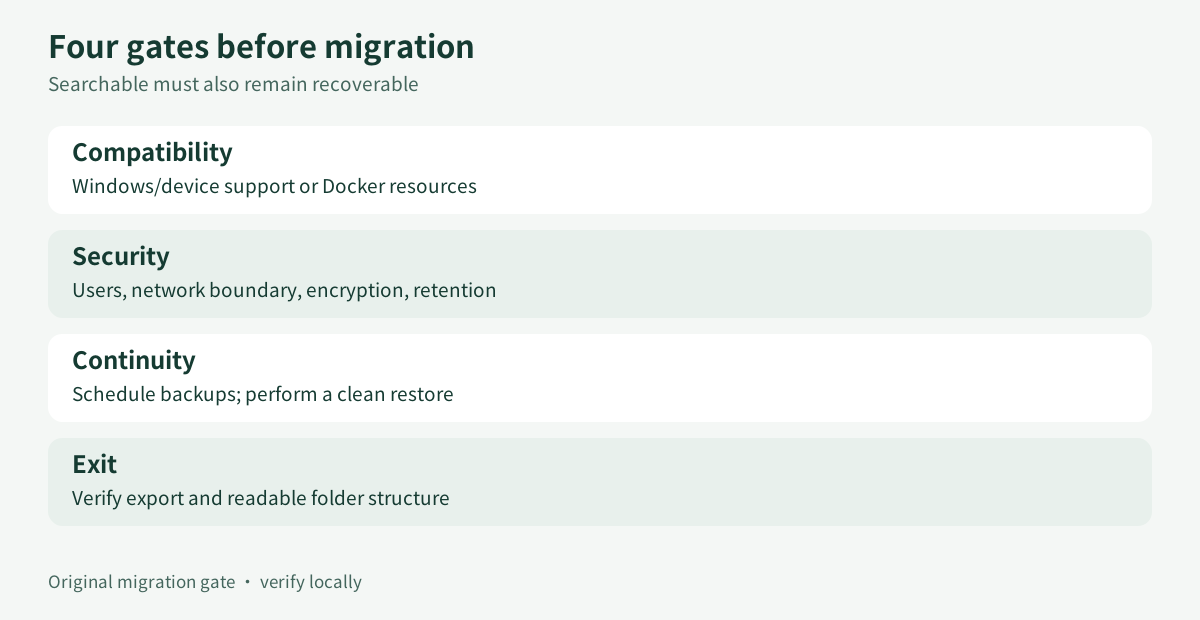
Migration and exit
**Compatibility:** EverDoc lists Windows 7 through 11, but confirm the current build and your scanner. For Paperless-ngx, confirm Docker architecture, memory, storage and database choices.
**Security:** document users, administrators, network boundaries, encryption and retention need named owners.
**Continuity:** schedule backups, keep one outside the main device and perform a clean restore. A backup never restored is only hope.
**Exit:** export originals and learn what metadata survives. If filing depends on tags, correspondents or custom fields, verify portability or at least generate a readable manifest.

Which one fits?
Buy EverDoc if one Windows user manages the archive, avoiding server administration matters, the trial passes retrieval/export, and checkout terms are acceptable.
Choose Paperless-ngx if you want browser access and rich metadata, already run a trusted host or want to learn self-hosting, can maintain Docker/database/backups/upgrades, and accept the documented clear-text model.
Choose neither yet if you cannot restore a backup, require proven at-rest encryption, have not tested your scanner/languages, have not mapped multi-user permissions, or cannot explain archive export.
Purchase checklist
Before buying EverDoc, use the approved direct product page and verify final checkout license type, renewal/cancellation, device scope, update period, currency, tax and refund conditions. The public page showed €29.95 when checked, but checkout controls your transaction.
If choosing Paperless-ngx, treat deployment as operations: document host, versions, administrator recovery, backup schedule, restore test, network boundary and upgrade procedure before importing sensitive records.
**Decision:** EverDoc is the lower-operations Windows choice. Paperless-ngx is the higher-control self-hosted choice. Pay for convenience only after retrieval works; self-host only after restore proves ownership.
Evidence ledger for the four decision advantages
1. **Windows desktop archive with OCR and guided intake** helps a single Windows operator reduce tool switching, but exact license, device scope and update rights still require checkout confirmation. This is useful when one user wants searchable documents without operating a web service. 2. **Self-hosted browser archive with structured metadata** gives a capable operator more control over tags, correspondents, document types, custom fields and saved views, but that operator owns Docker, database, network, upgrades, backup and restore. 3. **30-day trial plus scanner, mobile and cloud intake** lets an EverDoc buyer test representative documents before migration, but neither OCR accuracy nor device compatibility is assumed until the sample passes. 4. **Open-source license with no software fee** avoids a commercial license and supports local control, but infrastructure, electricity, backup and administrator time remain real costs.
Source context: EverDoc current features and public price; Abelssoft license definitions; Paperless-ngx project and clear-text warning; deployment requirements; metadata workflow; reseller context that does not override checkout; independent Windows-organizer context without a Toolnavia hands-on claim.
EverDoc advantage evidence: **OCR with full-text and keyword retrieval** supports finding remembered facts in scanned receipts and image documents, but accuracy still depends on language, scan quality, rotation and layout. **WIA 2.0 scanner capture into the archive** can connect recurring paper batches to organization, but the real scanner, driver and Windows build must pass the trial. **Phone transfer and optional cloud-provider intake** can unite selected personal sources, but privacy, retention, duplicate handling and compatibility remain user checks. **Thirty-day trial with explicit checkout verification** lets the buyer prove retrieval, export and restore before commitment, while the displayed price does not settle license type, renewal, tax or update rights.