TOOLNAVIA / BUYING GUIDE
ESET Device Transfer: Free the Old Seat Before Buying Another
The short answer
Replacing one PC under an active three-device ESET Essential subscription may not require another purchase. Release the retired installation's seat first; keeping three devices and adding a fourth is a different capacity decision.
This guide is based on official documentation, not a transfer performed on a customer account.
At a glance
- Best for
- An existing subscriber retiring an old installation while keeping the same number of protected devices.
- Price model
- Existing active subscription required; check available seats before buying additional capacity. Current new-purchase and upgrade totals were not verified.
- Check first
- Keeping four active installations under three seats, expired subscriptions or assuming identical features across operating systems.
Count installations that must remain protected
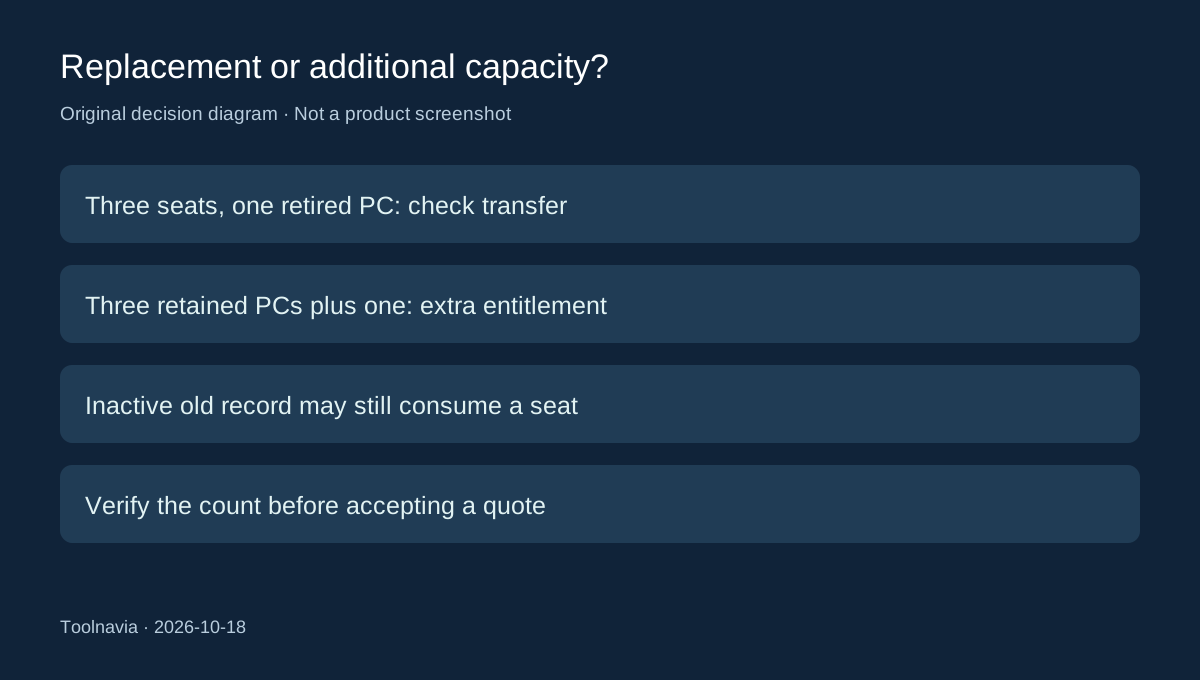
Make a short inventory of the three computers or devices currently assigned to your subscription. Mark which one is being retired and which ones still need protection. An occasional-use laptop is not spare capacity if you intend to keep its ESET installation active.
The useful buying question is therefore “how many installations remain after the move?” Replacing one of three can fit existing capacity. Keeping all three and adding another requires available entitlement or an appropriate expansion. Check the activated and available counts in the subscription details. The [Essential three-device guide](/en/software/eset-home-security-essential) covers the broader package decision.
Use the route that actually releases a seat
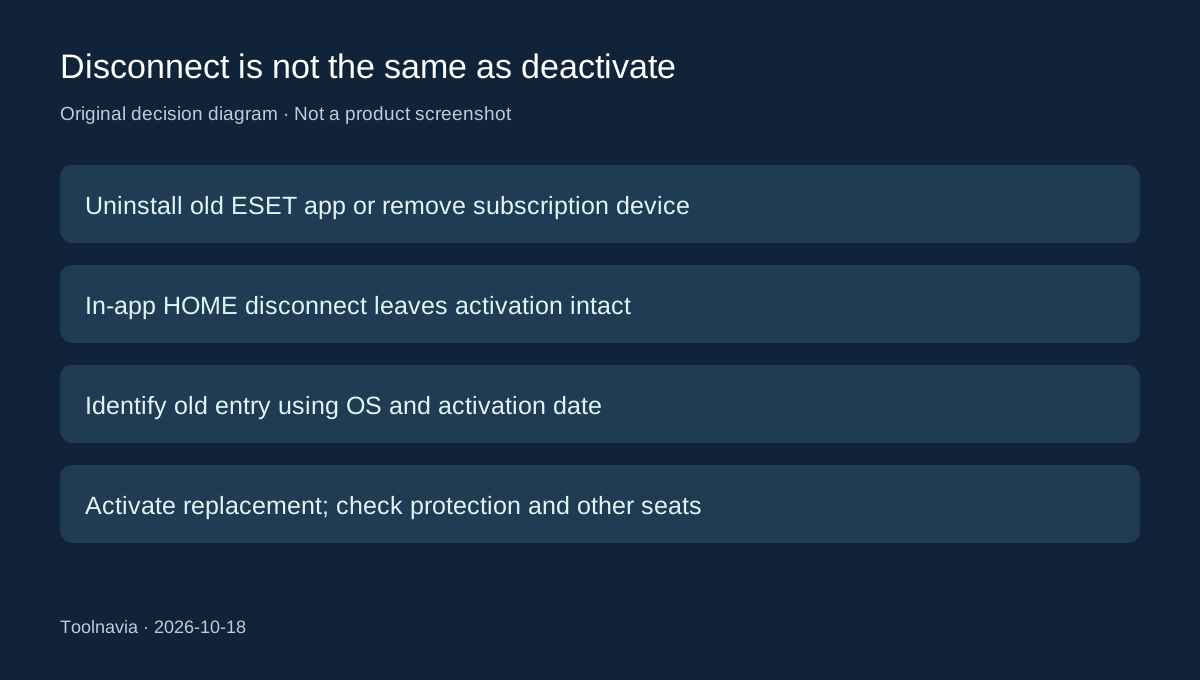
ESET documents uninstalling its application on the old computer before installing and activating it on the replacement. If the old computer is broken or unavailable, remove it from the subscription through ESET HOME instead.
Do not confuse that with choosing Disconnect from ESET HOME inside the installed application. ESET explicitly says this leaves the product activated and protected. Losing the management connection is not proof that capacity became available.
This distinction is the main practical benefit of account-based subscription management: an inaccessible retired machine need not force an immediate additional purchase. The boundary is equally important—removing the wrong device can interrupt protection you still need.
Identify the old installation before removing it
Open ESET HOME, choose Subscriptions, then the relevant subscription's protected-device management. Use Manage devices to select the retired entry and remove it. Check the device's operating system, activation date and application version when names are ambiguous.
Treat a household's similarly named laptops as separate installations. Compare those details with your own inventory before confirming removal; avoid selecting every device merely because that is faster. This inventory check is our suggested precaution, not an extra activation rule imposed by ESET.
A Windows reset can create a second entry for the same physical PC. The old entry can still occupy a seat even when it appears inactive; remove that obsolete record before reinstalling under the same subscription.
Budget for capacity, not a duplicate record
The transfer route reuses an existing valid subscription; it is not a new annual term or a grant of extra simultaneous devices. Four machines that genuinely need ongoing protection should be priced as four eligible activations, rather than repeatedly deactivating a working household member's computer.
We could not verify a current new-purchase or expansion checkout total, so no old promotional price is presented as today's quote. If extra capacity is genuinely needed, record the device count, remaining term, tax, renewal amount and any changed plan tier before accepting the offer.
For a replacement, the immediate decision is whether the existing paid entitlement is valid and a seat is available. A stale entry is an account-management task; an expired subscription is a renewal task.
Verify the replacement before relying on it
Allow for a delay after uninstalling; ESET does not describe every release as instantaneous. Install the appropriate ESET product on the new computer and activate it under the intended subscription. Follow ESET's instruction to remove other antivirus software first where applicable.
Then verify activation and protection status on the replacement and confirm that the remaining household devices still have their intended assignments. This is a proposed completion check, not a claimed hands-on result. Choose additional capacity only after that inventory shows a real extra device, rather than a retired installation still consuming the allowance.