TOOLNAVIA / BUYING GUIDE
CorelDRAW vs Free Affinity: Which One Should a Print Shop Use?
The short answer
# CorelDRAW vs Free Affinity: Which One Should a Print Shop Use?
**Verdict:** Start with the new free Affinity app. Pay for CorelDRAW Graphics Suite only when a representative production file proves that you need a Corel-specific handoff, legacy format, separation, imposition, plotter, trapping, or very-large-page workflow. “Professional” is not a purchasing test; a passed output round trip is.
*Affiliate disclosure: Toolnavia may earn a commission if you buy CorelDRAW through the verified link in this guide, at no extra cost to you. Affinity is comparison-only and has no affiliate link here. This is documentation-based analysis checked November 2, 2026; Toolnavia did not install either application or run a press.*
At a glance
- Best for
- Print teams that pay only for a demonstrated Corel-specific advantage.
- Price model
- Use the live US/Canada Corel cart; Affinity core tools are currently free.
- Check first
- Actual printers, RIPs, cutters, plug-ins and customer files must be tested.
The comparison changed in 2026
Older comparisons describe Affinity Designer as a low-cost one-time purchase. That framing is stale. Affinity by Canva says its Vector, Pixel, Layout, customization, and export tools are free with a Canva account; premium Canva AI remains optional. It runs on Windows and macOS, works offline after activation, and may be installed on multiple devices you own.
CorelDRAW Graphics Suite 2026 remains paid. Corel offers subscription, one-time purchase, and maintenance routes. Subscription or maintenance keeps current features, updates, web access, and recurring AI credits; one-time purchase keeps the purchased version but can omit subscriber-only workflows and future compatibility support.
The decision is no longer “Which paid vector app is cheaper?” It is “What production requirement makes a paid CorelDRAW seat safer than a free Affinity seat?”
Start with the real deliverable
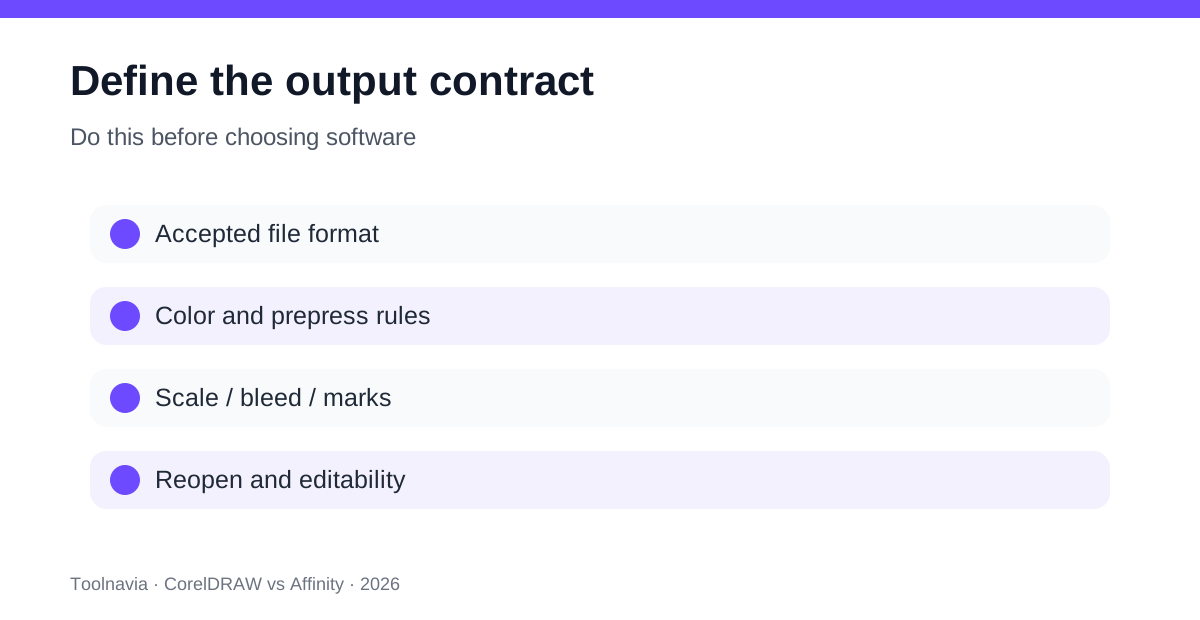
Choose one file that represents paid work: a vehicle graphic, packaging label, multi-page brochure, sign panel, garment separation, plotter file, or customer-supplied legacy artwork. Define acceptance before opening either app:
- exact source and exchange formats the client or printer accepts; - page size, scale, bleed, marks, separations, spot colors, overprint, and trapping rules; - required editable text, linked assets, and packaged fonts; - the plotter, RIP, cutter, or prepress system receiving the file; - whether the shop must reopen the export and preserve editability.
Affinity documents professional PDF presets including PDF/X-1a, PDF/X-3, PDF/X-4, CMYK handling, ICC embedding, spot-color honoring, overprint black, bleed, layers, and font embedding. It also documents packaging and export workflows. Do not assume free means “screen graphics only.”
Where CorelDRAW can still justify the bill
Corel lists broad production compatibility including PDF, AI, EPS, SVG, DWG, DXF, CGM, DCS, PUB, and VSD. Its Affinity comparison highlights PLT/HPGL, color separations, imposition, Pantone and plotter palettes, trapping, overprinting, print-to-film, grommet and border tools, and pages up to 150 feet. These claims matter when the shop actually receives or delivers those formats and controls.
Treat that page as vendor marketing, not neutral proof. Corel says its Affinity information was current only to November 2025, before the 2026 free relaunch and later updates. Affinity’s September 2026 update added scripting, custom preflight rules, Blend Tool, and many other changes. Reproduce every important comparison with current builds.
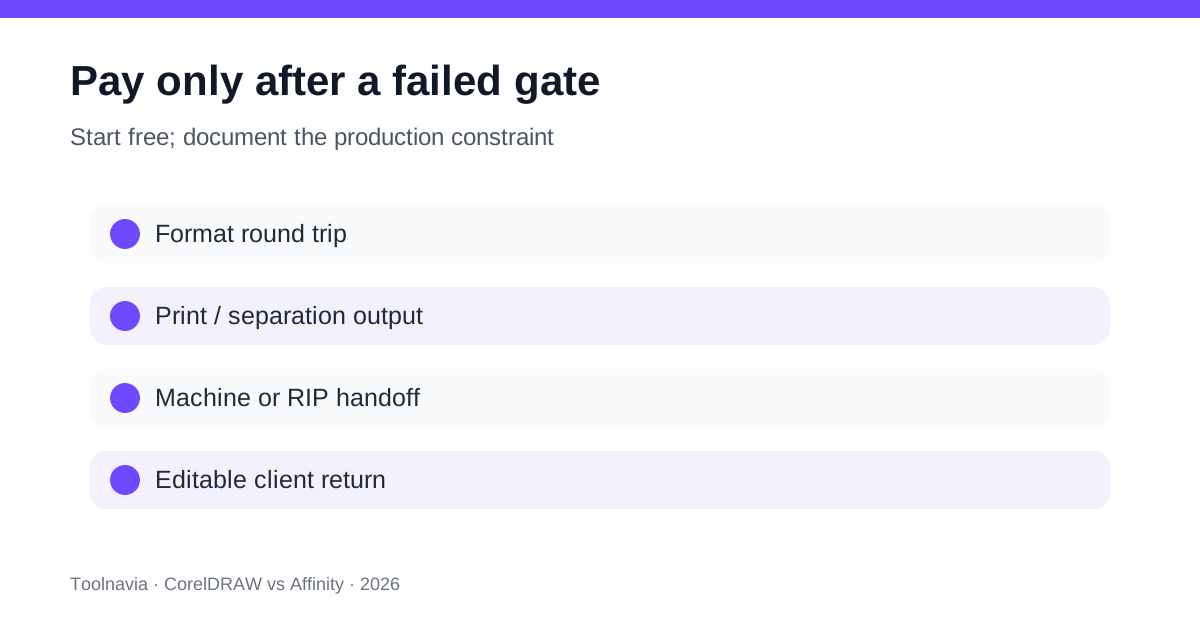
CorelDRAW is easier to justify when at least one gate fails in Affinity:
1. a CDR, PLT, HPGL, or production file cannot be opened and returned without material loss; 2. a RIP or cutter depends on a Corel-specific palette, macro, plug-in, or operator procedure; 3. separations, imposition, trapping, overprint, or large-format scaling cannot be reproduced safely; 4. reusable Corel templates make migration and training cost more than the license difference; 5. a client contract explicitly requires editable CorelDRAW delivery.
A listed format proves an import or export path, not fidelity for every effect, font, transparency, color, or linked asset.
Run a four-file round trip
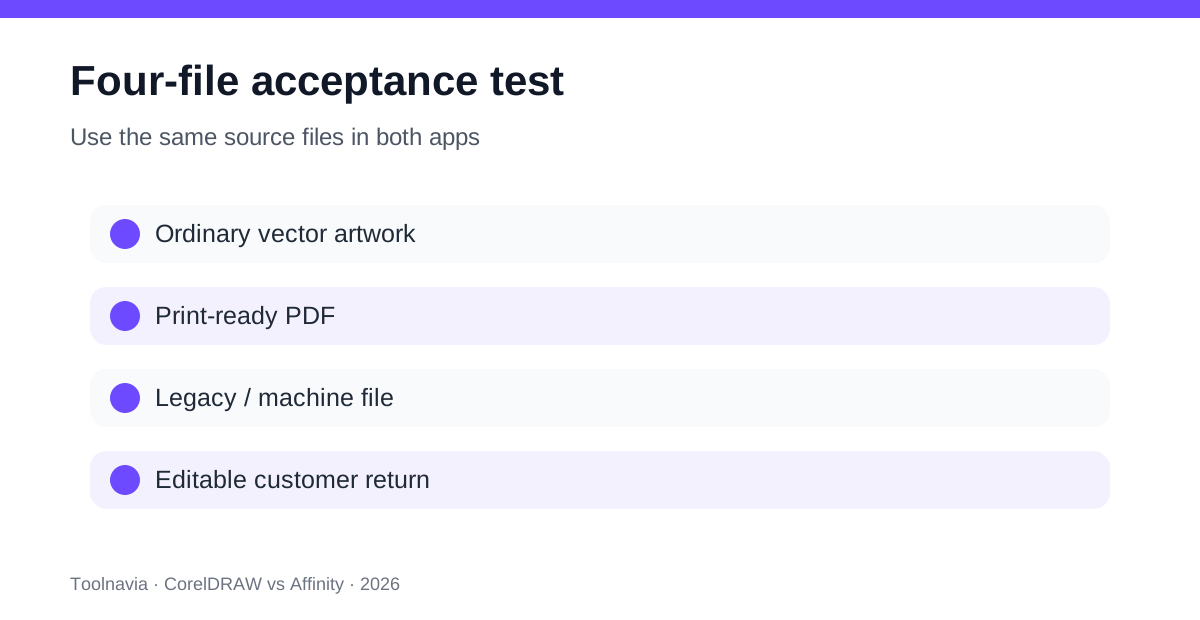
Use free Affinity and Corel’s 15-day trial on the same files.
**File 1: ordinary vector artwork.** Open a logo or sign layout, edit text and colors, export the required PDF/SVG/EPS, then reopen it. Check fonts, curves, gradients, transparency, spot colors, page size, and scale.
**File 2: print-ready PDF.** Use the printer’s requested PDF/X preset, bleed, output intent, marks, overprint, and spot-color requirements. Inspect the PDF with the printer or a trusted preflight tool. Affinity’s official preset table defines this test instead of leaving it to guesswork.
**File 3: legacy or machine-facing handoff.** Test the actual CDR, PLT/HPGL, DWG/DXF, cutter, RIP, or plotter path. This is where Corel’s claimed compatibility may earn the purchase.
**File 4: editable customer return.** Export, send, reopen, revise, and return the file. A visually correct PDF is not enough if the client expects editable native objects.
Record pass, workaround, and fail. A workaround counts only when its labor and error risk are acceptable for the expected job volume.
Calculate the break-even correctly
Corel’s September 2026 newsroom stated $269 per year for subscription and $549 for a one-time purchase. A current special-offers page displayed a different context—$329 per year and $644 one-time after a 25% discount, with higher crossed-out figures. Region, VAT, campaign, and checkout state can change the result. Use the verified US/Canada affiliate destination, then record the actual cart before buying.
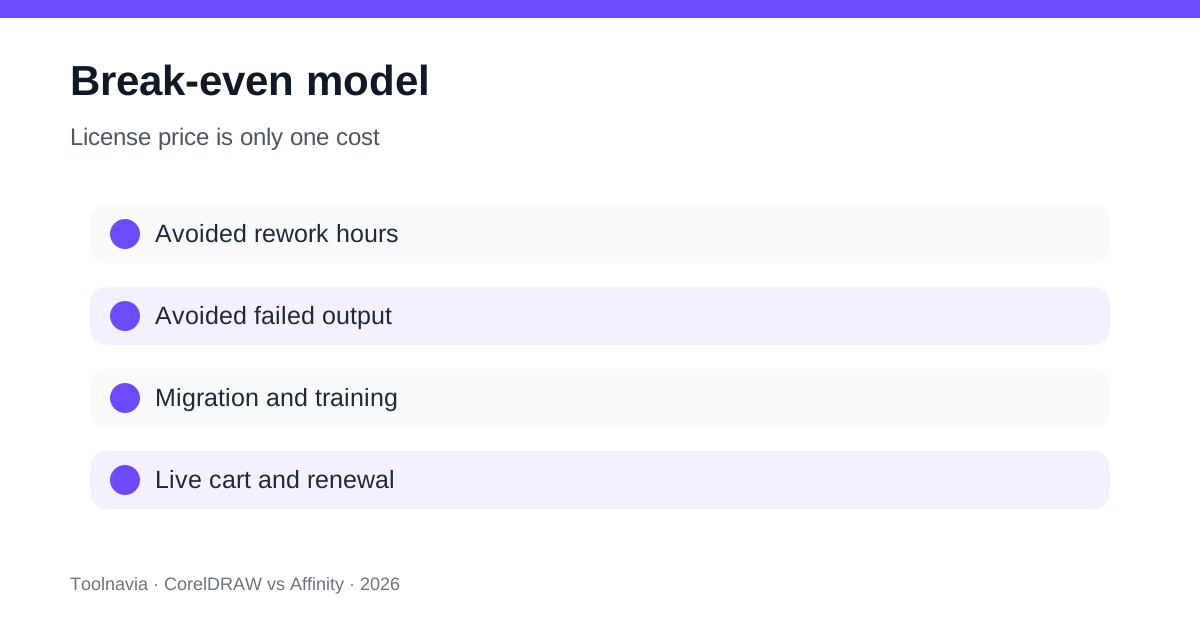
The license is only one cost. Add migration, operator training, template conversion, plug-in or macro replacement, proof failures, and file-repair time. Subtract the hours a familiar Corel workflow saves.
**annual value = avoided rework hours × loaded hourly cost + avoided failed-output cost − annual Corel cost**
If Affinity passes every representative file, Corel’s incremental value may be zero. If one repeated separation or cutter failure costs more than the annual license, Corel can be the cheaper operating choice.
Independent comparisons emphasize Affinity’s value and CorelDRAW’s printing breadth, but prices and tables can lag vendor changes. Use them to discover questions, not to replace the four-file test.
Who should choose each option?
**Choose free Affinity first** for ordinary vector, photo, and layout work when PDF/X output meets the printer’s requirements, clients accept PDF/SVG/EPS or Affinity files, and no Corel-specific machine or template dependency appears.
**Choose CorelDRAW Graphics Suite** when a tested job requires its legacy or production formats, separation and imposition controls, plotter/RIP integration, large-format workflow, or an editable Corel handoff. Subscription or maintenance fits teams needing current compatibility; one-time purchase fits a stable environment that can tolerate future upgrade decisions.
**Delay both decisions** when the printer has not supplied an acceptance specification. Buying software before the output contract is known moves risk rather than solving it.
Final buying checklist
Keep the printer’s specification, four source files, exports, reopen notes, failed-feature log, live Corel cart, and operator time for each workaround. Buy CorelDRAW only when that record shows a repeatable production advantage. Otherwise, the new free Affinity is the rational default.
The affiliate relationship does not change that conclusion: the verified Corel link is for buyers whose measured workflow needs it, not a reason to manufacture a need.