TOOLNAVIA / BUYING GUIDE
CorelDRAW for Print Work: A PDF Delivery Checklist Before You Buy
The short answer
A design can look finished on screen and still be expensive to print incorrectly. CorelDRAW Graphics Suite is worth evaluating if you repeatedly prepare editable artwork and supply production PDFs. The buying test is straightforward: can you produce the file your chosen printer accepts without a chain of emergency conversions?
This is a proposed acceptance exercise, not a measured print-error test.
At a glance
- Best for
- Recurring commercial print delivery with a receiving printer available to validate a trial.
- Price model
- Current cart plus tax, renewals/upgrades, fonts, proofs, training and separate printing charges.
- Check first
- Existing tools already satisfy the printer, or buyer expects automatic correctness.
Start with the printer, not a universal preset
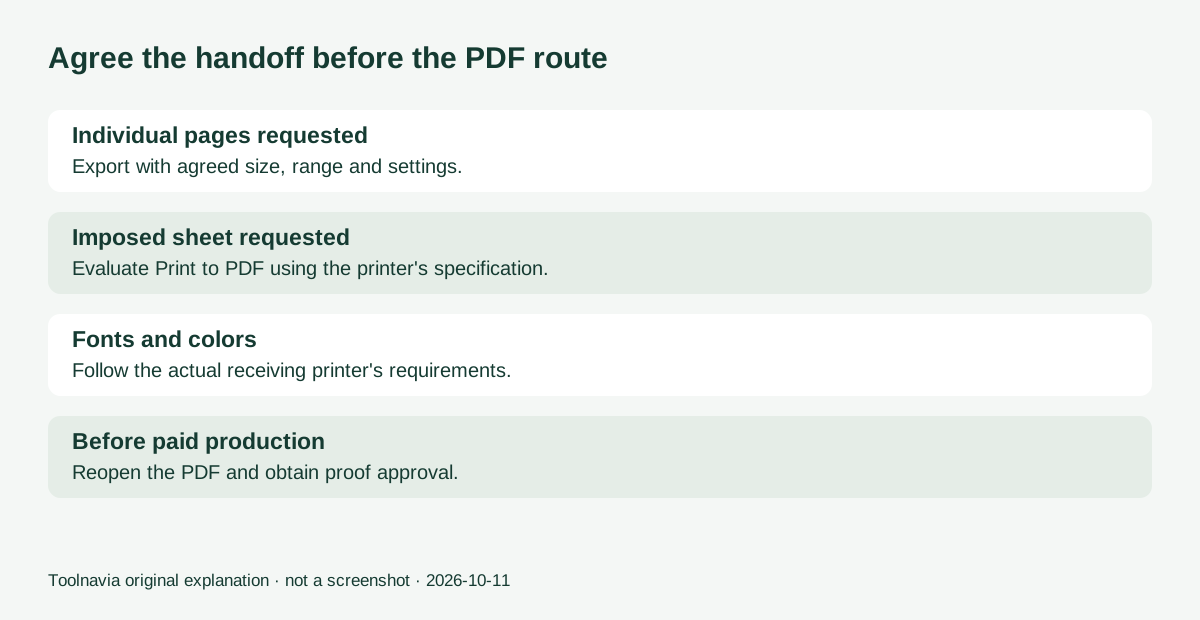
Request the required page size, bleed, PDF standard, color profile, spot-color treatment and font policy before building a trial document. Ask whether the printer wants individual pages or an imposed sheet. Keep their written specification with the job.
Corel's help supports several PDF presets and recommends consulting the provider. A preset is a starting point, not proof that a particular press will accept your file. Save a named custom preset for repeat work, but review it when a supplier or paper changes.
Colordigit, for example, publishes its own workflow requiring text converted to curves and a particular bleed. Those are instructions for its system, not universal CorelDRAW rules. The receiving party's requirements matter more than another shop's checklist.
Four controls worth testing
Export scope and page size: choose the actual document, page range or selection you intend to deliver. This helps separate a customer proof from a final production file; selecting the wrong range can still omit a reverse side.
Bleed and marks: configurable artwork extension and production marks help with trimmed flyers and cards. Adding a bleed setting does not invent missing background artwork. Extend the design itself and use the printer's requested value.
Font handling: PDF output can embed fonts or turn text into curves. Embedding helps portable viewing; curves can satisfy a provider's requirement but change the delivered text and may enlarge the file. Keep an editable master, and check font permissions.
Color output: output-profile and spot-color controls let you match an agreed workflow. They do not make an uncalibrated display predict paper perfectly. Ask whether spot colors should remain separate or be converted before choosing the setting.
Export or Print to PDF?
Ordinary PDF publishing can be appropriate when the printer wants one design per page. Corel's Print to PDF workflow adds imposition, production-mark preview and separation controls. Those become relevant when you are responsible for the arranged press sheet.
Do not impose a sheet simply because the feature exists. If the printer performs that step, supply the requested pages. The trial should show that you can hand off the correct responsibility, not just discover the largest settings dialog.
Make the trial produce a buying decision
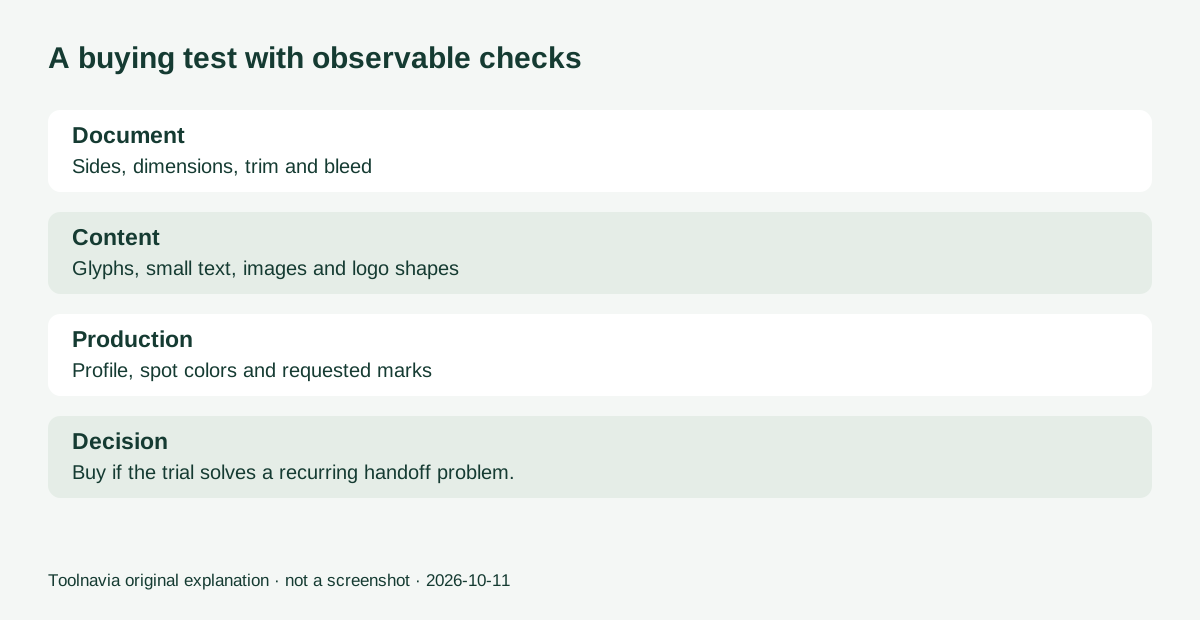
Copy a two-sided business card or short brochure. Include one photograph, small text, a logo, a background reaching the trim and the colors used in real jobs. Record the expected page count and finished dimensions before exporting.
Generate the requested PDF, then reopen it independently. Inspect both sides, dimensions, glyphs, image detail and the trim area. Compare the result with the editable master. Use the printer's normal preflight or approval process before ordering a paid run. These are suggested checks; Toolnavia has not tested a printer or certified this workflow.
If a missing control repeatedly forces another paid application or outside preparation service, that is a concrete reason to evaluate the suite. If existing software already produces accepted PDFs, switching may add training cost without improving delivery.
Count the cost of a successful handoff
The official page currently offers a fifteen-day no-card trial. A localized purchase amount was not exposed in the readable page; use the actual cart total. Add tax, subscription renewals or future upgrades, licensed fonts, proof prints and training time. The printing bill remains separate.
Buy for recurring work you can validate, not a promise that every PDF will print correctly. The approved Graphics Suite offer linked here is for US and Canadian customers; check the selected license and local terms. Toolnavia may earn a commission on qualifying purchases.
For the desktop acceptance exercise, use the full Windows or Mac suite trial linked from the official trial page. The browser trial omits some features and companion applications.