TOOLNAVIA / BUYING GUIDE
CorelDRAW on Two Computers: Do You Need a Second License?
The short answer
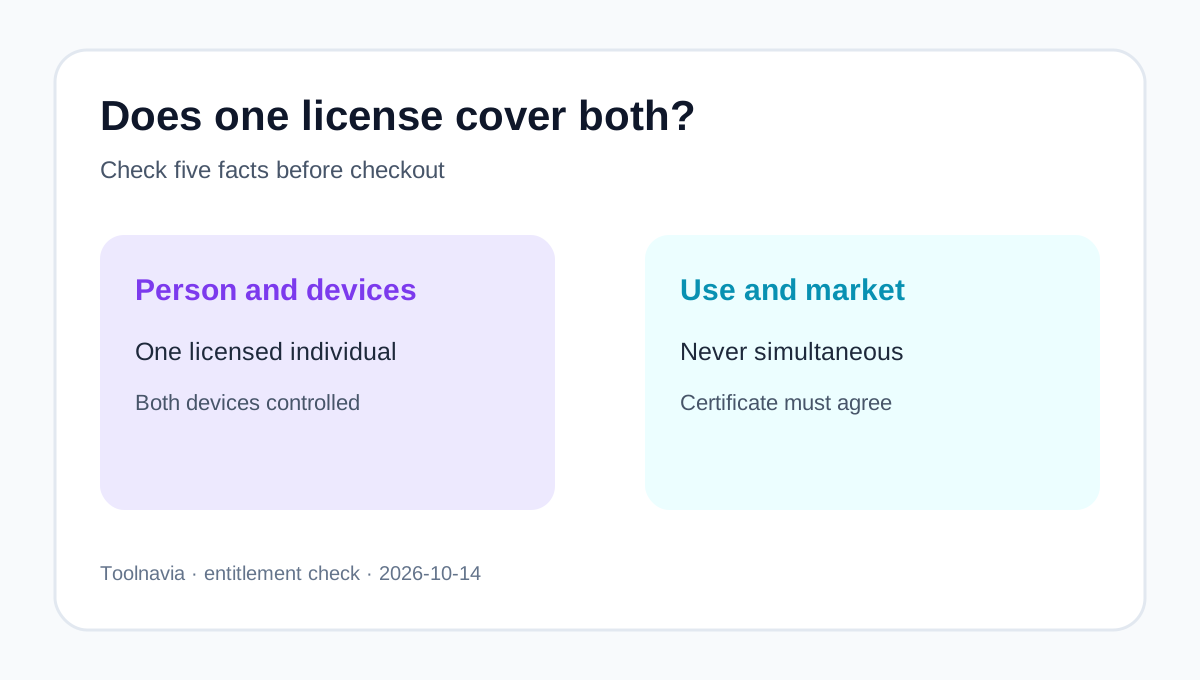
A U.S./Canada retail CorelDRAW license can cover one person's desktop and laptop when both are under that person's control and only one copy is used at a time. A business seat follows a different rule: one seat, one device.
At a glance
- Best for
- One U.S./Canada retail user deciding whether a desktop and laptop need one or two CorelDRAW licenses.
- Price model
- 2026 U.S. suggested reference: $269/year or $549 one time; live cart controls
- Check first
- Exact certificate, territory, channel and concurrency control; business seats cover one device.
Two installations are not two users
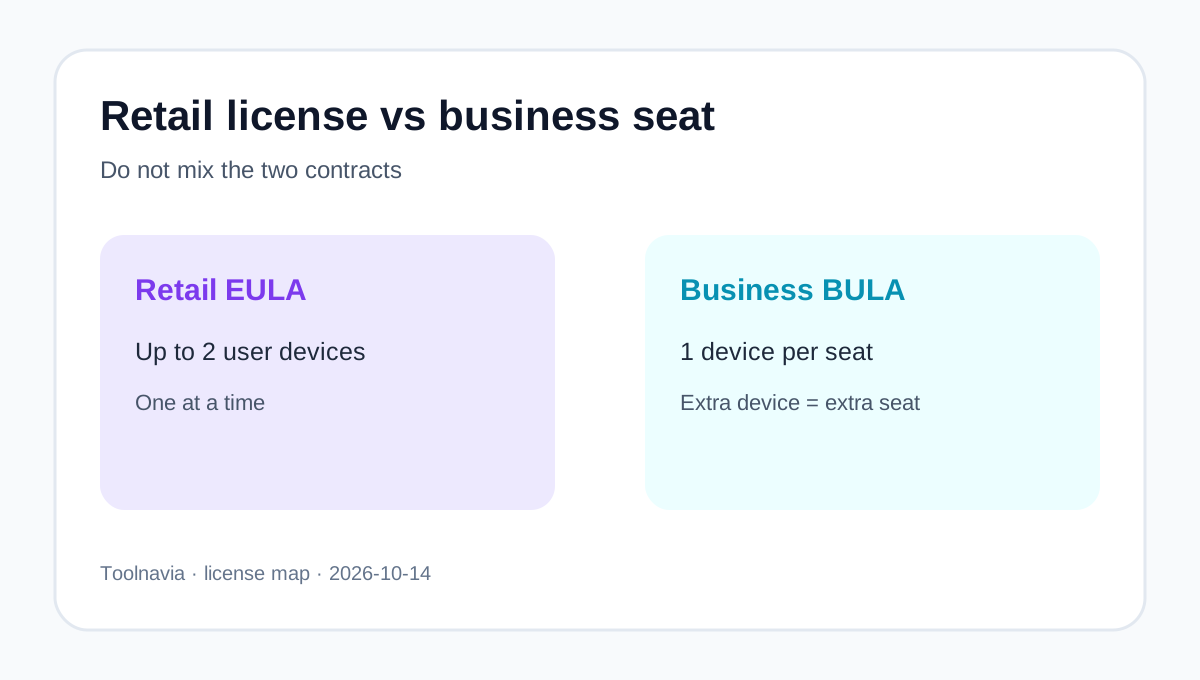
Corel's current FAQ describes the retail end-user license as tied to one individual, non-transferable, and installable on up to two devices owned or controlled by that user. The copies cannot run simultaneously. This fits one designer alternating between an office computer and a laptop. It does not give a colleague, contractor or family member independent use.
The order confirmation and license certificate still control. Corel's EULA says the certificate records the license type, version, term and permitted device count. Keep it with the invoice.
Retail EULA and business BULA
These are different buying products:
- Retail EULA: one named person, up to two controlled devices, one active copy at a time. - Business BULA: each seat covers one device; another installed device needs another seat. - Organization using retail EULAs: Corel's FAQ allows no more than five such licenses before business licensing is required.
Even a single-seat volume order remains a BULA order. It does not inherit the retail two-device benefit. If one employee needs a business installation on both a workstation and laptop, assign two seats.
Windows and Mac need a narrower check
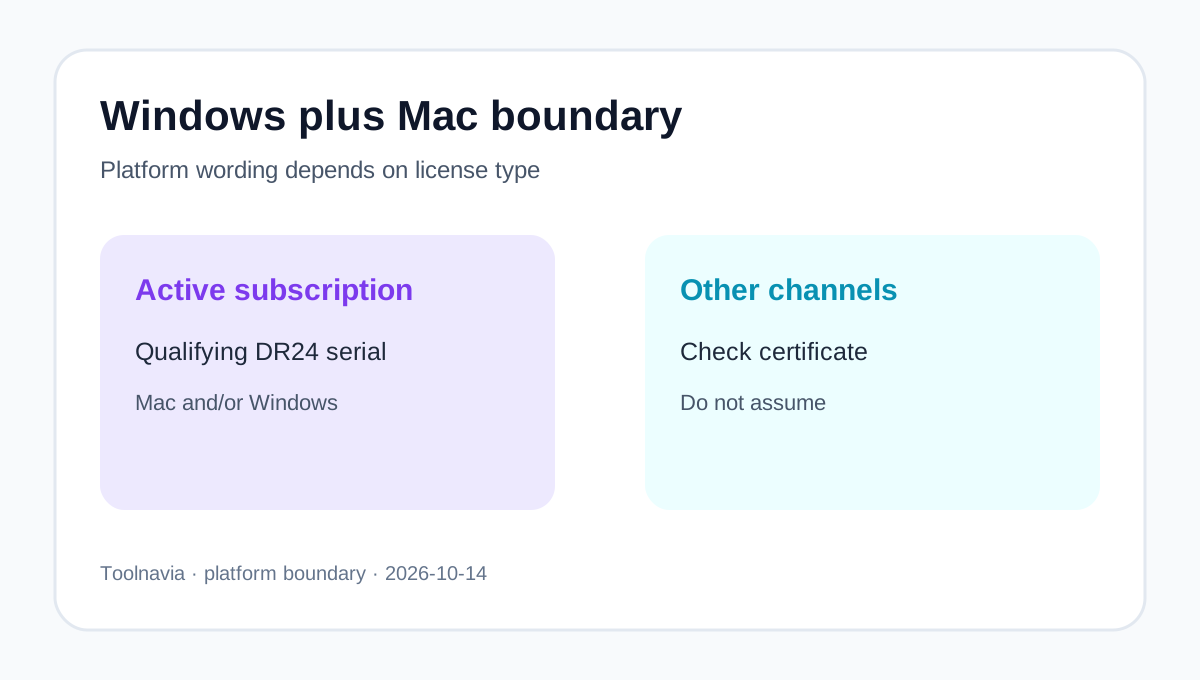
CorelDRAW 2026 is offered for Windows and Mac. For qualifying active subscriptions, Corel says the entitlement is platform-agnostic: a DR24 serial can authenticate the current subscriber update for Mac and/or Windows.
Do not extend that statement to every perpetual, OEM, academic, reseller or older serial. Corel's comparison also keeps CorelDRAW Web and ongoing subscriber benefits on the subscription or maintenance side, not the 2026 one-time purchase. For a one-time or special-channel license, verify the platform in the certificate and Corel My Account. Business platform availability still does not remove the one-device-per-seat rule.
Current installation and authentication require internet access. Use the licensed user's account; account sharing is not a substitute for another user license.
Territory, replacement and activation
This guide maps to Toolnavia's exact U.S./Canada retail offer. Specific terms, territory and the certificate can change the device answer. Historic discussions surface regional exceptions but do not control current rights. If the certificate says one device, follow it.
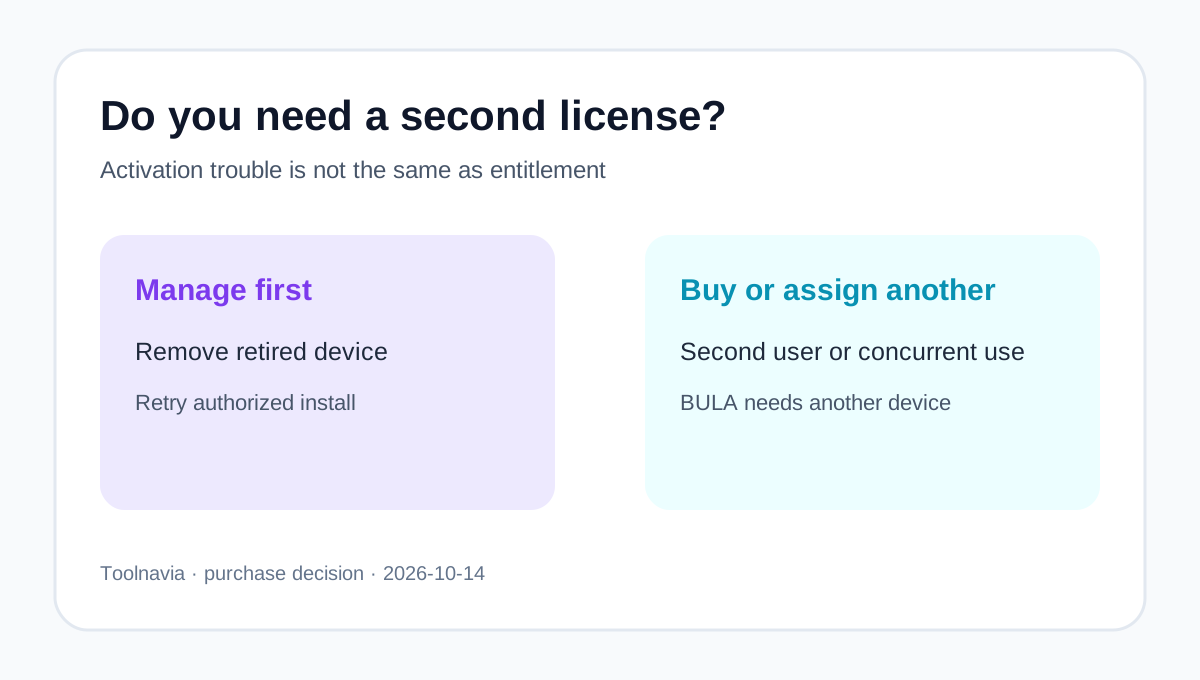
An activation-limit warning does not automatically require another purchase. Corel instructs users to open Corel My Account, view subscription or perpetual products, remove a retired device, and then activate the replacement. Business administrators use Team Products to remove devices or reassign seats. If a failed computer cannot be removed, contact Corel Support instead of creating extra accounts.
When a second license is required
Buy or assign another license when:
- two people need CorelDRAW; - one person must run two copies simultaneously; - a BULA user needs two active device installations; - the certificate permits only one device; - the second device belongs to another person or organization; or - the market or channel excludes the second-device benefit.
Corel's 2026 U.S. suggested references are $269 per year or $549 one time, before tax and live-cart changes. TechRadar reports the same references, while Creative Bloq and iTechGuides independently confirm the current suite and purchase-model context. Avoiding an unnecessary duplicate can therefore matter, but use the live cart. The existing [subscription-versus-perpetual guide](/en/software/coreldraw-graphics-suite-license-choice) handles that separate choice.
Five-minute checkout worksheet
Record the buyer, EULA or BULA channel, number of people, devices, concurrent-use need, platforms, market and the certificate's exact language.
One U.S./Canada retail subscriber using a Windows workstation and Mac laptop may fit one qualifying subscription when only that person uses one device at a time. Two designers, simultaneous use, or a second BULA device requires another valid license or seat.
Toolnavia may earn a commission from the exact CorelDRAW Graphics Suite 2026 U.S./Canada referral button. It does not change the certificate, create universal cross-platform rights, or override territory and business-seat rules.