TOOLNAVIA / BUYING GUIDE
CorelDRAW Web for Client Revisions: When Browser Access Is Worth Paying For
The short answer
CorelDRAW Web is worth considering when you regularly need to revise a design away from your main computer. The reason to pay is a completed client revision, not the word “cloud.” Before choosing a Graphics Suite subscription for this benefit, test your actual document, fonts, browser and delivery format.
At a glance
- Best for
- Designers whose actual revision tasks pass a supported-browser round trip.
- Price model
- Confirm Web-inclusive term and renewal in current cart, plus tax, font rights and fallback needs.
- Check first
- Mobile-only work, unsupported browsers, heavy files or tasks needing companion desktop apps.
Identify the revision you need to finish
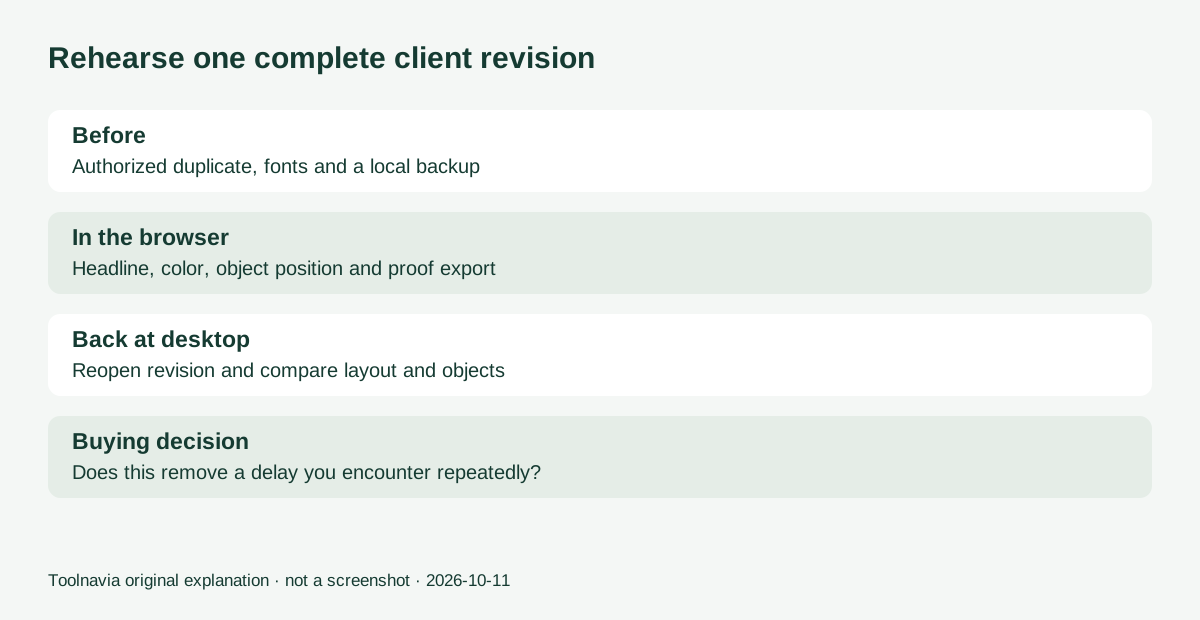
Write a small client scenario: change a headline, recolor an object, move a layout element and deliver a proof. Use an authorized copy of a typical file. Include the font and effects your work actually depends on, rather than a demonstration file chosen because it is easy.
Decide what must happen during the meeting and what can wait for the desktop. If you only need to collect comments on a static proof, paid browser editing may not solve a problem you have. If you repeatedly defer simple edits until returning to the office, a successful browser round trip has a clearer value.
Four benefits to validate in context
Browser access without installing the suite can make an alternate computer useful for revisions. Corel's tutorial describes signing in and editing through the browser. This does not remove the need for a suitable, trusted computer and reliable access.
Continuity with desktop work lets a file move between browser and desktop workflows. Test the round trip with your own assets: an advertised workflow is not proof that every imported effect will remain identical. Save a distinct revision rather than overwrite the only master.
Uploaded fonts can make brand-specific typography more practical. The September update adds font uploads for subscribers and maintenance customers. Check your permission to upload the font and inspect line breaks afterward; do not assume the browser automatically sees every locally installed font.
DWG and DXF export was also added to the Web workflow for those customers. It may matter for a particular recipient, but the extension does not certify dimensions, scale or machine readiness. Reopen the result in the receiving workflow before relying on it.
The browser is not the whole suite
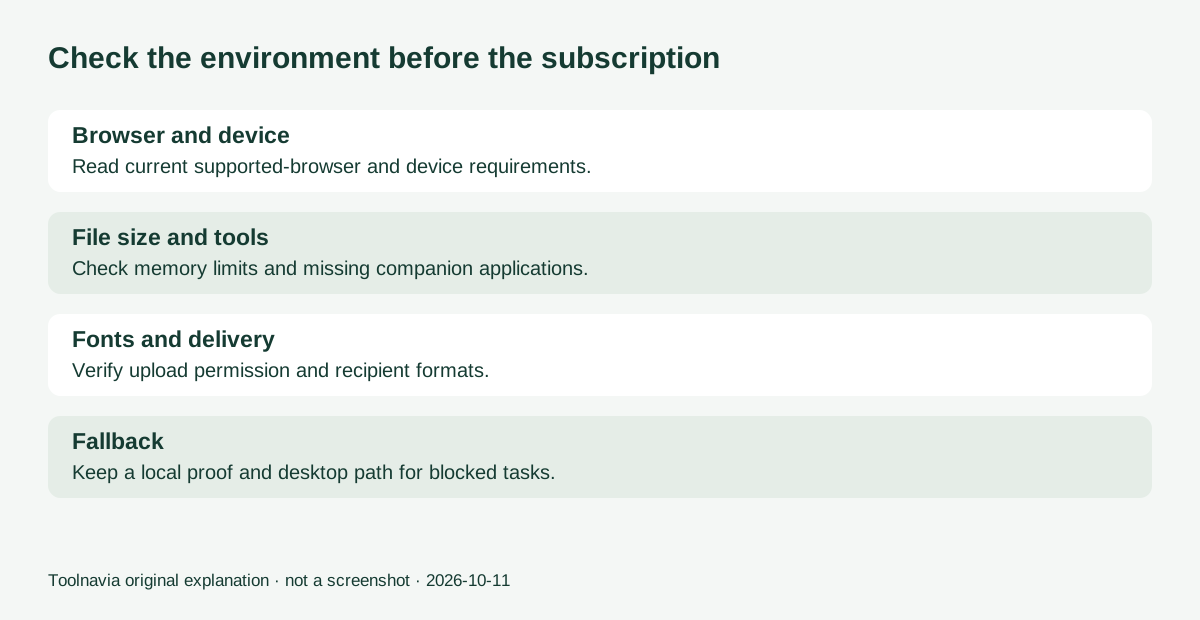
The support FAQ describes a subset of desktop functionality and excludes PHOTO-PAINT and Font Manager. It lists current Chrome and Edge, limited Firefox support, no Safari or mobile support, and no incognito mode. It also documents a 4GB Web application memory limit. These are reasons to test the actual working environment, not assume any device will do.
There is a wording mismatch worth making explicit: the promotional tutorial suggests effectively unrestricted, trouble-free movement, while the support FAQ lists concrete limits. We use the narrower documented constraints here. A large complex file or a task requiring a companion application should retain a desktop plan.
Run the meeting before the meeting
Start with a duplicate document and a local backup. Sign in from the supported browser you intend to use. Open the file, verify fonts and images, perform the four planned edits, save a new revision and export the intended proof.
Return to the desktop and reopen the saved revision. Compare layout, text wrapping and key objects, then check the delivery file independently. Record any missing control, substituted font or step requiring desktop intervention. This is a suggested acceptance exercise; Toolnavia has not run a compatibility benchmark.
Before a real visit, keep a fallback proof and agree how changes will be recorded if the connection fails. Use only approved storage for client material. Browser convenience does not replace your organization's file-handling requirements.
Decide whether the recurring cost earns its place
The comparison page treats Web as a subscription or active-maintenance benefit, not part of the bare perpetual purchase. A buyer wanting Web should confirm that entitlement in the selected cart, rather than choose the cheapest license by name.
The official trial page offers fifteen days without a card and distinguishes browser from full desktop-suite trials. Current localized prices were not extractable, so compare the actual term and renewal amount with the value of revisions you can really finish. Include tax, any required font rights and fallback desktop needs.
Subscribe for this workflow only if the trial removes a recurring delay. Keep the current setup when browser limits interrupt the exact job you need. The linked approved Graphics Suite offer is for US and Canada; qualifying purchases may earn Toolnavia a commission.