TOOLNAVIA / BUYING GUIDE
CorelDRAW QR Codes: Pay for Validation or Use a Free Tool?
The short answer
At a glance
- Best for
- Repeated branded print production that benefits from editable vector placement, reusable styles and in-document validation.
- Price model
- The Corel special-offers page displayed US$439/year when checked; use the live US/Canada checkout and include proofing and failure cost.
- Check first
- Built-in validation is not a physical print guarantee; dynamic destinations and analytics need a separate service.
Verdict: do not buy CorelDRAW only to make one static QR code
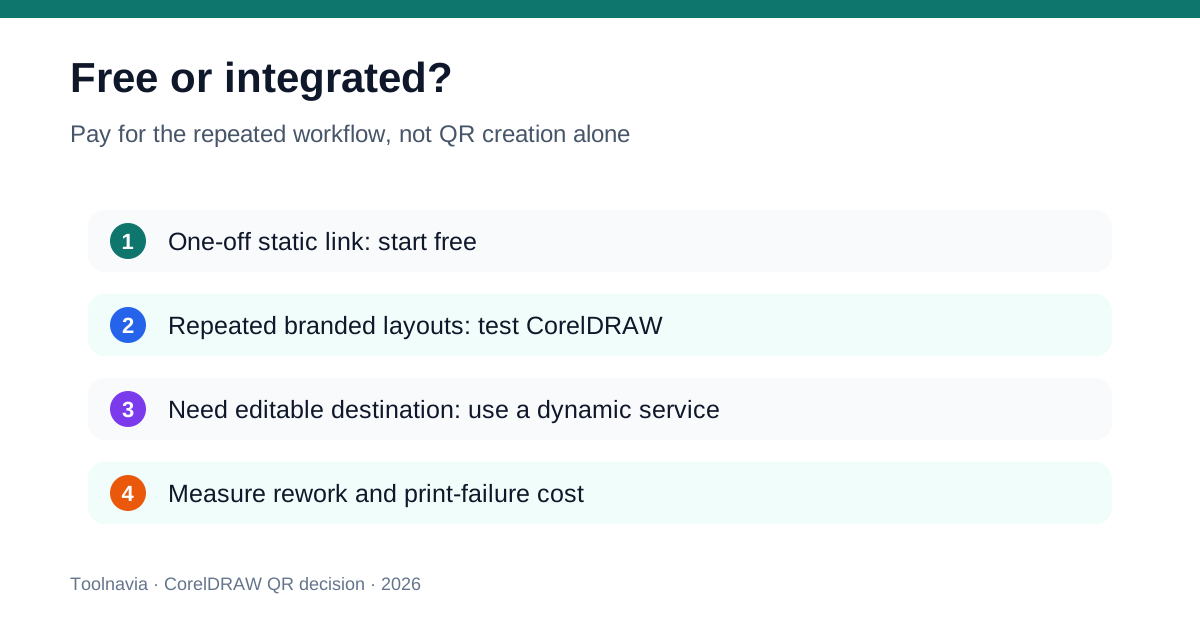
Adobe Express, Canva and QRCode Monkey can all create a static QR code without requiring a CorelDRAW purchase. Adobe says its static codes are free, never expire and must be regenerated if the URL changes. Canva offers a fixed static option, while QRCode Monkey adds logo, color and vector-download controls. That makes basic QR generation a commodity.
CorelDRAW becomes rational when the QR code is one component in a repeated professional print workflow: the same designer owns the packaging, sign, menu or campaign file; the code needs vector placement, brand styling, reusable object styles and in-document validation; and avoiding import-cleanup or reprint mistakes has measurable value. Corel's current help confirms that codes can be inserted, edited and validated, but sign-in and an internet connection are required for those actions.
*Affiliate disclosure: Toolnavia may earn a commission if you buy CorelDRAW through the verified link in this guide, at no extra cost to you. Adobe Express, Canva, QRCode Monkey and DENSO WAVE, the developer of QR Code, is a technical research reference; the other named products are comparison references only. This analysis was checked November 8, 2026. Toolnavia did not install CorelDRAW or commission a physical print run.*
What CorelDRAW actually adds
CorelDRAW supports URL, email, phone, SMS, contact, calendar, geolocation and plain-text QR content. The QR object remains inside the design application, where the designer can adjust foreground and background fills, pixel and corner treatment, outlines, margins and error correction. Its built-in Validate action can check both a code created in CorelDRAW and an imported code.
That integration matters more than the generator itself. A sign shop can keep the code aligned to a packaging dieline. A restaurant can reuse a validated style across menu panels. An event team can change a destination before final export without moving between a browser download and the production file. The QR code can stay a scalable vector element rather than a low-resolution screenshot.
There are boundaries. Corel's documentation says editing and validation require account sign-in and an internet connection. The current product family also separates subscription or maintenance benefits from the 2026 one-time purchase. A buyer should therefore test the exact licensed build, platform and offline failure path rather than assuming every documented capability behaves identically under every purchase route.
Why a free generator is often enough
For a permanent website URL on a single poster, the free route can be both simpler and cheaper. Adobe Express inserts a static QR code directly into a design and states that the code does not expire. Canva's static tool provides a fixed link without analytics. QRCode Monkey supports commercial use, logo customization and vector export.
Those options erase the weak argument that CorelDRAW is worth hundreds of dollars because it can generate a QR code. The decision must instead be based on the rest of the production job. If the free SVG imports cleanly, retains the required quiet zone, survives PDF export and scans after printing, buying a full graphics suite for that code alone has no sound break-even case.
Free static tools also share a hard limitation: the encoded destination is fixed. Changing the URL after printing means generating and printing a new code. Canva documents a separate dynamic product with editable destinations and analytics on eligible organization plans. Corel's help describes embedded content and validation, not a hosted redirect or scan-analytics service. If destination editing or campaign analytics is mandatory, compare a dynamic QR service rather than treating CorelDRAW as the substitute.
Built-in validation is not a print guarantee
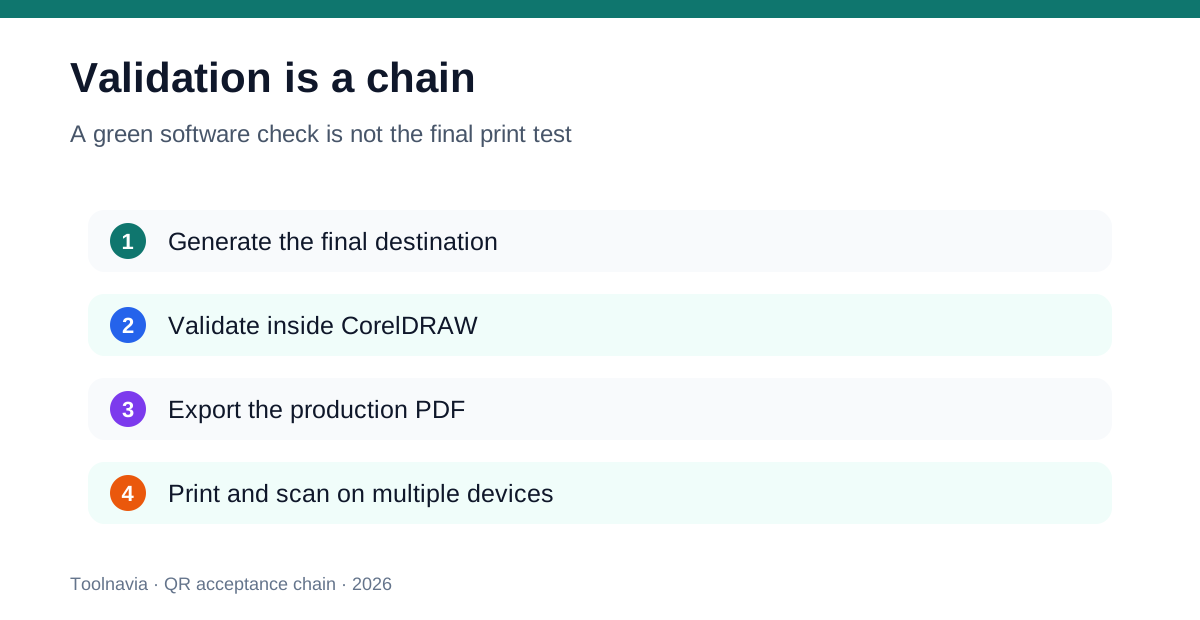
Corel's Validate action is useful: it can catch a malformed or unreadable design before export. But the final object passes through more failure points—PDF conversion, scaling, rasterization, ink spread, substrate texture, lamination glare, cutting tolerances, lighting and camera differences. A green check in the application cannot observe those physical conditions.
Use validation as the middle of an acceptance chain, not the end. First encode the final production URL, not a temporary staging address. Second run CorelDRAW validation after all styling. Third export through the same PDF preset and color workflow the printer will use. Fourth print at the smallest real size on the actual or equivalent material. Fifth scan with several phones and camera apps from realistic distances and angles. Finally verify that the destination loads, has HTTPS, fits mobile screens and offers a human-readable fallback.
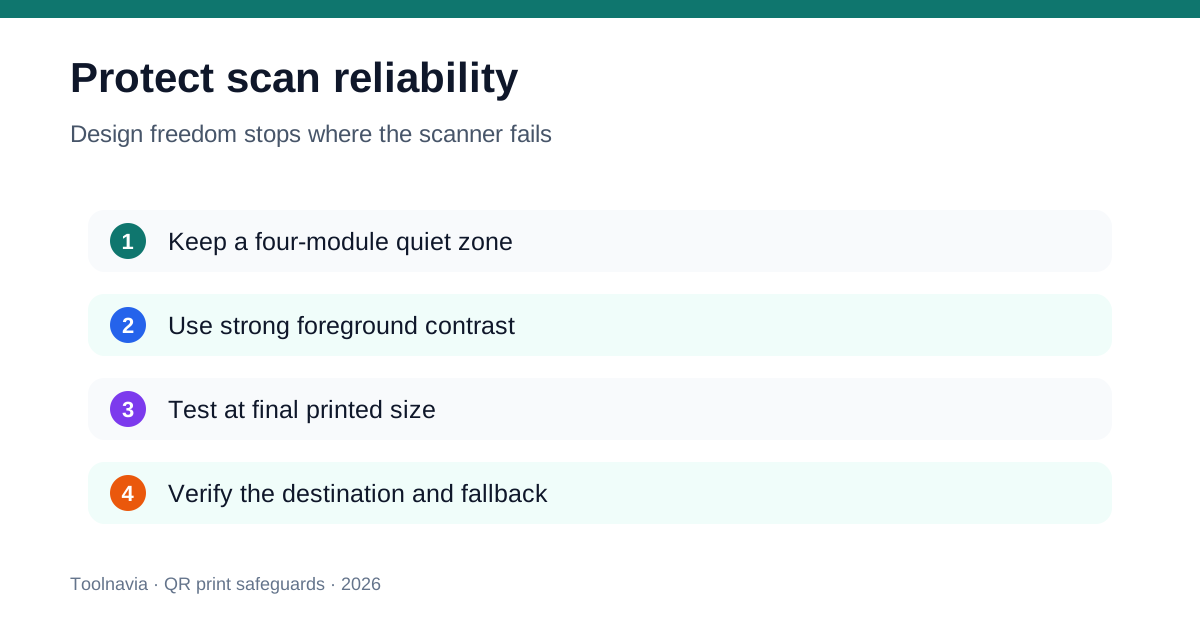
Canva's current design guidance provides useful independent guardrails: at least 2 × 2 cm, strong contrast, a short URL, and a quiet zone at least four modules wide. These are starting points, not universal guarantees; dense payloads and difficult materials may need more area.
Control styling before it controls readability
Corel documents four error-correction levels—approximately 7%, 15%, 25% and 30% recoverable information—and warns that higher correction reduces available capacity. A logo or decorative obstruction consumes that tolerance. Changing pixel shapes, adding gradients or reducing contrast may look on-brand while shrinking the real scan margin.
Keep the three position markers visually intact. Preserve the quiet zone. Prefer a dark foreground on a light, opaque background. Do not place the code across a fold, seam, perforation or high-glare area. If a brand color lacks contrast, use a neutral high-contrast code with a branded frame rather than forcing the modules themselves to carry the identity.
QRCode Monkey demonstrates how much styling is already available free: custom body and eye shapes, logo upload, color control and SVG export. It also tells users to scan the preview and use high resolution for print. That is a meaningful competitor baseline. CorelDRAW must win through integrated file ownership and repeatable prepress acceptance, not merely through more decorative options.
Run a representative trial before paying
Corel offers a 15-day trial, but its trial page warns that some features and companion applications may be excluded. Build a representative test rather than a showcase. Create four pieces: a small product label, a menu panel, a large poster and a packaging panel with a logo-bearing code. Include the longest URL you expect, the smallest print size and the least forgiving material.
Measure five things: time to generate and style; time to replace the destination before print; cleanliness of SVG/PDF output; number of manual corrections after printer feedback; and successful scans across devices after a physical proof. Repeat the same test with a free SVG from QRCode Monkey or a code inserted by Adobe Express. If Corel saves repeatable minutes or avoids real proof failures across many jobs, the suite may pay back. If both paths finish cleanly, keep the free tool.
Also disconnect the network during the test. Corel explicitly requires internet access for QR insertion, editing and validation. Decide whether that dependency is acceptable at the moment a production correction is due.
Price and break-even
Corel's special-offers page displayed a 365-day Graphics Suite subscription at US$439/year when fetched on November 8, 2026. Pricing, tax, currency, promotions and purchase routes vary by market, so use the final US/Canada checkout linked from the approved offer. Corel also presents subscription or maintenance and a 2026 one-time purchase, with ongoing updates and some online benefits differing between them.
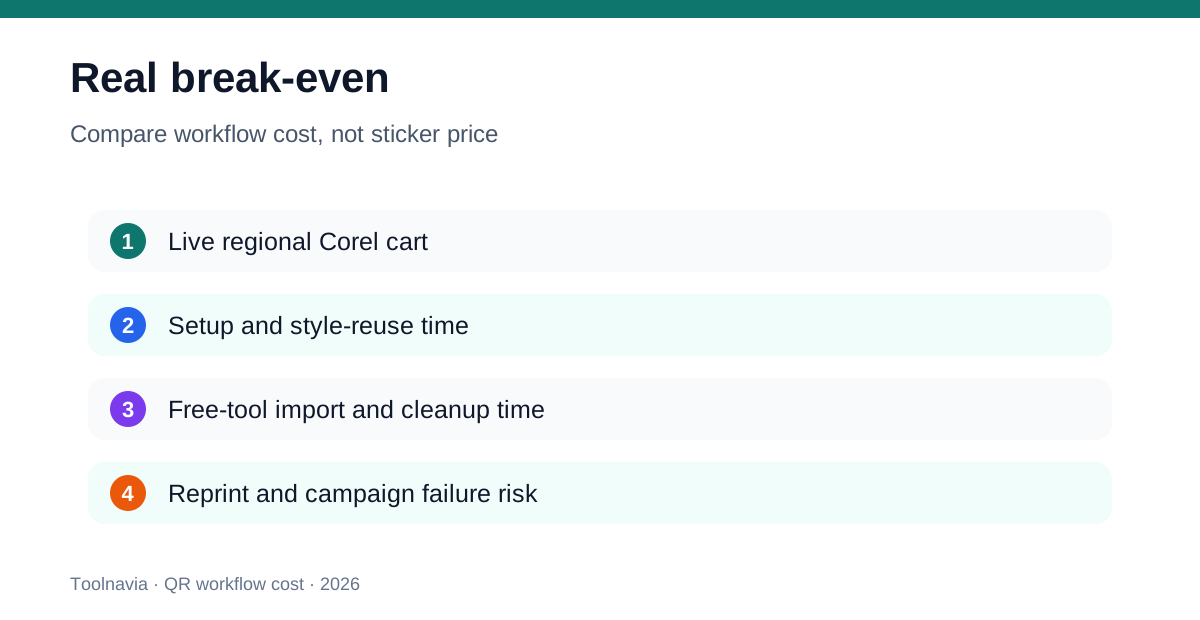
Do not divide the license price by the number of QR codes and call that the answer. Use: live license cost + training time + sign-in/network risk + proofing time, minus import cleanup avoided + reusable-style savings + reprints prevented + value from the rest of CorelDRAW. A shop already buying CorelDRAW for vector layout may treat the QR workflow as an included benefit. A buyer with one static poster should assign almost all of the suite cost to unrelated features and use a free generator.
**Who should buy—and who should not**
CorelDRAW is a good fit when one production owner creates many branded print pieces, keeps editable vector masters, validates codes inside the source file and can quantify repeated import or proofing cost. It is especially defensible when the suite is already justified by illustration, layout, photo editing or typography work.
Do not buy it only for a one-off fixed URL, for dynamic redirects, or for scan analytics. Use a free static generator when the destination is permanent and the exported vector passes your printer test. Use a dedicated dynamic platform when the printed destination must change or analytics are part of the campaign. Whatever tool you choose, accept the QR code only after final-size physical scans—not after a software preview alone.