TOOLNAVIA / BUYING GUIDE
CorelDRAW PowerClip: Extract Does Not Undo Fit, Fill or Stretch
The short answer
At a glance
- Best for
- Reusable framed layouts with deliberate geometry and source preservation.
- Price model
- Confirm US/Canada annual, monthly or2026one-time cart total and entitlement.
- Check first
- Fit/fill/stretch changes survive extraction; no edition or interchange parity assumed.
Verdict: preserve the artwork separately from its fitted frame
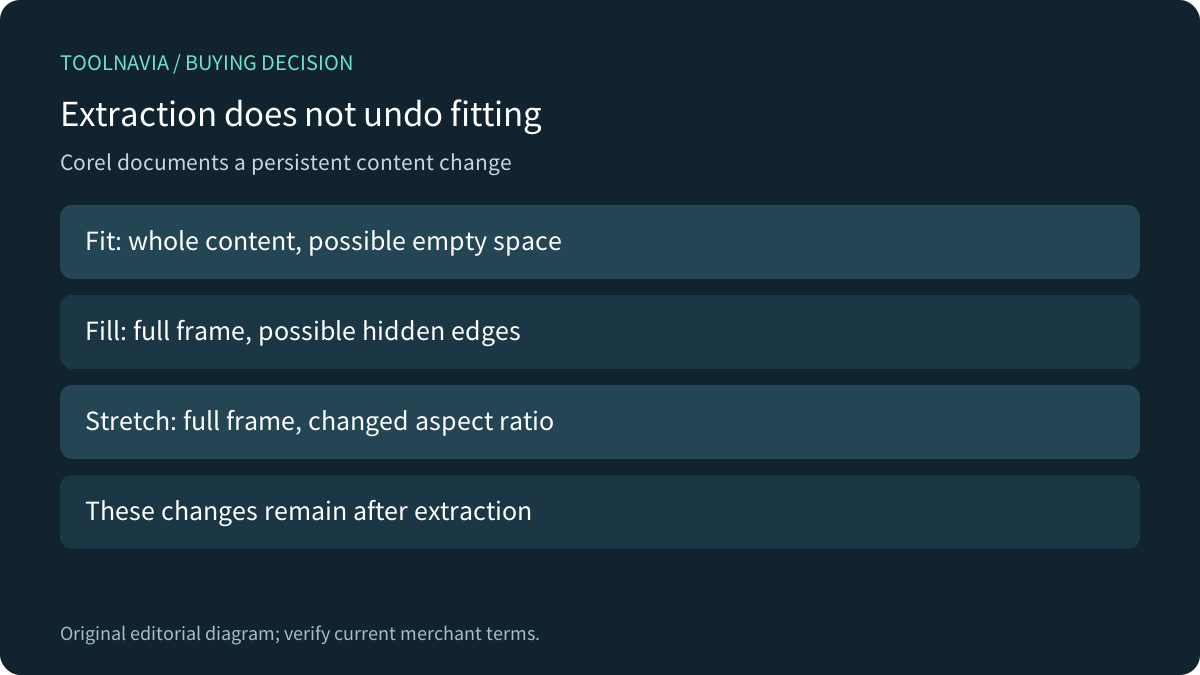
CorelDRAW can fit recurring layouts that place photographs or vectors inside reusable shapes. Its Windows 2026 PowerClip help offers precise fitting choices, but explicitly warns that Fit Proportionally, Fill Proportionally and Stretch to Fill modify the contents. Those modifications remain after extraction. Extract is therefore not an automatic return to pre-fit geometry. Keep a recoverable original when that original matters.
This guide analyzes documentation. No artwork, frame, crop, save/reopen or exported deliverable was operated.
Review the approved Graphics Suite offer. Toolnavia may earn a commission on eligible US/Canada purchases; translation does not extend that market.
Choose whole visibility, full coverage or distortion
Fit Proportionally preserves the content's aspect ratio and keeps the whole content visible, but can leave empty areas. Fill Proportionally also preserves the ratio while filling the frame, potentially hiding portions beyond its boundary. Stretch to Fill fills the frame with all content visible by changing the aspect ratio. These are different compromises, not interchangeable automatic improvements.
For a product image, record whether the entire product must remain visible or whether an edge may be hidden. For a logo, unintended distortion may be unacceptable even when the slot looks neatly filled. Inspect the subject and required margins rather than choosing the command that removes the most empty space.
Movement locking is not general edit protection
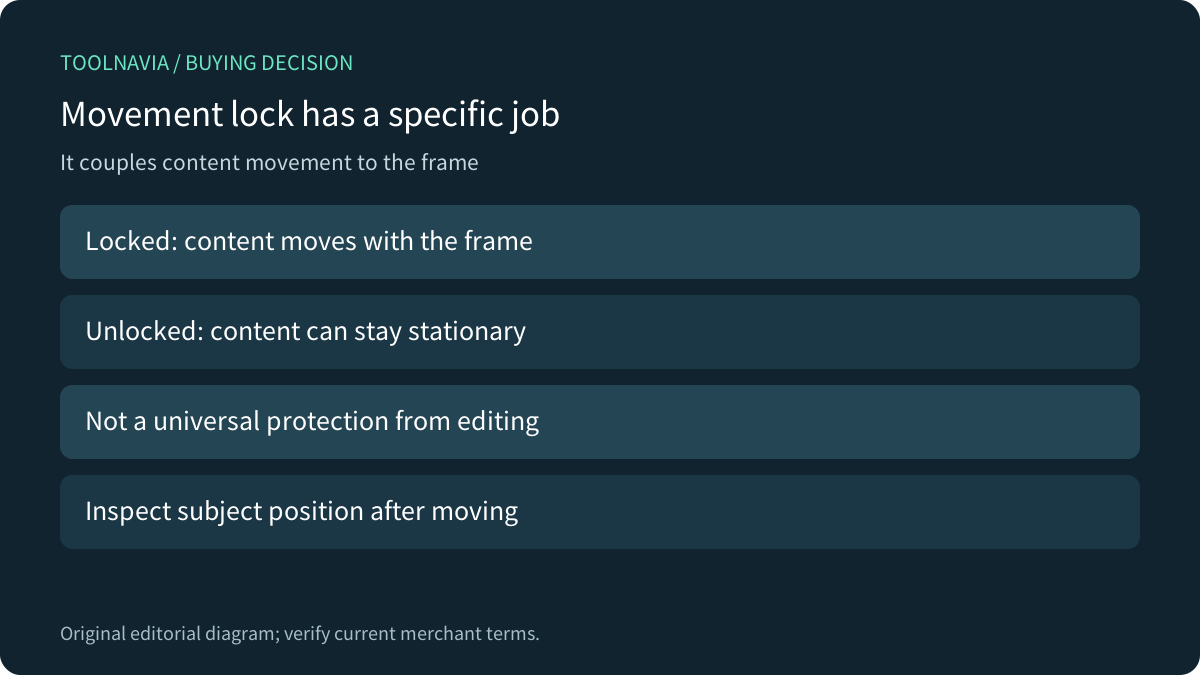
Corel documents Lock Contents to PowerClip as coupling movement: when the frame moves, its content moves with it. If unlocked, the content can stay stationary and may be invisible until the frame moves over it again. That explains a positioning surprise without proving the artwork was deleted.
Treat this as a layout relationship, not an immutable master, access permission or universal edit lock. Record whether the next revision should move the assembled object or reposition the viewing window over stationary content. Check the result after moving a disposable copy before applying the same operation to a client layout.
Extract, remove the frame and crop are different operations
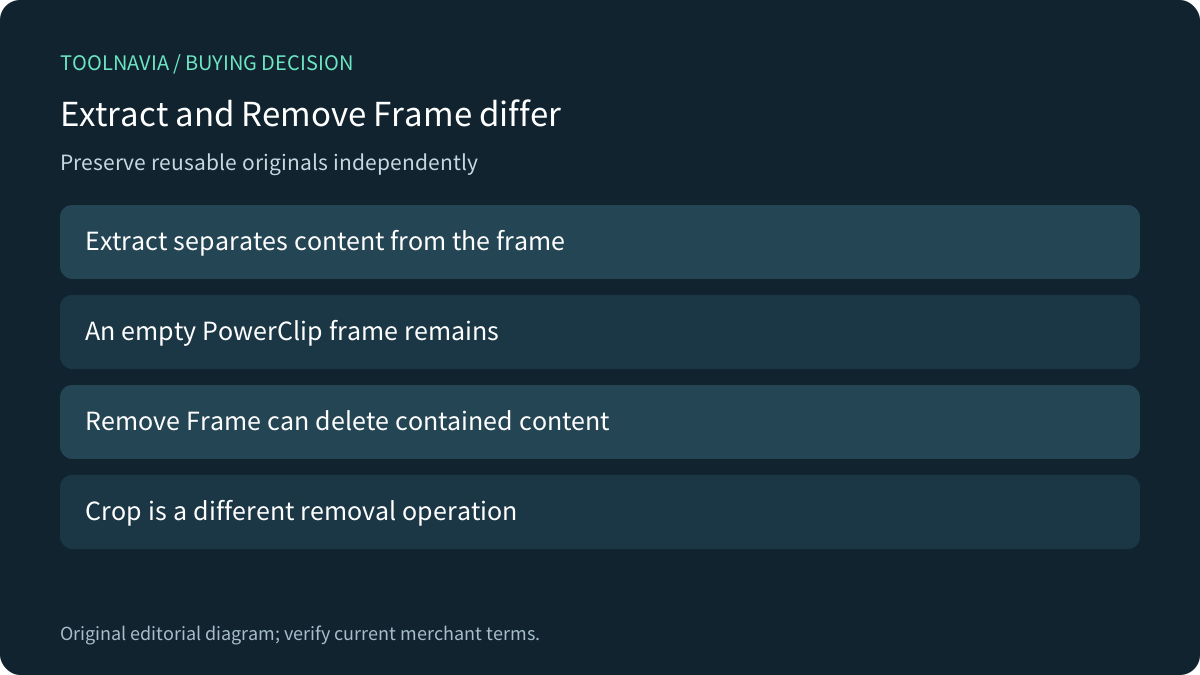
Extract Contents separates the content while leaving an empty PowerClip frame. The same help warns that converting a populated frame back to a regular object deletes its contents; extract first when the content must be preserved. Nested PowerClips require extraction at each level. Remember that previously applied fitting modifications still remain.
Corel's separate Crop guidance describes removing areas outside the crop boundary and converting affected text and shape objects to curves. With no objects selected, the crop can affect all eligible objects on the page. Do not substitute a destructive removal operation merely because its preview resembles a framed view. The right workflow depends on what must remain reusable and editable.
Compare the behavior, not just the word clipping
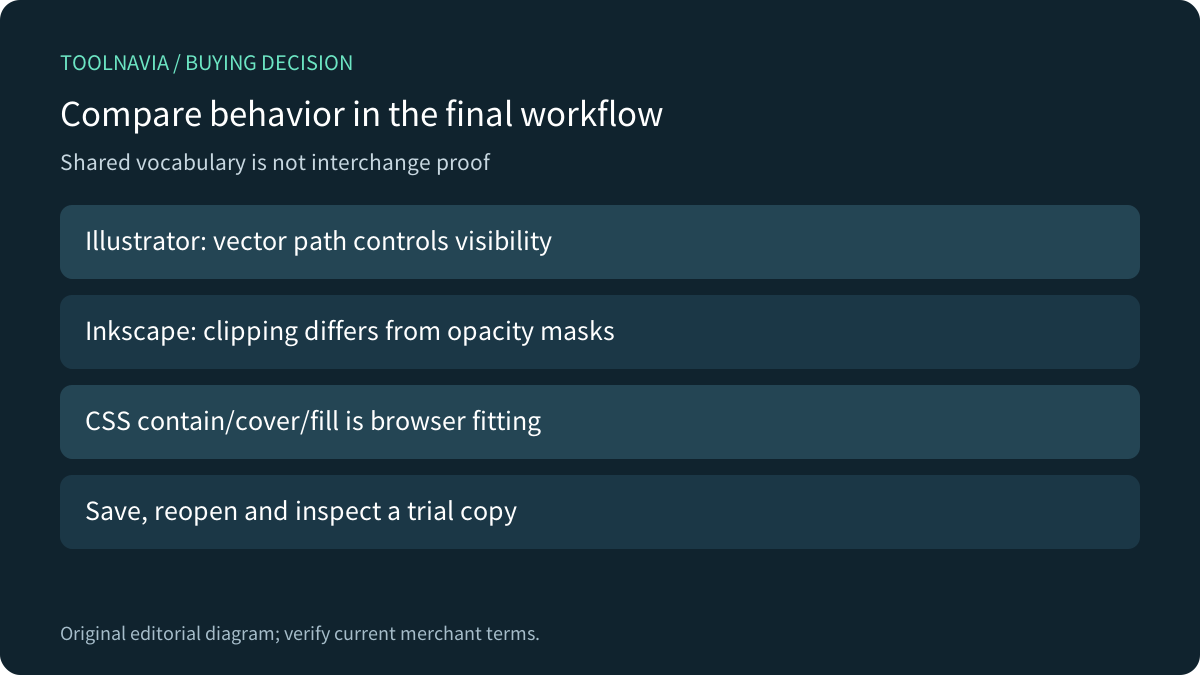
Illustrator describes a vector clipping path that decides which artwork is visible, with its own grouping rules. Inkscape's beginner manual distinguishes clipping outside a shape from masks whose colors and transparency affect opacity. Neither document certifies Corel extraction behavior or faithful round trips between file formats.
MDN's CSS object-fit documentation offers a useful conceptual comparison: contain preserves ratio with possible gaps, cover preserves ratio with clipping, and fill can stretch. That is browser presentation for replaced elements, not a Corel command or a guarantee about saved artwork. Use the comparison to ask clearer questions, not to transfer implementation semantics.
Rehearse the geometry before choosing the license
A proposed trial would preserve an original marked image and create disposable copies for each fitting choice. Record the initial ratio, visible subject and expected result; then inspect extraction, movement and a saved/reopened copy in the required recipient workflow. No trial was performed here and no revision-time saving is claimed.
Four useful capabilities are reusable empty frames, explicit fitting modes, movement coupling and independent extraction. Their value depends on repeated layout work and a reliable source-preservation process. Keep a suitable existing editor when it already meets those needs.
The current product page presents annual, monthly and 2026 one-time choices, but numeric localized prices were absent from the readable body. Confirm the exact US/Canada total, renewal, tax and feature entitlement. Windows documentation does not establish Standard, Essentials, Mac or Web parity. Choose the suite after the actual geometry and handoff workflow fits.