TOOLNAVIA / BUYING GUIDE
CorelDRAW for Multi-Page Catalogs: When Do You Need Publisher Software?
The short answer
# CorelDRAW for Multi-Page Catalogs: When Do You Need Publisher Software?
**Verdict:** CorelDRAW Graphics Suite 2026 is a credible choice for design-led brochures and modest catalogs when the same designer owns illustration, image preparation, typography, page assembly, and print output. Move to a dedicated page-layout workflow when the job depends on long threaded stories, automatic tables of contents or indexes, multi-chapter coordination, repeated data-driven editions, or many global layout changes. Page count alone is not the deciding factor; maintenance work per revision is.
*Affiliate disclosure: Toolnavia may earn a commission if you buy CorelDRAW through the verified Corel link in this guide, at no extra cost to you. Adobe, Affinity, and Microsoft Publisher are comparison or migration references only. This analysis was checked November 7, 2026. Toolnavia did not install the applications, import a live .pub archive, or send a catalog to press.*
At a glance
- Best for
- Design-led brochures and moderate catalogs that pass a representative revision test.
- Price model
- Use the live US/Canada Corel cart and include revision, migration and failure cost.
- Check first
- Actual catalog revisions, .pub imports, fonts and printer preflight must be tested.
What CorelDRAW already does well
CorelDRAW is not limited to one-page vector artwork. Its current help documents multi-page layouts, per-page size and orientation, bleed, Book and Booklet modes, and automatic arrangement for printing and binding. Its page-numbering workflow can place numbers on all, odd, or even pages through master layers; those numbers update when pages are added or deleted, and numbering can start on a chosen page or value.
That makes CorelDRAW practical for a product brochure, seasonal lookbook, short catalog, menu, sales booklet, or brand presentation when visual composition dominates and copy is relatively stable. The strongest fit is a designer who wants to create the cover art, vector diagrams, image treatments, product callouts, and final pages without passing files between separate illustration and layout applications.
Do not understate these capabilities. CorelDRAW can maintain repeated page-number objects and impose common folded layouts. The buying question is not whether it can create multiple pages. It is how efficiently the document survives the tenth product change, a reordered section, a new language, and a last-minute global template revision.
The maintenance threshold matters more than page count
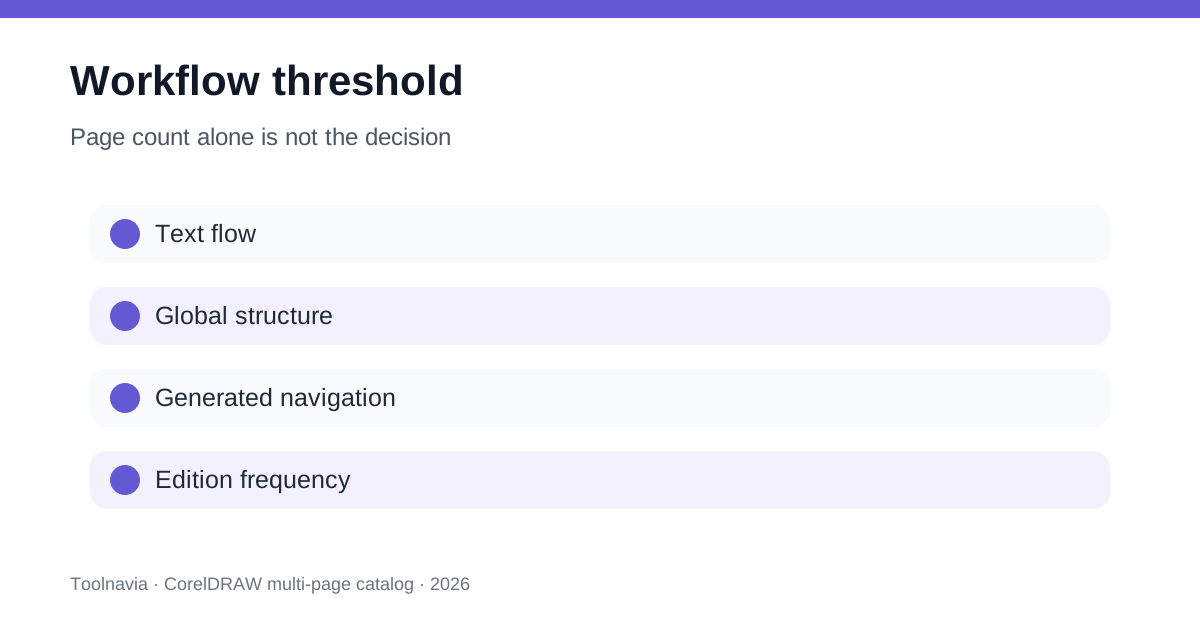
A twelve-page catalog can be harder than a sixty-page one if every page has a different structure. Conversely, a forty-page visual catalog with stable product blocks may remain manageable in CorelDRAW. Use four workload signals instead of a rigid page limit:
- **Text continuity:** Does body copy need to flow automatically across many frames and pages? - **Global structure:** Must headers, grids, section styles, and navigation change everywhere at once? - **Generated navigation:** Do you need an automatic table of contents, index, cross-references, or running section data? - **Edition frequency:** Will prices, SKUs, languages, or regional versions be regenerated every week or month?
Adobe’s current long-document guidance combines book files, parent pages, threaded text, automatic contents, indexes, preflight, and packaging. Those are not cosmetic features; they reduce the number of manual places where a revision can fail.
Affinity’s current Layout Studio provides another baseline: it is free, supports brochures through full-length books, and promotes nested Smart Master Pages, text flow, page-level overrides, and print-ready export. That free baseline means CorelDRAW should be chosen for its integrated design workflow or proven file compatibility—not because the only alternative is an expensive subscription.
Run a real catalog revision test
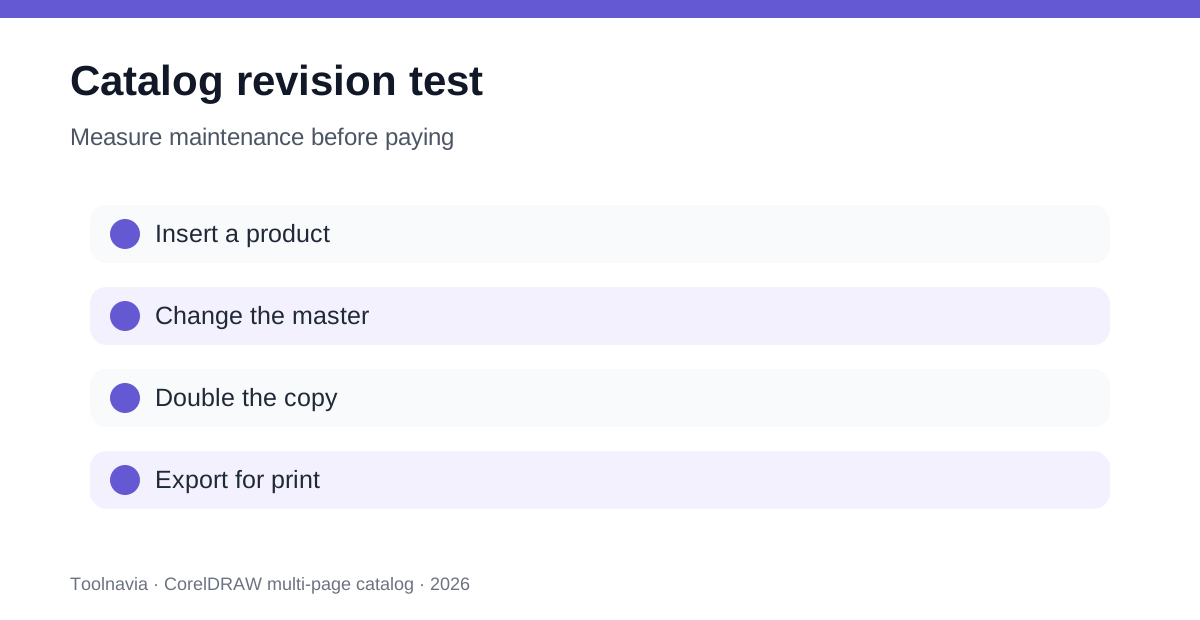
Before paying, build a representative eight-to-twelve-page slice rather than a perfect sample page. Include a cover, contents page, two product families, one long description, a comparison table, an image-heavy spread, and a back page. Then simulate the revisions that normally arrive after approval.
First, insert a product near the beginning and verify that page numbers, repeated elements, section labels, and later references remain correct. Second, change a shared header, grid, and brand color. Third, replace a short product description with text twice as long. Fourth, create a second-language copy. Fifth, export the printer’s required PDF with bleed, marks, fonts, color settings, and images intact.
Record the minutes and manual corrections for each change. A tool that exports one attractive PDF is not necessarily the cheapest tool for twelve monthly revisions. If the designer must touch twenty pages after every global change, that labor—not the license label—sets the break-even point.
CorelDRAW passes when master layers, page controls, styles, and the team’s templates keep revision work predictable. A dedicated publisher wins when text threading, parent hierarchies, book files, generated navigation, or structured data removes repeated manual edits.
Microsoft Publisher is now a migration issue
Older Microsoft help pages still explain Publisher master pages, two-page spreads, headers, footers, and automatic page numbers. Those documents are useful for understanding what a legacy .pub workflow may contain. They are not evidence that Publisher remains a sensible new purchase.
Microsoft’s newer retirement notice controls the decision: Publisher reached end of life in October 2026. Microsoft 365 subscribers lose access, while perpetual Publisher 2021 support ended October 13, 2026, even though an installed perpetual copy may continue to run. Microsoft recommends converting files and lists Word, PowerPoint, and third-party options for replacement scenarios.
If your catalog archive is in .pub format, preserve the original files and batch-export important editions to PDF before changing tools. Choose several complex files—linked images, custom fonts, tables, facing pages, and unusual page sizes—and test import or reconstruction. A visually correct PDF preserves viewing, not native editability. Do not buy CorelDRAW solely because a format appears in a compatibility list; test the actual archive, fonts, links, and objects.
Choose by workflow, not by brand
**CorelDRAW is a strong fit** when illustration and layout are inseparable, pages are visually distinct, the same designer owns the complete job, copy is stable, and existing Corel templates or client CDR handoffs have measured value. It is also attractive when common booklet imposition and flexible per-page design cover the full delivery contract.
**Affinity Layout Studio is the rational first test** when the buyer needs a current free page-layout baseline with Smart Master Pages, flowing text, long-publication support, and professional export. Its IDML import can help migration, but its own documentation warns that some advanced InDesign structures need manual adjustment, and it does not export INDD or IDML.
**Adobe InDesign is easier to justify** when a team depends on multi-file books, sophisticated long-document structure, generated navigation, packaged handoff, and a mature collaborative production chain.
**Do not start a new Microsoft Publisher workflow.** Treat it as a legacy archive that must be converted or rebuilt after retirement.
Calculate the real break-even
Corel’s current product page offers annual, monthly, and one-time purchase routes, but structured official results did not expose a dependable US/Canada numeric cart for this check. Do not copy a price from an older article, crossed-out promotion, or another region. Open the verified destination and record the current subtotal, currency, tax, renewal terms, AI-credit entitlement, and upgrade rights before paying.
Use a maintenance formula instead of license price alone:
**annual workflow value = avoided revision hours × loaded hourly cost + avoided output failures − software and migration cost**
Suppose a catalog is revised monthly. If a dedicated layout feature saves two hours per edition, multiply twenty-four annual hours by the real labor cost. If CorelDRAW’s integrated vector workflow saves more time than dedicated publishing automation, Corel can still be the better operating choice. If global changes and flowing text repeatedly create manual repairs, a free Affinity test or an InDesign workflow may beat Corel even when Corel’s purchase model looks simpler.
Also count template rebuilding, font substitution, staff training, plug-ins, data cleanup, proof failures, and the cost of reopening old work. A one-time license is not “free forever” when operating-system compatibility or exchange requirements later force an upgrade.
Final buying checklist
Use CorelDRAW only after the representative revision test passes. Keep the printer specification, sample catalog, timing log, failed-step list, live cart screenshot or receipt, and a migration plan for legacy files. Require explicit answers to five questions:
1. Can the team change shared design elements once and verify every affected page? 2. Can long text expand without hidden overset or manual page repairs? 3. Can contents, numbers, sections, and references survive insertion and reordering? 4. Can the exported PDF pass the printer’s preflight and reopen as expected? 5. Does the measured time saved exceed license, training, and migration cost?
If the job is a design-led brochure or moderate visual catalog and the answers are yes, CorelDRAW can be enough. If the document behaves like a database, book, or frequently regenerated publication, dedicated page-layout software is the safer purchase.