TOOLNAVIA / BUYING GUIDE
CorelDRAW Font Manager: Worth Buying for Project Fonts?
The short answer
At a glance
- Best for
- Designers who already need CorelDRAW and manage large local project-font libraries.
- Price model
- Use the live US/Canada checkout; official dated price sources and current promotions conflict.
- Check first
- Collections do not transfer font licenses or provide cloud team governance; exact platform and plan behavior must be tested.
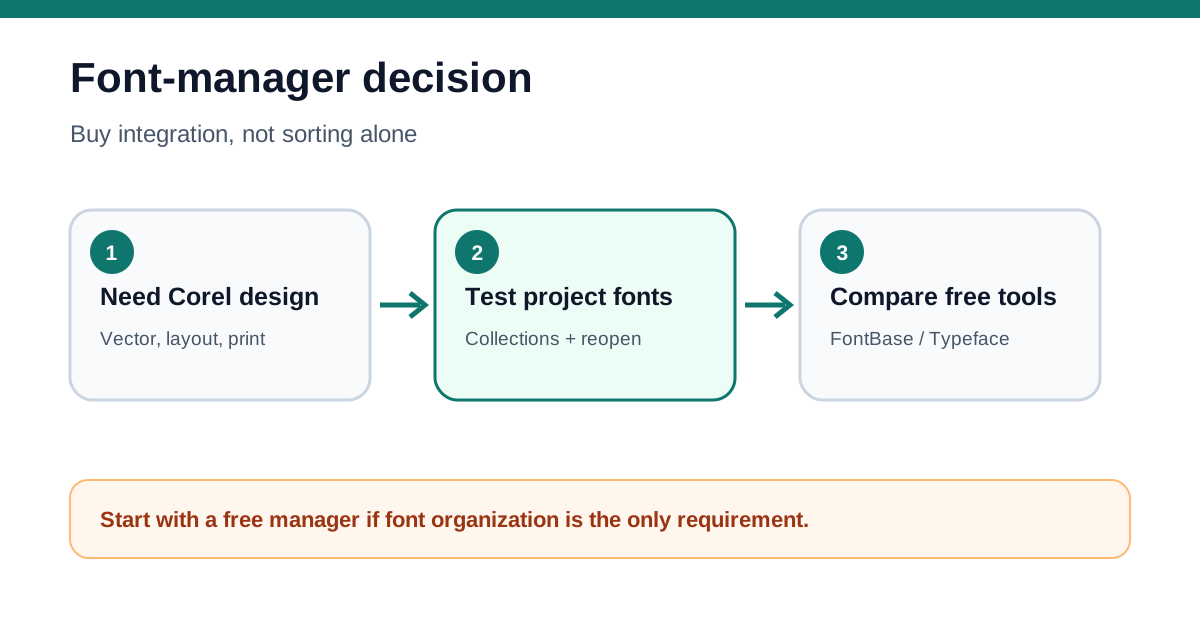
Verdict: buy the suite for an integrated design workflow, not for font sorting alone
CorelDRAW Graphics Suite 2026 includes Corel Font Manager. Corel's current product page says the manager can organize a font library and let you use favorite fonts without installing them. That can be valuable when a designer keeps large client libraries, wants project collections, and already needs CorelDRAW for vector illustration, layout, photo editing, typography, or print production.
It is not a good reason to buy the suite by itself. FontBase offers collections, watched folders, and activation without installation across Windows, macOS, and Linux. Typeface offers activation, deactivation, and temporary activation on macOS. Apple Font Book supplies collections and libraries, while Windows Settings covers basic preview, hide, install, and uninstall tasks. If those tools solve the job, a full graphics-suite license has no font-only break-even case.
*Affiliate disclosure: Toolnavia may earn a commission if you buy CorelDRAW through the verified link in this guide, at no extra cost to you. FontBase, Typeface, Adobe, Microsoft, and Apple are research or comparison references only. This article was checked on November 8, 2026. Toolnavia did not install CorelDRAW or test a licensed font library.*
What Corel Font Manager actually changes
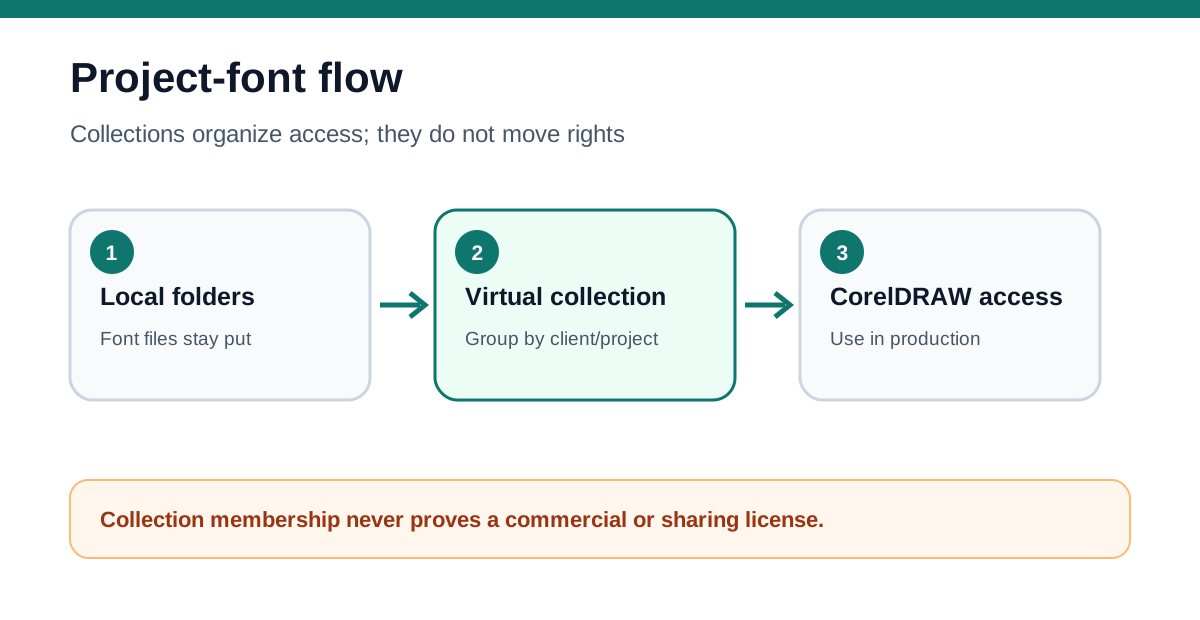
The manager separates a font file's storage location from the collection a designer uses to find it. Corel's official tutorial describes folders as monitored locations and collections as virtual groups that can contain fonts from different folders. Removing a font from a collection does not delete or uninstall the file. The current product page goes further: it explicitly advertises use of favorite fonts without installation.
That is useful for a print shop with one folder per foundry, a brand team with one collection per client, or a freelancer who needs to keep a large archive searchable without filling every application's font menu. The practical gain is faster retrieval and fewer permanently active fonts—not automatic licensing, cloud synchronization, or safe redistribution.
Corel's 2026 help also shows that Font Manager is a standalone companion application and supports preview, install, uninstall, and deletion. The CorelDRAW 2026 Manage Fonts page links it into the suite's broader font workflow.
**Collections are not licenses or shared libraries**
A collection is organization metadata. It does not prove that a font may be used commercially, installed on multiple seats, embedded in a PDF, sent to a printer, or shared with a client. Keep the foundry license, invoice, seat count, permitted uses, and file location in a separate record. Do not use a synchronized client folder unless the font license allows that distribution.
The same boundary applies to handoff. If another designer opens the CorelDRAW file without the exact font, Font Manager cannot manufacture a license or retrieve a private font from your computer. The team still needs an approved font package, an embedding workflow permitted by the license, or a deliberate conversion-to-curves decision. This guide therefore complements the existing Toolnavia font-embedding article rather than replacing it.
Free alternatives set a high bar
FontBase is the strongest direct objection. Its official page advertises one-click collection activation, watched folders that leave files in place, and activation without installation. A buyer who only wants local project collections should test FontBase first, because its free core workflow is cross-platform.
Typeface is a narrower Mac comparison. Its activation guide explains that deactivated fonts remain visible in Typeface but disappear from application font menus until activated. Temporary activation can clear experimental fonts when the app closes. That directly addresses menu clutter without requiring a graphics suite.
Adobe InDesign provides another ecosystem path: Adobe Fonts activation, missing-font auto-activation, system installation, and an InDesign-only Fonts folder. Apple Font Book can group fonts into collections and document-specific libraries. Windows Settings is more basic; it can preview, hide, install, and uninstall fonts but does not offer the same project-collection model.
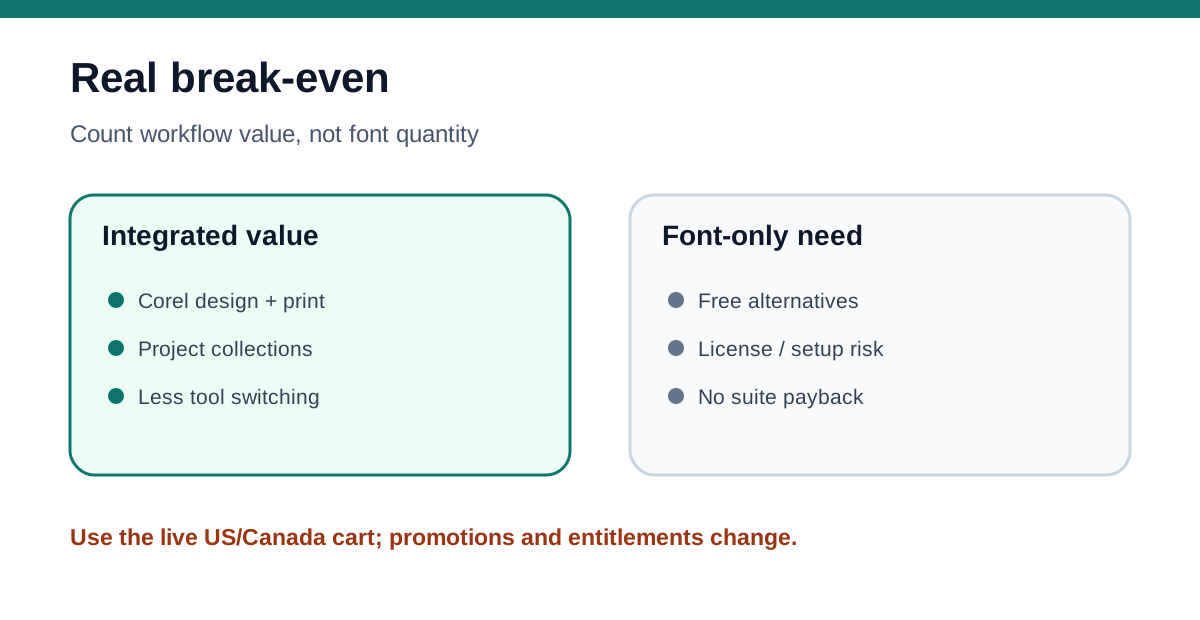
Corel wins only when font management is one part of a larger CorelDRAW production workflow. If the designer already edits CDR files, prepares print PDFs, manages spot colors, or uses PHOTO-PAINT, the included manager reduces tool switching. If the job ends at “find and activate fonts,” the alternatives are more economical.
Plan and platform details need a trial
Corel's current product page places Font Manager inside Graphics Suite and explicitly mentions using fonts without installation. However, the 2026 Manage Fonts help warns that some documented features are subscriber-exclusive, and Corel sells annual, monthly, and one-time-purchase routes with different update and online entitlements.
Pricing is also volatile. Corel's special-offers result displayed US$439 per year when fetched, while Corel's March 2026 launch release listed a lower suggested annual price and a US$549 one-time purchase. The live offers page is now promotion- and location-dependent. Treat every number as a dated observation and use the final US/Canada checkout; do not select a plan from an old screenshot.
Use the 15-day trial on the exact Windows or macOS machine and purchase route you are considering. Do not assume the detailed workflow from an older help page is identical in every 2026 build.
A representative five-part trial
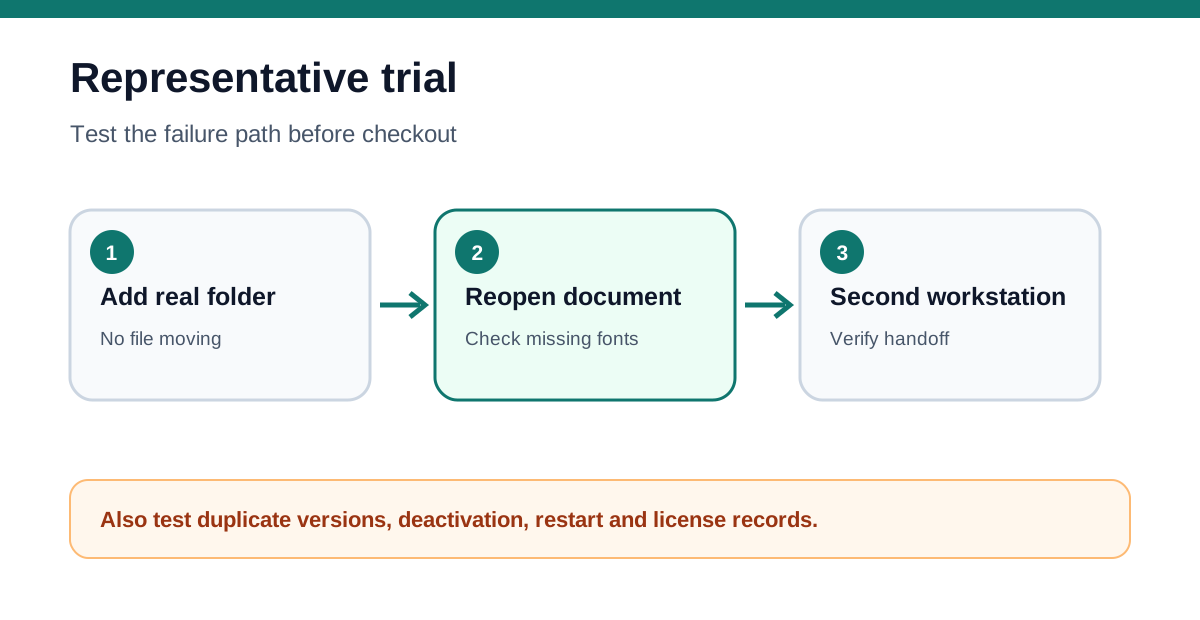
First, add a real local font folder without moving its files. Confirm that the manager indexes the expected families and exposes the difference between installed and uninstalled fonts. Second, create one collection for an active client and add fonts from multiple folders. Verify that removing an item from the collection does not delete the file.
Third, open a representative CorelDRAW document, activate or select the project fonts, close the applications, restart, and reopen the file. Record any missing-font prompt, duplicate-version ambiguity, or change in font availability. Fourth, test a duplicate family with different versions and confirm which file is actually used. Fifth, hand the document to a clean test account or second licensed workstation. Verify that the handoff process respects the font license and does not depend on an undeclared local path.
Run the same project with FontBase or the operating-system tool. Measure setup time, search time, menu clutter, reopen reliability, and handoff failures. A visual demo is not enough; the purchase decision needs repeatable results.
Break-even: count saved work, not font quantity
Use this model: live license cost + onboarding + library cleanup + version/plan risk, minus time saved finding fonts + avoided duplicate-version mistakes + value from CorelDRAW's other design tools. Font count alone is not value. A thousand poorly licensed or inconsistently named files may create more work than a smaller curated library.
For a shop already paying for CorelDRAW, Font Manager is an included operational benefit. For a buyer considering the suite only because the Windows font menu is crowded, FontBase, Typeface, Font Book, or a disciplined folder structure will usually be the better first move.
Who should buy—and who should skip
Choose CorelDRAW Graphics Suite when you already need its professional design and print tools, work with many local font files, and can verify that project collections reduce measurable setup or recovery time. It is especially defensible for one production owner who controls source files, prepress output, and font-license records.
Skip the purchase when font organization is the only requirement, when the team expects cloud font governance or license enforcement, or when client handoff depends on redistributing restricted files. Test a free manager first, keep license evidence separate, and buy only if the integrated Corel workflow saves more than its live checkout cost.