TOOLNAVIA / BUYING GUIDE
CorelDRAW Font Handoff: Embed or Convert to Curves?
The short answer
At a glance
- Best for
- Designers exchanging editable CDR files with clients and print providers.
- Price model
- Check approved US/Canada checkout; third-party font licenses are separate.
- Check first
- Embedding follows each font's permission; curves remove normal text editing; provider rules vary.
Verdict
CorelDRAW can preserve fonts in a shared CDR file, but “embedded” does not always mean “editable.”
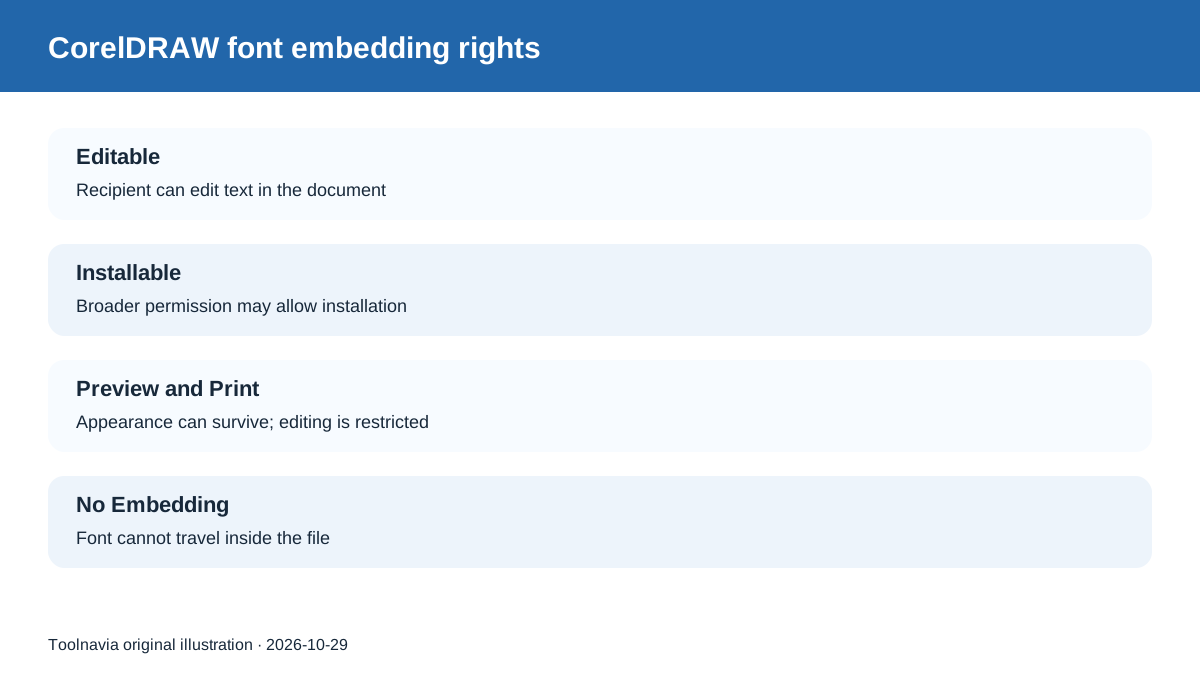
CorelDRAW 2026 respects the permission stored in each font: Editable and Installable fonts can support text editing on the recipient's system. Preview and Print fonts can preserve appearance without allowing normal edits, while No Embedding fonts cannot travel inside the file.
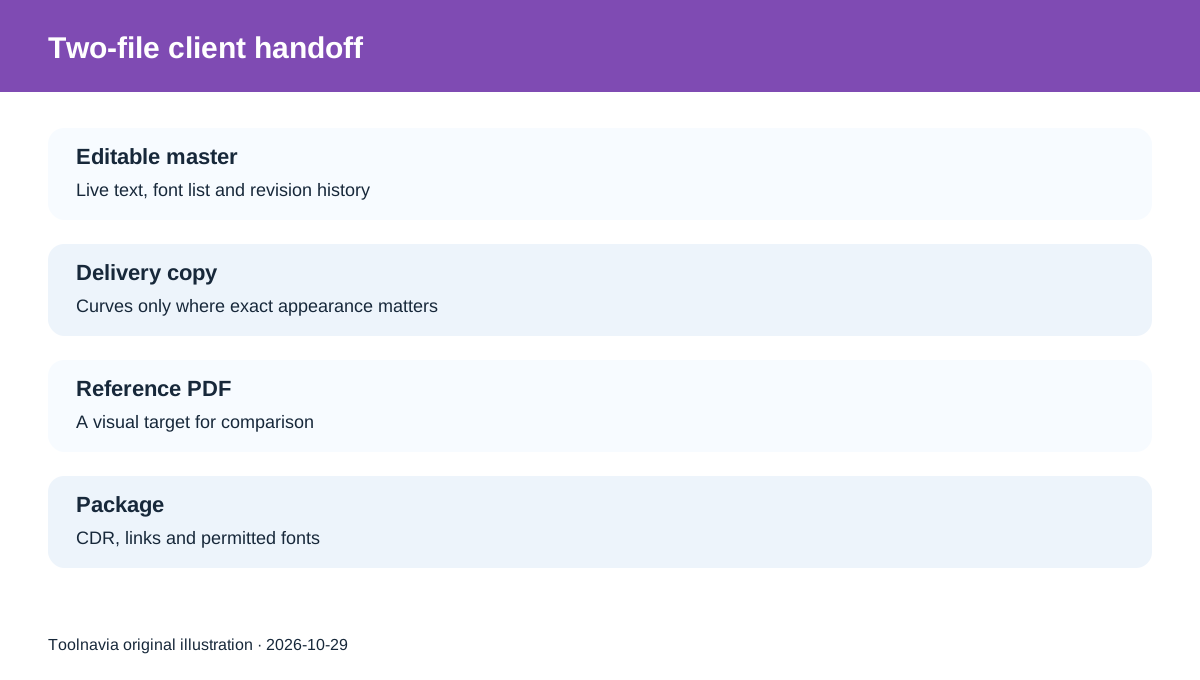
The safest handoff is usually two files: keep an editable CDR master with live text, then make a separate delivery copy for the printer or client. Use font embedding or Collect for Output when the license permits; convert final text to curves only in the delivery copy when exact appearance matters more than future editing.
What CorelDRAW embedding actually does
When a current CDR file is saved, CorelDRAW can embed used fonts by default. That lets another CorelDRAW user view and sometimes edit the design without manually installing every font. The permission class still controls what the recipient may do.
Editable permits editing inside the document. Installable is broader and can allow installation. Preview and Print is for viewing and printing, not free text editing. No Embedding blocks inclusion. A warning can appear when a drawing uses fonts that cannot be embedded.
Embedding also increases file size. More important, it does not override the font vendor's license. A font file that works on your workstation is not automatically yours to redistribute to every client or print shop.
Why font substitution changes the design
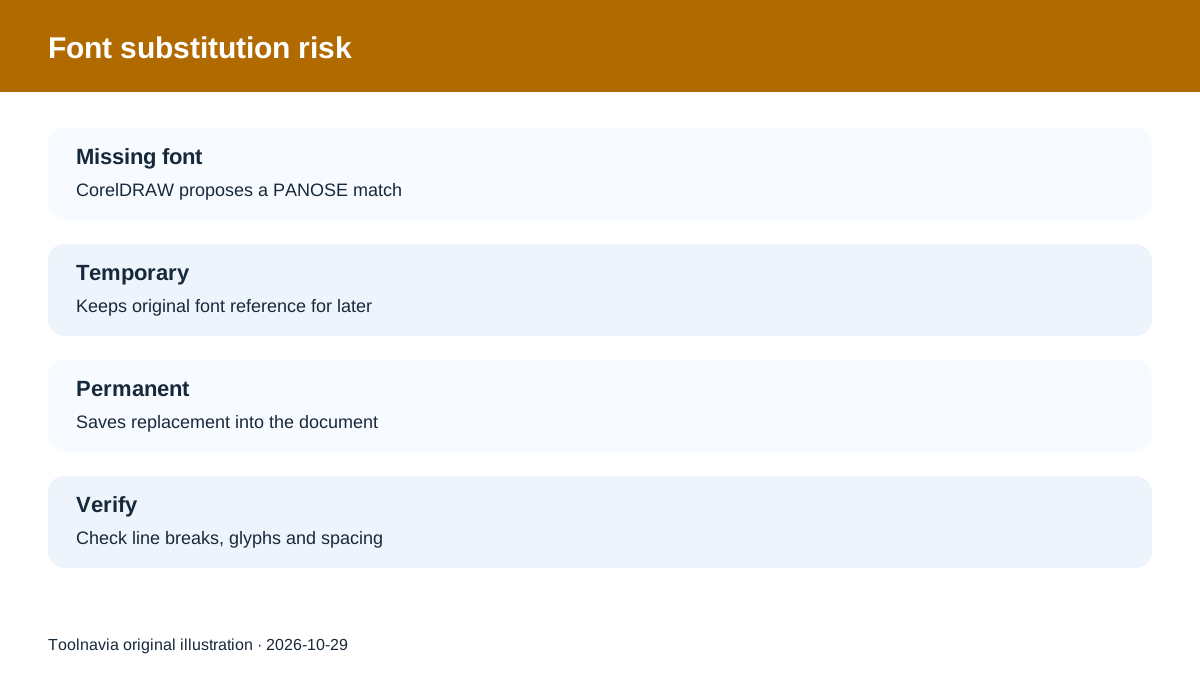
If the recipient opens a CDR without the required font—or with a different font version—CorelDRAW can show the Fonts Not Available dialog and propose a PANOSE match. A temporary substitution keeps the original font reference for later; a permanent substitution saves the replacement into the document.
Either choice can change line breaks, character widths, page count or logo spacing. That is why “the file opened” is not the same as “the typography survived.” Before handoff, record each font name, permission and fallback, then reopen the package on another machine or a clean user account.
Embed, package or convert to curves?
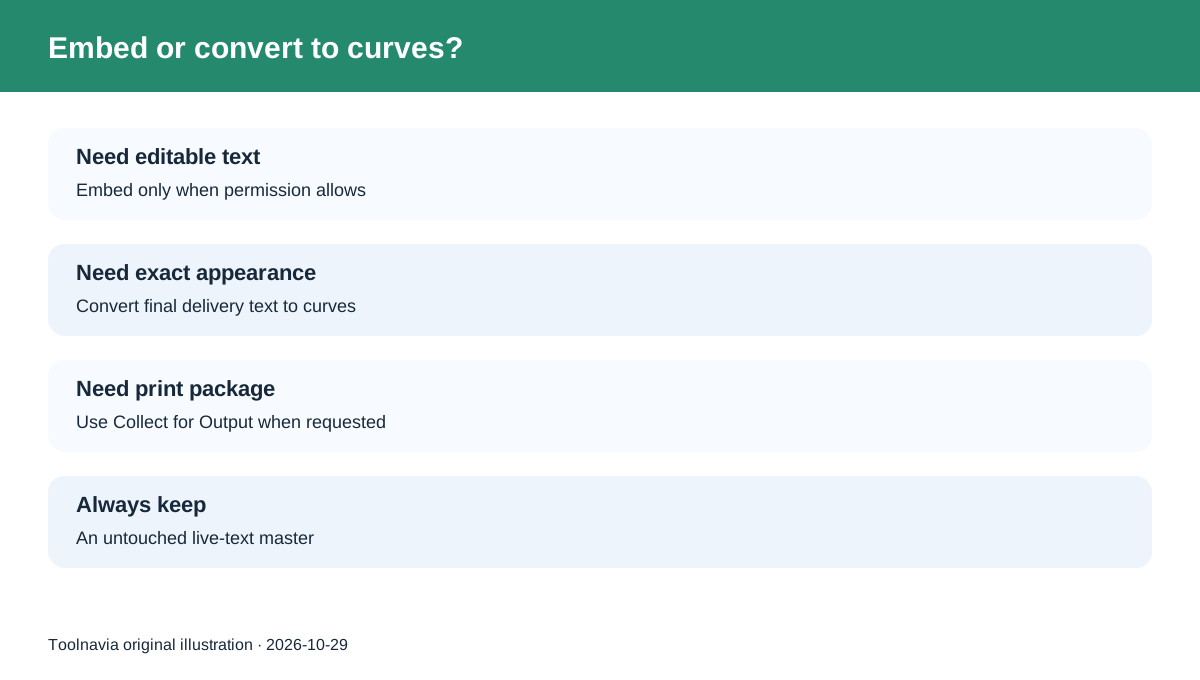
Use **embedding** for an editable CDR when the font permission is Editable or Installable and the recipient will continue editing. It preserves live text and reduces missing-font friction.
Use **Collect for Output** for a print provider that accepts packaged CorelDRAW jobs. The wizard can gather the CDR, PDF, linked images and fonts. Ask the provider which files and PDF preset they require; packaging does not replace their production specification.
Use **Convert to Curves** for finalized display text when exact appearance matters and the recipient does not need to edit wording. Curves preserve the shape but destroy normal text editing, search and easy correction. Keep the live-text master separately.
For a PDF, font embedding is normally preferable when the license permits. Exporting all text as curves is a compatibility fallback, not a universal best practice. Corel's current help also warns against relying on obsolete Type 1 conversion defaults.
A practical client-handoff checklist
1. Save an editable master before changing any text.
2. List every font and inspect its embedding permission.
3. Embed permitted fonts in the CDR; do not copy restricted font files.
4. Create a delivery copy. Convert only finalized text to curves if required.
5. Generate a reference PDF so the recipient can compare appearance.
6. Package linked images and allowed fonts with Collect for Output when the provider requests it.
7. Reopen both CDR and PDF on a second system and check line breaks, missing glyphs, colors and page size.
Is CorelDRAW worth buying for this workflow?
CorelDRAW Graphics Suite fits teams that repeatedly exchange editable CDR artwork with printers, clients or other designers and need controlled font handling, substitutions and output packaging. The value is not simply “it opens vector files”; it is the ability to keep one editable master and produce deliberate delivery variants.
It is a poor fit if collaborators use unrelated software and only need a final PDF, or if the team relies on fonts whose licenses prohibit the required handoff. In those cases, standardize on permitted fonts or deliver outlined output plus a separate text specification.
Toolnavia may earn a commission if you purchase through the approved CorelDRAW Graphics Suite affiliate link.
The linked offer is for the exact registered US/Canada Graphics Suite license options. Font licenses remain separate and are not granted by buying CorelDRAW. Verify the current plan, term, price and tax on the exact official checkout before paying.