TOOLNAVIA / BUYING GUIDE
CorelDRAW Color Styles: Matching Colors Are Not Always Linked
The short answer
At a glance
- Best for
- Repeated brand-color revisions with deliberate style links and exceptions.
- Price model
- LiveUS/Canada cart required;annual,monthly and2026one-time options have different entitlements.
- Check first
- Same appearance does not prove linkage;exports and imported assets need separate checks.
Verdict: buy for controlled recurring revisions
CorelDRAW color styles are worth evaluating when repeated brand changes affect many deliberately linked objects. They are less compelling for a one-off recolor your existing tool already handles. The important word is linked: the help says a style update affects objects using that style, not every object that happens to have the same visible color.
This guide analyzes current Windows documentation. We did not open client artwork, recolor a file or test an export. The purchase question is whether the dependency structure and review process make your recurring work more dependable.
Review the exact Graphics Suite offer. Toolnavia may earn a commission on eligible purchases through this approved US/Canada link. The Chinese translation does not extend that market.
Map color roles before creating the links
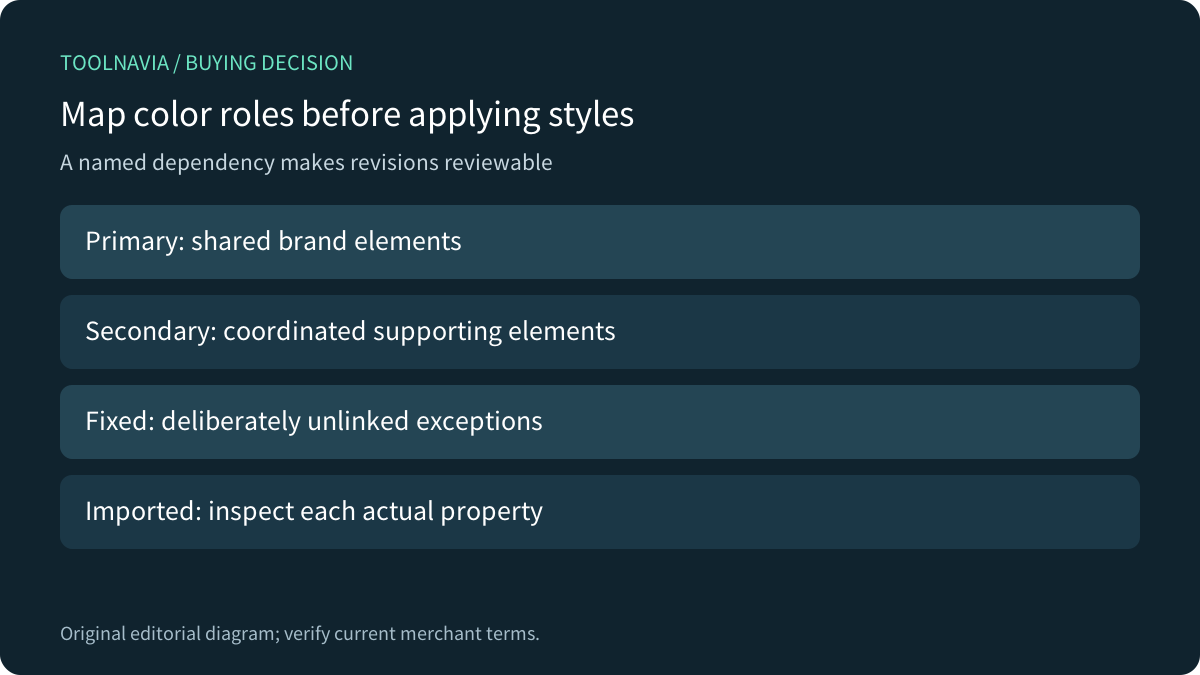
Name the intended roles: primary brand color, supporting color and fixed exception, for example. CorelDRAW documents creating styles from an object's fill, outline or both, as well as creating them from scratch. Creating a style and applying it to the intended properties are separate responsibilities.
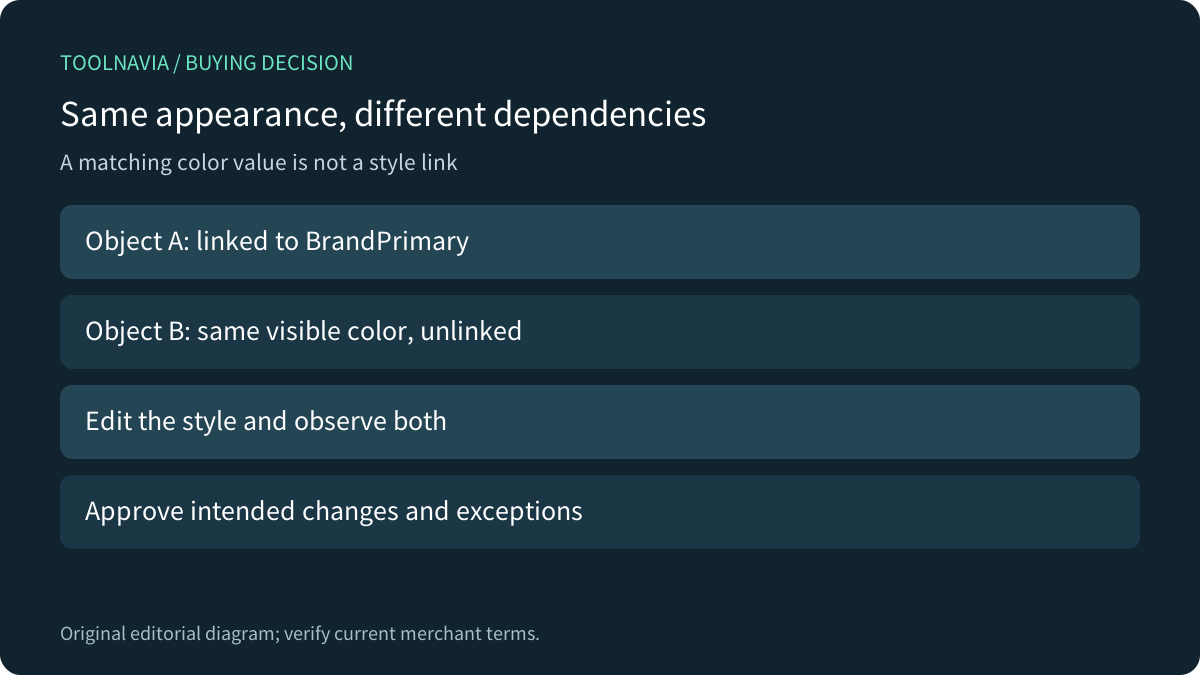
Two red objects can therefore look identical while responding differently to a later revision. Inspect imported artwork, outlines and nested elements rather than inferring dependency from appearance. Use a small representative document to establish what is linked before reorganizing a large asset library.
Preserve intentional exceptions
CorelDRAW explicitly documents breaking the link between an object and a color style. After that, the object no longer derives its color properties from the style, so updating the style does not change that object. This can be useful for a legacy badge or approved fixed element that must survive the wider revision.
Record those exceptions. An unchanged object can be either a correct exception or a missed dependency; appearance alone does not distinguish them. After a brand update, review both what changed and what should have stayed fixed. Do not reconnect every exception merely to make the document look more uniform.
Use harmonies for exploration, then approve values
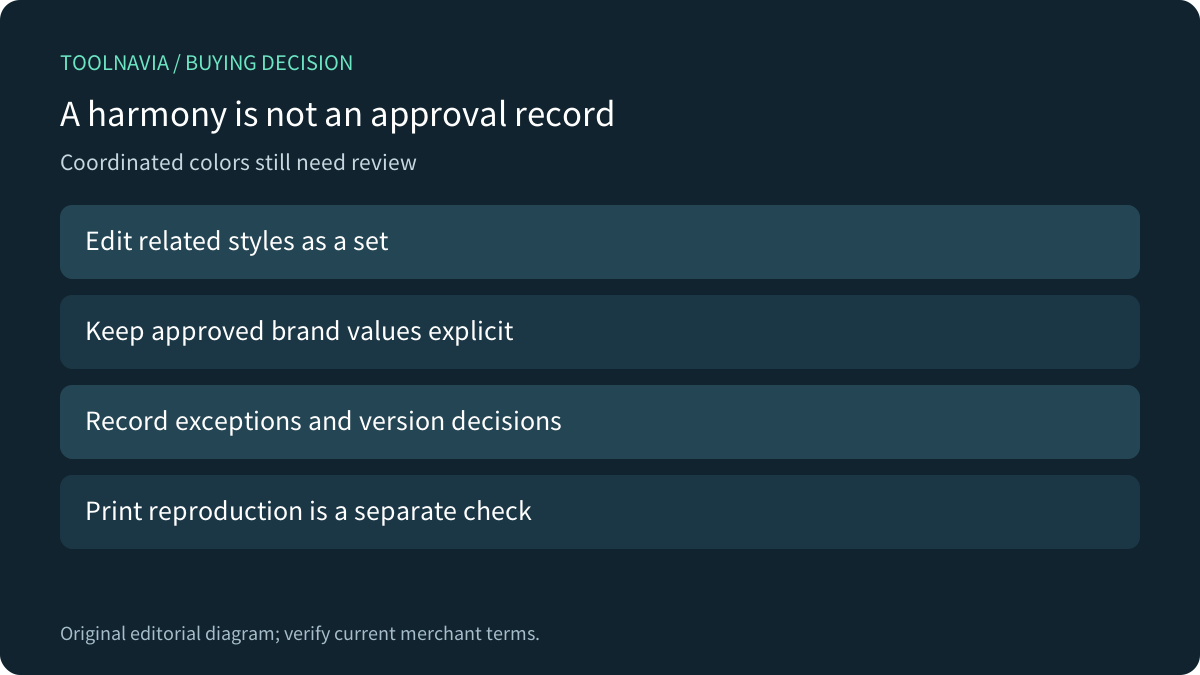
Four relevant strengths are shared style updates, creation from fill/outline properties, coordinated color harmonies, and explicit link breaking. CorelDRAW lets related styles change as a set or individually. That can support exploring alternative schemes without manually revisiting each linked object.
A harmonious result is not a brand approval or a physical print match. Retain the approved color definitions and document any allowed variation. Color management, spot plates and production proofing remain separate work; this guide does not claim style automation resolves those output questions.
Compare dependency behavior in existing tools
Adobe distinguishes global process colors, which update artwork when edited, from local process colors. Inkscape's beginner guide shows palette-based fill and stroke application and custom palettes. Those primary references help separate convenient color selection from a verified shared-update relationship; they are not evidence that native Corel style links survive every import or export.
If your present editor already supports the required dependency and exception workflow, compare the actual revision exercise before switching. A longer feature list alone does not establish less rework. Keep editable masters alongside recipient outputs, and assess each interchange format separately.
Test change and non-change together
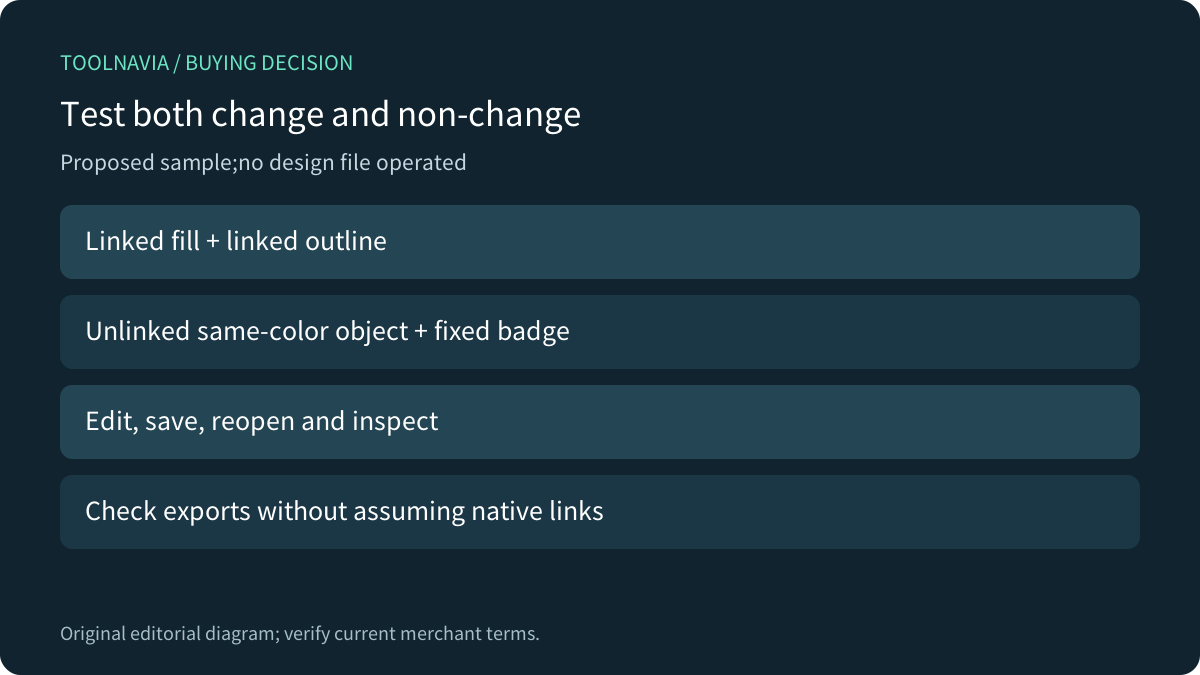
Build a harmless sample containing a linked fill, linked outline, same-color unlinked object and deliberately fixed badge. Edit the named style, save and reopen the document, then compare each object's result with the intended behavior. Repeat with a coordinated harmony only if that is part of the real job.
Export the required recipient file and inspect its colors and layout. Do not assume it retains editable native dependencies. Record the expected changed objects and exceptions before the test, so success is more specific than everything looks different. These are proposed checks, not operations or time savings measured by Toolnavia.
Confirm the license after the workflow fits
The current product page exposes annual, monthly and 2026 one-time choices, but its localized numeric prices did not render in the readable body. Use the actual US/Canada cart for the full charge, renewal and maintenance terms. Current help also warns that some documented features are subscriber-exclusive; verify the exact installed entitlement rather than assuming Standard, Essentials or Web parity.
Choose the suite when linked revisions and controlled exceptions serve recurring work alongside your other design needs. Keep a suitable existing tool when the sample reveals no meaningful gain. Pay for a reproducible revision workflow, not an assumption that every matching swatch is connected.