TOOLNAVIA / BUYING GUIDE
CorelDRAW 2026 Backward Compatibility: Upgrade Every Seat?
The short answer
# CorelDRAW 2026 Backward Compatibility: Upgrade Every Seat?
**Quick answer:** an older CorelDRAW release cannot open a CDR saved by a newer release. A current seat can use **Save As** to target an earlier file version, and current CorelDRAW Help also documents a default save-version setting. That makes a mixed-version team workable, but not lossless: newer effects may change, and the saver must choose whether to prioritize appearance or editability.
> **Affiliate disclosure:** Toolnavia may earn a commission if you buy through the Corel link in this guide, at no extra cost to you. The link is tied to an approved US/Canada offer. Prices and license choices can change, so the localized Corel checkout is final.
At a glance
- Best for
- Mixed-version CorelDRAW teams that can enforce a master/save-down/proof policy and validate actual files before deciding which seats to upgrade.
- Price model
- Live localized Corel checkout; compare license cost with conversion, proofing and rework time.
- Check first
- Teams expecting lossless round trips, machines that fail current requirements, or projects that require 2026-only behavior to remain fully editable on old seats.
The decision in one table
| Team condition | Safer decision | Why | |---|---|---| | Older seats mainly review or make light text edits | Keep mixed versions, but standardize save-down and PDF proofing | A current seat can target an older CDR; a proof catches visual drift. | | Older seats must edit new effects or advanced objects | Upgrade those production seats first | Save-down can change or flatten unsupported content. | | Files move among many designers every day | Upgrade active production seats, or enforce the oldest-seat rule centrally | Manual version choices compound into handoff failures. | | Archive fidelity matters more than old-seat editing | Keep a current-version master plus PDF/SVG exports | One downgraded CDR should not become the only master. | | A seat does not meet current requirements | Do not budget the software upgrade alone | Validate hardware and OS eligibility first. |
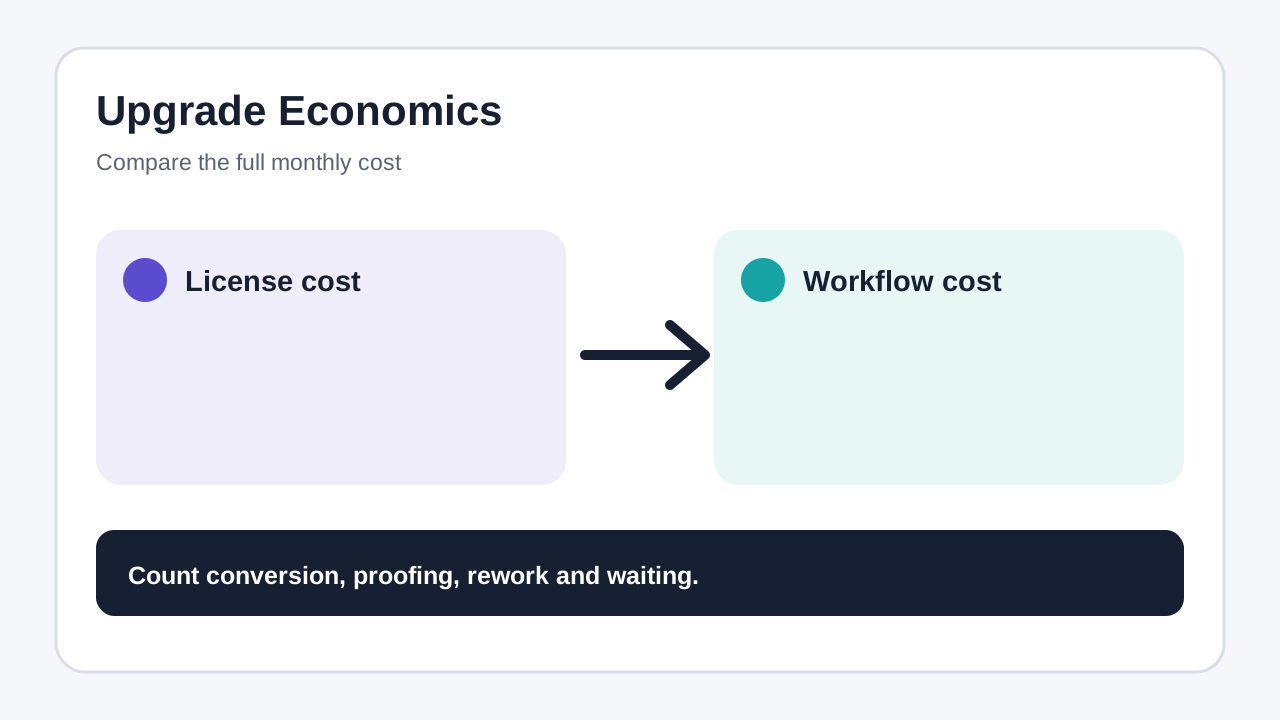
The purchase question is not “Can CorelDRAW save down?” It can. The real question is whether synchronized licenses cost less than the labor, testing, rework and feature restraint required by a mixed-version policy.
Why a newer CDR fails on an older seat
Corel's file tutorial is direct: CDR files are not backward compatible, so an older release cannot open a file saved by a newer release. The supported escape route is to open the file in the same or a newer release, choose **Save As**, and select the older target version.
This is directional. The newest seat is the conversion station; the oldest seat is not. If the only person with the newer application is unavailable, the older-seat user may be blocked even though the drawing is finished. Mixed-version teams should assign at least two people who can perform conversion, not rely on one workstation.
Set an oldest-seat rule, not a personal preference
Current CorelDRAW Help says users can choose a file version when saving and set a default save version. Corel's Ideas record says the default-version capability shipped in September 2024 after years of requests. Old forum posts therefore prove the workflow problem, but not the current interface.
Choose the oldest release that must still edit production files and make it the team default. Put that value in the project brief and delivery checklist. If a freelancer or print partner uses an even older release, treat that handoff as an exception with its own test—not a silent lowering of every master file.
A safe naming pattern is:
- `project-master-current.cdr` — authoritative editable source; - `project-v[oldest].cdr` — compatibility copy; - `project-proof.pdf` — visual approval reference; - `project-exchange.svg` — object-level fallback where appropriate.
This preserves a clean source of truth. Overwriting the current master with a downgraded copy saves space but removes the easiest route back to current features.
“Keep Appearance” and “Keep Editable” are different promises
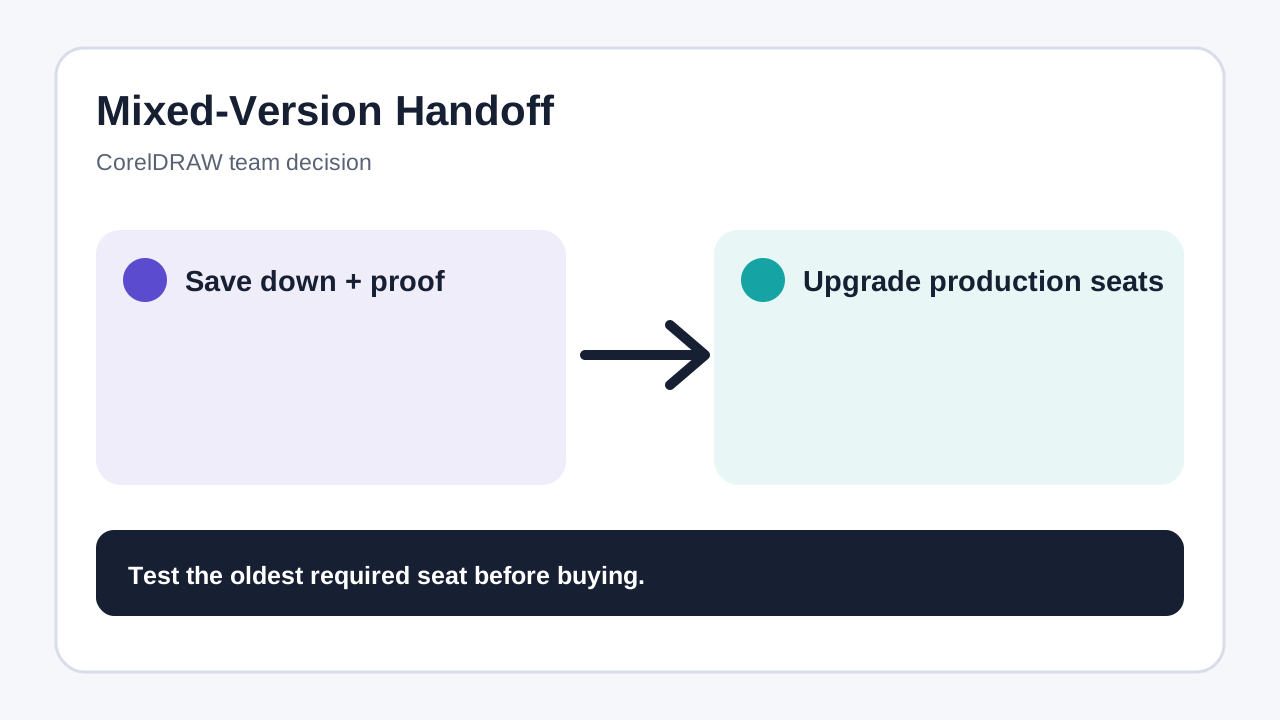
For unsupported content, CorelDRAW documents two conversion priorities. **Keep Appearance** aims to preserve text, fills, outlines and transparency as they look, but may limit editing. **Keep Editable** preserves editability where possible, but appearance may change.
Use Keep Appearance for approved artwork headed to output, where visual fidelity is the acceptance criterion. Use Keep Editable for work the older seat must continue developing, then compare the result with the PDF proof. Neither option supports a blanket “fully compatible” claim.
Fonts need a separate check. A CDR can open successfully yet reflow or substitute type when the receiving system lacks the same font files or rights. Version compatibility and font availability are separate dependencies.
Run a five-minute oldest-seat acceptance test
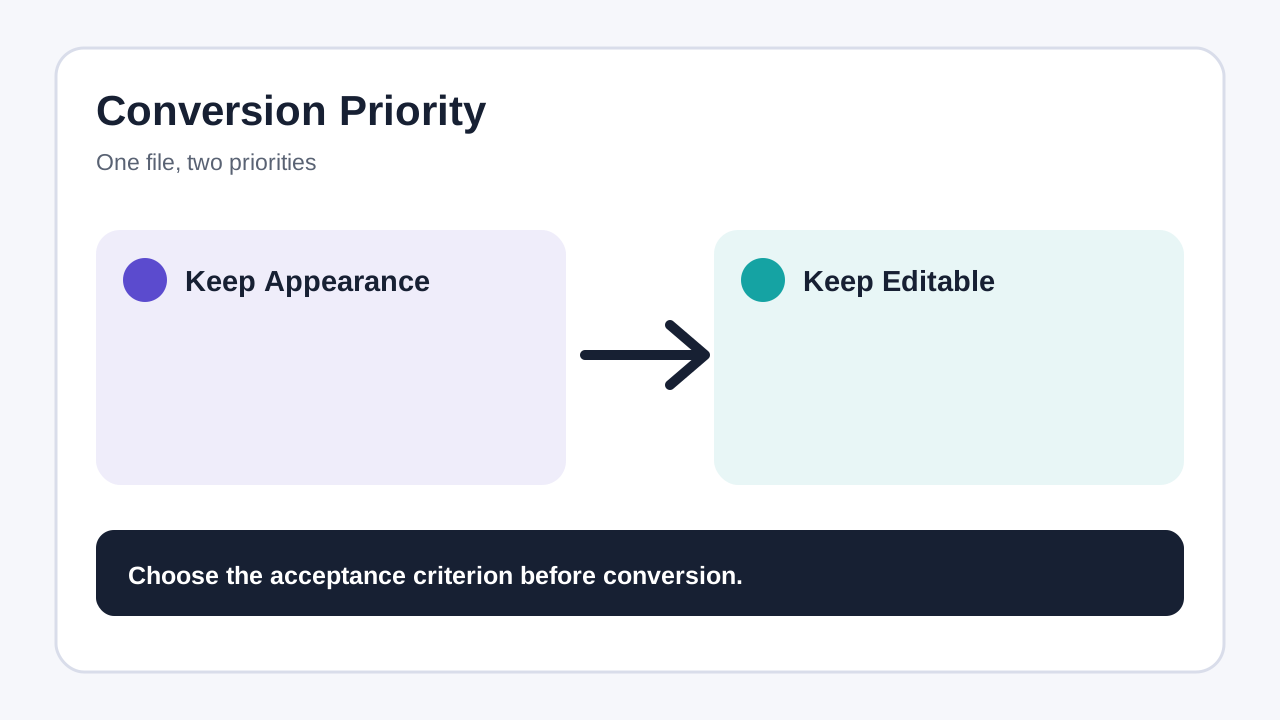
Before buying fewer upgrades, test representative files:
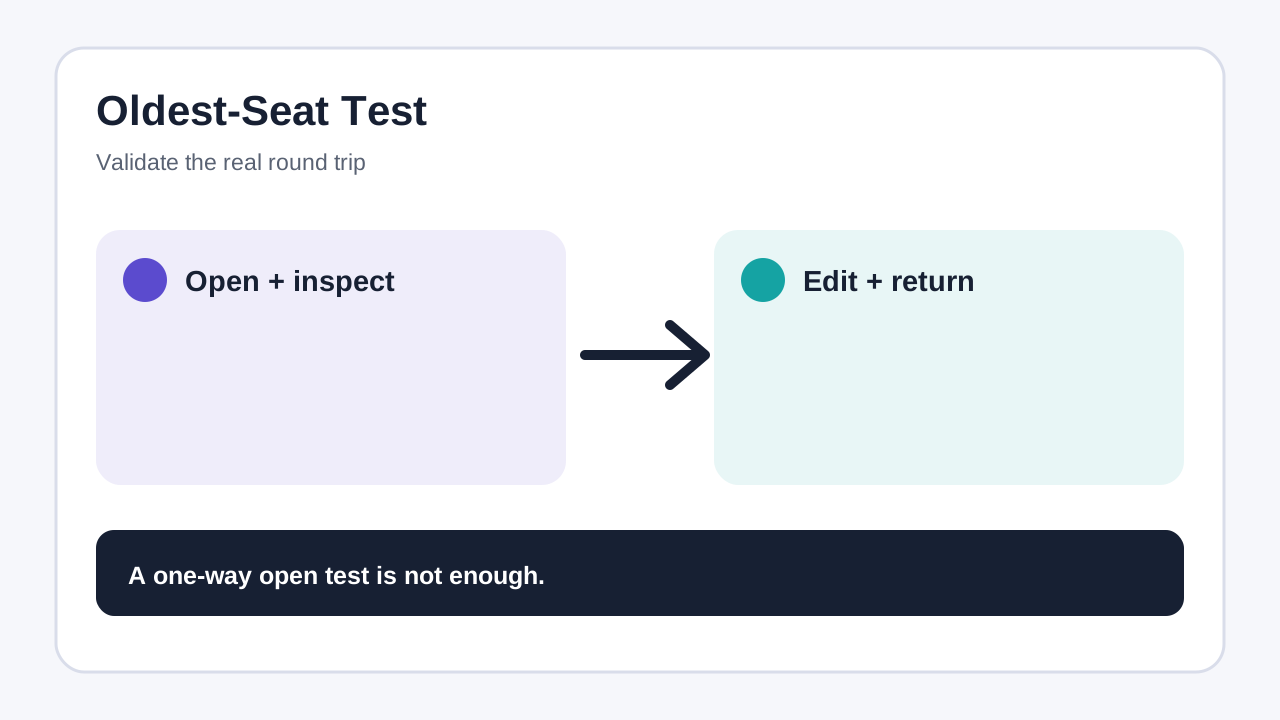
1. Build a small current-version CDR with real fonts, transparency, effects, linked images, spot colors and print settings. 2. Save an untouched current-version master. 3. Save a copy to the oldest required CDR version, recording whether Keep Appearance or Keep Editable was chosen. 4. Export a PDF proof and, if useful, an SVG exchange file. 5. Open the downgraded CDR on the actual oldest seat. Check page count, text flow, colors, transparency, clipping, dimensions, separations and required editable objects. 6. Edit, save, return the file to a current seat, reopen it, and repeat the output check.
A one-way open test is not enough. The expensive failure appears after an older seat changes the file and sends it back.
Upgrade every seat or keep a mixed fleet?
Calculate a month's mixed-version cost:
**conversion minutes + proofing minutes + rework minutes + blocked-user time + feature restraint**
Multiply by the team's loaded hourly cost. Compare that with the current localized cost of upgrading only production seats or all seats. TechRadar reported April 2026 pricing, but reseller and official routes can differ; this guide does not freeze those numbers. Check current Corel checkout.
Upgrade active production seats when files circulate daily, new effects matter, deadlines make rework expensive, or nobody can own compatibility QA. Keep a mixed fleet when older seats are occasional reviewers, exchange is infrequent, the acceptance test passes, and one person can enforce the master/save-down/proof policy.
Who this is—and is not—for
This workflow fits studios, in-house teams and print providers with valid mixed CorelDRAW entitlements that need a controlled bridge while phasing upgrades.
It is not for teams expecting guaranteed lossless round trips, machines that fail current requirements, or projects depending on 2026-only behavior that must remain fully editable on old seats. Check current capabilities and requirements before purchasing.
If conversion labor and visual risk exceed the license savings, [check current CorelDRAW Graphics Suite options](https://www.anrdoezrs.net/click-101895278-17254962). Confirm region, entitlement type and device requirements at checkout.
**Bottom line**
CorelDRAW 2026 can support a mixed-version team only through discipline: save down from a current seat, keep the current master, create a proof, test on the oldest seat and test the round trip. The default save-version setting reduces missed clicks, but not format loss. Upgrade seats that create and exchange complex files; keep older seats only when their real work passes the acceptance test.