TOOLNAVIA / BUYING GUIDE
CorelDRAW 2026 Hardware Check: Is 8GB RAM and 3GB VRAM Enough?
The short answer
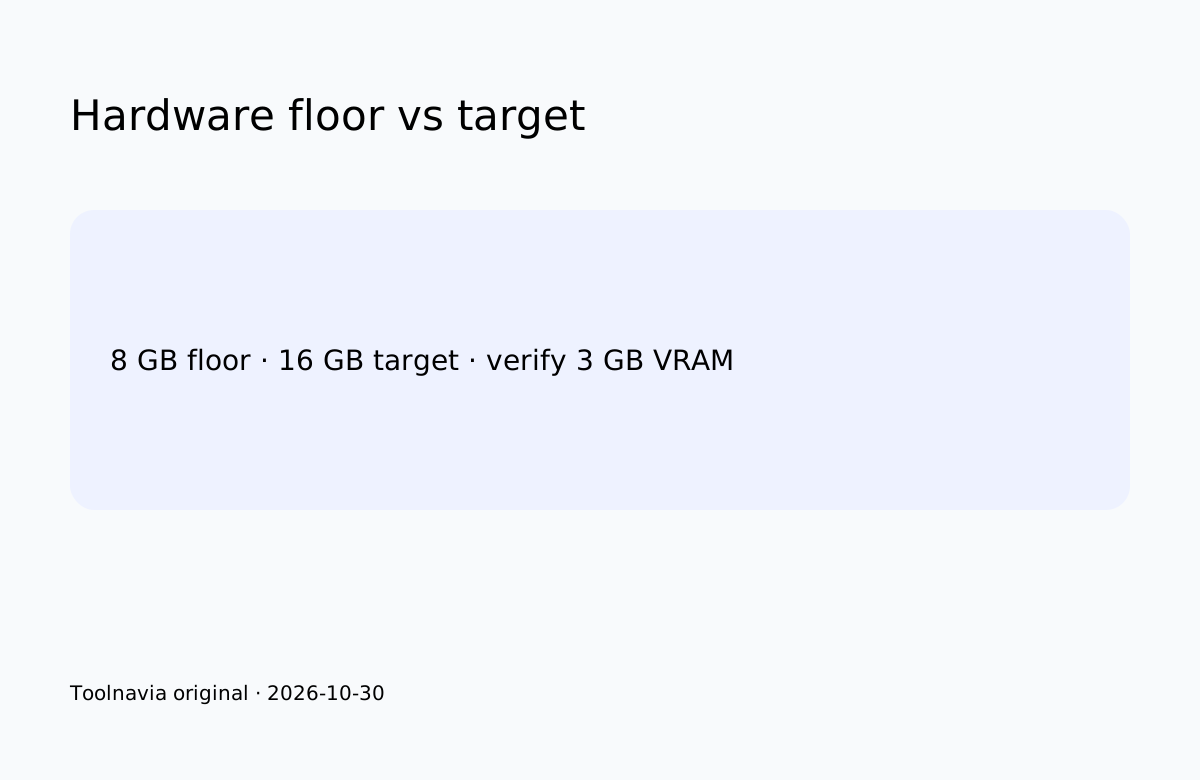
CorelDRAW 2026 may run with 8 GB RAM and a 3 GB OpenCL GPU, but these figures are eligibility floors, not performance promises. Corel recommends 16 GB, and the safest buying decision is to test representative files during the official 15-day trial.
At a glance
- Best for
- Buyers whose machine passes the five-workload trial.
- Price model
- Monthly, annual and one-time routes shown; verify live quote.
- Check first
- Not a universal benchmark or guarantee; numeric regional price unverified.
Quick verdict
Use the published floor only to decide whether a trial is worth attempting; the recommendation and the buyer's real files decide whether production use is reasonable.
RAM and GPU boundaries
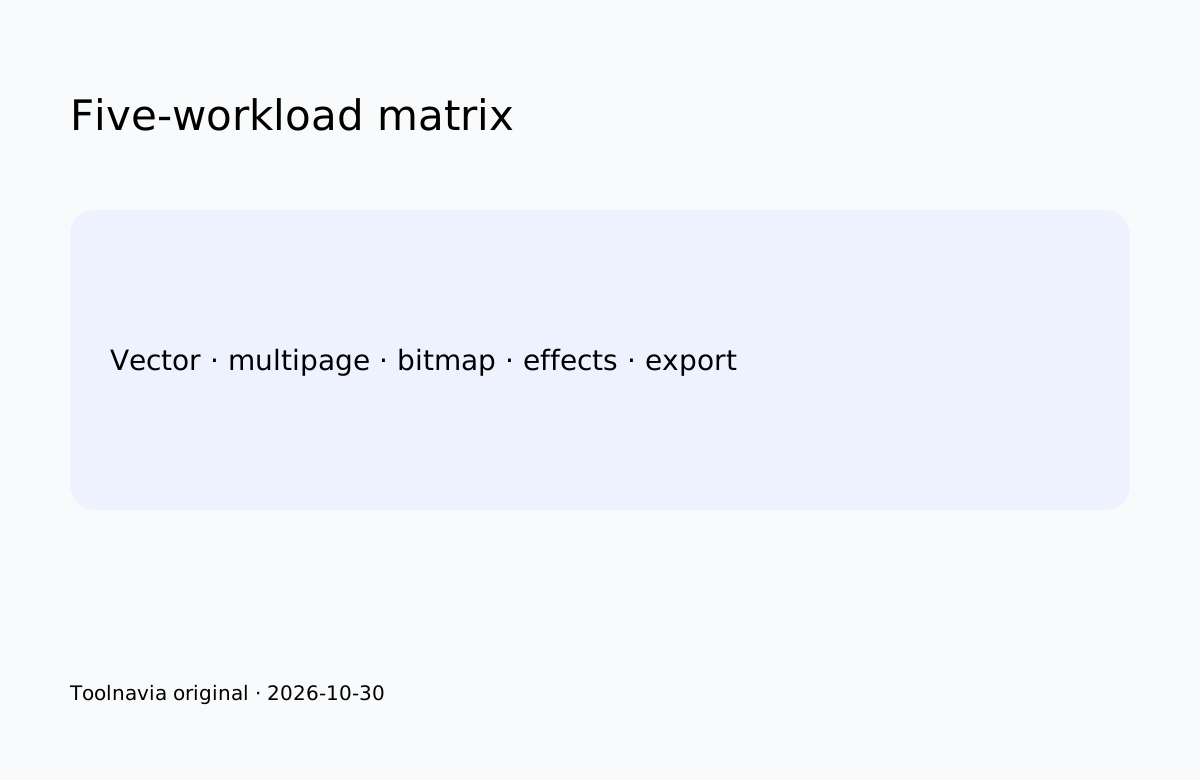
With 8 GB, test a simple vector file, a multipage font-heavy document, a bitmap-heavy design, a normal effect/resample and a representative export. Record peak memory, load time, interaction delays, errors and export completion. Do not invent FPS. Retailer checklists repeat the 8 GB minimum and 16 GB recommendation but provide no controlled benchmark.
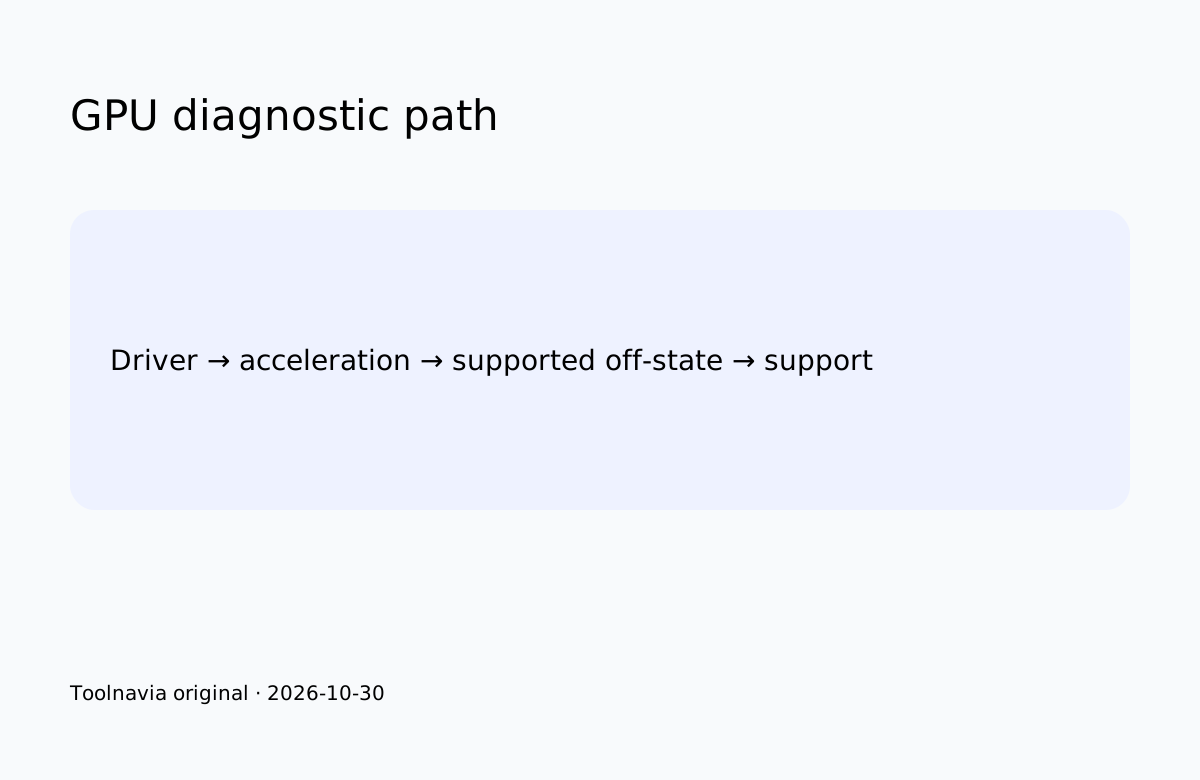
The product page calls an OpenCL 1.2 GPU with 3 GB+ VRAM a requirement, while the deployment guide calls 3 GB+ recommended. This remains unresolved; treat 3 GB as a compatibility target, not a speed guarantee. Corel says GPU acceleration can assist display, effects, art styles, resampling and JPEG artifact removal. Supported settings can help diagnosis, but disabling acceleration does not prove long-term suitability. Another retailer repeats the OpenCL/3 GB checklist without measuring performance.
Mac requirements separately add Apple Silicon or AVX2-capable Intel, 3 GB application storage and no support for case-sensitive volumes; do not merge Windows and Mac limits.
Buy, upgrade or stop
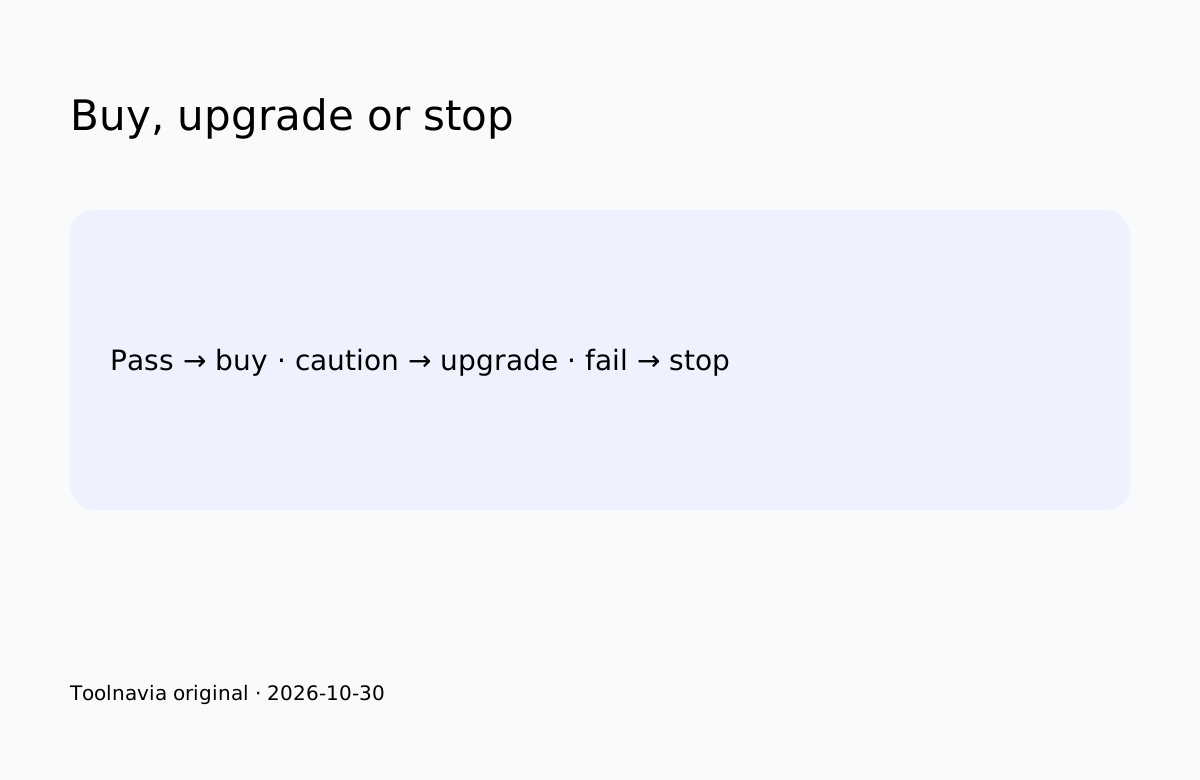
Pass only when all five workloads complete acceptably, exports match expectations and no recurring driver error appears. Upgrade first when repeatable memory pressure or driver/export limits threaten deadlines. Stop when representative files crash, required effects fail, exports are unreliable or the platform misses a published requirement.
Pricing boundary
Official pages confirm annual subscription and one-time purchase routes, and the product page also shows monthly access. Numeric US/Canada prices did not render reliably, so verify term, total, tax and renewal at checkout. The approved affiliate offer is limited to the United States and Canada; education pricing is excluded.
*Affiliate disclosure: Toolnavia may earn a commission through the approved Corel offer. Trial the exact machine before buying.*