TOOLNAVIA / BUYING GUIDE
Close CRM Seat Removal: Do You Keep Paying After a Rep Leaves?
The short answer
At a glance
- Best for
- Sales teams replacing a departing rep or reducing headcount without losing CRM history or paying for an unnecessary extra seat.
- Price model
- Essentials USD35/user/month annual-equivalent or USD49 monthly; five annual seats equal USD175/month equivalent before tax and usage.
- Check first
- Removing a user does not automatically refund or reduce the current-term seat; phone numbers, custom-field ownership and variable usage need separate review.
Verdict
If a sales rep leaves Close CRM mid-cycle, remove the user promptly—but do not expect the invoice to fall immediately. Close keeps the paid seat open through the current billing cycle, preserves the former rep’s historical activity, and lets you invite a replacement into that seat. There is no automatic refund merely because the login was removed.
For a five-seat Essentials team at the current annual-equivalent price of $35 per user per month, the base subscription is $175 per month equivalent. Removing one rep does not automatically turn that into $140 during the committed term. The most economical move is usually to reuse the open seat for the replacement, then reduce the contracted seat count at the next valid billing boundary only if the role will stay vacant.
This is a documentation-based buying and offboarding guide, not legal, payroll, security, or accounting advice. Toolnavia may earn a commission if you buy through the Close referral link; no refund or discount is promised.
User, access, seat and subscription are four different things
A user is a person who can sign in. Access is what that person can see and do. A seat is the paid capacity that a user occupies. The subscription determines how many seats you have and when changes take effect.
Close’s removal workflow addresses the user and their assigned work. Billing follows the paid seat and term. That distinction matters because an administrator can successfully remove an ex-employee today while the organization still owns—and pays for—an open seat until the billing cycle changes.
The same separation appears across other CRMs. Pipedrive documents users and seats as different objects, while Zoho states directly that deactivating a user does not cancel the purchased license. HubSpot also separates permissions, access and paid-seat administration.
What Close preserves when you remove a user
Close says historical activity remains in the organization after a user is removed. That is useful for audit trails and account continuity: the team does not need to keep a departed employee’s login active merely to retain past emails, calls or notes.
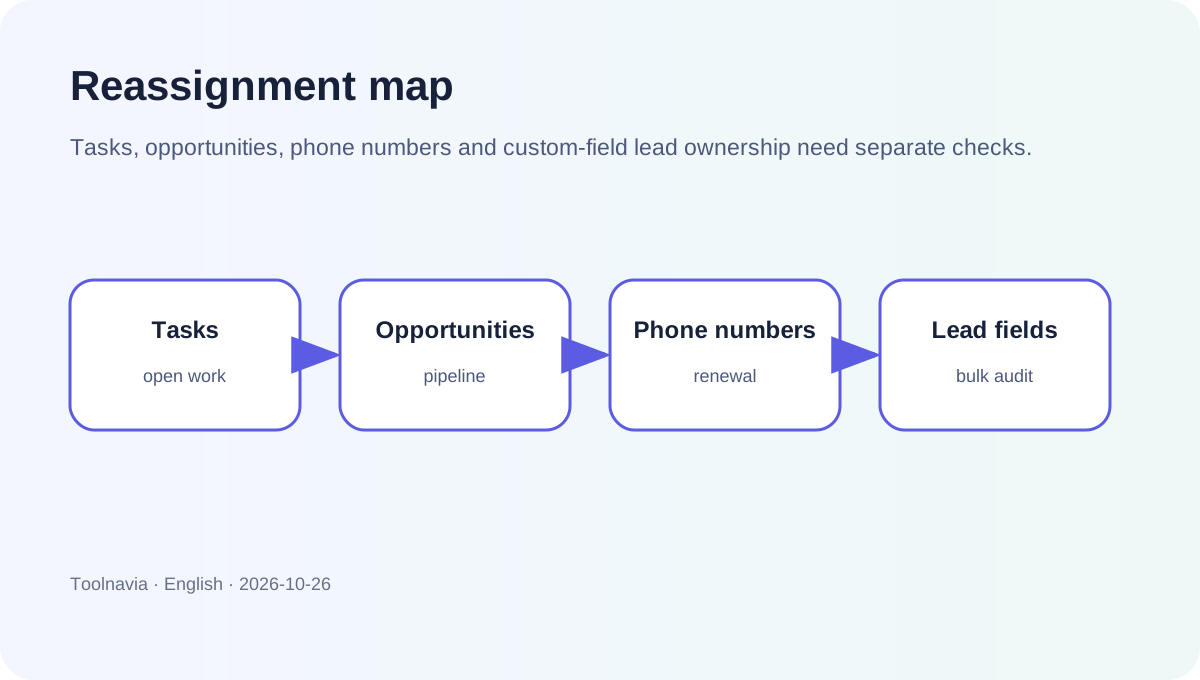
During removal, administrators can reassign open tasks, opportunities and phone numbers. Treat those as three separate queues rather than choosing one replacement owner by reflex:
- Assign open tasks to the person who will actually complete the work. - Reassign opportunities to the rep or manager accountable for the next stage. - Move phone numbers only after checking who needs the number and whether it should continue renewing.
This process is narrower than a complete ownership audit. Close warns that leads associated through user custom fields can remain assigned to a removed user. Filter for the departed user and bulk-update those records separately.
The mid-cycle billing rule
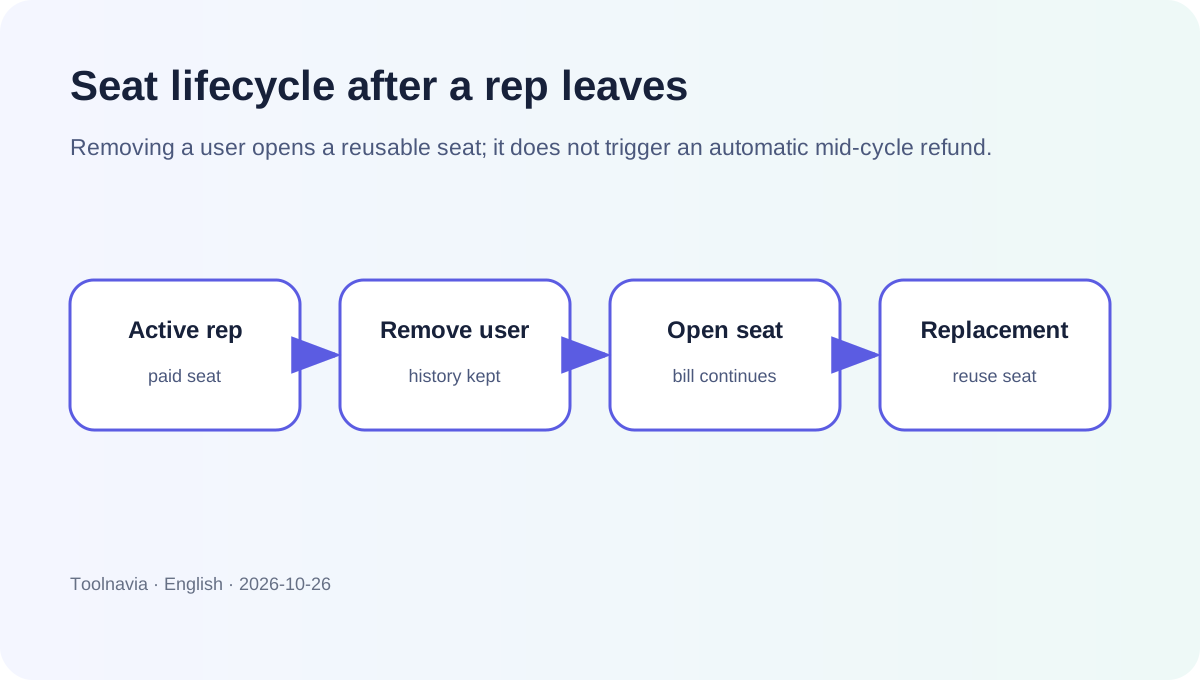
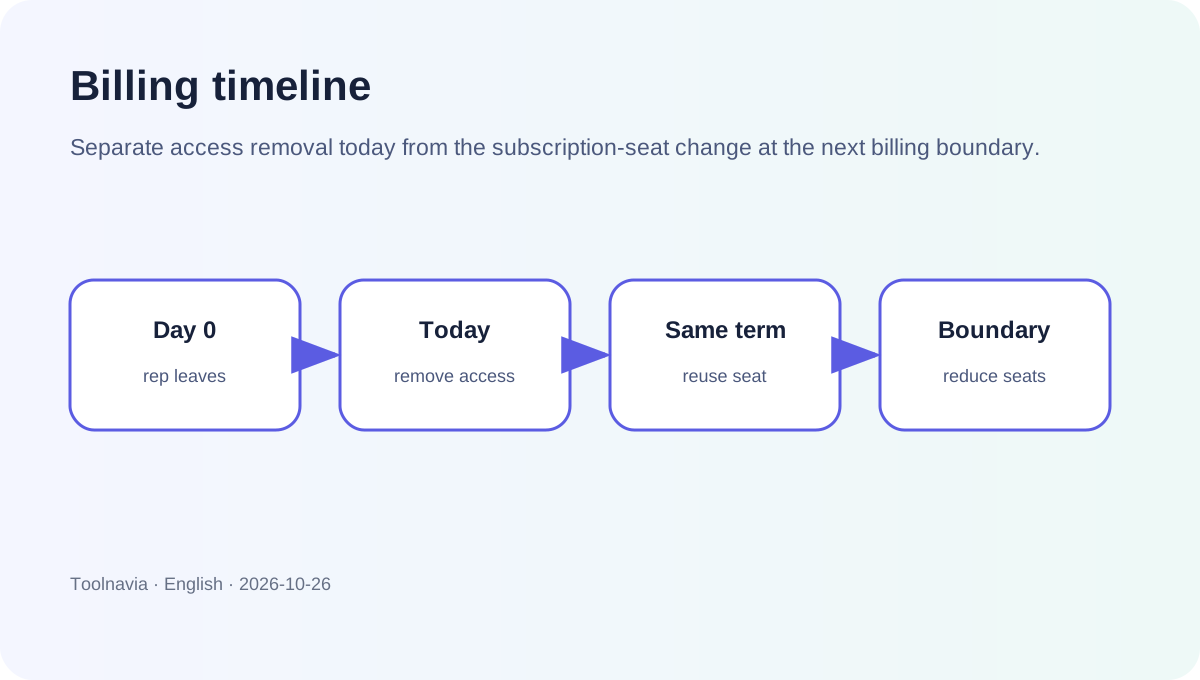
Removing a user in the middle of a monthly or annual term does not automatically produce a prorated refund. The seat becomes open and can be reused by another user through the remainder of the billing cycle.
That leads to two different cases:
**You are replacing the rep.** Remove the old user, complete reassignment, and invite the replacement into the existing open seat. Do not buy an additional seat unless the account has no unused capacity.
**The role is being eliminated.** Remove access now, complete reassignment, and schedule or confirm the seat-count reduction for the next eligible billing boundary. Check the following invoice rather than assuming the user-removal action changed the subscription.
At $35 per user per month annual-equivalent, five Essentials seats equal $2,100 over a static 12-month calculation before tax and usage charges. Four seats equal $1,680. The $420 difference is a planning figure for a future full year at today’s displayed price—not a promised mid-term credit.
Do not forget phone numbers and usage charges
A reusable seat does not settle every recurring item. Close bills phone numbers and communication usage separately from the base plan, and AI capacity has its own user-count and plan rules.
Before finalizing offboarding:
1. Inventory phone numbers owned or used by the departing rep. 2. Reassign any number the team must keep. 3. Remove numbers that should not renew, following the current account controls. 4. Review calling, SMS and other variable usage for the billing period. 5. Recheck included AI capacity if the active user count changes.
This avoids the classic mistake of removing a login while leaving a separately billed number or usage pattern untouched.
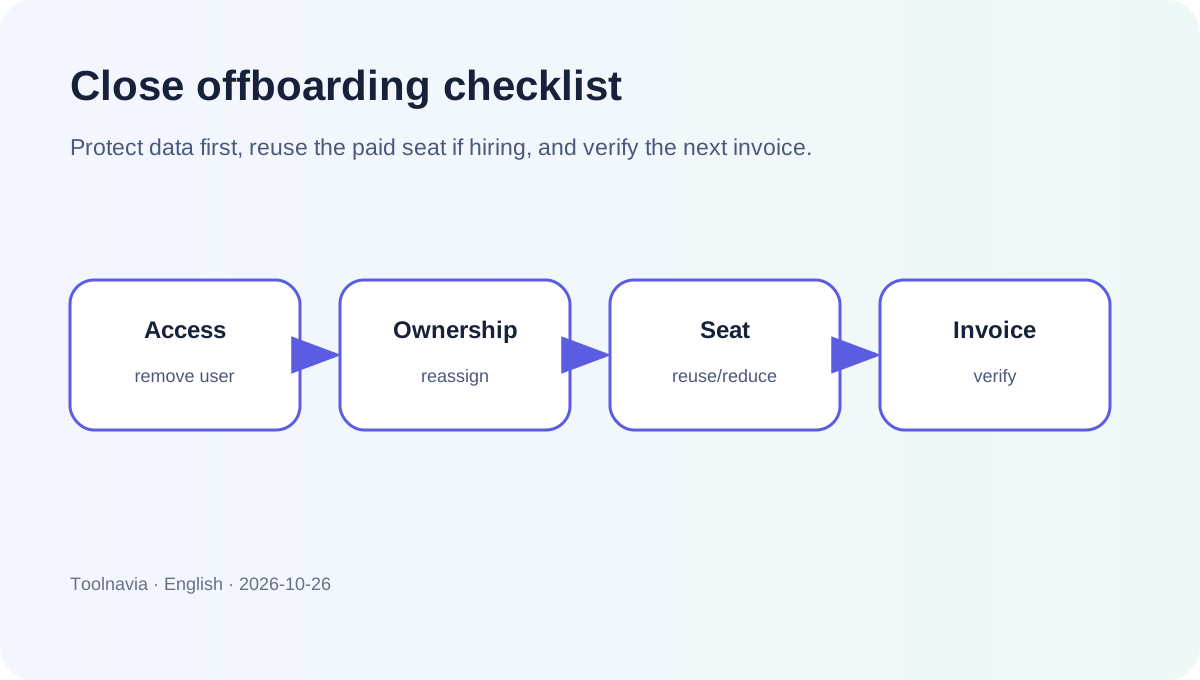
A practical offboarding sequence
1. Secure access
Use an administrator account to remove the departing user promptly. Do not share the old login with the replacement. Preserve the history through Close’s organization records instead.
2. Reassign operational work
Use the removal workflow for open tasks, opportunities and phone numbers. Then run a second audit for leads tied to the former user through custom fields.
3. Decide whether the seat is temporary inventory
If a replacement starts soon, keep the open seat and invite that person into it. This is the scenario the no-refund/open-seat rule is designed to support. If no replacement is planned, record the next billing boundary and reduce the purchased quantity through the subscription controls.
4. Verify the commercial result
Save the pre-change seat count, removal date and expected next-term quantity. Review the next invoice or renewal screen. The administrative action is complete only when both access and billing match the intended result.
When Essentials is still the right plan
Essentials is a sensible fit when the team wants Close’s core CRM and communications stack, expects ordinary staff turnover, and can maintain a simple seat-control checklist. Its current displayed price is $49 per user monthly or $35 per user per month on annual billing.
It is a poor fit if procurement expects every mid-cycle departure to create an automatic refund, or if nobody owns reassignment and subscription administration. Those are process mismatches, not product bugs.
The 2026 independent reviews agree that Close’s per-seat model scales directly with headcount, but several use older plan names or prices. We therefore use them only to understand buyer concerns and use current Close pricing/help for every concrete billing rule.
Buy or keep it?
Choose or keep Close Essentials if the team values a communication-first CRM and is comfortable managing seats deliberately. Before paying annually, model turnover: how often reps leave, how quickly replacements start, who owns reassignment, and when seat reductions can take effect.
Use our [Close referral link](https://refer.close.com/qrcyqrkrw8i6) to open the current offer, then confirm the displayed plan, seat count, term and final total in checkout. Toolnavia is an approved Close affiliate and may earn a commission. This does not change the rule: remove access immediately, reuse an already-paid seat when replacing a rep, and verify subscription quantity at the billing boundary.