TOOLNAVIA / BUYING GUIDE
Close Essentials Forms: Turn Website Enquiries into Sales Work
The short answer
Close Essentials forms can be worth paying for when website enquiries still travel through a spreadsheet before someone calls the buyer. The useful result is a sales record with usable details and an accountable responder. Native capture makes that possible; it does not turn Essentials into an automated follow-up system.
This is an analysis of official documentation, not a hands-on installation report.
At a glance
- Best for
- Teams needing simple native capture and accountable human response.
- Price model
- USD $35/user/month billed annually ($420/year) or $49 monthly; usage and tax extra.
- Check first
- Teams requiring built-in email verification, booking inside forms or automated sequences on Essentials.
Start with one enquiry worth acting on
Use Essentials for simple intake followed by a person. Its current seat rate is $35 per user per month on annual billing or $49 monthly; Workflows are excluded. Keep an existing form if it already feeds reliable records and the team responds consistently. A new interface alone is a weak reason to switch.
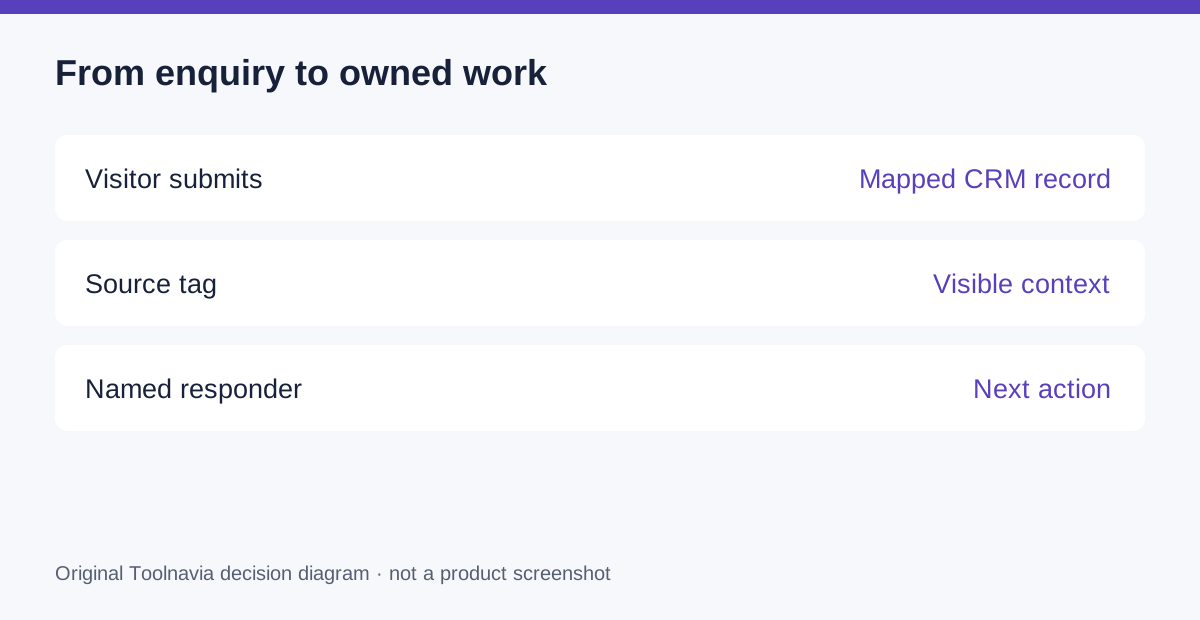
Write the minimum information a responder needs: contact identity, company, problem and a reply address. A long qualification form may collect more detail while making the enquiry harder to complete. Choose required information from the next sales action, not from every field your CRM happens to offer.
Four useful benefits of native capture
Field mapping puts answers into the intended Lead or Contact fields, reducing manual re-entry. Embedded forms and a shareable link provide two intake routes. Captured URL parameters can preserve campaign context. Submission email alerts can notify a human responder. These are documented form capabilities, not evidence that every submitted address is valid.
Their value depends on configuration. A campaign name in an unstructured comment is harder to compare than one consistently mapped field. An alert to an unattended mailbox is weaker than a clear duty assignment. Treat those two decisions as part of implementation.
Build a response contract around the form
For a two-person team, designate a primary responder and a backup. Define the working hours during which new enquiries are checked, what counts as a qualified request and when the backup takes over. This is an editorial operating proposal; the form does not enforce it.
Do not mistake an email alert for a timed sequence. Essentials has no Workflows. Native forms also lack built-in email verification, business-email-only restrictions and scheduling within the form. If those are mandatory, price an appropriate solution before retiring your current stack.
Compare the whole intake budget
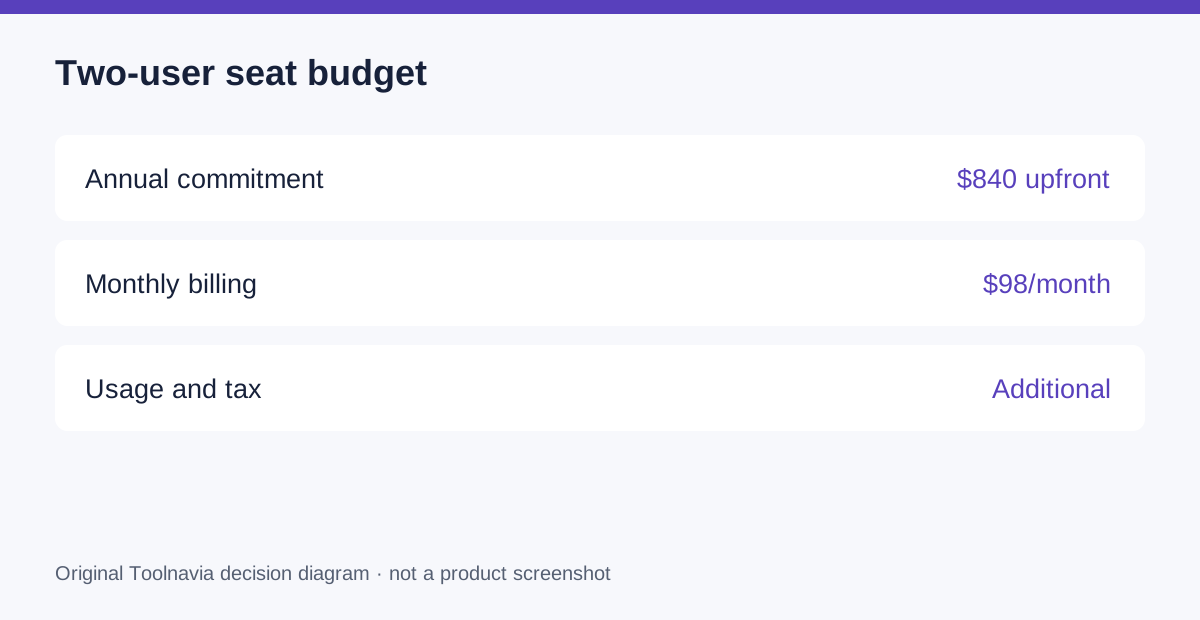
Two annual Essentials seats cost $840 upfront at the current public rate. Monthly billing is $98 for the pair, or $1,176 over twelve unchanged payments. Calling, messages, number rentals and tax can add to either option. Renewal uses the then-applicable terms; these figures are not a permanent discount.
Compare this with the costs you can actually remove. If a form subscription also powers payment collection or a separate department, do not count its entire price as savings. Include the time to rebuild fields, test the page and train the backup responder.
Test five submissions before changing the live page
Prepare a test form and use authorized sample details. Submit a normal enquiry, a repeat contact, a campaign-tagged visit, an incomplete response and a request needing another department. Predict the correct result for each before testing.
Inspect the destination fields, activity record, source value and notification. Ask the backup to explain the next action without reading a separate spreadsheet. Record duplicate handling as observed in your setup rather than assume a particular matching rule. Only replace the production form after the useful cases pass and exceptions have an owner.
Buy for cleaner intake, then measure response
Choose Essentials when native capture removes real handling work and a person can reliably pick up the enquiry. Keep your current form if advanced validation or booking is central to the journey. Use the official Close entry below to check the current plan, then evaluate one actual form before committing the team.
Toolnavia may earn a commission on qualifying purchases through its Close referral link. No exclusive discount or sales increase is promised.