TOOLNAVIA / BUYING GUIDE
Close Essentials Email Limits: When One-to-One Outreach Fits
The short answer
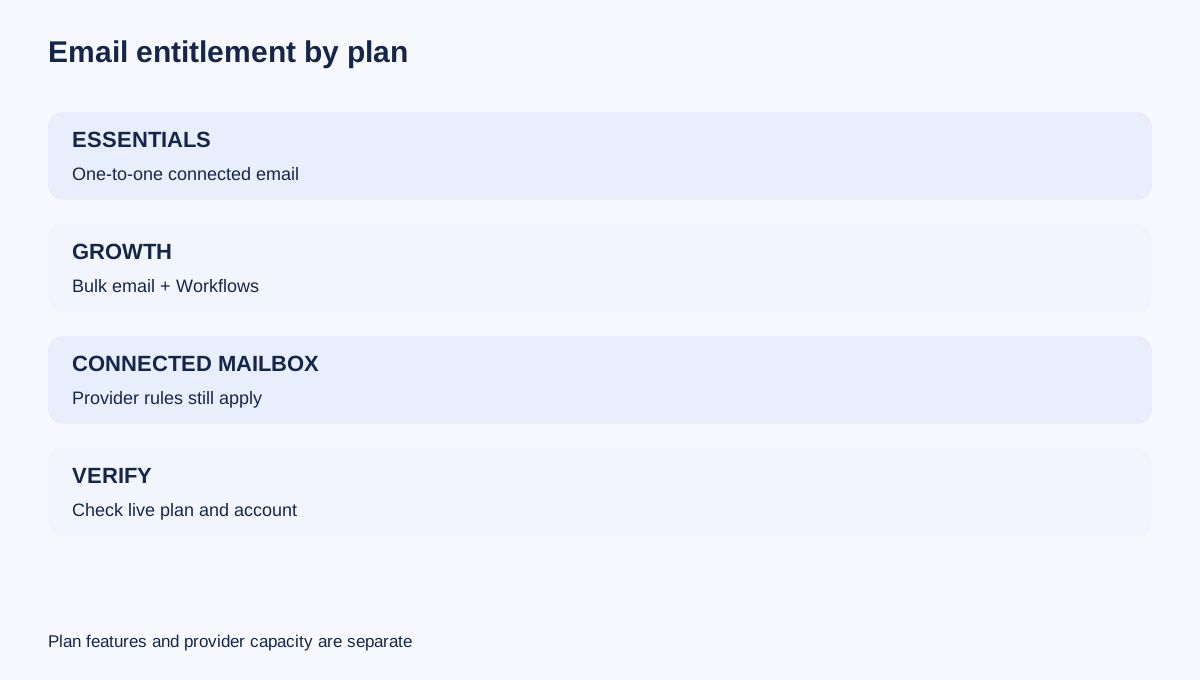
Close Essentials is built for reps who want CRM context around individual email, not for running a bulk-outreach engine. The current plan includes built-in email and three connected accounts per user, but bulk email and automated Workflows begin on Growth. Even after an upgrade, Close still sends through the connected provider, so Gmail, Microsoft 365 or a custom SMTP service can remain the practical ceiling.
At a glance
- Best for
- Small sales teams using personalized one-to-one email with up to three connected accounts per user.
- Price model
- Essentials currently USD35/user/month annual-equivalent or USD49 monthly; Growth USD99 annual-equivalent or USD109 monthly; verify live checkout.
- Check first
- Essentials excludes bulk email and Workflows; provider limits still control all connected mailboxes; no delivery guarantee.
Essentials means one-to-one, not bulk automation
Close currently lists Essentials at $49 per user on monthly billing or $35 per user per month when billed annually. Growth is $109 monthly or $99 on annual billing. The annual difference is therefore $64 per user per month, or $768 per seat for a full year, before tax and future price changes.
That extra money buys features such as bulk email and Workflows; it does not buy a guaranteed number of delivered messages. Essentials still supports normal rep-to-lead email, reusable templates, synchronization and CRM history. The line to watch is operating mode: sending a personalized message from a lead record fits Essentials; enrolling hundreds of contacts into a campaign does not.
Three connected accounts do not multiply safe capacity
Essentials allows each user to connect up to three email accounts. Gmail and Microsoft accounts use their authorization flows; other services can connect through SMTP and IMAP. Three connected mailboxes can separate a personal inbox, a sales address and another working identity, but they should not be treated as three interchangeable campaign channels.
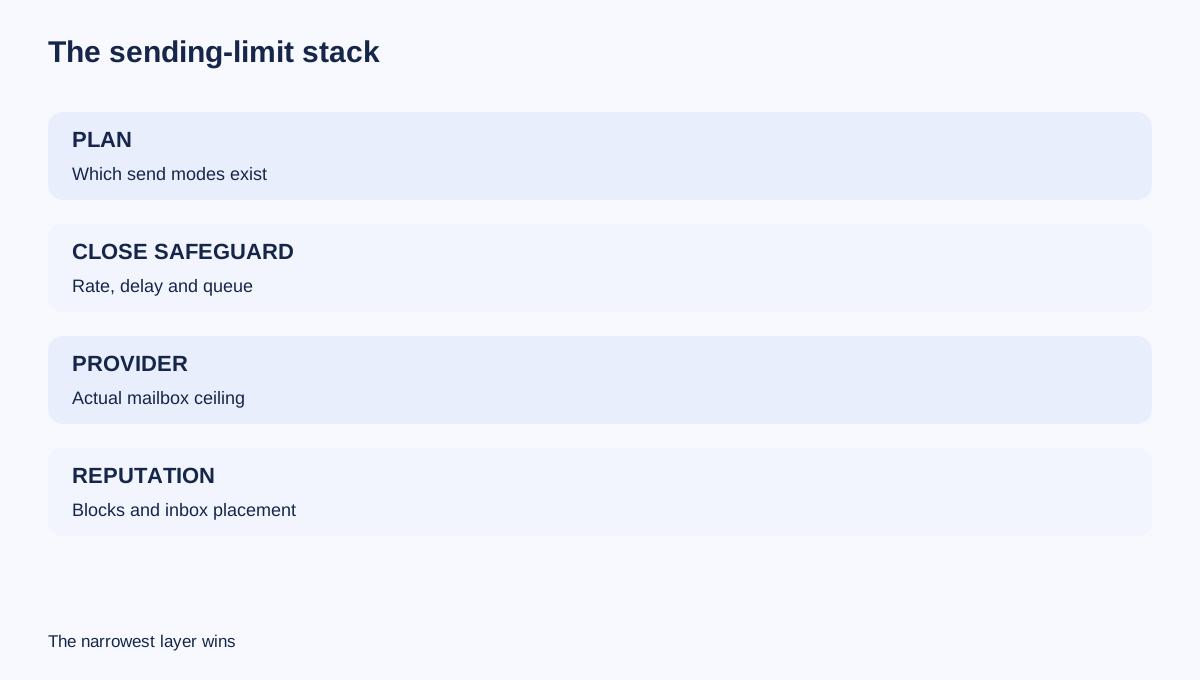
Each mailbox keeps its own provider policy, reputation, authentication and security state. Disconnecting an account can stop synchronization or sending. Adding another mailbox also does not make a prohibited bulk workflow available on Essentials. Plan entitlement and provider throughput are separate gates.
A safe design assigns one real owner to each mailbox, documents which address sends which message type, and keeps SPF, DKIM and DMARC aligned with the provider. Close can organize the work; it cannot guarantee inbox placement.
Provider limits remain the hard ceiling
Close's sending-limit guide publishes safeguard defaults for regular accounts such as Gmail or Office 365: 200 emails per rolling 24 hours, 20 per hour and a 60-second minimum delay. Mass-email accounts such as Mailgun or SendGrid use higher published defaults. These figures are configurable safeguards, not promised capacity. Close says the connected provider determines the real limit and may enforce it even when Close's setting is disabled.
This distinction matters because a plan upgrade changes Close features, while Gmail, Microsoft or a custom SMTP vendor still controls account-level sending, temporary blocks and reputation enforcement. HubSpot and Copper describe the same two-layer pattern for connected inboxes, and Salesforce separately treats mass-email capacity as its own limit.
Never build a forecast from the largest number in a help table. Confirm the exact mailbox tier, account age, provider policy and recent sending history. Leave room for manual replies and support messages rather than consuming the entire daily allowance with outreach.
Queue time can be the hidden cost
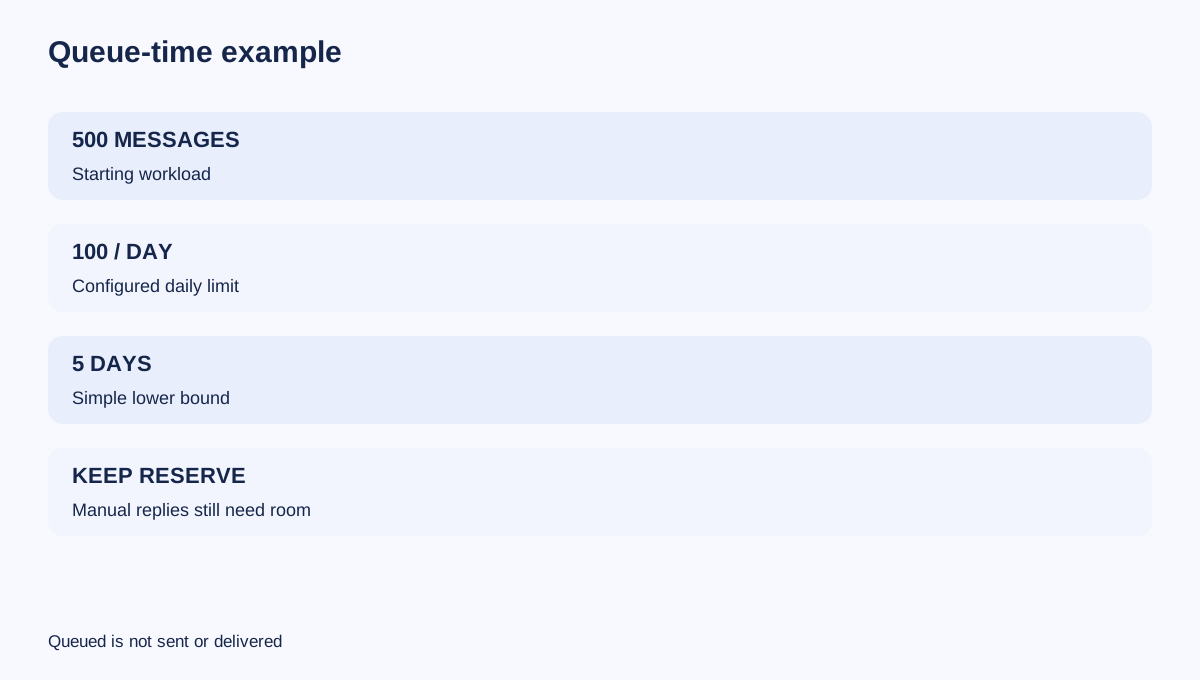
When bulk email or Workflow steps are available, Close throttles work against the configured limits. If a daily limit is 100 and 500 messages are queued, the simple lower-bound schedule is five days. With a 60-second minimum delay, 1,440 messages require at least 24 hours before provider delays or other queued work.
Close also explains that bulk actions share queue capacity and sending order is not strictly prioritized. A campaign started earlier can finish later than a newer one, while Workflow step order remains protected. Pending work may spend hours or days in processing, and stale queued messages can eventually expire rather than send.
The buying question is therefore not just “How many emails can I send?” It is “How long can a lead wait, what other work shares the queue, and what happens when the connected account disconnects?” Pipedrive's email-sync guidance likewise shows why synchronization state and provider processing are operational dependencies, not background details.
Growth economics require a real workload
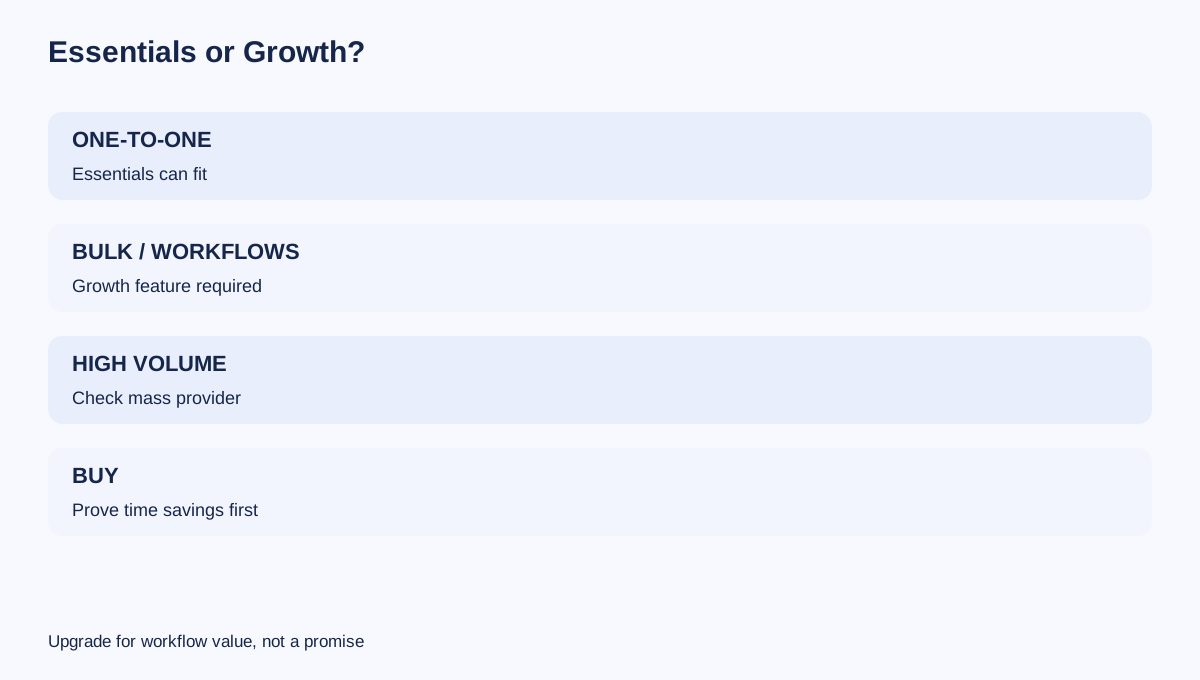
For one annually billed user, moving from Essentials at $35 to Growth at $99 adds $768 per year at current public prices. Five seats add $3,840 per year. That can be rational when automated follow-up saves enough rep time, bulk email is genuinely needed, and the team has consent, segmentation and unsubscribe processes.
Do not upgrade merely to chase a higher sending number. Growth unlocks the tools that schedule and regulate bulk or automated work, but it cannot override the connected provider. If a team expects more than roughly 1,000 messages in 24 hours, Close recommends considering a mass-sending account; the exact workable volume can still be lower.
A practical break-even test is: annual upgrade cost divided by fully loaded hourly rep cost. At $48 per hour, a $768 single-seat upgrade needs to save 16 hours per year—about 80 minutes per month. That arithmetic measures labor value, not deliverability.
Run a controlled acceptance test
Before committing the team, connect one representative mailbox and test:
1. Authorization and two-way sync. 2. One-to-one send, reply and CRM logging. 3. Template personalization and unsubscribe handling appropriate to the message type. 4. Provider-side Sent folder and authentication alignment. 5. A small, consented batch on a Growth trial if bulk email is required. 6. Queue behavior, delay, disconnect recovery and manual-response reserve.
Record the actual provider error, Close queue status and elapsed time. Do not infer success from “queued,” and do not call a sent message delivered or inboxed without separate evidence.
Decision rule
Choose Essentials when each rep mainly sends personal one-to-one outreach, three connected accounts are enough and the team does not require bulk email or automated Workflows. Choose Growth only when the automation and bulk features can recover their additional cost and the connected email provider can support the intended volume.
For either plan, size activity below the provider limit, preserve room for replies, monitor disconnects and treat deliverability as an ongoing operational responsibility. The exact Essentials affiliate offer is approved for publication; Growth is contextual only because no approved exact Growth offer is registered for this article.
Affiliate disclosure: Toolnavia may earn a commission if you buy Close Essentials through the approved personal tracking link, at no extra cost to you.