TOOLNAVIA / BUYING GUIDE
CapCut Standard vs Pro: Do You Need Pro for Desktop Editing?
The short answer
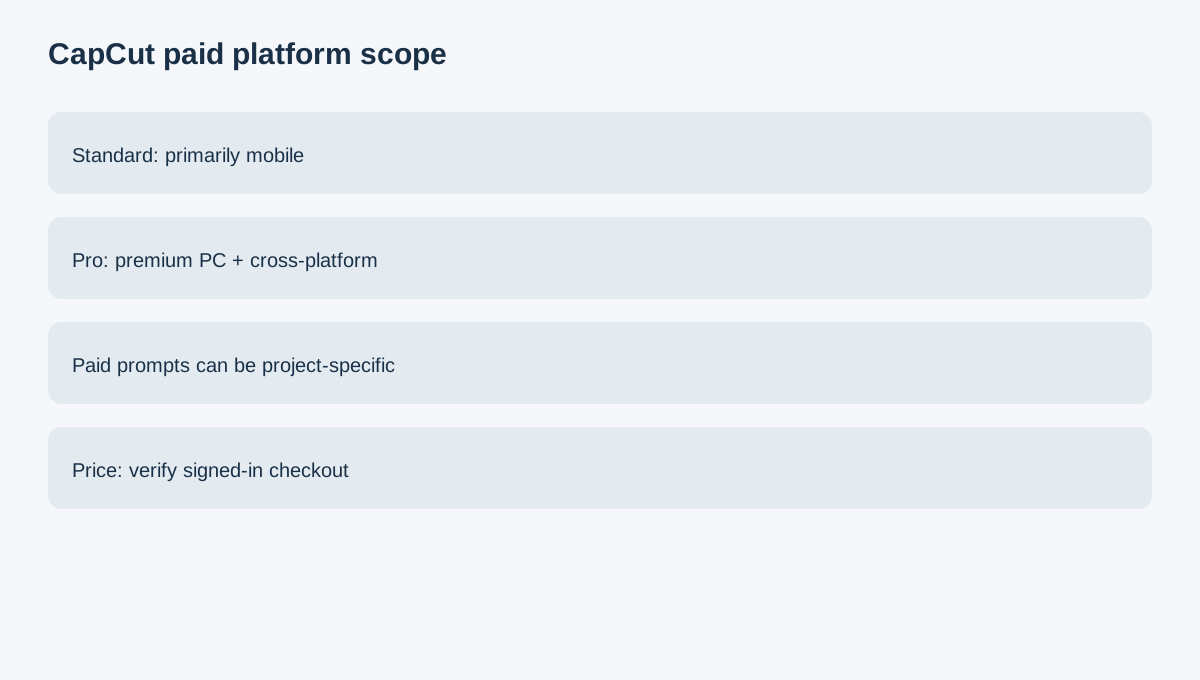
CapCut Standard and Pro should be separated by platform workflow before price. CapCut's current help says Standard is primarily mobile-focused, while premium PC access requires Pro. Pricing varies by region, device and promotion, so the signed-in order page is the only reliable final price reference.
At a glance
- Best for
- A creator who knows they want paid CapCut and needs to decide whether premium PC/web access is essential.
- Price model
- Live account price varies by region/device/promotion
- Check first
- Plan entitlements and prices vary by platform and region; test the real project.
Phone-only creators should start with Standard
If nearly all paid editing happens on a phone, Standard can cover the paid mobile-first use case without buying desktop entitlement you never use.
Desktop or web premium work is the clean Pro trigger
Pro becomes relevant when premium PC access, cross-platform work, advanced AI, collaboration or broader premium assets are recurring parts of the workflow. That is a clearer reason to upgrade than simply seeing a larger feature list.
Test the actual project before upgrading
CapCut can prompt for Pro when a project contains premium templates, effects, fonts, music, stickers, AI tools or export settings. A project made from owned media and free assets can sometimes export without watermark.
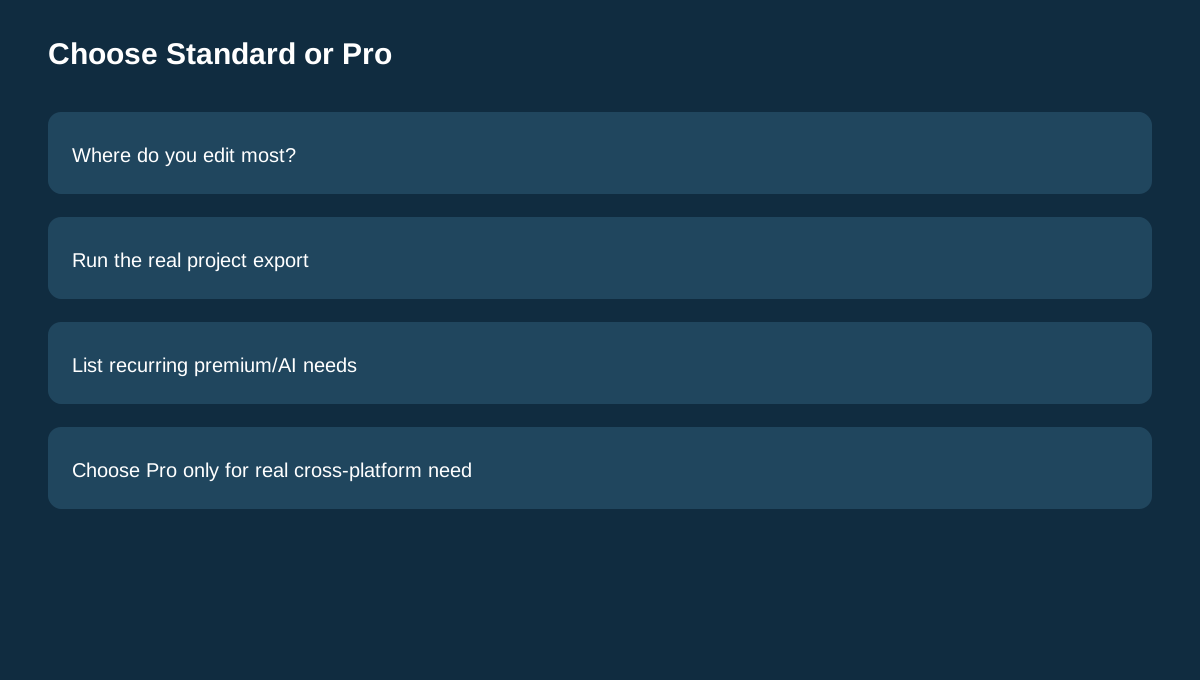
The correct preflight is therefore the real project: open it on the device you plan to use, run the intended export and identify exactly what triggers the paid prompt.
Do not infer a universal price
CapCut's own help says prices vary by region, device and promotion. Third-party fixed-price snapshots can age quickly. Independent reviews can help with workflow questions, but current CapCut pages control entitlement and checkout facts.
If Pro's cross-platform requirement does not fit the budget, compare other editors rather than forcing a mobile-only workflow into a desktop requirement.
Buying rule
Choose Standard when paid editing stays primarily mobile and its mobile features solve the job. Choose Pro when premium desktop/web access or repeated cross-platform premium assets and AI are genuinely required. Verify the live signed-in price and export path before paying.