TOOLNAVIA / BUYING GUIDE
CapCut Says Pro at Export: Find the Paid Feature Before You Subscribe
The short answer
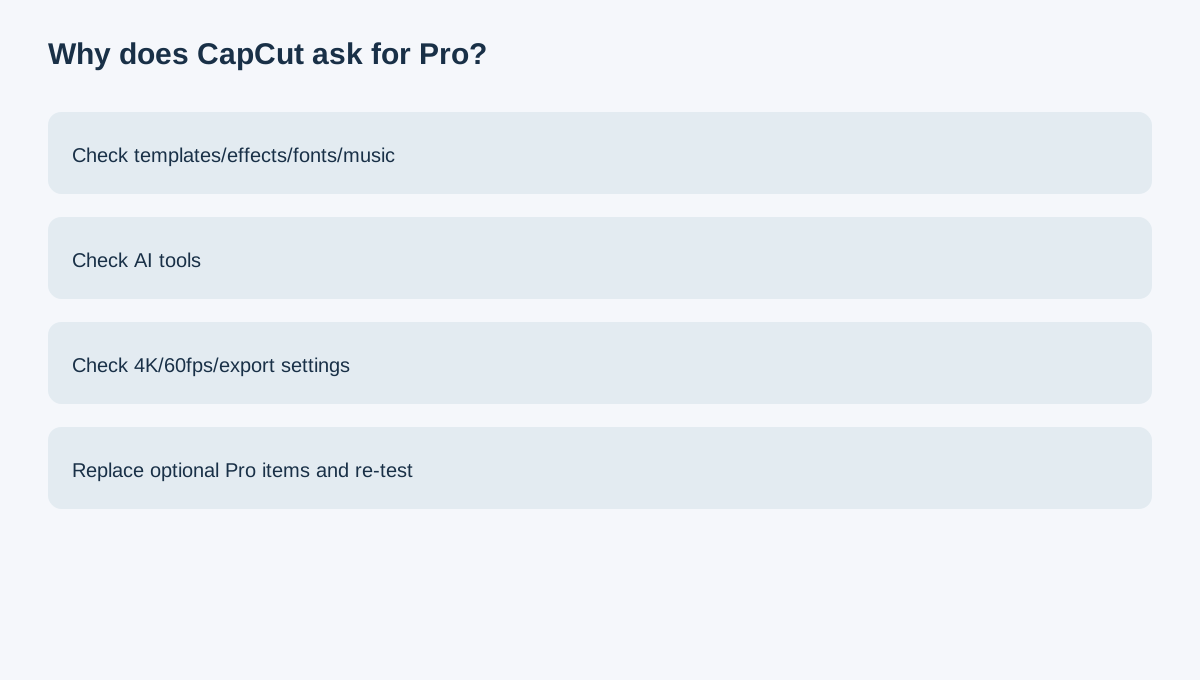
CapCut can let you edit for a long time before revealing that one project element requires Pro. Current help says the trigger can be a Pro-tagged template, effect, font, music track, sticker, AI tool, 4K/60fps setting or other premium choice.
At a glance
- Best for
- A creator whose project uses templates, effects, fonts, music, AI tools, 4K/60fps or other premium elements and needs to know which item is triggering Pro.
- Price model
- Live account price varies by region/device/promotion
- Check first
- Plan tags and prices vary by platform; test the actual project.
Do an export test before the project is finished
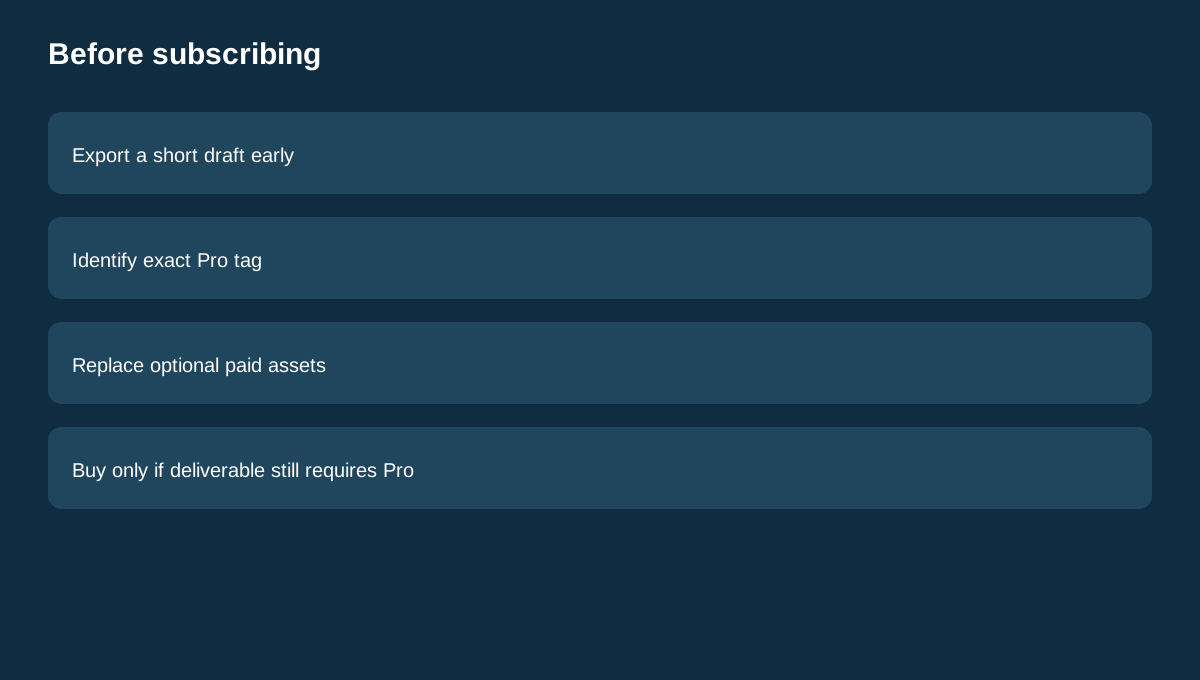
Export a short draft early. If CapCut asks for Pro, you learn about the paywall before hours of final polishing.
Find the exact paid element
Look for Pro labels on templates, effects, fonts, music, stickers and AI features. Remove one suspect item at a time and re-test export.
Replace optional premium assets
If one effect or font is the only blocker, swap it for a free alternative. Manual projects using owned media and free assets can export without a watermark in eligible workflows.
Some requirements really do justify Pro
If your deliverable genuinely needs a Pro-only AI tool, premium template, 4K/60fps option or other locked setting, replacing it may undermine the project.
Desktop access can be another trigger
CapCut's current help distinguishes Standard and Pro across devices; premium PC access requires Pro in the documented Standard-device rules.
Use live checkout, not stale prices
CapCut says price varies by region, device and promotion. Confirm necessity first, then use the signed-in order screen for price.
Adobe Premiere uses a paid subscription model, DaVinci Resolve offers free and paid Studio editions, and VEED uses free/paid browser plans. Those alternatives show that free-to-paid boundaries differ widely across editors.
Buying rule
Do not subscribe merely because export says Pro. First identify the exact paid element, replace optional triggers and re-test. Buy Pro only when the deliverable still requires a genuinely Pro-only asset, AI tool, platform entitlement or export setting.