TOOLNAVIA / BUYING GUIDE
Camtasia Separate Audio: Can You Fix One Track Later?
The short answer
Camtasia's separate recording layers can make a revised tutorial easier: lower the application sound, replace narration or reposition the presenter without recording everything again. That value depends on capturing independent sources first. Detaching a finished video's audio does not prove that microphone and application sound remain separable.
At a glance
- Best for
- Recurring revisions to independently captured narration and application audio.
- Price model
- Official USD179.88/year Essentials display; confirm tax and renewal.
- Check first
- Separate tracks cannot reconstruct sources already mixed; retain TREC and referenced media.
Capture sources, not just a working level meter
TechSmith documents separate screen, camera, microphone and system-audio layers. Recorder has individual toggles and device selectors; system audio captures computer output, while the microphone captures its selected input. Enable only the sources the lesson needs.
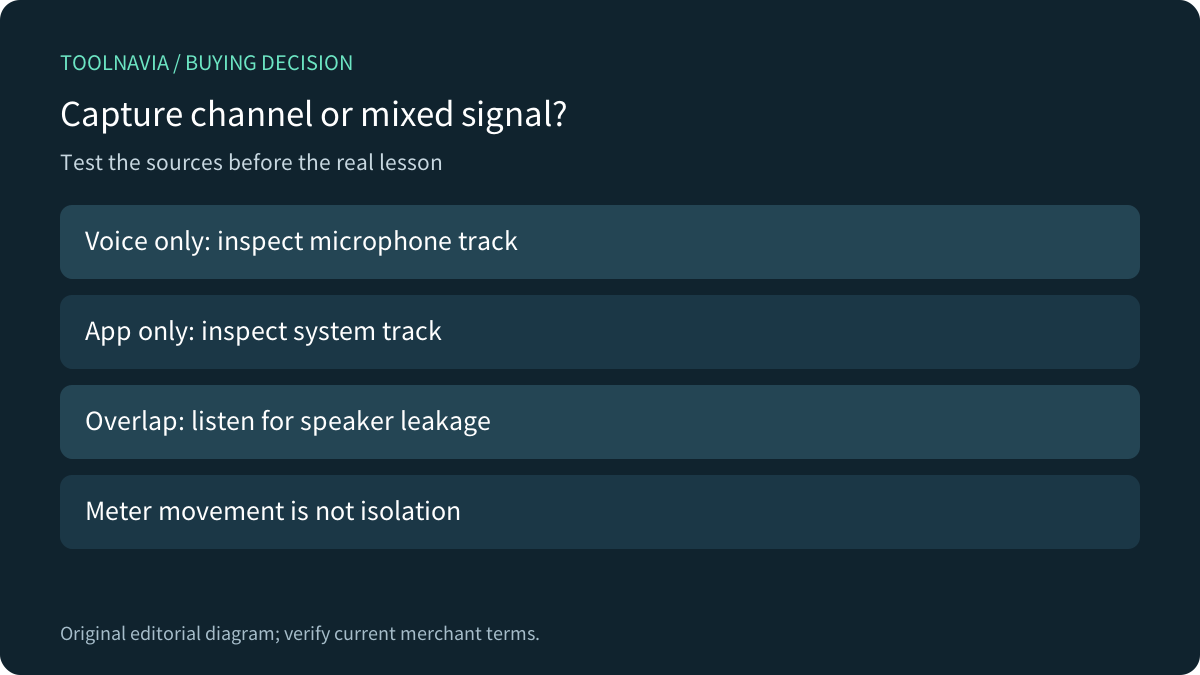
Before a real session, speak while the application is silent, then play a harmless application sound while you are silent. Record a short overlap too. In the editor, listen to each source independently. If the microphone also captured loudspeaker playback, muting the system track cannot remove that sound from the microphone recording. Headphones can reduce this physical leakage; the test still decides whether your setup is clean enough.
These are proposed checks, not recordings Toolnavia has performed. A moving meter confirms a signal reached an input; it does not establish that the intended source is isolated.

Keep TREC, the project and its referenced media
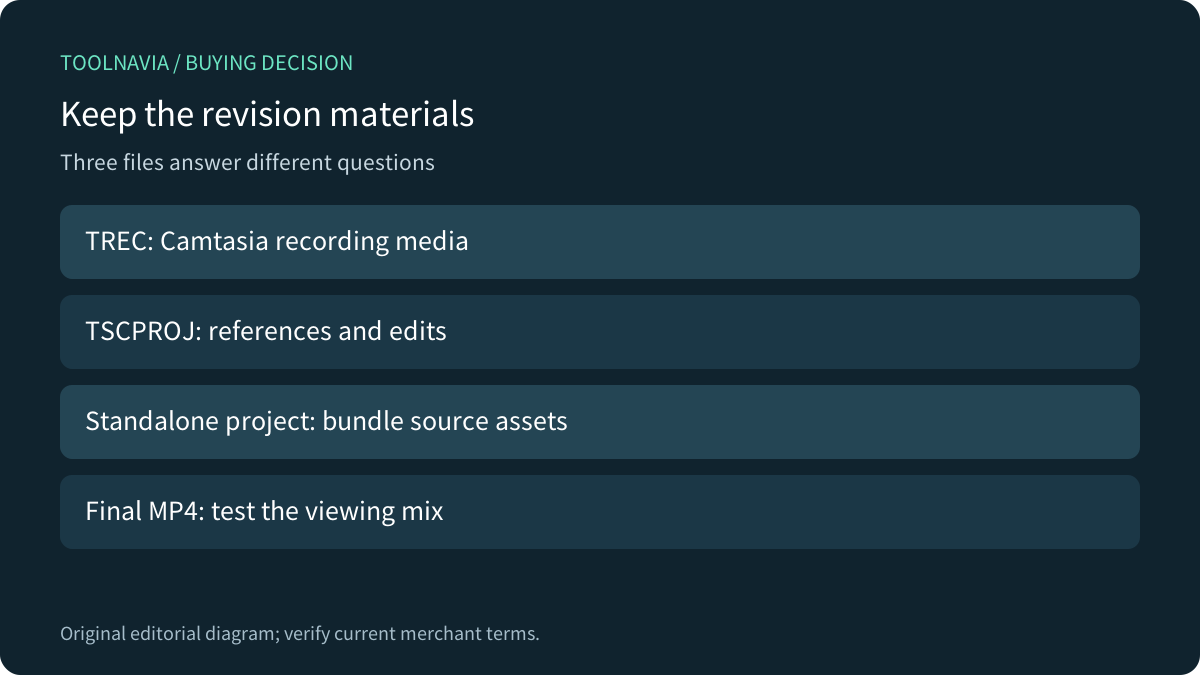
TechSmith says TREC recordings can only be edited in Camtasia Editor. The TSCPROJ project references media locations; saving that project file alone does not collect every recording, image or music file. Its support page recommends a standalone project to bundle the media.
Keep an editable archive as well as the final viewing file. Do not assume exporting an MP4 preserves the same source layers and cursor data for later revisions. Microsoft's separate-audio command illustrates the distinction: it detaches the audio associated with a video into an independently movable clip; it is not described as reconstructing microphone and system sources from an existing mix.
Test the archive by reopening a copy with the included media available. Confirm that narration can still change without replacing the application audio, and that the camera layer can move without recapturing the screen. Decide who will maintain Camtasia access for future revisions before standardizing on TREC.

Diagnose unequal ends before assuming broken sync
A TechSmith support note last updated in January2022 explains that separately recorded components may stop at slightly different lengths while still remaining synchronized. That historical explanation is useful context, not certification of every current-build timing problem.
Check a visible action with its expected sound near the beginning, middle and end. A small extra tail is different from an offset that grows through the lesson. Preserve the original before trimming; do not stretch a whole track merely to make its endpoint match another. If timing drifts or data is missing, stop and investigate the actual build, devices and recording before buying or upgrading.
The same support note recommends omitting unneeded system audio. An empty track is not an extra useful recording, and a higher subscription tier does not establish a remedy for capture routing or timing.
Compare editing tracks with a playback mix
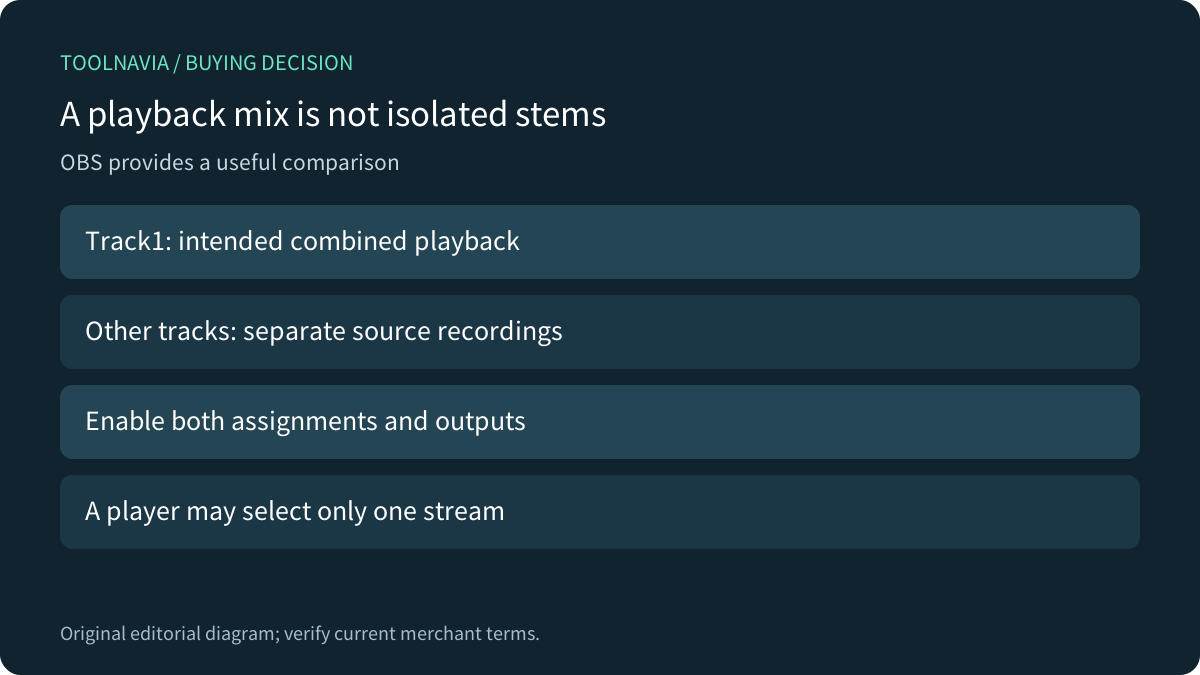
OBS's official guide recommends assigning sources to separate recording tracks and also sending the intended viewing mix to track1. Ordinary players play one audio track at a time. Hearing only narration in a player can therefore be a stream-selection issue; inspect the recorded tracks in a compatible editor before declaring the application sound lost. Source assignments and enabled output tracks both need checking.
Microsoft documents separately adjustable screen and camera recordings in Clipchamp. Its personal-account instructions restrict shared computer audio to a browser-tab recording, while the work-account flow documents its own choices. Compare the actual account and capture mode, not the product name alone.
Older routing tutorials also need a version check. Elgato explicitly marks its WaveLink2 multi-track guide as legacy and Windows-specific, pointing to version3. Do not treat that old setup as a current Mac procedure or a requirement to buy hardware for Camtasia.

Pay for the export rights you actually need
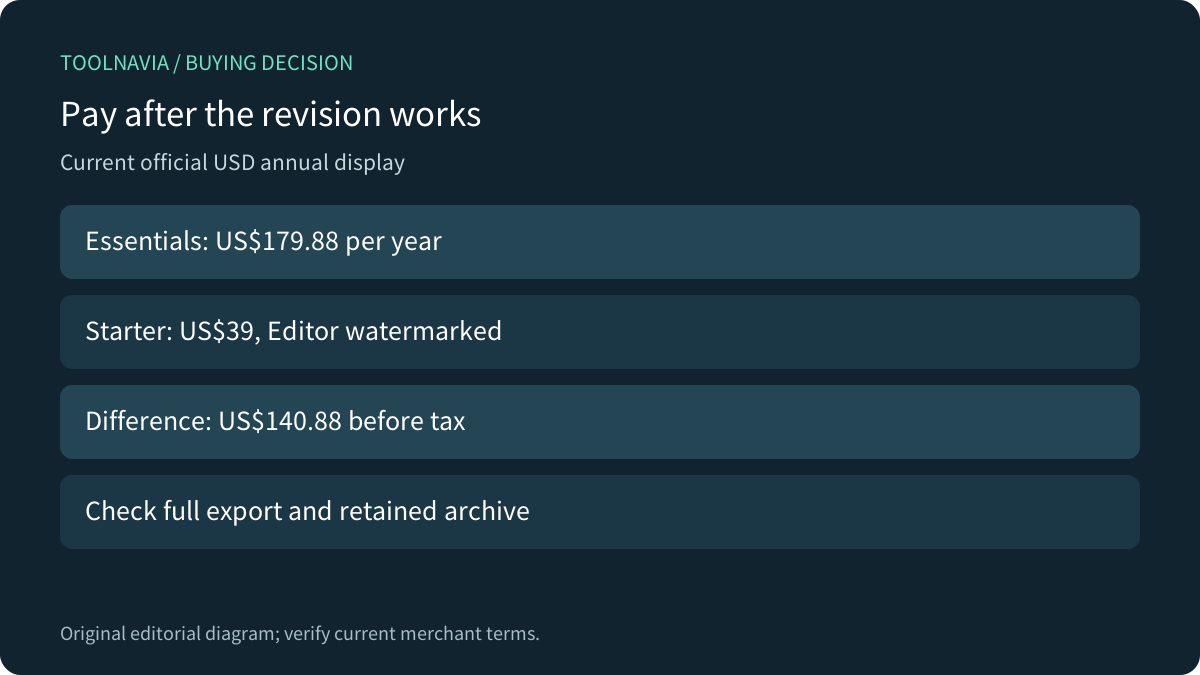
The current official USD store lists Essentials at $179.88 per year. Starter is $39 annually but leaves Camtasia Editor exports watermarked. Their $140.88 difference is an annual base-price comparison, before tax—not evidence that Starter removes that restriction. Essentials includes Snagit, so check existing entitlements before buying it separately.
For an illustrative twelve revised lessons, $179.88 allocates $14.99 of annual license cost to each, before labor and tax. Measure your own avoided re-recording time; this arithmetic is not measured savings. Confirm the full annual charge, next renewal, named-user rights and any optional services. Current Individual subscriptions are non-transferable.

Buy after an isolated revision survives export
Make one deliberate narration correction, lower only the application sound and adjust the camera position. Export the complete sample, then listen and watch outside the editor. Confirm the intended final mix, timing, picture and applicable watermark behavior. Retain the editable archive and repeat the check after a device or routing change.
Essentials is worth considering when that revision saves recurring work and the annual rights fit. Keep an existing workflow when it already preserves the necessary sources. Pause when you have only a flattened recording: paying for multitrack tools does not recreate independent capture data that was never retained.