TOOLNAVIA / BUYING GUIDE
AOMEI Windows To Go: Try Free ISO Mode Before Paying $49.95
The short answer
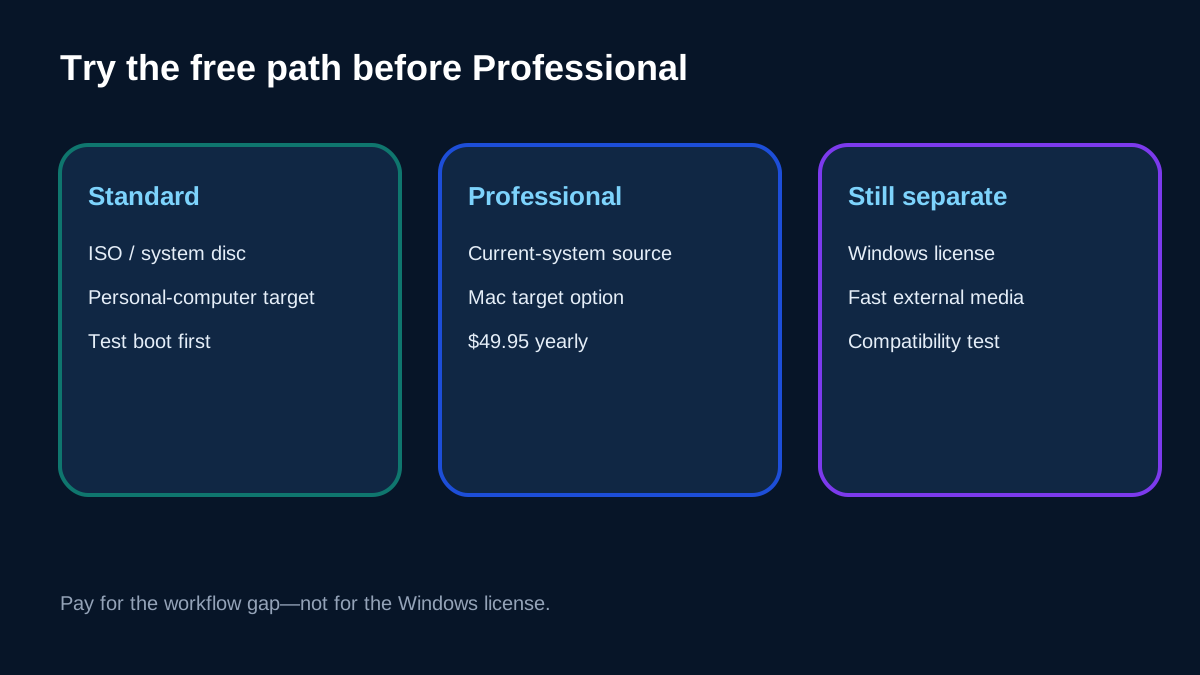
AOMEI Partition Assistant can create a portable Windows workspace, but Professional is not the first purchase for every Windows To Go job. Current AOMEI guidance says Standard can build a personal-computer target from a Windows ISO or system disc. Upgrade only when the paid path solves a named gap—such as creating from the current system, targeting a Mac, or using other Professional tools. AOMEI does not include a Windows license, and Microsoft removed its own Windows To Go feature years ago.
At a glance
- Best for
- Buyers who tested the free ISO route and have a legitimate Windows image, fast backed-up media and a specific paid workflow gap.
- Price model
- Professional observed at $49.95 yearly or $59.95 lifetime for 2 PCs; Standard ISO path is free; checkout controls.
- Check first
- Microsoft removed Windows To Go; AOMEI does not include a Windows license or guarantee universal boot, updates, activation or media performance.
Start with the free ISO route
Download a legitimate Windows ISO from Microsoft, attach a destination you can erase, and try AOMEI Standard's ISO-based personal-computer workflow first. The destination is formatted, so do not test with a drive that contains the only copy of anything important. AOMEI recommends USB 3.0 media and a USB 3.0 port; its current feature page also warns that the result may not boot when the image and target hardware are incompatible.
This free test answers more than a feature table. It shows whether the wizard recognizes the image, writes the drive, and produces a workspace that reaches the desktop on the actual target computer. If that route succeeds and meets the job, Professional is not required merely because “Windows To Go Creator” appears in the product.
Define what Professional adds
Current official pages show Professional at $49.95 yearly or $59.95 lifetime, with one license for two PCs; checkout, tax and later pricing control. The Professional product page lists Windows To Go Creator, while AOMEI's step-by-step guide draws a more useful boundary: creating from the current system or targeting a Mac requires an upgrade.
That makes the paid decision specific. Pay when avoiding a clean ISO setup, using the current installation as the source, or accessing the broader partition toolkit saves enough time to justify the license. Do not pay because you assume Professional supplies Windows activation, guarantees booting on every computer, or restores Microsoft's former support model.
Treat the destination drive as part of the purchase
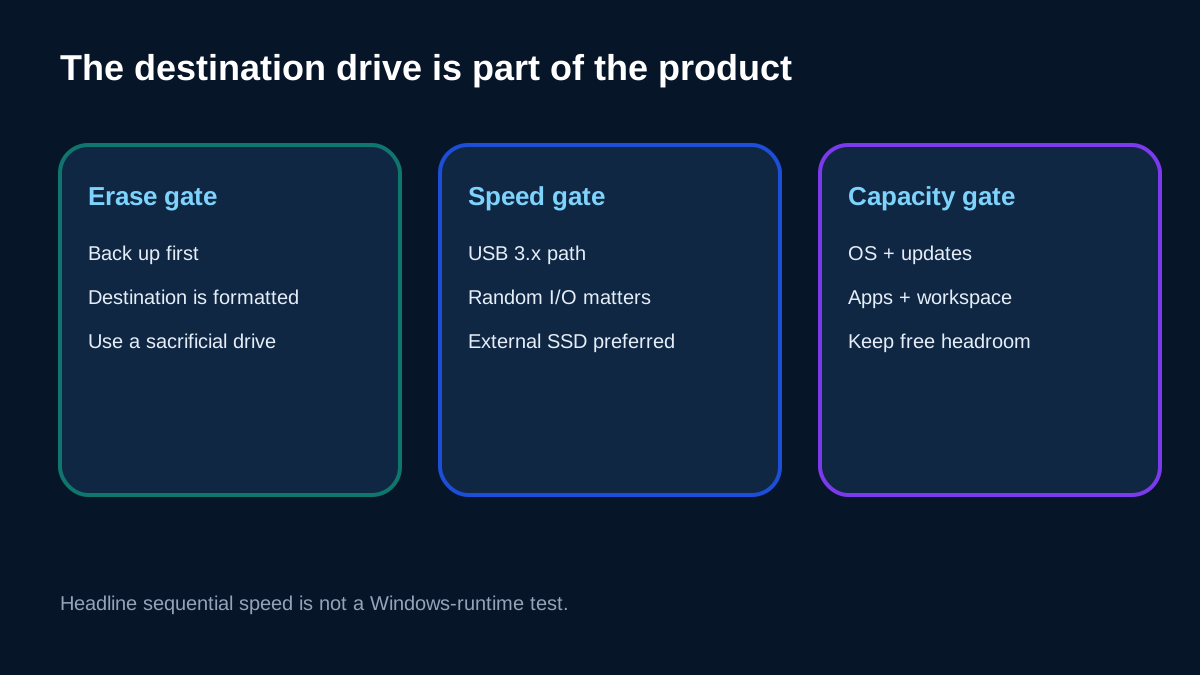
A cheap flash drive can make the software look slow or unreliable even when the wizard works. Microsoft's historical Windows To Go documentation emphasized high random read/write performance; Rufus explains that extracting and running thousands of small files stresses random I/O rather than the sequential speed printed on packaging. An external SSD on a complete USB 3.x path is a safer test device.
Published minimum-capacity numbers conflict. AOMEI's current feature page mentions about 13 GB, an older manual recommends at least 64 GB, and Microsoft historically mentioned 20 GB. None is a sensible universal buying target. Size for the actual Windows image, updates, applications, paging and free-space headroom. Back up the destination first because creation erases it.
Separate third-party creation from Microsoft support
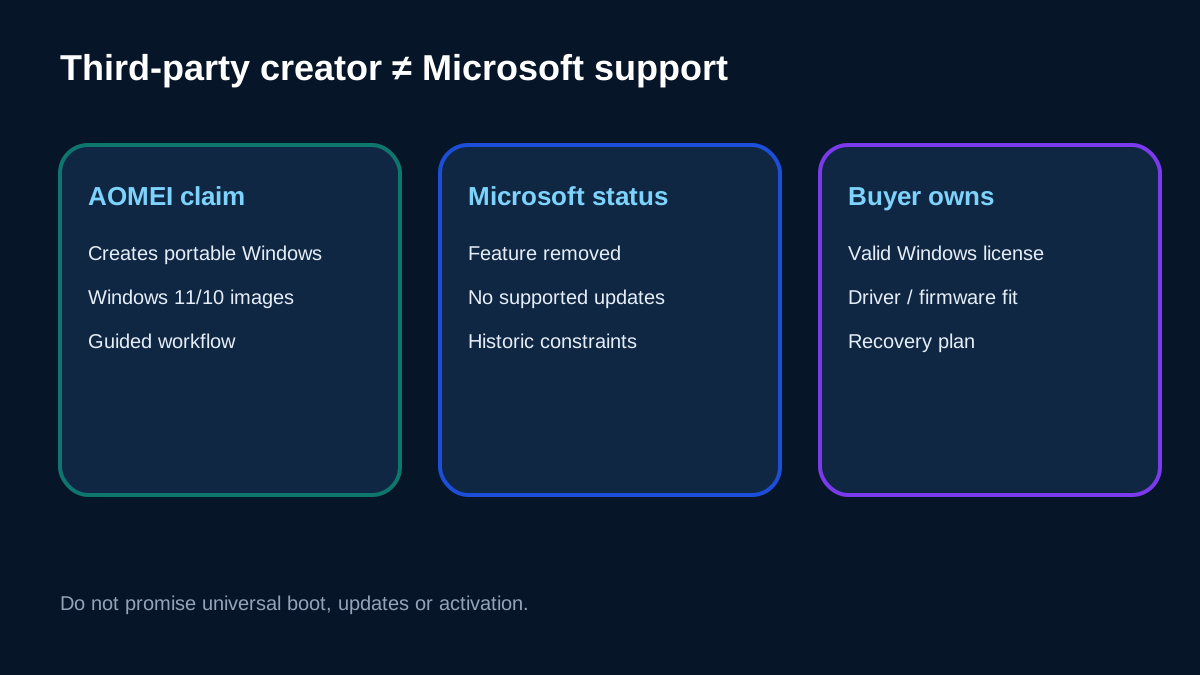
Microsoft says Windows To Go was removed in Windows 10 version 2004 after deprecation in version 1903. Its historical implementation did not support feature upgrades, Windows Recovery Environment, normal TPM use or reset/refresh in the same way as a standard installation. AOMEI can provide a third-party creation workflow, but that does not reverse Microsoft's platform decision.
This is the article's central conflict disclosure: AOMEI markets current Windows 11/10 portable creation, while Microsoft's Windows To Go feature is removed. The responsible interpretation is “vendor-supported portable Windows creation,” not “Microsoft-supported Windows To Go.” Test firmware mode, drivers, activation, updates and recovery on every intended computer.
Compare free and paid alternatives fairly
Rufus is a free alternative when the host OS and Windows image are compatible. Its documentation warns that some Media Creation Tool images do not expose a compatible install.wim and that unsuitable media can make creation painfully slow. WinToUSB is another same-intent option with multiple image formats and its own free/paid boundaries; it likewise recommends high-performance media.
An old PCWorld review is useful only as history: it found AOMEI's guided workflow valuable and separately noted that Windows still needed activation. It does not establish current price, current compatibility or current support.
Use a five-gate acceptance test
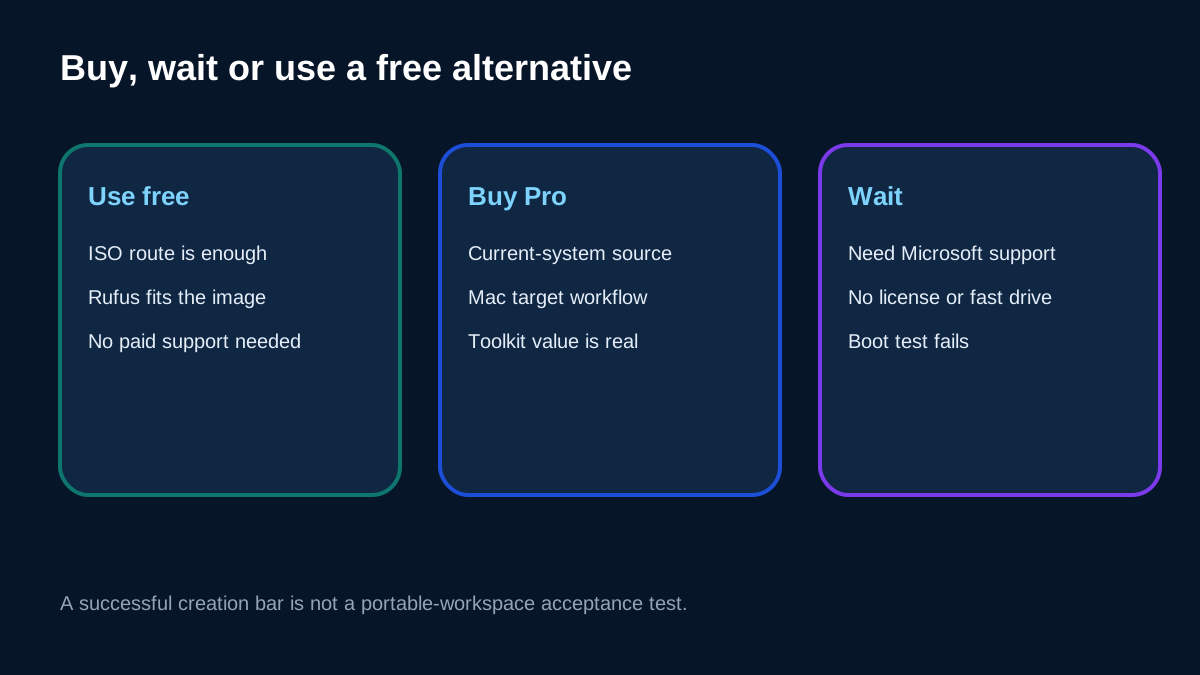
Before buying, require five passes: a legitimate Windows image and license; a backed-up external drive; adequate random I/O and capacity; successful boot on the real target; and a workable activation, update and recovery plan. A progress bar saying “completed” is not acceptance.
Choose Standard when the ISO route is enough. Choose Professional when current-system creation, the Mac target path or the wider paid toolkit solves a documented problem. Choose Rufus or evaluate WinToUSB when their workflow fits better. Wait when you need Microsoft-supported Windows To Go, guaranteed feature updates, universal hardware compatibility or a Windows license included.
Toolnavia may earn a commission if you buy through our approved AOMEI link. That does not change the price or the recommendation: test the free route and the physical drive before paying for convenience.