TOOLNAVIA / BUYING GUIDE
AOMEI MBR to GPT: Try Free MBR2GPT Before Paying
The short answer
At a glance
- Best for
- Windows buyers deciding whether free MBR2GPT is enough or AOMEI Professional solves a verified layout need.
- Price model
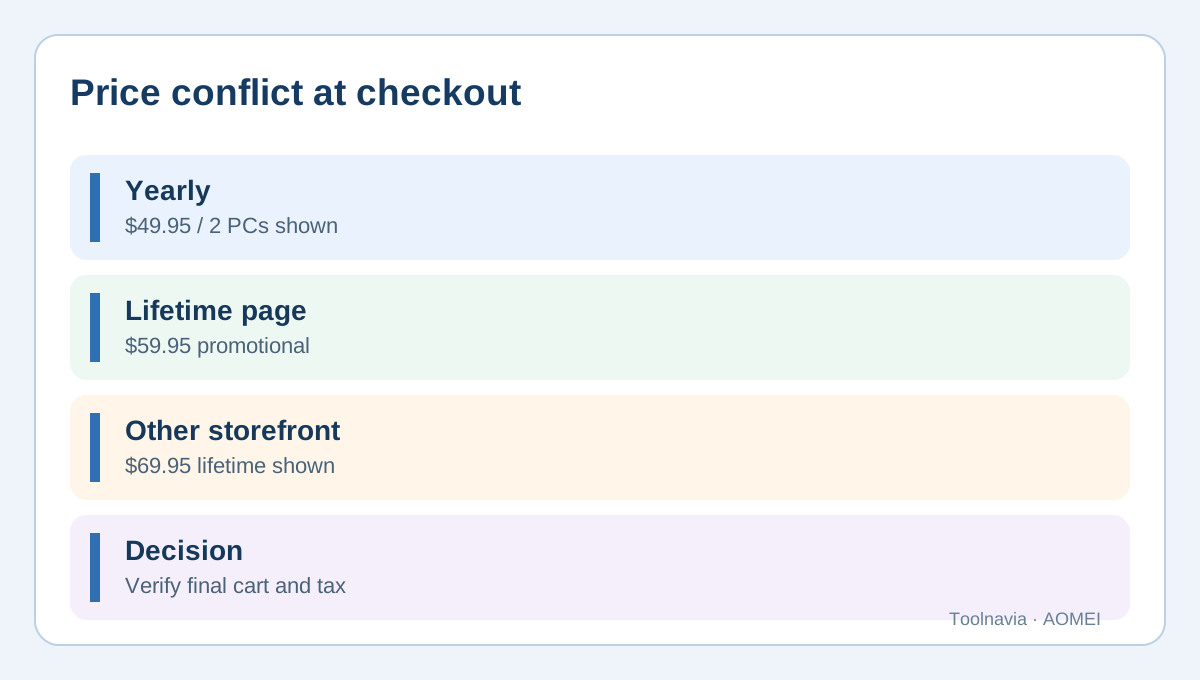
- Official pages show $49.95 yearly and conflicting $59.95/$69.95 lifetime for 2 PCs; final cart controls.
- Check first
- No zero-loss or boot guarantee; official lifetime prices conflict; no purchase or physical conversion performed.
Quick verdict: test the free path before paying
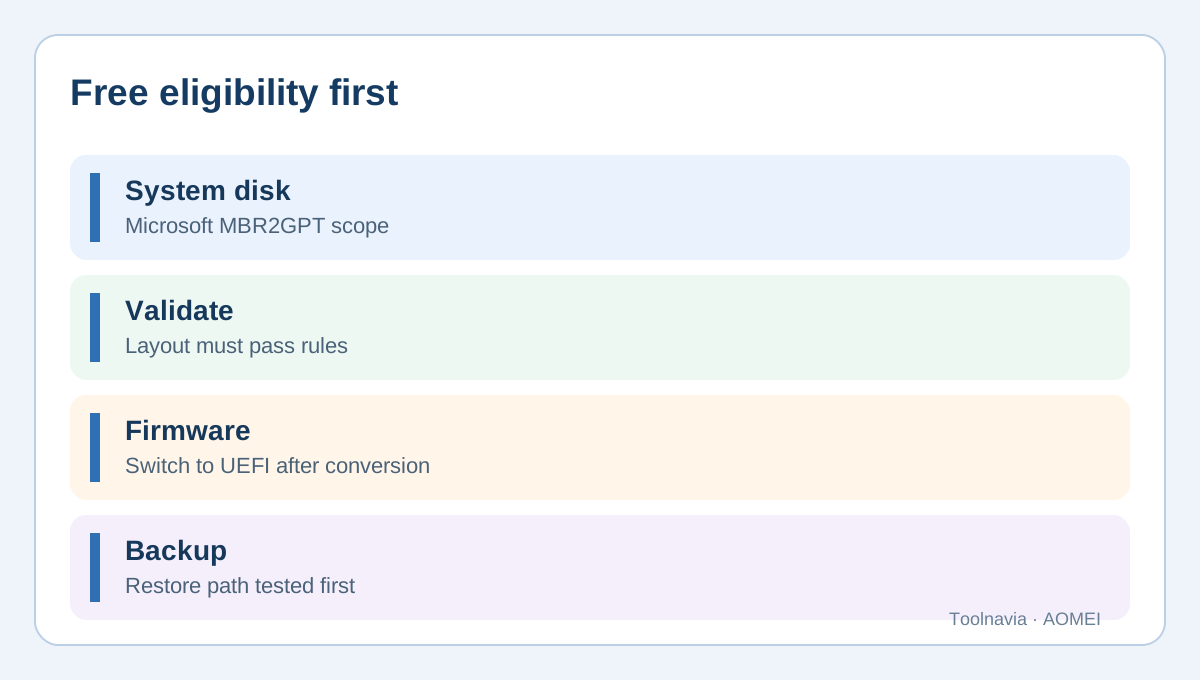
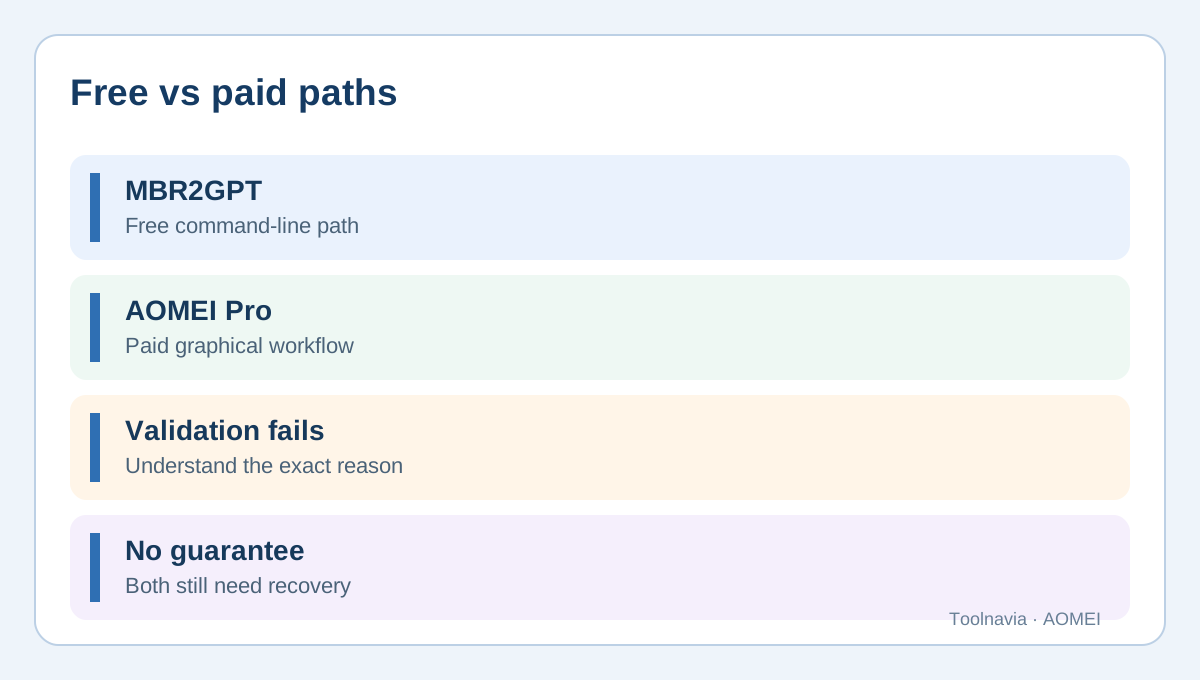
If this is a Windows system disk and it passes Microsoft's `MBR2GPT /validate` rules, evaluate the free Microsoft tool first. It can convert an eligible system disk without deleting existing data partitions, but it is not universal: the layout must validate, Windows must be supported, enough space must exist for GPT and EFI structures, and firmware must be changed to UEFI afterward. A successful command does not replace a verified backup or prove that the PC will boot after the firmware change.
AOMEI Partition Assistant Professional is a paid alternative for buyers who prefer a graphical workflow or have a supported situation outside Microsoft's narrower path. AOMEI lists system-disk MBR/GPT conversion as a Professional feature and documents a Convert to GPT, Apply and Proceed workflow. “Without data loss” describes an intended non-destructive operation, not a guarantee against power loss, firmware mistakes, unsupported layouts or hardware failure.
**Buying rule:** run the free eligibility checks first. Pay for AOMEI only when its broader GUI workflow solves a limitation you have confirmed, and still make a restorable image or file backup before changing the partition table.
What the conversion changes
MBR and GPT are partition-table formats. GPT is normally required for UEFI-era Windows boot configurations and removes several MBR layout limits, but changing the partition table does not automatically improve SSD speed, repair damaged sectors, recover deleted files or create a backup. It also cannot make a legacy-only motherboard support UEFI.
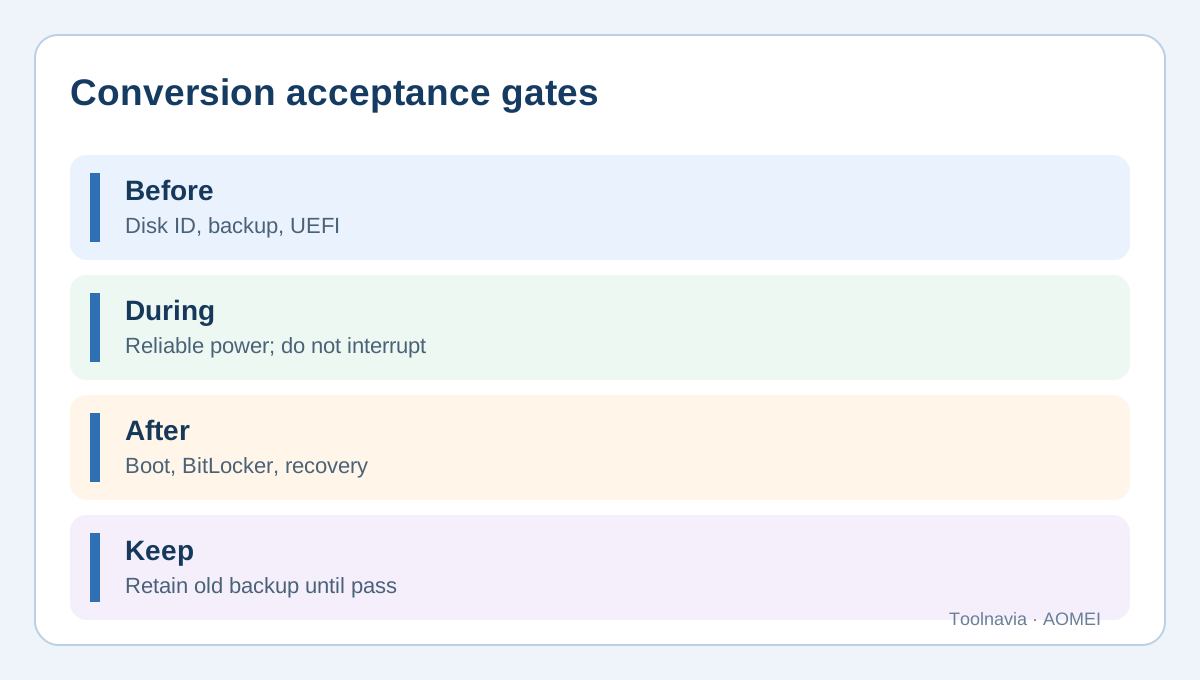
Before doing anything, identify the exact physical disk containing Windows. Record the disk number, partition count, BitLocker state, recovery partition, current firmware mode and whether an extended or logical partition exists. Save screenshots or exported details so recovery decisions use the real layout rather than a generic tutorial.
A backup must be independent. A restore point on the same disk is insufficient because a partition-table or boot failure can make that disk inaccessible. Create an image or copy critical files to another physical device, open restored samples, and confirm that recovery media can see both the backup and the target disk. Neither Microsoft nor AOMEI can make an untested backup trustworthy.
Free Microsoft MBR2GPT: eligibility first
Microsoft documents MBR2GPT for an eligible Windows **system disk**. Validation includes a supported Windows installation, no more than three primary partitions, no extended or logical partition, recognized partition types, sufficient unused space for GPT metadata, and a system partition that can be reused or an EFI system partition that can be created. It is not Microsoft's general-purpose data-disk converter.
A cautious sequence is:
1. Verify the backup and identify the target disk number. 2. Run `mbr2gpt /validate /disk:<number> /allowFullOS` from an elevated prompt when using full Windows. 3. If validation fails, read the logs; do not convert merely to experiment. 4. Only after validation and backup acceptance, run the documented conversion. 5. Enter firmware settings and switch boot mode to UEFI as Microsoft requires. 6. Boot Windows and verify GPT/EFI state, BitLocker, recovery and important applications.
Microsoft's test guidance treats boot verification as a separate phase from the conversion command. A validation failure is information about the layout, not permission to delete partitions blindly.
When AOMEI Professional can be worth paying for
AOMEI's current Professional pages present system-disk MBR-to-GPT conversion as paid functionality. The GUI may be useful when a buyer wants a visual pending-operation queue, already uses AOMEI for other partition work, or has a layout outside Microsoft's narrow path that AOMEI explicitly supports.
Do not purchase from the “without data loss” phrase alone. Confirm the exact Windows version, disk type, layout and firmware. Screenshot the pending operation before Apply. If the program schedules a reboot or PreOS mode, use reliable power and do not interrupt it. Switch to UEFI only after conversion has completed, then test boot, recovery and encryption.
AOMEI cannot remove physical prerequisites. The motherboard still needs UEFI, a damaged disk should not be stressed by structural conversion, and a backup remains necessary. If the drive reports read errors, SMART warnings or unusual noises, image or recover the data first.
Two official price displays conflict
On October 30, 2026, AOMEI's exact Professional buy page and download matrix displayed **$49.95/year for two PCs** and a promotional **$59.95 lifetime for two PCs**. A separate official storefront displayed **$69.95 lifetime**; its Family lifetime figure also differed at **$89.00 instead of $89.95**. Because both are current official AOMEI pages, this article does not claim one universal lifetime transaction price.
Open the exact Professional checkout through the approved referral, select the intended license, and verify currency, device count, tax, renewal and total before paying. The observed yearly offer is auto-renewing. Lifetime does not mean unlimited devices and is not the same as Family. We did not complete a purchase or verify a payout.
If Microsoft MBR2GPT validates and you can follow its command-line steps, a paid license may add little for this single operation. If validation fails, understand why. Paying for a GUI is rational only when AOMEI supports the actual layout and its broader tools are worth the final cart price.
**What competing tools confirm.** EaseUS and MiniTool also frame MBR-to-GPT conversion as a workflow that still depends on backup, UEFI support and edition boundaries. EaseUS documents conversion without reinstalling but retains preparation requirements; MiniTool distinguishes data-disk and system-disk capabilities and places system-disk conversion in a paid edition. These sources do not prove AOMEI is better, but they confirm that “non-destructive” is not the same as “risk-free” and that paid-edition boundaries are common in this category.
Safety checklist
- Confirm the physical disk and Windows installation. - Verify motherboard UEFI support and current firmware mode. - Follow the supported BitLocker or device-encryption procedure. - Save a restorable backup on another physical device. - Test recovery media against the backup and target disk. - Check partition count, extended/logical partitions and free space. - Run Microsoft validation before deciding a paid tool is necessary. - With AOMEI, verify the edition and pending operation before Apply. - Use reliable power and retain the backup until boot and recovery tests pass.
Which path fits?
**Use free MBR2GPT first:** supported Windows system disk, three or fewer primary partitions, no extended/logical partition, validation passes, UEFI is available, and you can follow Microsoft documentation.
**Consider AOMEI Professional:** you need a documented broader GUI workflow, Microsoft validation does not cover the real case, AOMEI confirms support, and the license adds value beyond one conversion.
**Pause both:** the drive is physically unhealthy, the motherboard lacks UEFI, disk identity is uncertain, the backup is not restorable, or organizational encryption controls require an administrator.
**Bottom line:** the safe decision begins with eligibility and recovery, not a “no data loss” slogan. AOMEI Professional can be useful, but it is not automatically required for every Windows MBR system disk. Affiliate disclosure: the AOMEI link is a direct tracked referral that may earn Toolnavia a commission without increasing your price; the free Microsoft path, official price conflict and limitations remain disclosed.