TOOLNAVIA / BUYING GUIDE
AOMEI Partition Assistant: 2-PC Pro or 5-PC Family Lifetime?
The short answer
AOMEI Partition Assistant's official product page currently offers **Professional Lifetime for $59.95 on two Windows PCs** and **Professional Family Lifetime for $89.95 on five Windows PCs**. Both advertise one-time payment and lifetime upgrades. This is a **device-capacity decision**, not a comparison of annual subscriptions.
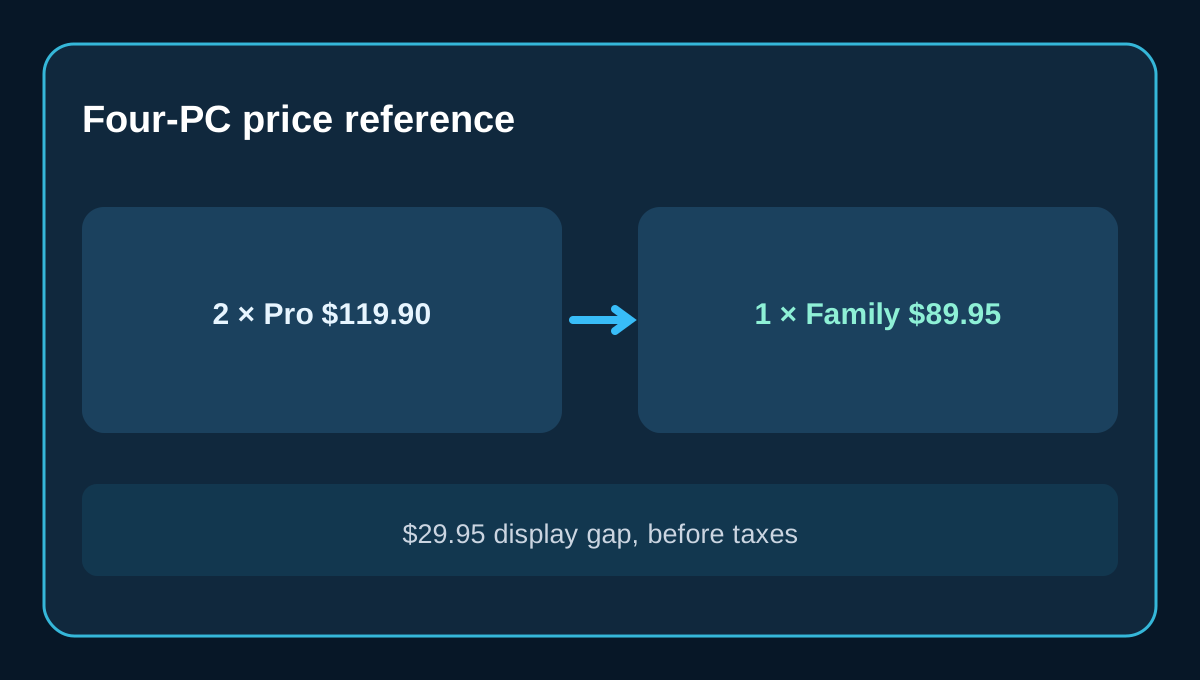
**Quick verdict:** choose the $59.95 Professional Lifetime option for one or two eligible PCs unless you anticipate a third soon. For three to five eligible PCs, the $89.95 Family listing deserves a close look: at four PCs, it is $29.95 below buying two Professional Lifetime licenses at the present product-page prices. That calculation excludes tax, currency conversion, and any different checkout total.
At a glance
- Best for
- Three to five eligible Windows PCs with Family sharing terms checked.
- Price model
- Professional Lifetime 2 PCs $59.95 and Family Lifetime 5 PCs $89.95 exact USD display, subject to checkout.
- Check first
- Family EULA/transfer and reactivation untested; Windows PC, not server or MSP service; price at cart may change.
Hold lifetime upgrades constant before comparing prices
AOMEI also sells Professional Yearly for $49.95, but it has a different renewal decision. Do not compare the annual price with Family Lifetime and claim a device-count saving; first keep the license duration the same. On today's exact product page, Professional Lifetime is $59.95 and Family Lifetime is $89.95. Both list Windows 11, 10, 8.1, 8 and 7, with two-PC versus five-PC capacity.
There is a genuine official pricing conflict: AOMEI's broader store shows a $69.95 Professional Lifetime listing and a $174.88 Family bundle/list reference, while the product-specific purchase page displays $59.95 and $89.95. Those displays cannot all be treated as the same final price. Use the exact checkout cart and confirm the selected edition, currency, tax and billing terms before purchase. Independent price overviews add context but are not the authority for the order total.
Count PCs, not people or imagined future upgrades
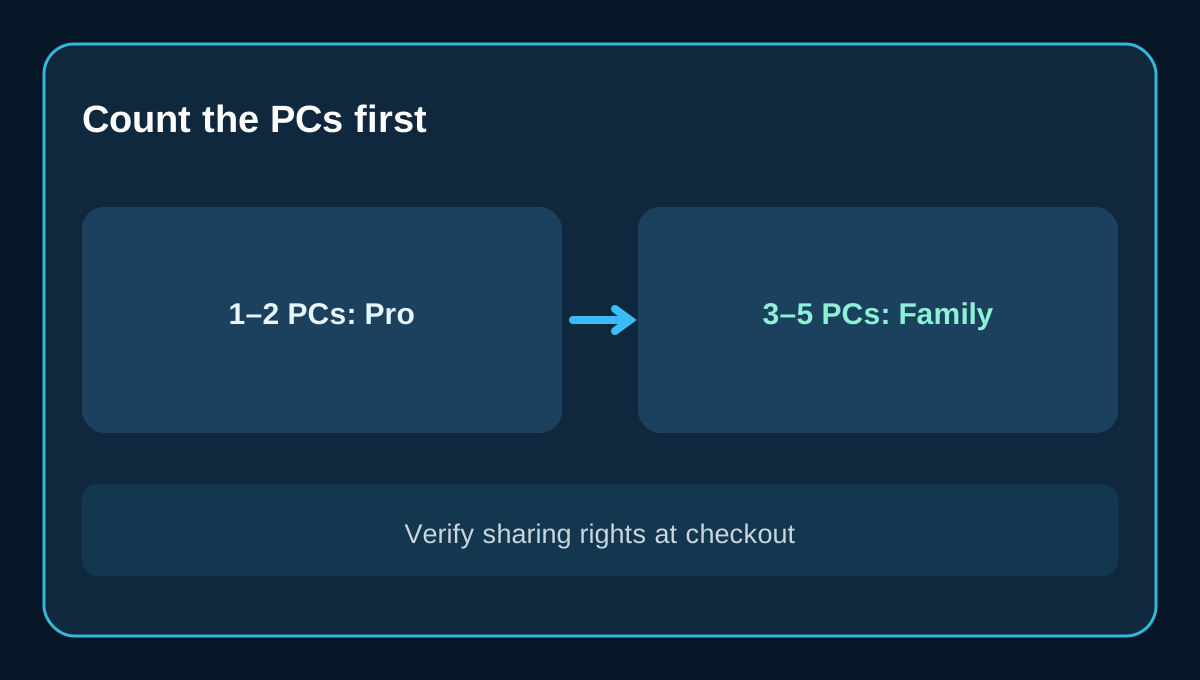
For one or two Windows PCs, a single Professional Lifetime code matches the advertised two-PC capacity. Family's extra $30.00 would be purchasing headroom rather than an immediately necessary entitlement. It can still be worthwhile if a third PC is likely within the product's useful life, but avoid assuming unlimited future devices.
For three or four PCs, **two Professional Lifetime licenses total $119.90** at the $59.95 reference, covering up to four PCs. A **single Family Lifetime license is $89.95** and advertises up to five. The $29.95 difference is an illustration based on current advertised prices, not a discount guaranteed at checkout. For five PCs, capacity arithmetic would otherwise require three two-PC licenses, but the right to install or move a license between devices still follows the applicable license terms.
This is not a subscription fee per machine. Dividing the present prices by their maximum PC capacity gives roughly $29.98 per covered PC for Professional and $17.99 for Family. Those figures help visualize capacity value only; they are not separate buyable per-seat prices.
What Family code sharing actually permits
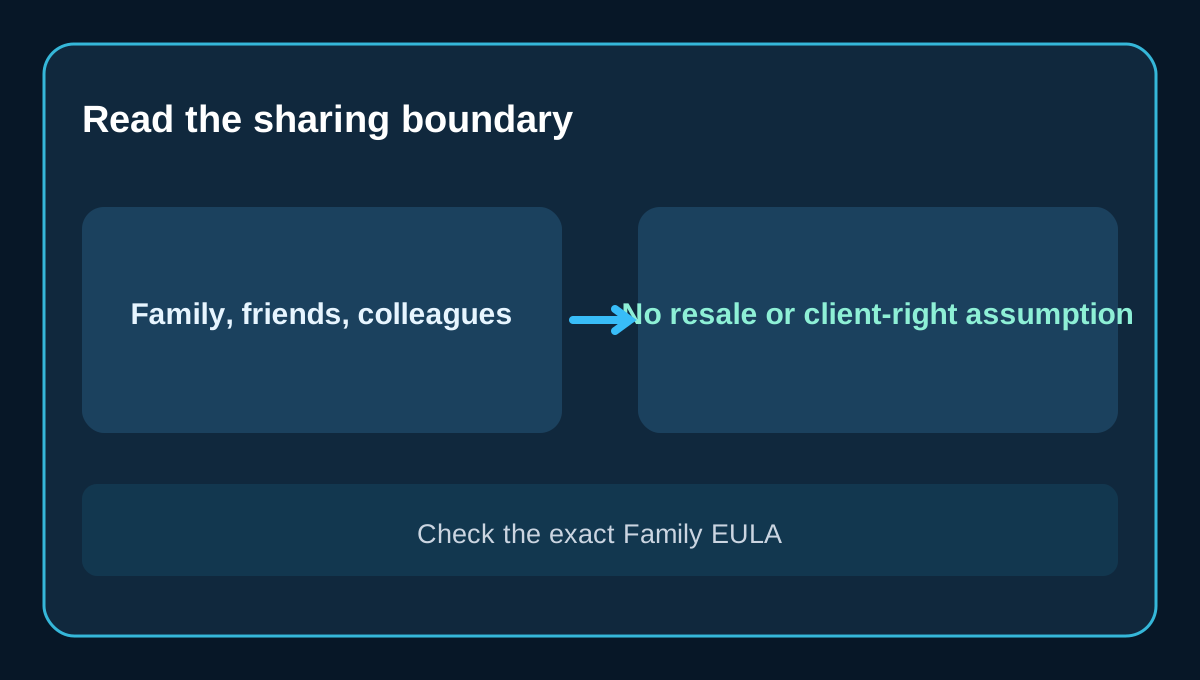
The exact Family product page explicitly says that its license code can be shared with extended family members, friends and colleagues. That is unusually relevant to a buyer managing multiple household or colleague PCs. Save a dated copy of the exact order page and the license text shown during checkout so you can reconcile who may activate the license later.
Do **not** turn that statement into a promise of resale, rental, multiple paid client jobs, or unrestricted business deployment. A separate Professional license agreement describes limits and certain replacement-PC circumstances, but a Family-specific EULA was not verified in this review. We therefore cannot assume all Professional transfer rules apply identically to Family. If sharing outside one household is essential, obtain the current Family checkout terms or written vendor clarification before paying.
Device replacement and activation: ask before you need it
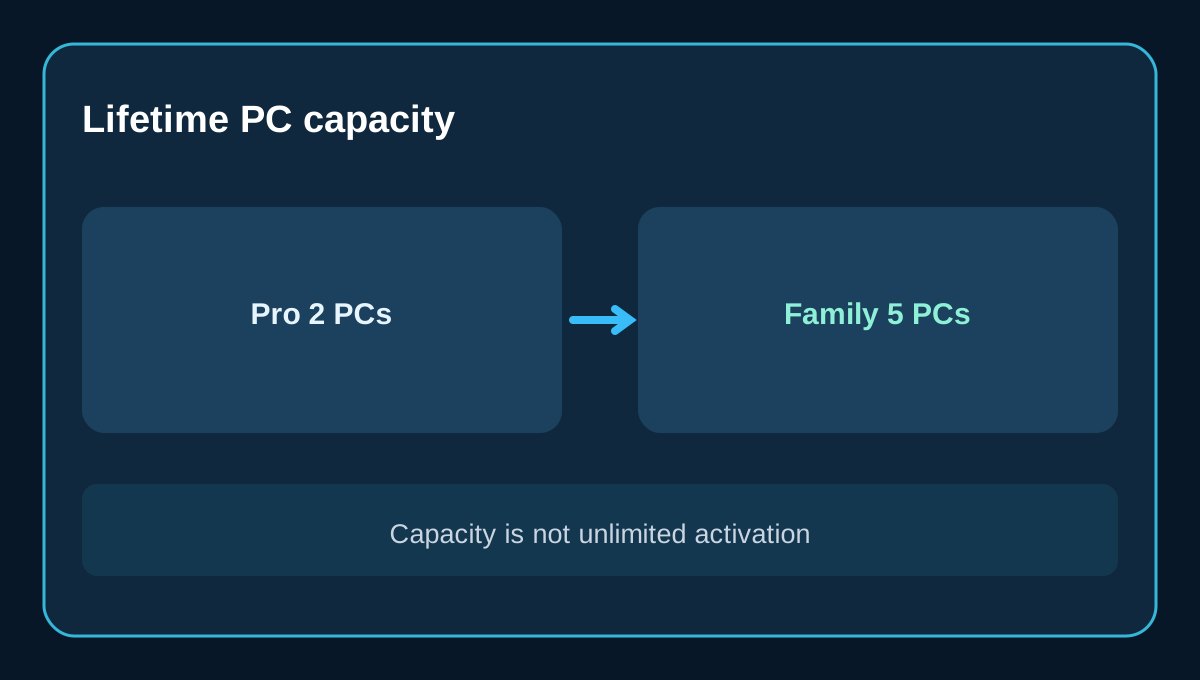
The listing's two-PC or five-PC capacity is not necessarily the same thing as unlimited reinstallations, simultaneous device changes, or transferable ownership. Before buying for machines that may be replaced soon, ask support how a dead PC is deactivated, whether a code can be reactivated on a replacement machine, and what proof of purchase they require. Preserve the order ID, activation key and receipts in a secure record.
The vendor's upgrade guidance distinguishes licenses purchased with lifetime upgrades from those without, and says paid customers may need to present their order details for particular upgrade assistance. That supports keeping evidence, not assuming self-service transfer on any device. The public sales FAQ says electronic license delivery and invoices are generally sent after payment, while taxes may only be calculated after entering an address.
When neither of these consumer licenses fits
AOMEI distinguishes Professional for Windows PCs from Server, Unlimited and Technician editions. The official edition chart and sales page allocate server rights and billable client technical services to other license categories. If you manage Windows Servers, unlimited enterprise devices, or perform paid repair services for clients, do not buy a consumer Family code on the assumption that five PCs gives you those rights.
Likewise, this is not a macOS license. If your work is only an occasional partition resize, test whether the free Standard edition meets your needs before paying. If you need a disk clone, operating-system migration or advanced operation, consult the current feature matrix and your hardware support requirements instead of inferring every feature from the word “Professional.”
A safe checkout checklist
Count the Windows PCs that will actually run Partition Assistant in the next 12–24 months. Choose the **Professional Lifetime two-PC** or **Family Lifetime five-PC** listing explicitly. Recheck the current product-specific total against the broad store; verify taxes, address region, currency and whether the order is truly one-time without renewal. Inspect the exact Family license agreement if sharing with friends or colleagues, and ask support about replacement-PC reactivation. Save your receipt and license code before making disk changes, and make a verified backup before partition edits.
AOMEI advertises a 90-day money-back guarantee on its sales page, but that is not a substitute for checking the current refund wording on the actual order. For a one-or-two-PC buyer, Professional Lifetime is the simpler fit. For three to five eligible PCs whose sharing rights are confirmed, Family Lifetime can be materially better value at the current product-page reference.
Affiliate disclosure: Toolnavia may earn a commission from a qualifying purchase through its verified AOMEI link. Our pricing comparisons do not rely on any coupon, unverified license transfer, or guaranteed checkout discount.