TOOLNAVIA / BUYING GUIDE
AOMEI FastRecovery Professional vs Technician: One PC or Unlimited?
The short answer
At a glance
- Best for
- One-PC buyers or technicians deciding whether unlimited company/client licensing justifies Technician.
- Price model
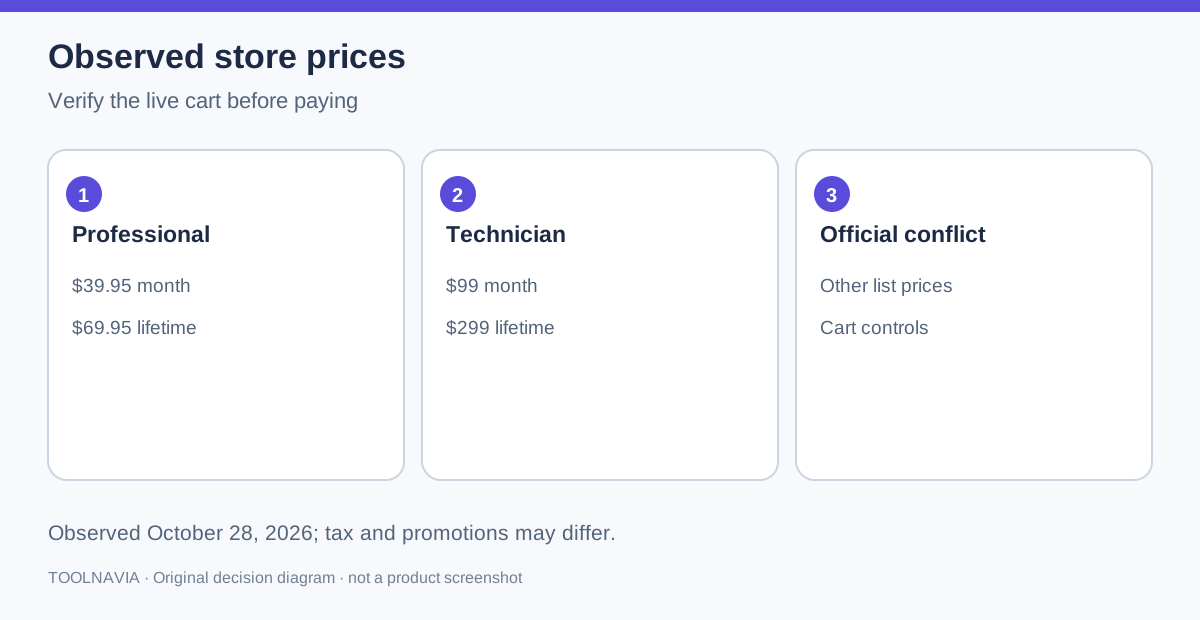
- Observed canonical store: Professional $39.95 monthly/$59.95 yearly/$69.95 lifetime; Technician $99/$199/$299. Live checkout controls.
- Check first
- Professional is one computer; Technician is the documented unlimited-computer/client-service tier. Checkout and physical-media condition remain separate.
Quick answer
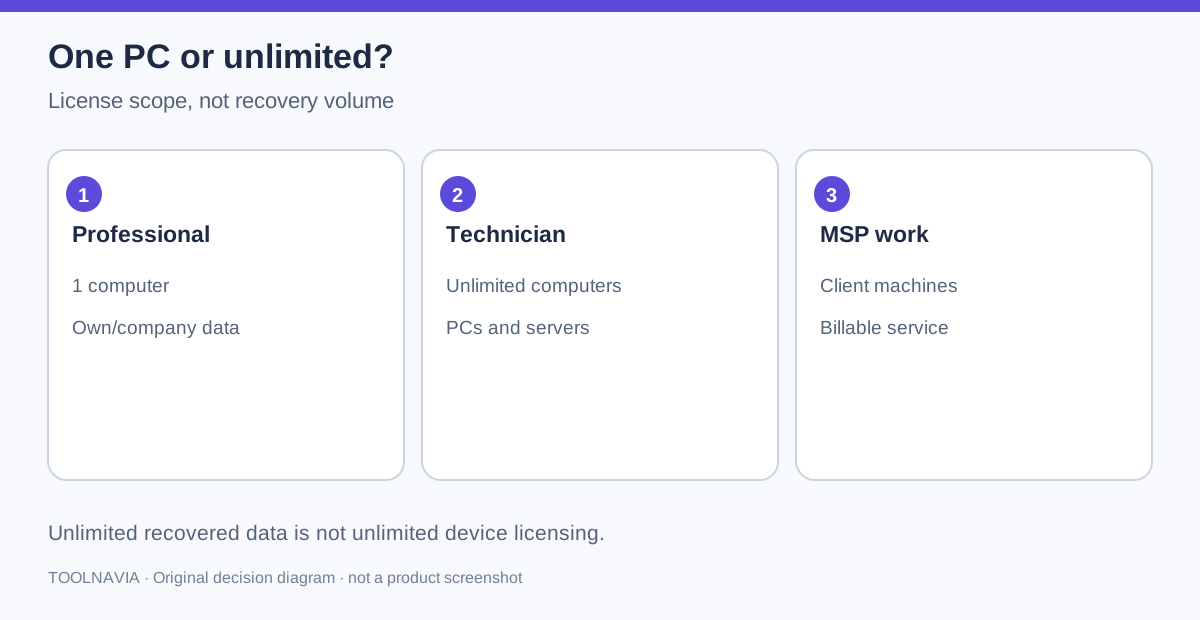
Choose **FastRecovery Professional** when one named Windows computer is the recovery workstation and you are recovering your own or your company’s data. Choose **Technician** when the licensed work must span unlimited company PCs or servers, or when an MSP or technician will provide billable recovery service to clients. AOMEI’s current store makes the boundary explicit: Professional is one computer per license; Technician is unlimited computers per license.
Do not confuse “unlimited data recovery” with “unlimited computers.” Professional removes the recovery-volume cap after purchase, but its license is still tied to one computer. The Free edition’s 500MB recovery limit is a separate restriction.
> Affiliate disclosure: Toolnavia may earn a commission if you buy through the verified AOMEI link. The link opens the official FastRecovery product landing; select the correct edition at checkout. No purchase or payout result is claimed.
The license boundary that changes the decision
Professional is the lower-cost choice for an individual, home office, or business that keeps one dedicated recovery PC. Moving the same code among several employee computers is not the same as licensing one recovery station. If your workflow needs simultaneous or repeated use across a fleet, ask AOMEI whether reassignment is permitted before assuming that uninstalling resets the entitlement.
Technician is aimed at businesses, technicians, and MSPs. AOMEI describes unlimited PCs and servers and expressly mentions billable technical service to clients. That client-service sentence matters more than the feature list: a Professional page saying “business use” does not safely establish a right to install on customers’ machines for paid work.
Price and break-even without a false promise
On the canonical FastRecovery store observed on October 28, 2026, Professional displayed $39.95 monthly, $59.95 yearly, and $69.95 lifetime. Technician displayed $99 monthly, $199 yearly, and $299 lifetime. The same company’s general buy-now catalog showed higher standalone lifetime list prices—$99.95 for Professional and $399 for Technician—while bundle cards used other promotional totals.
That official conflict is why this guide does not freeze one universal checkout price. Use the canonical product store for the current edition comparison, then verify the final cart, tax, renewal state, and any campaign eligibility before paying.
At the observed product-store prices, the lifetime upgrade from Professional to Technician is $229.05. A shop that serves clients should compare that gap with the cost of one denied or unlicensed job, not with raw recovery capacity. A one-PC buyer gains no automatic recovery-quality advantage from Technician; the upgrade mainly buys scope and service rights.
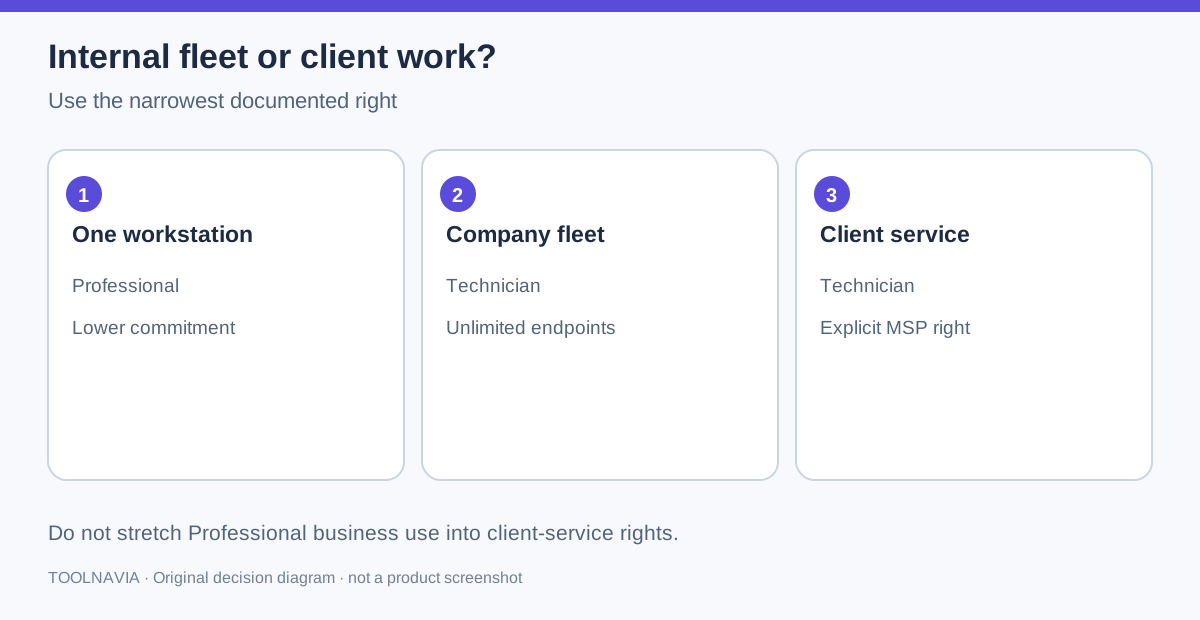
Internal fleet or client service?
Use this decision sequence:
1. **One recovery workstation, internal data only:** Professional is normally the fit. 2. **Several company PCs or servers:** Technician is the documented unlimited-computer tier. 3. **Paid recovery for clients:** Technician is the safer documented choice because AOMEI names MSP billable service. 4. **Occasional second machine:** do not assume Professional can float; ask support about transfer or reassignment. 5. **Physically damaged disk:** stop using edition price as the decision. Software cannot repair physical damage.
Competitors use similar licensing fences but not identical terms. EaseUS Technician covers unlimited PCs/servers and client service; Disk Drill moves company and client computers into Enterprise; Stellar and Recoverit publish their own technician boundaries. These examples confirm the search intent, but only AOMEI’s current terms control an AOMEI purchase.
Activation and recovery fit still matter
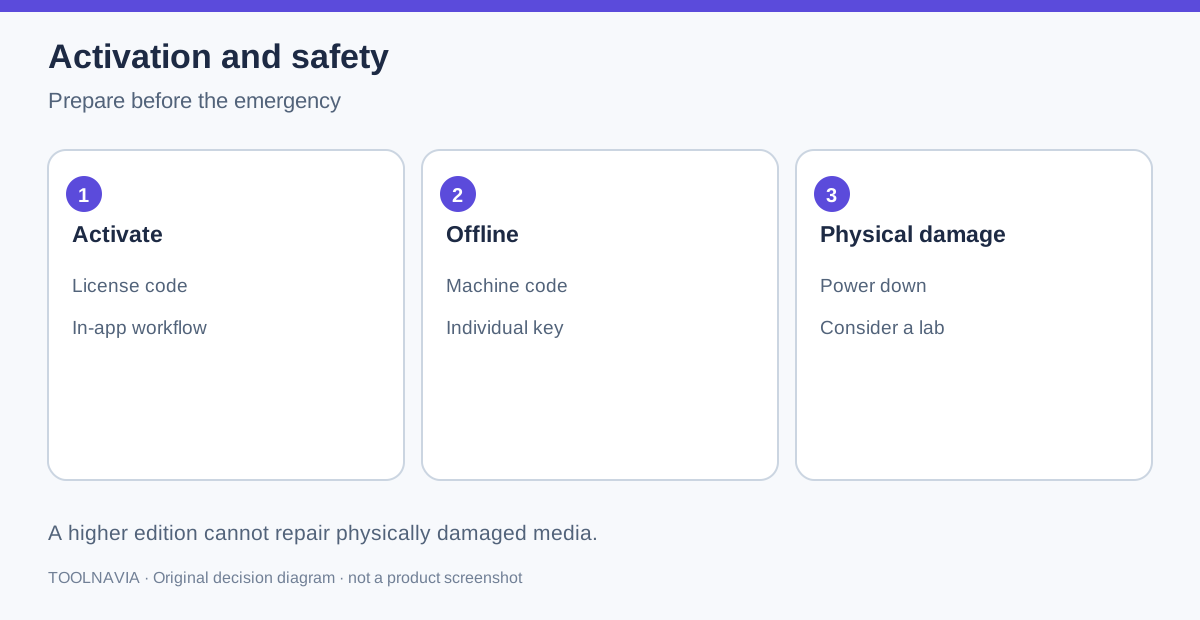
A paid code is activated inside FastRecovery. For an offline machine, AOMEI documents generating an individual offline key from the license code and that machine’s code. Record the licensed workstation and activation evidence before an emergency; do not wait until a failed disk is disconnected from the network.
Licensing does not improve damaged media. Before scanning, check whether the disk is visible, whether it makes abnormal sounds, and whether continued reads could worsen failure. For physical damage, power down and consider a lab. For logical deletion or formatting, use the free scan and preview path first, then decide whether the recoverable files justify payment.
Purchase checklist
Buy Professional only after confirming one recovery computer is enough, the required file systems are supported, preview finds the needed files, and the checkout term matches your cash plan. Buy Technician only when unlimited company endpoints or billable client work are real requirements—not as a vague “more powerful” upgrade.
Before payment, capture the displayed edition, term, renewal state, final total, tax, refund wording, and license-scope text. Keep that record with the license email. If the workflow changes from one internal workstation to client service, re-check the current AOMEI terms instead of stretching the Professional entitlement.