TOOLNAVIA / BUYING GUIDE
AOMEI Cyber Backup Retention: Size Storage Before Paying $99/VM
The short answer
# AOMEI Cyber Backup retention: size storage before paying $99/VM
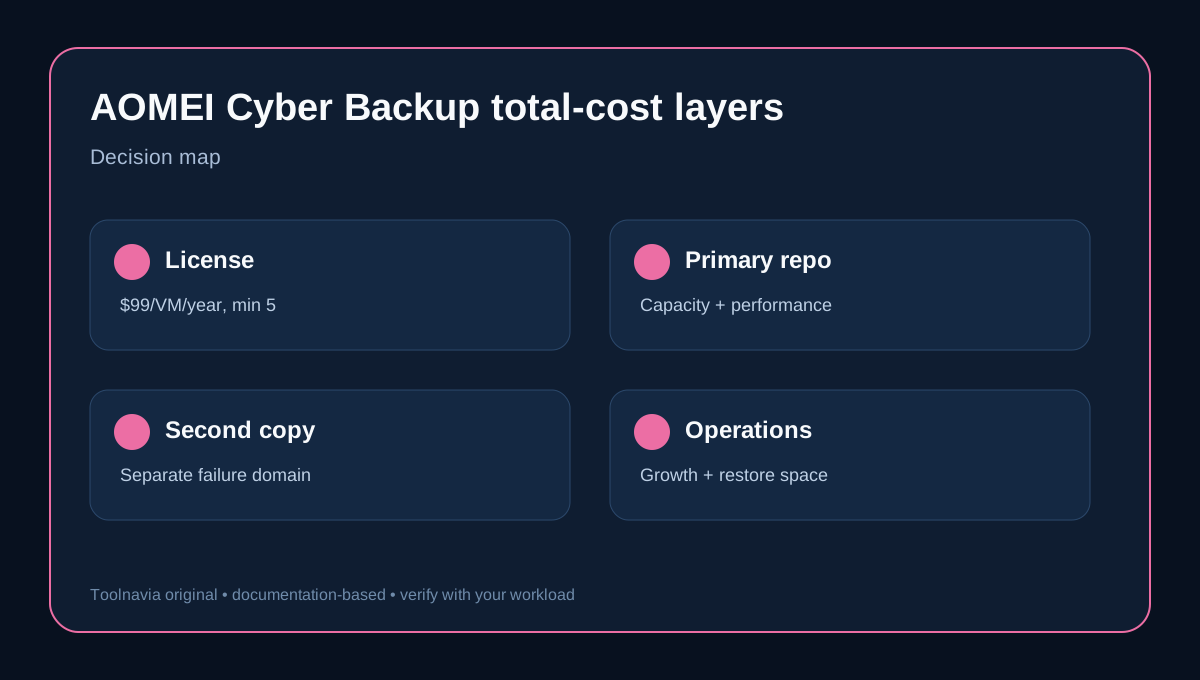
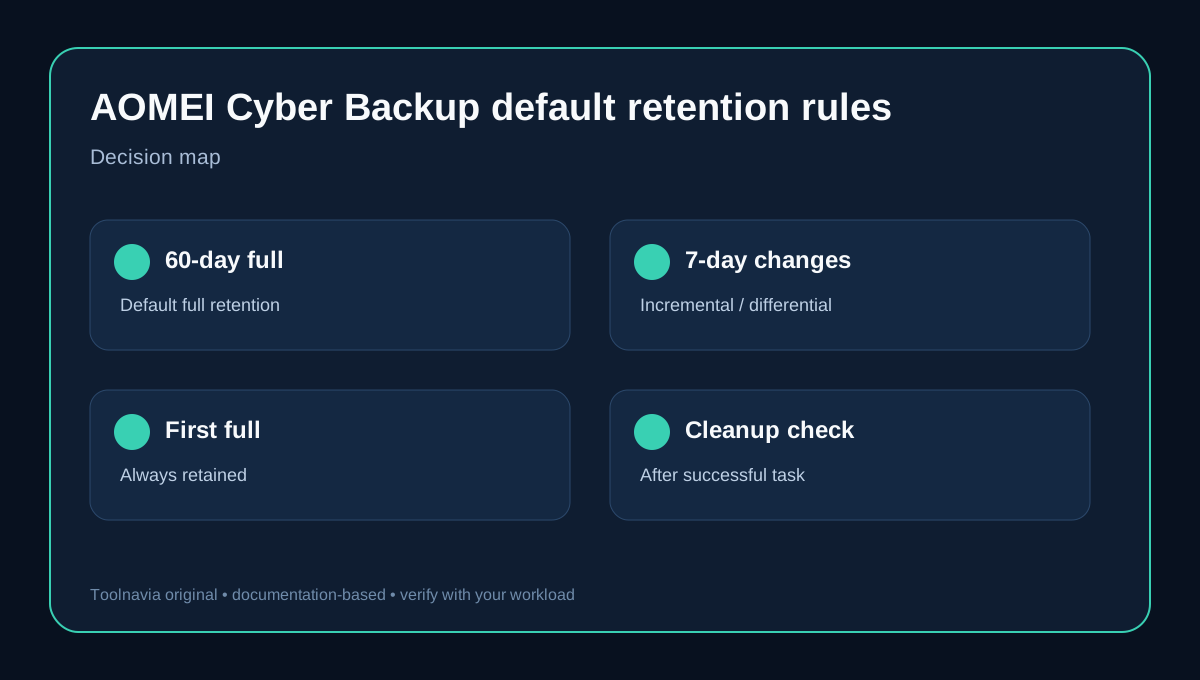
**Short answer:** the license price is only the visible part of the budget. AOMEI's current documentation says a new task enables cleanup by default, keeps full backups for 60 days, keeps incremental or differential backups for 7 days, and always retains the first full backup. Those defaults are useful guardrails, but they do not tell you how many terabytes your repository needs. Capacity depends on protected used data, reduction, daily change, how often you create new full backups, how backup groups are deleted, and how much growth and recovery headroom you reserve.
The exact yearly Customized VM offer currently shows $99 per VM per year with a five-license minimum, so the nominal list-rate starting point is $495 per year before dynamic discounts, coupons or tax. That is software coverage. AOMEI documents local, external, NAS/network and AWS S3 destinations, but the cited pricing page does not promise bundled repository capacity. Budget the storage layer separately.
At a glance
- Best for
- IT teams that can measure VM change rate and want paid automated cleanup with a separately budgeted resilient repository.
- Price model
- License display: $99/VM/year, minimum 5; repository, second copy and cloud consumption budgeted separately
- Check first
- Repository size depends on real workload measurements; storage capacity is not shown as bundled; cleanup entitlement should be verified in the installed edition; no Toolnavia restore benchmark.
The decision in one minute
Choose AOMEI Cyber Backup Advanced only after all four statements are true:
1. You have measured the used data inside representative VMs, not just provisioned virtual-disk size. 2. You have observed daily changed data through a patch cycle, month-end or another busy period. 3. You have tested one scheduled backup and a disposable restore to the intended repository. 4. You can fund the primary repository, a separate copy or archive, and growth headroom in addition to the licenses.
The four practical advantages are automated retention, separate full versus change-backup windows, multiple repository targets and a measurable capacity model. Their boundaries are equally important: cleanup is paid-positioned, deletion is group-aware, destinations do not include capacity, and formulas require real measurements.
If any statement is false, use the trial to collect evidence. A low software price cannot rescue an undersized repository or an untested recovery chain.
What the default retention rule actually does
The official manual and cleanup help agree on the initial values: full backups are retained for 60 days; incremental and differential backups for 7 days; the first full backup is always retained. You can edit or disable the rule.
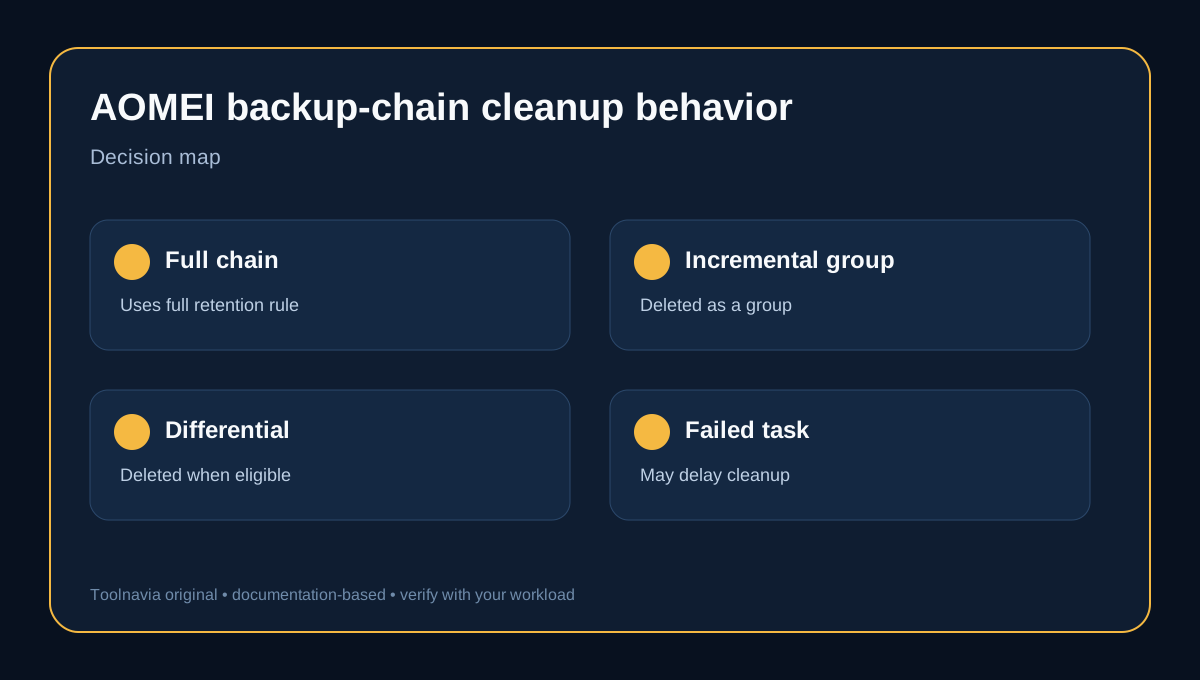
The paid upgrade page positions automated cleanup as an advanced capability. Deletion is not a simple “delete every file older than seven days” action. For an incremental chain, AOMEI says the whole incremental group is removed when the final incremental in that group becomes eligible, while the related full backup remains until its own full-backup rule is met. Differential backups are removed individually under their rule, and the related full follows the full rule. Cleanup is evaluated only after a backup task completes successfully. It can also apply to backups created before cleanup was enabled.
That behavior creates three planning consequences:
- A failed or paused task may delay cleanup, so free space can diverge from the calendar. - An always-retained first full is a permanent floor until you change that rule. - Full-backup cadence determines how many full images can coexist inside the 60-day window.
The manual provides defaults, not a fixed full-backup schedule. If you create a full every week, the 60-day window can contain many more full images than a monthly-full design. Model the schedule you will actually run.
Cleanup entitlement: treat it as a paid capability
AOMEI's manual describes cleanup as part of task configuration, while the current upgrade page markets Backup Cleanup as an advanced feature unlocked by upgrading. For purchase planning, the conservative interpretation is to treat automated cleanup as paid and verify the installed Free/Trial entitlement before relying on it.
This is not a reason to skip the trial. It is a reason to test the exact workflow: create a representative task, inspect the cleanup controls, confirm the displayed edition, and verify what remains available after the trial changes state.
A practical repository formula
NAKIVO's official sizing guidance offers a useful vendor-neutral starting point. AOMEI's manual separately confirms that incrementals store changed data and require a full starting point.
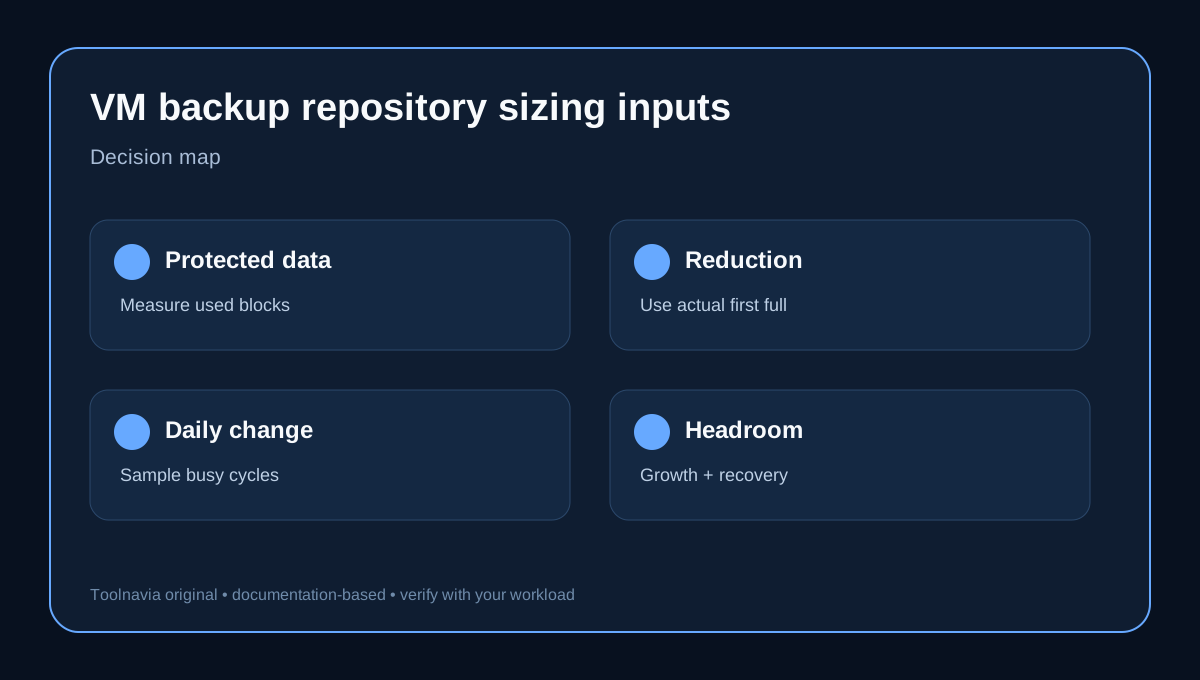
- Full backup: protected original data × data-reduction ratio. - Daily increment: estimated full-backup footprint × daily change rate. - Simplified repository: one full + daily increment × retention days.
For an illustrative five-VM environment, suppose each VM contains 500 GB of used data. Original protected data is 2.5 TB. If the measured full lands at 50% after compression or other reduction, the full is about 1.25 TB. At 3% daily change, the simplified daily increment is 37.5 GB. One full plus 30 daily increments is about 2.375 TB.
That number is **not** the amount you should buy. It excludes additional full backups, AOMEI's group-aware chain behavior, the always-retained first full, repository metadata, filesystem overhead, growth, temporary operations, a second copy and a safety buffer. It is a transparent baseline for replacing guesswork with measurements.
Do not import the 50% and 3% assumptions into production. Measure your own first full and increments. Databases, patching, log churn, antivirus scans and month-end jobs can change the result sharply; a current VM-sizing analysis likewise warns that change spikes are a common under-sizing risk.
Why 60 days can cost very different amounts
Two teams can select the same 60-day full-retention value and need very different storage:
- Team A creates one full per month and small daily incrementals. - Team B creates one full every week and protects high-change databases. - Team C keeps the first full permanently, adds monthly first-full retention, and archives a second copy. - Team D pauses jobs during an outage, so cleanup checks do not run when expected.
The retention label is therefore not a capacity guarantee. The number of fulls inside the window, the change rate between them and the deletion boundaries of each chain matter more than the label alone.
Before purchase, write down the expected full schedule, incremental/differential schedule, protected used data, observed change rate, measured reduction, retention values, always-retain choices and growth horizon. If one field is unknown, treat it as a trial task, not a purchasing assumption.
Repository design is more than terabytes
Veeam's best-practice guide says a repository also needs capacity, write performance, read performance, density, security and scalability. It suggests that recent recovery points can live on faster storage while long-term points use higher-capacity, slower storage.
That principle applies even though this article is about AOMEI. A cheap NAS that barely accepts the nightly stream may miss the operational target. A large cloud bucket may create retrieval or egress costs during recovery. A fast local repository without a separate copy leaves one failure domain.
AOMEI documents local paths, external storage, NAS/network shares and AWS S3 as possible locations. Treat those as architecture options, not included storage. Price the NAS or disks, redundancy, cloud consumption, network bandwidth, monitoring, lifecycle policy and recovery access separately.
An independent pricing cross-check also lists the five-VM minimum, while its broader review confirms cleanup, retention, NAS/network and S3 context without offering a capacity guarantee.
A buying worksheet
Use this sequence before approving the five-license minimum:
| Input | What to measure | Why it matters | |---|---|---| | Protected used data | Used blocks across the selected VMs | Provisioned disk size usually overstates active data | | First full size | Actual repository growth after the first run | Reveals real reduction on your workload | | Daily change | Increment sizes across normal and busy days | Drives ongoing growth | | Full cadence | Weekly, monthly or custom | Determines how many large fulls coexist | | Retention | Full, incremental and differential windows | Controls deletion eligibility | | Always retain | First full plus weekly/monthly/quarterly/yearly choices | Creates long-lived storage floors | | Growth | New VMs and data growth for 12–24 months | Prevents immediate resizing | | Recovery headroom | Space for restore, migration and temporary work | Avoids running the repository at the edge | | Second copy | Separate media, location or cloud tier | Supports a 3-2-1 design |
After the trial, compare measured repository cost with the nominal $495 annual license start. For some small teams, existing NAS headroom keeps storage incremental. For others, new resilient storage and a second copy can exceed the software cost.
Who should buy now
AOMEI Cyber Backup Advanced is a reasonable fit when your VM count justifies the minimum, automated cleanup reduces operational risk, the team can test restores, and the repository design is already funded. It can also fit teams that value centralized recovery controls and want to tune full and incremental retention separately.
Wait when you cannot measure daily change, when the repository is already close to full, when no second copy exists, or when the purchase case assumes cloud capacity is included. Use the trial to turn those unknowns into numbers.
Final verdict
Do not approve AOMEI Cyber Backup on $99 per VM alone. Approve the combined design: licenses, primary repository, retention rules, safety headroom, secondary copy and a verified restore.
The default 60-day full and 7-day incremental/differential cleanup rules are a starting policy, not a sizing answer. Measure one full, observe a busy change cycle, model the actual full cadence, include the always-retained first full, and add operational headroom. Only then compare the total with the exact current offer.