TOOLNAVIA / BUYING GUIDE
AOMEI Cyber Backup VM Licenses: Can You Reassign a Slot?
The short answer
At a glance
- Best for
- Teams replacing or rebuilding protected VMware/Hyper-V VMs while keeping peak concurrent VM count stable.
- Price model
- Displayed $99/VM/year, minimum 5; nominal $495/year before discounts, tax and infrastructure
- Check first
- Current exact-plan/help pages conflict with a legacy manual; validate in the installed build. Reassignment does not add concurrent capacity or cross workload types.
Short answer
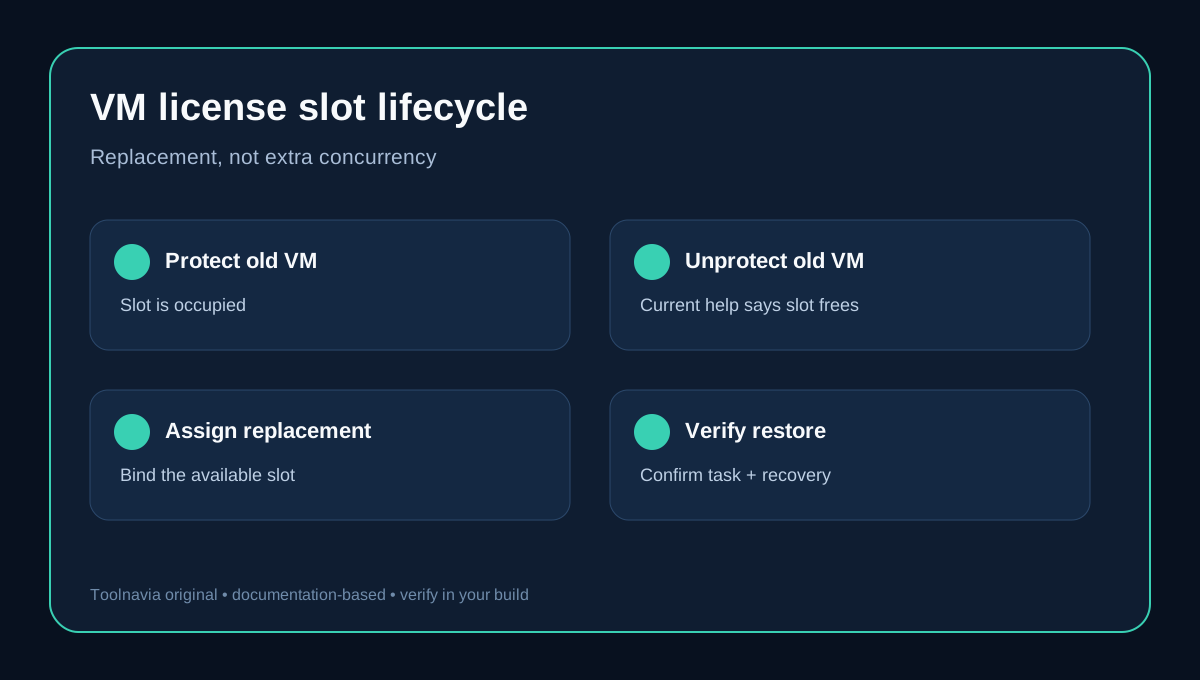
Yes—for the **current AOMEI Cyber Backup Yearly Customized VM offer**, AOMEI says you may freely unassign a license from one VM and assign it to another. Current License Management help also says **Unprotect** frees the corresponding license slot.
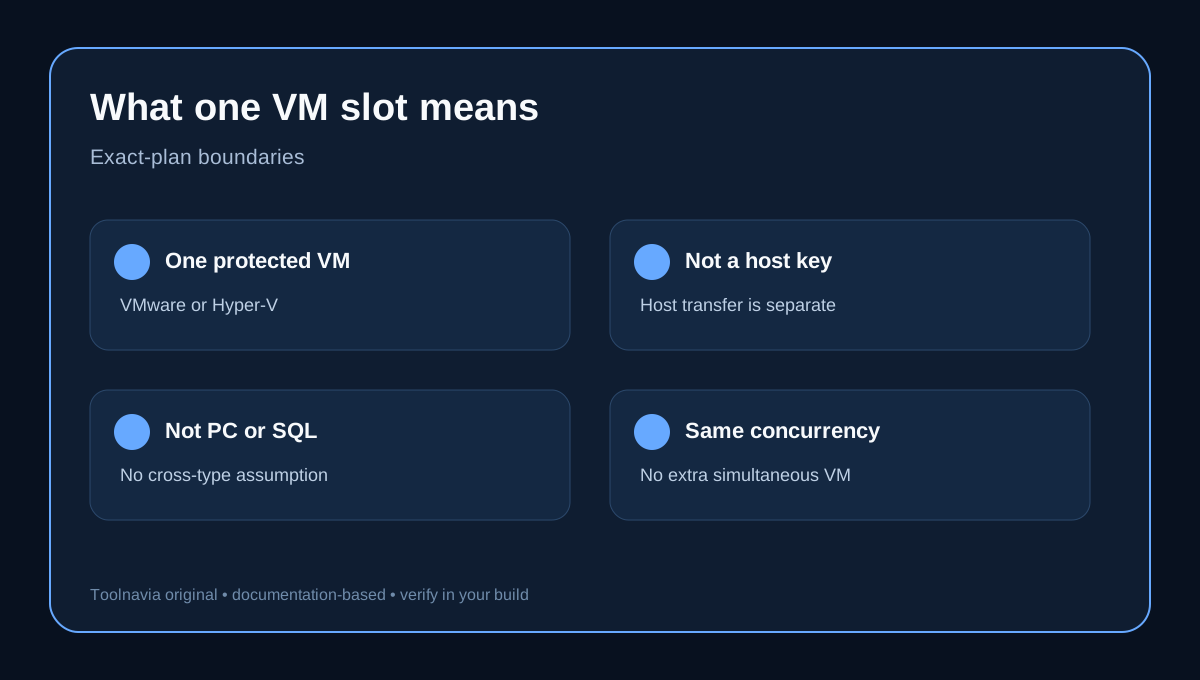
That is a replacement right, not extra capacity. Five VM licenses still protect at most five licensed VMs simultaneously. Releasing a retired VM and assigning its slot to a replacement keeps the ceiling at five.
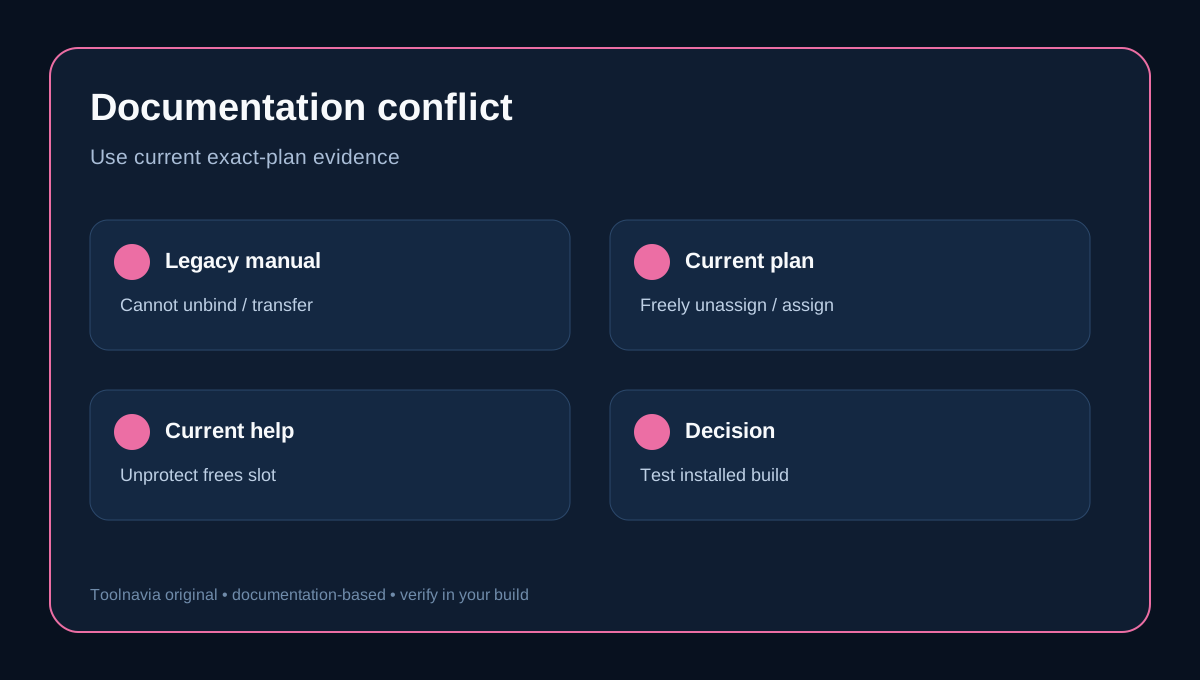
One caveat matters: an older AOMEI manual says a bound device cannot be unbound or transferred and that Delete Device cannot de-authorize it. Current plan and help pages appear to supersede that wording for the present customized yearly VM plan, but test the workflow in your installed build before permanently removing the old VM.
What the VM license counts
The exact offer is displayed at **$99 per VM per year with a five-license minimum**—a nominal $495 per year before discounts, coupon changes, tax and infrastructure. The unit is a protected VMware ESXi or Hyper-V VM. It is not automatically a hypervisor-host key, Windows PC license, SQL license, or general entitlement.
A rebuilt server may keep the same business role while appearing as a new VM object. A test clone may be a second concurrent protected VM. A VM moved between hosts may or may not preserve the device identity visible to AOMEI. Count what License Management shows, not what your CMDB calls the service.
Safe reassignment workflow
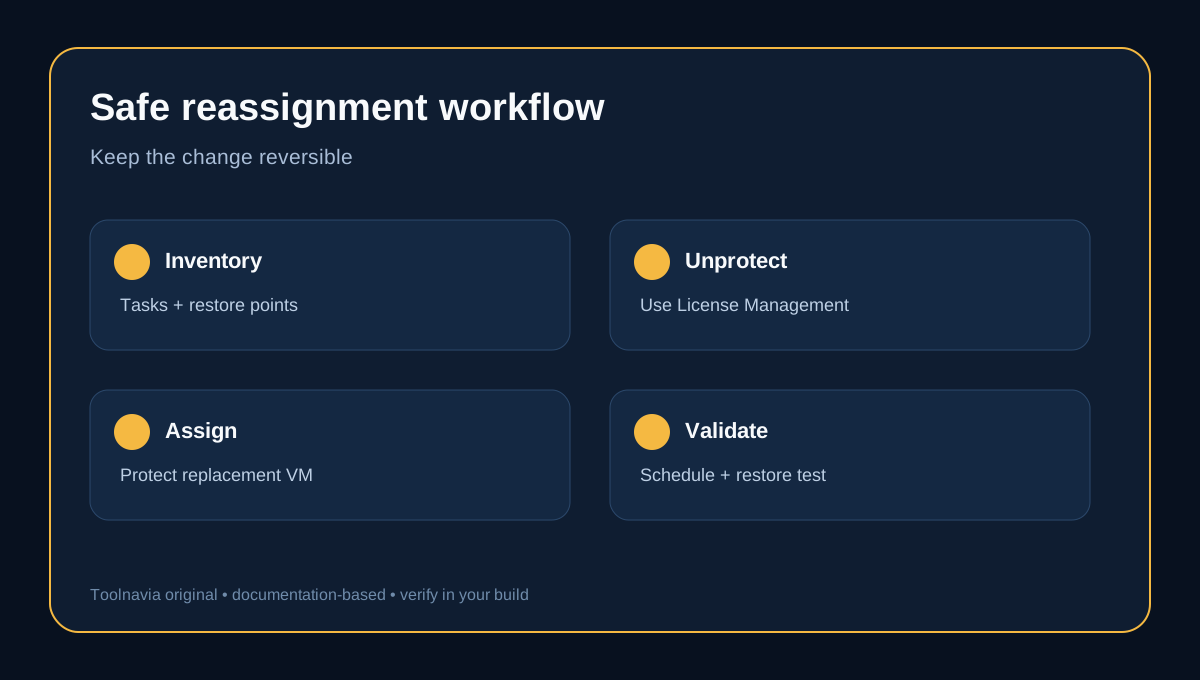
1. **Inventory the old VM.** Record protection status, tasks, repository, retention and restore points. 2. **Confirm the replacement boundary.** If old and new VMs need overlapping protection, two slots are required during the overlap. 3. **Validate recoverability.** Review a recent restore test before altering protection. Unprotect is not permission to discard backups. 4. **Use License Management.** Select the retired protected VM and choose **Unprotect**. Current help says this frees its slot. 5. **Confirm the available count.** Deleting a device record, backup task or VM is not necessarily the same action. 6. **Protect the replacement.** Add the new VM, bind the available license and create or reconnect its backup task. 7. **Verify schedule and restore.** AOMEI says a scheduled task is suspended when the device lacks a license, so verify the next run and a restore.
Unprotect is not Delete Device
Current documentation identifies **Unprotect** as the slot-release action. Do not conflate it with deleting a device record, task, restore point, or VM. Those operations have different retention and recovery consequences.
This also explains part of the legacy conflict. The old manual discusses bound devices and says Delete Device cannot de-authorize them. The current workflow provides a specific Unprotect action. Use the license screen—not a generic Delete button—to confirm that the slot is free.
Four replacement cases
Retired VM
Take a final verified backup, preserve required restore points, Unprotect the old VM, confirm the slot, then protect the replacement. This is the cleanest one-for-one case.
Rebuilt VM with a new identity
A reinstall or disaster-recovery rebuild may look like a different VM even if hostname and application are unchanged. Treat it as a new protected object until License Management proves otherwise.
VM moved to another host
A host move can change inventory identifiers. Verify how AOMEI discovers the moved VM. Do not confuse this with transferring a host-level key; other vendors document host-key transfer separately.
Temporary overlap
If old and new VMs both need protection during cutover, reassignment does not create a sixth slot. Buy enough concurrent capacity, schedule a policy-approved protection gap, or obtain written vendor guidance for the migration window.
Why the documentation conflict matters
Fresh AOMEI pages say “freely unassign” and describe Unprotect as freeing a slot. The older PDF says the opposite. Licensing behavior can change with product version and plan model; the current changelog lists v4.6.3 dated October 23, 2026.
Our conclusion is narrow: reassignment applies to the **current Yearly Customized VM offer and current License Management workflow**. It does not prove portability across every historical edition, perpetual key, workload type or offline deployment. Capture before-and-after license counts, and ask AOMEI support if the UI differs.
Cost decision
At the displayed rate, five licenses start at a nominal **$495/year**. Reassignment is valuable when VM identities change but peak simultaneously protected VMs stay stable. It avoids stranding a paid slot on a retired workload.
It does not reduce requirements when two VMs remain protected concurrently, and it does not convert a VM slot into another workload type. Other backup vendors also document portability or workload-unit rules explicitly, and an independent review likewise distinguishes per-VM from per-host licensing; buy against exact plan wording.
Verdict
Current evidence supports **yes**: a current customized yearly VM slot can be released with Unprotect and assigned to another VM. Buy against peak concurrent protected VMs, not the number of identities created over a year.
Before cutover, confirm in the installed build that the old VM is Unprotected, the available license count increases, and the replacement completes a scheduled backup plus a restore test.