TOOLNAVIA / BUYING GUIDE
AOMEI Cyber Backup Free vs Paid: When Do 5 VMs Justify $99?
The short answer
# AOMEI Cyber Backup Free vs Paid: When Do 5 VMs Justify $99?
**Quick answer:** start with Free if you protect no more than three paid-edition VMware or Hyper-V VMs and can live without automated backup cleanup or restore-to-new-location. Move to Advanced when the fourth workload, retention automation, migration-style recovery, or round-the-clock support matters. The current paid VM offer starts at a minimum of five licenses for $99 per year; the current perpetual five-VM display is $499.
> **Affiliate disclosure:** Toolnavia may earn a commission if you buy through the AOMEI link in this guide, at no extra cost to you. The CTA uses an approved exact annual VM offer. Prices, volume discounts, tax and availability can change; the official checkout controls.
At a glance
- Best for
- Teams crossing the Free edition workload limit or needing automated cleanup, restore to another location, or continuous support.
- Price model
- Current official display: minimum five VM licenses at $99/year; five-VM perpetual display $499. Checkout controls.
- Check first
- Three-or-fewer eligible paid VMs with simple original-location restore, or eligible free ESXi labs that can accept documented authentication and support boundaries.
Free and Advanced at a glance
| Decision point | Free | Advanced paid | |---|---|---| | Hyper-V VMs | Maximum 3 | Up to unlimited licensed capacity | | Paid VMware ESXi VMs | Maximum 3 | Up to unlimited licensed capacity | | VMware free ESXi VMs | Unlimited | Unlimited | | Windows PCs / SQL databases | Maximum 3 each | Up to unlimited licensed capacity | | Windows servers | 1 | Up to unlimited licensed capacity | | Backup cleanup | Not included in the official difference table | Included | | Restore to new location | Not included in the official difference table | Included | | Support | Workday support | 24×7×365 expert support |
Those limits come from AOMEI's current Free-versus-Advanced table. “Unlimited” does not mean the annual five-VM license protects unlimited paid workloads; it means Advanced can scale through additional licenses or an unlimited plan. Buy against the workload unit shown at checkout.
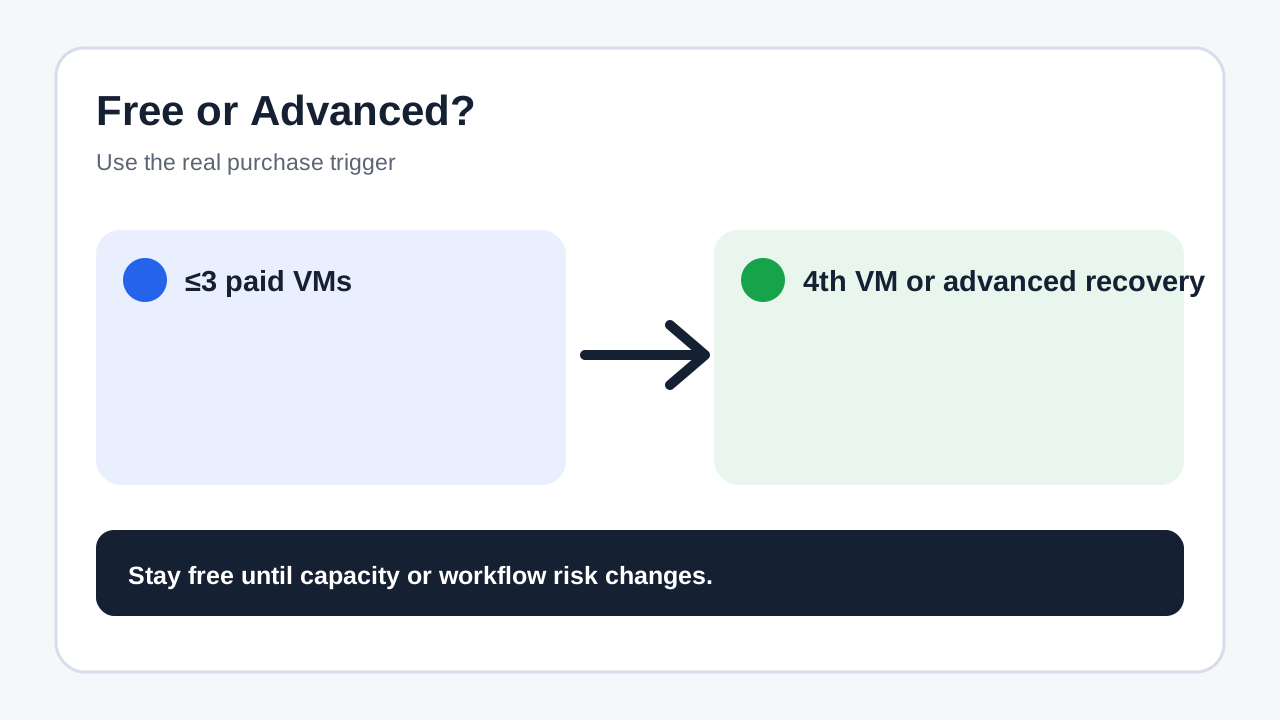
The fourth VM is the first clean purchase trigger
For a small paid-edition Hyper-V or VMware environment, Free covers up to three VMs. If the fourth VM must enter the same protected policy, the annual customized plan starts at five VM licenses for $99 per year. That leaves one spare slot, but it is not automatically wasted: it can absorb the next production VM or a replacement workload after the old assignment is released.
Free ESXi changes the answer. AOMEI's comparison table lists unlimited VMware free ESXi VMs in both editions. A lab built entirely on eligible free ESXi may therefore have no capacity reason to pay. Verify authentication and platform requirements on the actual hosts, because AOMEI notes special SSH handling for free ESXi in its support material.
Do not buy simply because the console can discover more than three objects. First identify which workloads are licensed units: VMware or Hyper-V VMs, Windows PCs, Windows servers and SQL databases are priced separately on the current store.
Pay for workflow risk, not only capacity
Advanced unlocks two operational features highlighted by AOMEI: **Backup Cleanup** and **Restore to New Location**.
Backup Cleanup automatically removes history versions according to rules. AOMEI's documentation describes separate retention periods for full and incremental/differential backups, plus an option to retain selected full backups. This matters when storage growth is a business risk or nobody can reliably prune restore points.
Restore to New Location creates an identical VM from a backup on the same or another datastore or host. AOMEI positions it for migration, cloning and recovery when the original VM cannot start. Free may be enough for basic scheduled backup and original-location recovery; Advanced becomes easier to justify when recovery must also move workloads.
The support difference is another purchase trigger. Workday support may suit a lab. A production service with weekend recovery obligations should price the 24×7×365 support boundary as part of downtime risk, not as a bonus.
Annual or perpetual for five VMs?
The official page currently shows:
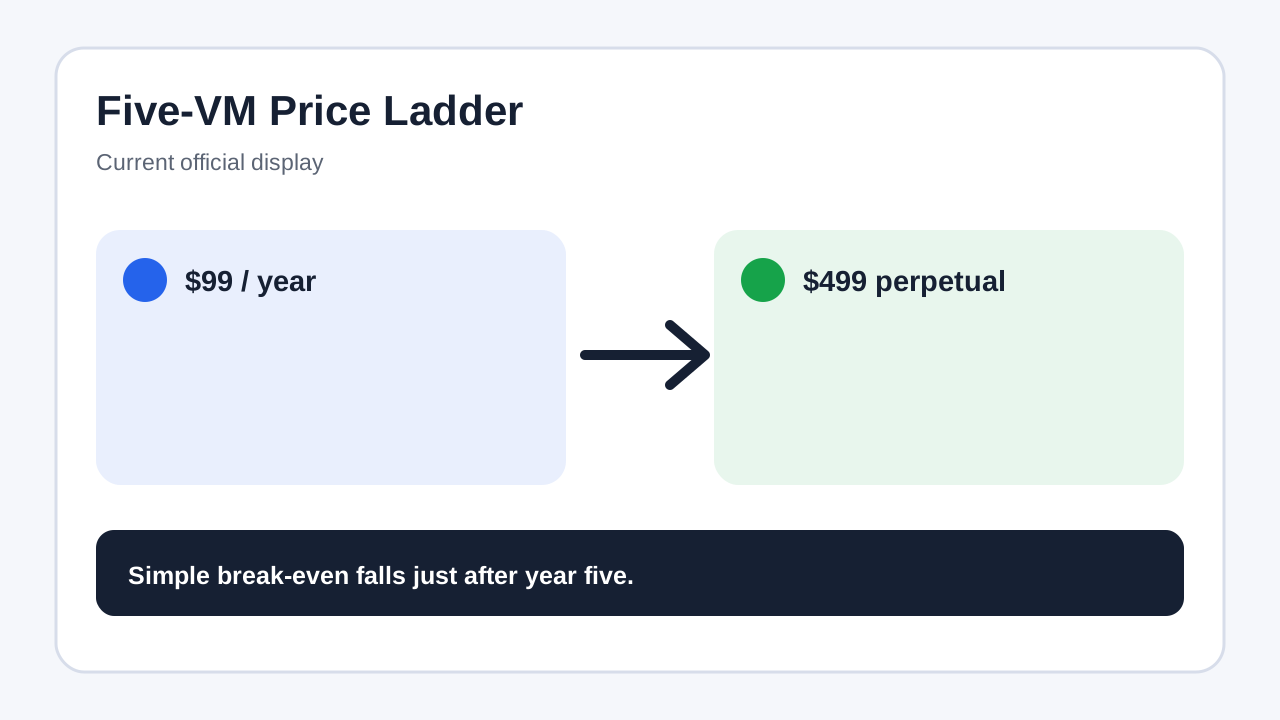
- annual customized VM plan: minimum five, **$99/year**; - perpetual customized VM plan: minimum five, **$499 one time**; - annual unlimited VM plan: **$999/year**.
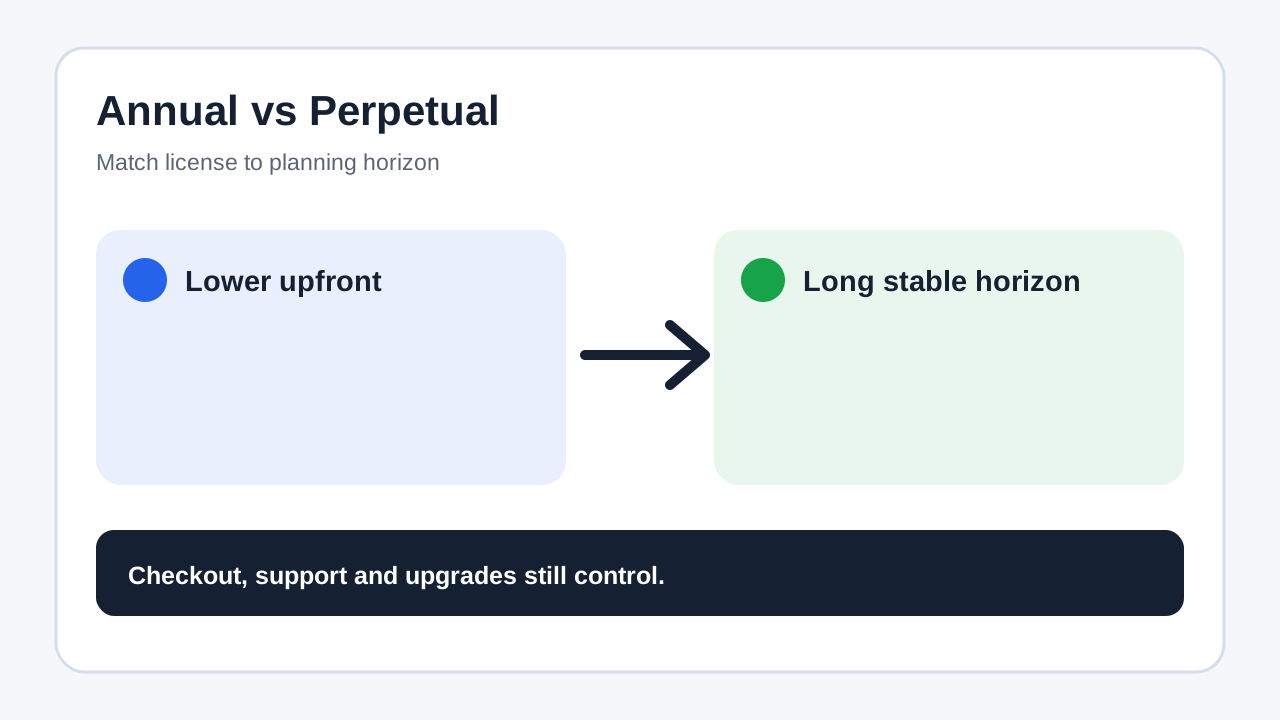
At unchanged list prices, five annual payments total $495 and six total $594. The simple cash break-even for the $499 perpetual display therefore falls just after five years. That is not a promise of future savings: it ignores discounts, tax, upgrades, support terms, the time value of money and changes in the environment.
Choose annual when you want lower upfront cost, expect VM counts or platforms to change, or need time to prove restore operations. Consider perpetual only when the same five-VM scope is likely to remain useful for more than five years and the included update/support terms still fit. This article's commercial link is the approved annual customized VM offer; verify any perpetual choice separately at official checkout.
Run a proof-of-concept before paying
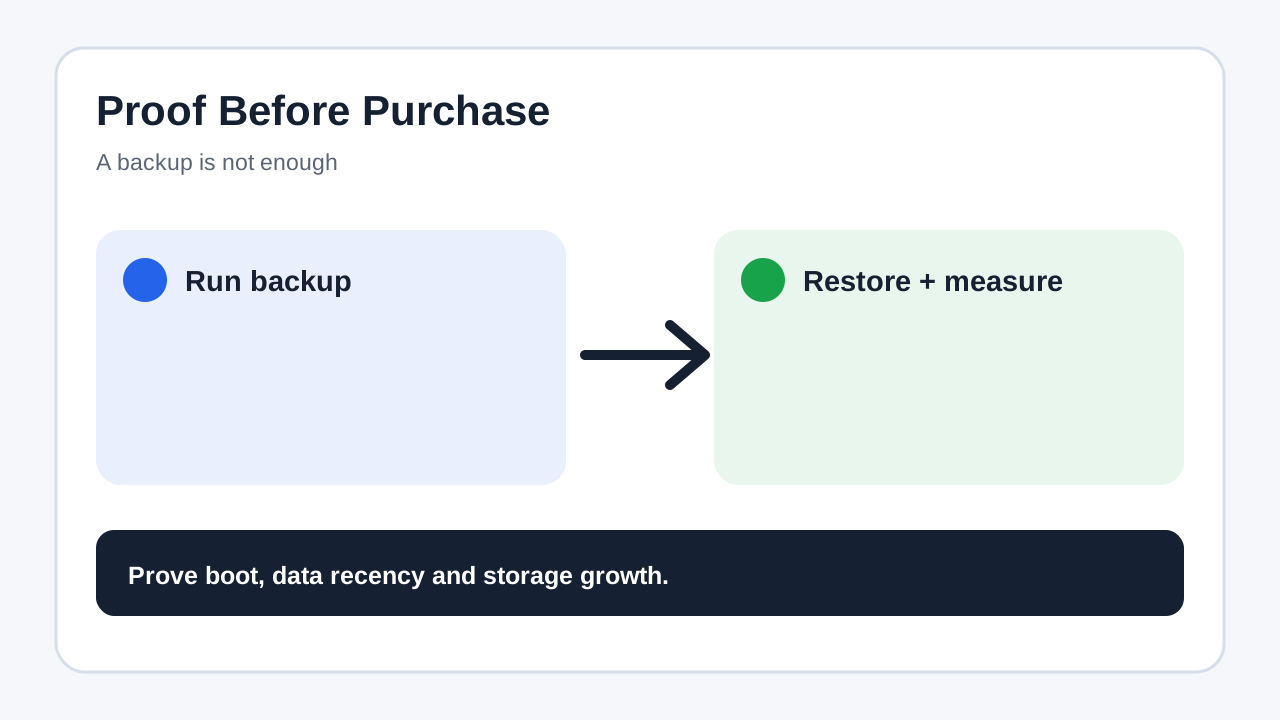
1. Add the real Hyper-V or VMware hosts, not a synthetic empty lab. 2. Back up three representative VMs with different sizes and change rates. 3. Send one backup to the intended local or network target. 4. Run full and incremental jobs on the schedule you expect to use. 5. Restore an entire disposable VM and confirm boot, application start and recent data. 6. Measure storage growth for at least one normal cycle. 7. Decide whether manual retention and original-location restore are acceptable. 8. Confirm that the fourth workload—not a miscounted host or database—is the actual capacity trigger.
AOMEI documents perpetual Free availability and centralized scheduled backup, but a successful job is not a completed buying test. The test must include a restore and an estimate of storage growth.
Who should stay free?
Stay on Free when you protect no more than three eligible paid-edition VMs, or only eligible free ESXi VMs; recovery can return to the original location; manual retention is acceptable; and workday support is enough.
Pay for Advanced when a fourth licensed workload must be protected, backup growth needs automated cleanup, a VM must restore to another host or datastore, or 24-hour support is part of the recovery requirement.
Independent directories and retailers broadly confirm that a free edition and paid five-VM SKU exist, but their wording and prices are inconsistent. Use them to understand buyer intent, not to override AOMEI's live comparison and checkout.
Bottom line
AOMEI Cyber Backup Free is a credible proof-of-concept and small-environment option, not merely a timed demo. The cleanest capacity trigger is the fourth paid Hyper-V or VMware VM. The stronger operational triggers are automated cleanup, restore to a new location and 24×7×365 support. If those boundaries matter, [check the current AOMEI Cyber Backup annual VM offer](https://www.dpbolvw.net/click-101895278-17143106?url=https%3A%2F%2Fwww.aomeitech.com%2Fcyber-backup%2Fcampaign%2Fupgrade-now.html); otherwise, keep Free and spend the budget on testing restores and independent backup storage.