TOOLNAVIA / BUYING GUIDE
AOMEI Backupper Professional License: 1 PC or 2 PCs?
The short answer
At a glance
- Best for
- One personal Windows PC, or a household comparing the five-PC Family Lifetime option.
- Price model
- $39.95/year or $69.95 Lifetime for 1 PC; Family Lifetime $89.95 for 5 PCs.
- Check first
- The exact direct Professional offer is one PC; simultaneous second-PC use needs another entitlement, and replacement resets require support.
Quick verdict
The exact AOMEI Backupper Professional offer currently covers **one Windows PC per license**, not two. The direct Professional pages list $39.95 yearly or $69.95 Lifetime for one PC; the separate Family Lifetime option covers five PCs. If you have a desktop and a laptop that must both remain activated, budget for two single-PC licenses or compare the five-PC family option. Do not treat an older review or reseller page that says “2 PCs” as the entitlement for this exact checkout.
Why buyers still see one-PC and two-PC claims
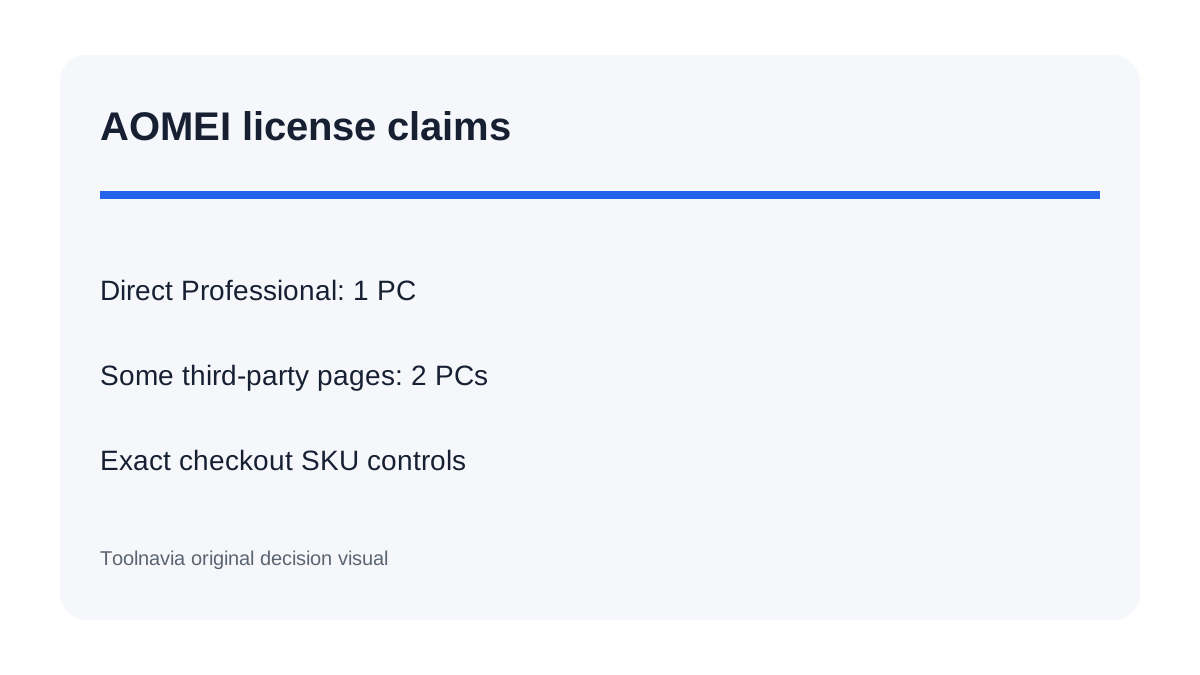
AOMEI sells several products and editions, and some partner or older pages show different device counts. A third-party storefront has advertised a two-device Backupper license, while the current direct Backupper Professional store repeatedly says one PC. AOMEI also sells other products with two-PC licensing, which makes copied snippets especially easy to misread.
For this guide, the exact direct Professional SKU controls: one PC. A two-device reseller package may be a different SKU, territory or fulfillment route. Before paying outside AOMEI's direct store, record the seller, product name, term, number of devices and refund path. A cheaper key is not equivalent if the seller cannot reset or replace it.
What one PC per license means
A single Professional license should be assigned to one active Windows computer. It is not a floating seat that can remain active on a desktop and laptop at the same time. The license also does not become two seats because you buy Lifetime instead of Yearly. Lifetime changes the billing and upgrade term; Family Lifetime changes the device count.
That distinction matters more than the $30 difference between the current yearly and Lifetime reference prices. If you need two simultaneous PCs, two Yearly licenses would be $79.90 before tax at today's reference price. Two Lifetime licenses would be $139.90, while Family Lifetime is currently listed at $89.95 for five PCs. This arithmetic uses public prices observed on October 25, 2026; checkout, tax and promotions can change it.
A second PC is not the same as a replacement PC
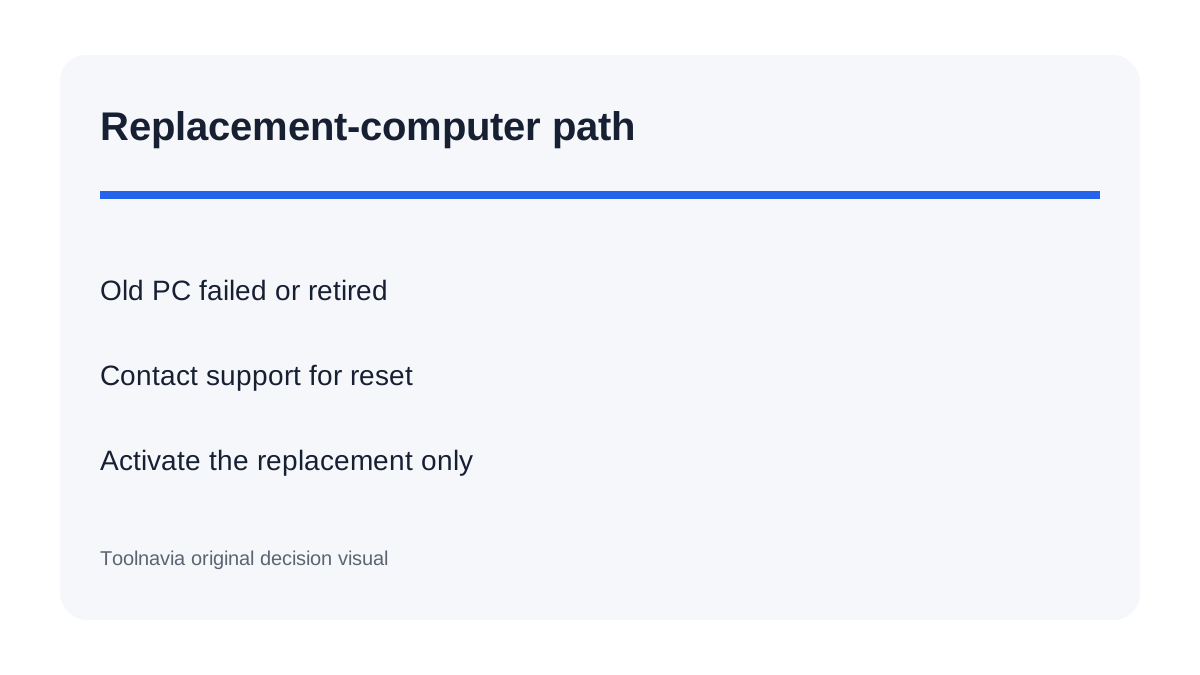
Buying a new laptop while continuing to use the old computer creates a second active device and therefore needs another entitlement. Replacing a failed or retired computer is different. AOMEI's registration help says a license can be moved only in limited circumstances, and the user should contact support to reset it. The EULA describes the exception around an original machine that becomes non-functioning or falls into disuse.
Do not assume that uninstalling the program automatically releases the seat. Before retiring the old computer, keep the order email and license code, note the old machine name, and save a screenshot of the activation state. If the old machine has already failed, tell support that it is no longer in use and identify the replacement computer. Recent customer reports describe successful support-assisted resets, but those anecdotes do not replace the written policy.
When Family Lifetime is the lower-risk choice
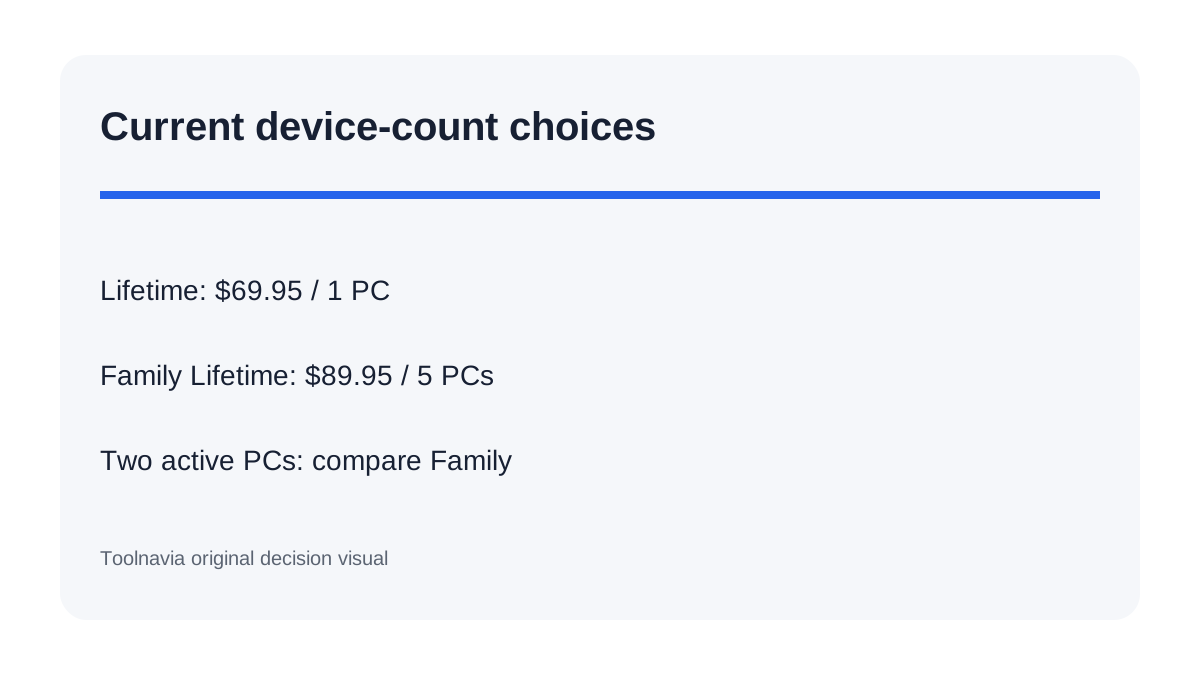
The Family Lifetime option is the clearest current route when several personal PCs must stay active. It is listed for five PCs at $89.95, compared with $69.95 for one-PC Lifetime. The $20 difference is smaller than buying a second one-PC Lifetime license at today's prices.
Family Lifetime is not automatically right for a business fleet. Professional is described for personal use, and AOMEI separates Workstation, Technician and Server editions. A household with two or more personal Windows machines is the strongest fit. A company, managed-service provider or Windows Server user should compare the edition that matches commercial and server rights rather than stretching a family license.
Annual or Lifetime after the device decision
Choose the computer count first, then the billing term. Yearly lowers the initial commitment and renews automatically. Lifetime is a one-time payment with lifetime upgrades for the licensed device count. Neither term includes a promise that one license can stay active on two PCs.
For one stable personal computer, compare $39.95 yearly with $69.95 Lifetime. At unchanged public prices, the second annual payment brings the total to $79.90, $9.95 more than one-PC Lifetime before tax. That is a break-even calculation, not a prediction. For two or more personal PCs, compare Family Lifetime before multiplying single-PC licenses.
Checkout checklist
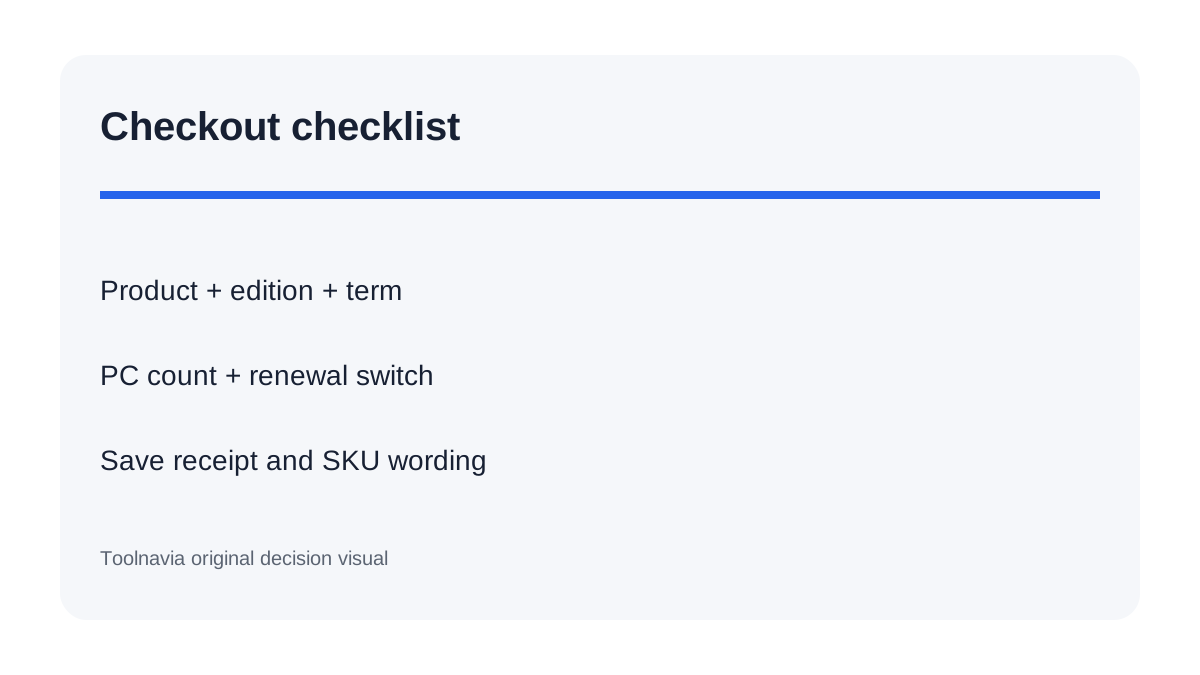
Before paying, confirm five fields on the final page: product name, edition, term, PC count and renewal setting. Save the receipt and the exact SKU description. If a page says two PCs but the cart says one, stop and ask the seller to confirm the entitlement in writing. Do not rely on a search-result snippet.
Choose Professional Yearly for one PC and a shorter commitment. Choose one-PC Lifetime for one stable personal computer you expect to keep protecting beyond the first year. Choose Family Lifetime when two to five personal PCs must remain active. For a replacement computer, use the documented support-reset route instead of buying another key before you know whether a reset is allowed.
Toolnavia is an approved affiliate for this exact offer and may earn a commission. The recommendation remains based on the current direct-store license count, not on the higher device number shown by unrelated or older listings.