TOOLNAVIA / BUYING GUIDE
AOMEI Incremental vs Differential: Can One Missing File Break Restore?
The short answer
A small backup file is not automatically a safer backup. The purchase question for AOMEI Backupper Professional is whether paying for differential backups meaningfully reduces the number of image files that must remain usable at restore time. This guide compares the restore dependency, storage growth and test burden of Standard's incremental workflow with Professional's differential option. Toolnavia did not restore a physical PC, and this guide never asks you to delete the only copy of a backup chain.
> **Affiliate disclosure:** If you buy through Toolnavia's approved AOMEI link, Toolnavia may earn a commission at no extra cost to you. The recommendation still depends on your copied-chain test and live checkout terms.
At a glance
- Best for
- Buyers who manage removable or off-site image files and can test a copied chain, but want a shorter restore dependency.
- Price model
- Official pages checked 2026-10-30 display Professional from US$39.95; live checkout controls terms.
- Check first
- Anyone expecting guaranteed recovery, independence from the base full, a vendor speed benchmark, server rights or permission to damage the only backup set.
Short answer
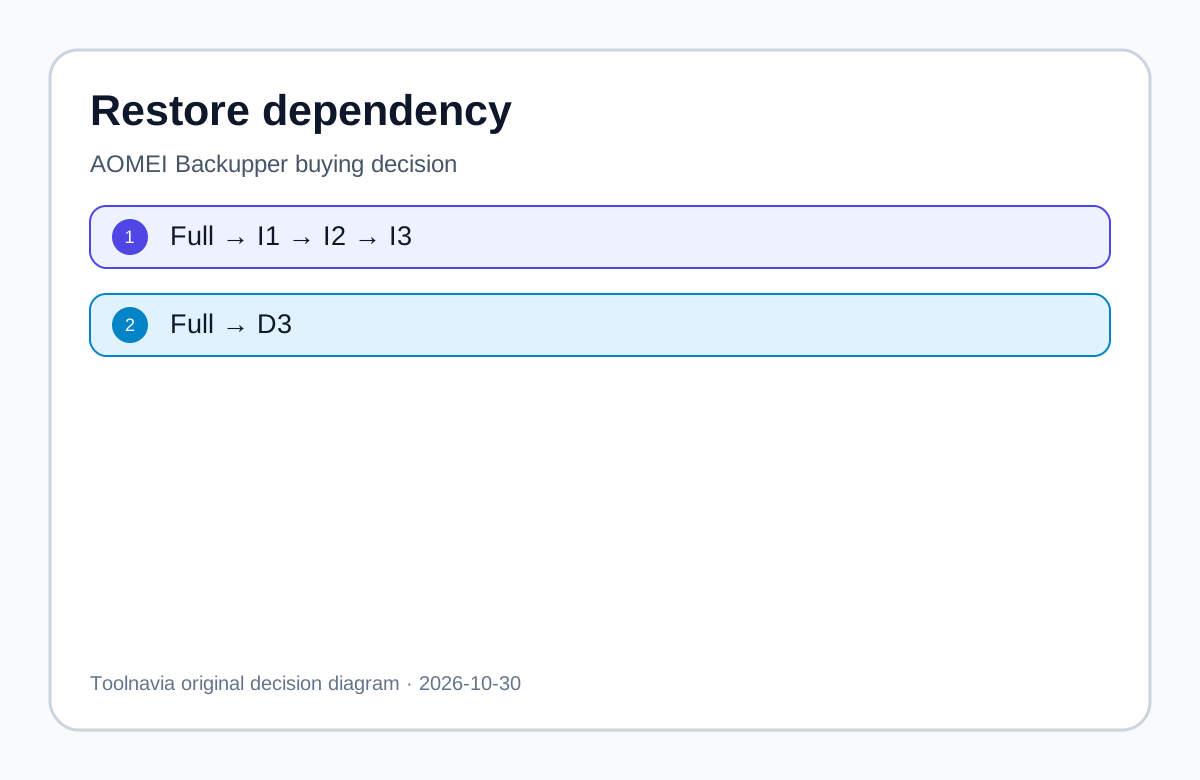
AOMEI defines an incremental image as changes since the previous related full or incremental image. A later restore point depends on the full image and every earlier incremental in that chain. If one middle incremental is missing or damaged, subsequent incremental points become unusable. A differential image records changes since the base full. Restoring the newest differential normally needs the base full plus that differential, not earlier differentials.
That shorter dependency can be worth paying for when image files rotate across USB disks, move off-site, or are handled by people who may move individual files. It is not automatically worth paying for a disciplined home user who keeps the entire incremental set together, creates periodic fulls, verifies images and has tested a restore path.
What the editions change
The current AOMEI Standard comparison shows incremental backup in the free edition and places differential backup in paid editions. The Professional page lists full, incremental and differential methods, image checking and bootable media, with a displayed starting price of US$39.95. The live cart controls term, tax, renewal and device rights, so the starting price is not a guaranteed checkout total.
A newer generic AOMEI help page explains both methods but does not repeat the edition gate in every section. This article therefore uses the explicit current edition-comparison table for the buying boundary and asks the buyer to confirm the feature in the installed build and live cart.
Restore-chain arithmetic
Assume one full image followed by three daily changes.
| Restore point | Incremental files required | Differential files required | |---|---|---| | Day 1 | Full + I1 | Full + D1 | | Day 2 | Full + I1 + I2 | Full + D2 | | Day 3 | Full + I1 + I2 + I3 | Full + D3 |
This is dependency arithmetic, not a measured speed claim. Microsoft says an incremental restore needs the original plus all incremental images, while a differential restore needs the original plus the latest differential. Veeam warns that a missing dependent chain file can block rollback to the required state. These sources support the general model; they do not prove identical file formats or performance in AOMEI.
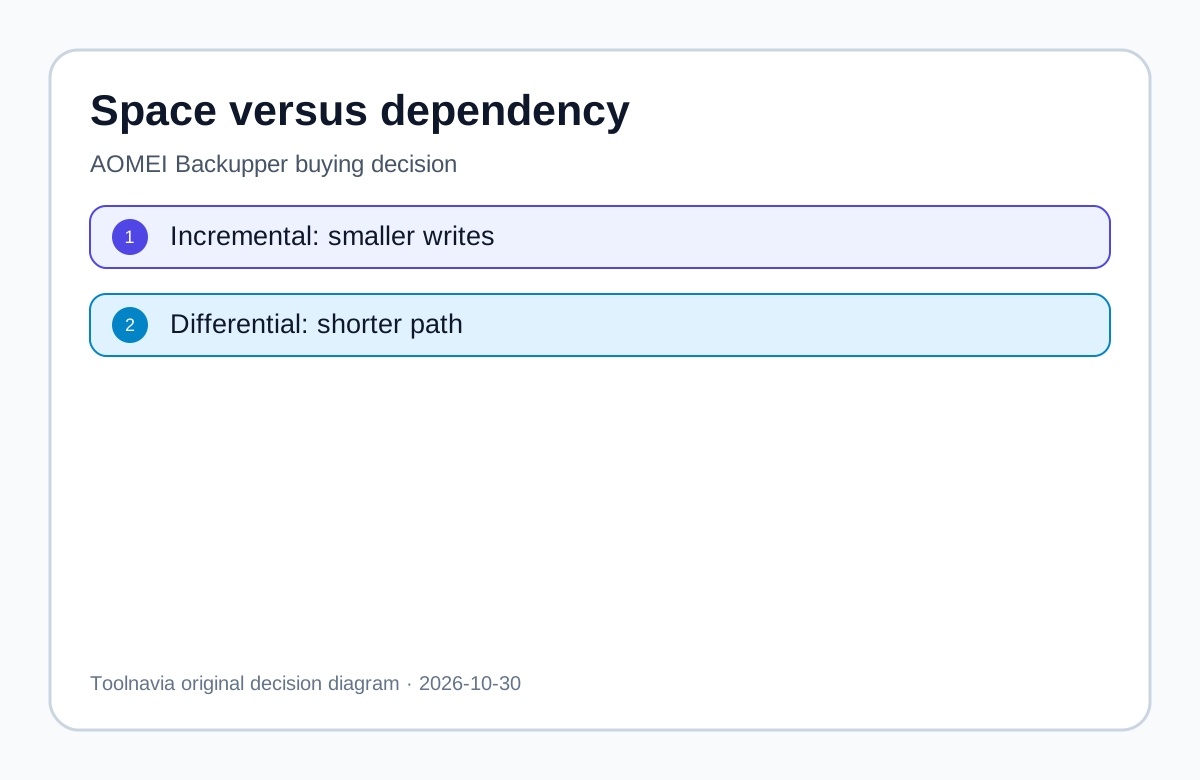
The trade-off is storage. Incrementals are usually smaller because each captures changes since the prior backup. Differentials grow as changes accumulate after the full. AOMEI separately documents merging incremental images, but excludes differential images; merging is a management operation, not permission to discard an untested chain. Differential buys a shorter restore dependency with more backup time and storage before the next full.
Five-step buying test
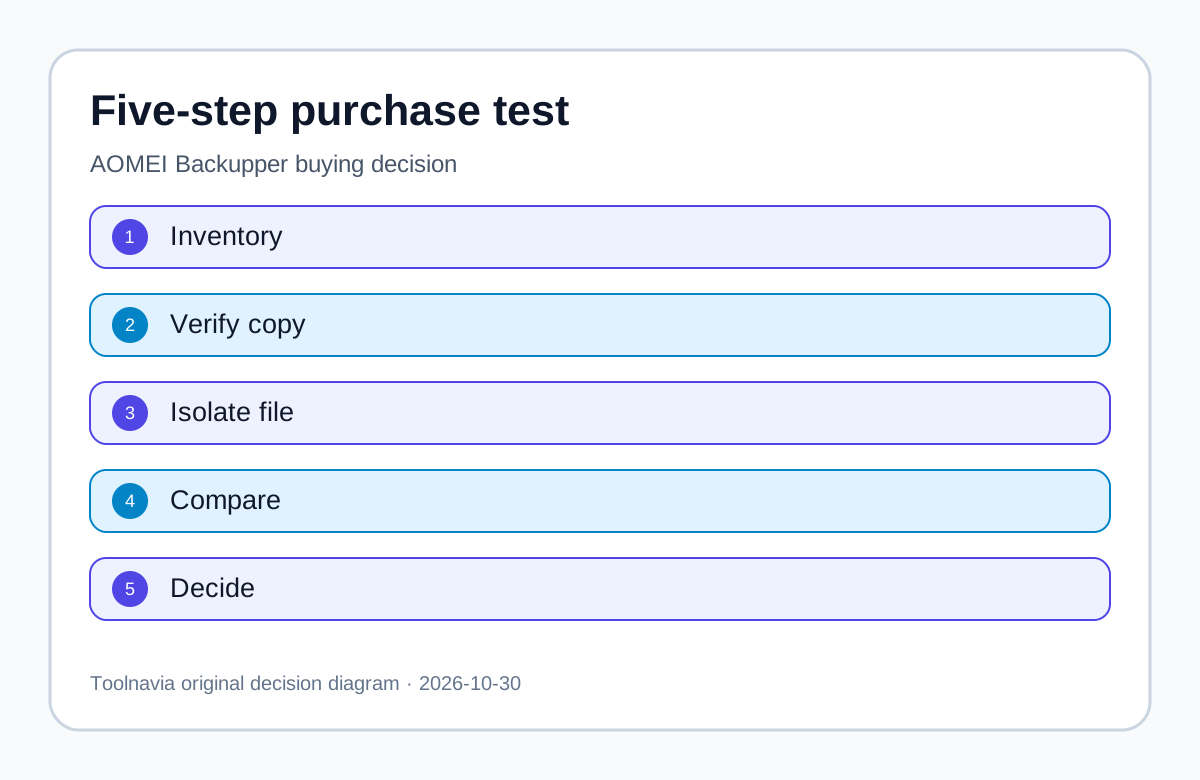
1. Inventory the current chain
Record the filename, timestamp and size of the full image and every dependent incremental. Do not rename, move or delete production images. Note whether the chain lives on USB, NAS, off-site storage or multiple independent locations.
2. Verify a copy
Copy the chain to a test folder, run AOMEI's image check on that copy and confirm the intended restore point is visible. Verification is useful but does not prove that rescue media can boot, unlock encrypted storage, see the controller or produce a working restored system. Keep the original untouched.
3. Model one missing middle file
Only in the duplicate test folder, isolate a middle incremental and observe which later points become unavailable. Restore the folder afterward. This is an observation exercise, not permission to damage the production chain.
4. Compare a differential task
If Professional is already licensed or legally available as a trial, create a separate test task with a new full and differential. Confirm that the selected differential point depends on the full plus that differential. Measure file sizes using your own data; do not borrow a vendor speed claim.
5. Use an explicit threshold
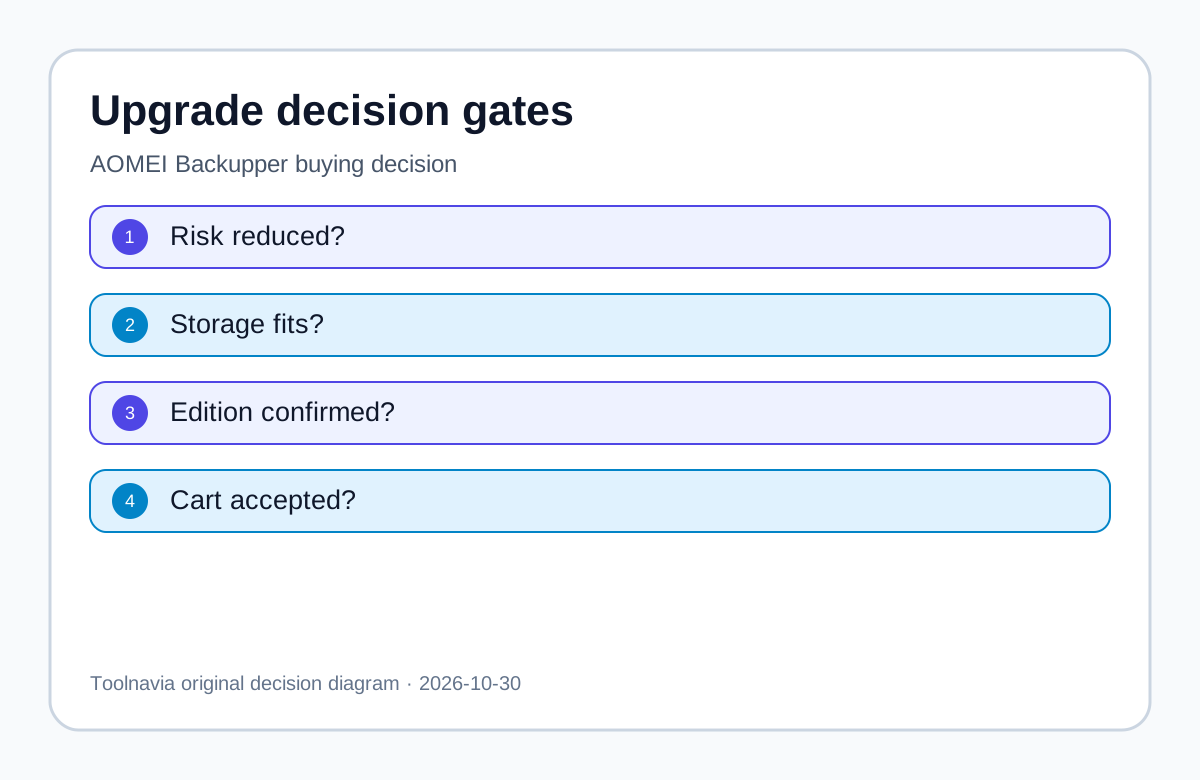
Pay when the shorter dependency materially lowers recovery risk, extra storage fits, the exact edition and PC count match, and live checkout is acceptable. Stay with Standard when complete incremental custody, periodic fulls and independent copies already control the risk.
Who should choose which method
Better fit for differential
- Multiple people rotate removable drives and may move individual files. - The newest point must be simple to explain during an outage. - Data change is moderate enough that differential growth fits. - The base full plus latest differential can be tested as one recovery unit. - Shorter dependency is worth more than the added backup window.
Incremental may be enough
- One careful operator keeps every file in the chain. - Storage or upload bandwidth is tight. - New fulls are frequent enough to keep chains short. - At least two independent copies are retained and tested. - No other Professional-only feature is needed.
Do not buy merely because differential sounds safer. A missing base full still breaks the set. Corrupt source data, ransomware-reachable storage, lost encryption keys, incompatible rescue media and an untested target remain separate failure modes. No method guarantees recovery.
Price and claim boundaries
AOMEI displays Professional from US$39.95. That is a marketing-page reference, not a promise about term, renewal, tax or final total. The vendor also markets faster paid-edition execution, but Toolnavia found no independent benchmark that controls hardware, data, compression, destination and version. No speed ranking is made.
AWS, Carbonite and Microsoft describe the common incremental/differential model. Google Filestore uses an internally managed chain that can move unique data forward when an older backup is deleted. Do not project that cloud-managed behavior onto AOMEI image files.
Verdict
Choose Professional for differential backup only when shortening the restore dependency from “full plus every incremental” to “full plus the chosen differential” materially improves a tested recovery plan. Otherwise, Standard's incremental method can remain reasonable with complete-chain custody, periodic full images, image checks, multiple copies and a restore rehearsal.