TOOLNAVIA / BUYING GUIDE
AOMEI Backupper Backup Scheme: Will Auto-Cleanup Save Storage?
The short answer
AOMEI Backupper Professional’s Backup Scheme can reduce how quickly a destination fills, but it is not a magic “keep the newest N files” switch. The decisive detail is that cleanup follows restore-valid backup groups. Your best policy depends on backup type, available storage, and how far back you may need to restore—not just on the number shown in the settings.
At a glance
- Best for
- Buyers with finite backup storage who want automatic retention.
- Price model
- Current regional checkout controls
- Check first
- Cleanup needs peak headroom and does not work with alternating multiple external drives.
What Professional actually adds
AOMEI separates scheduling from retention. A schedule decides when a task runs; Backup Scheme decides when old images are eligible for deletion. Professional advertises automatic cleanup, while the edition comparison identifies Backup Scheme as a paid capability. Buyers moving up from Standard should therefore value the upgrade only if automated retention solves a real storage-management problem.
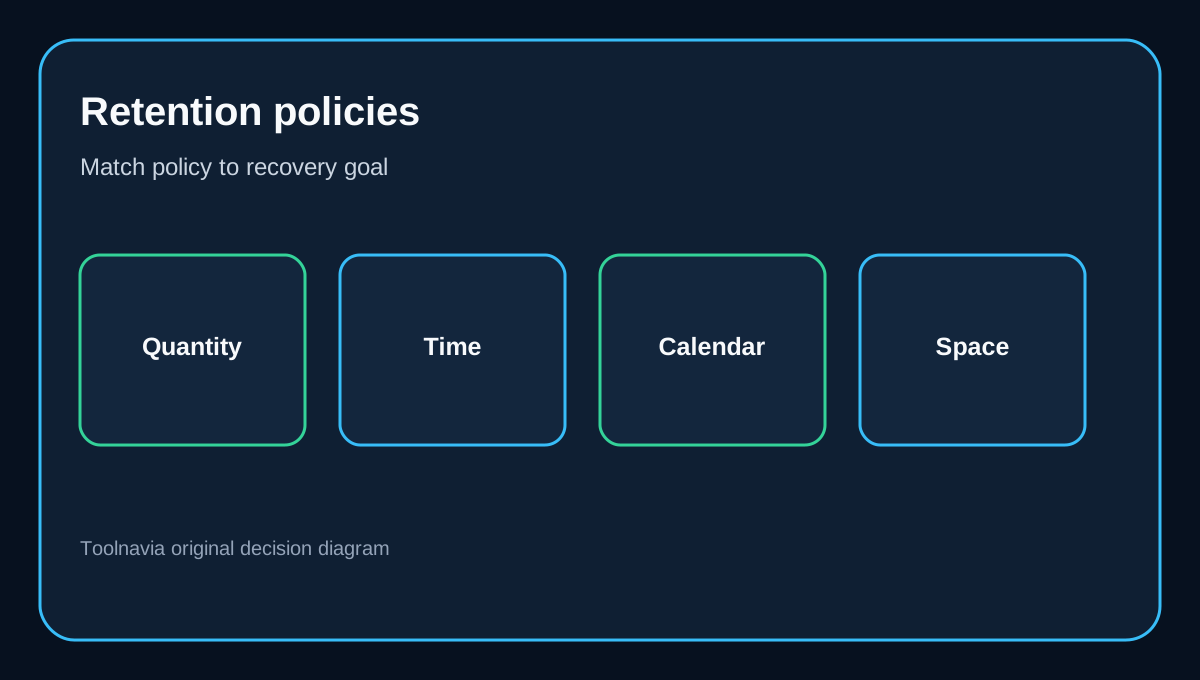
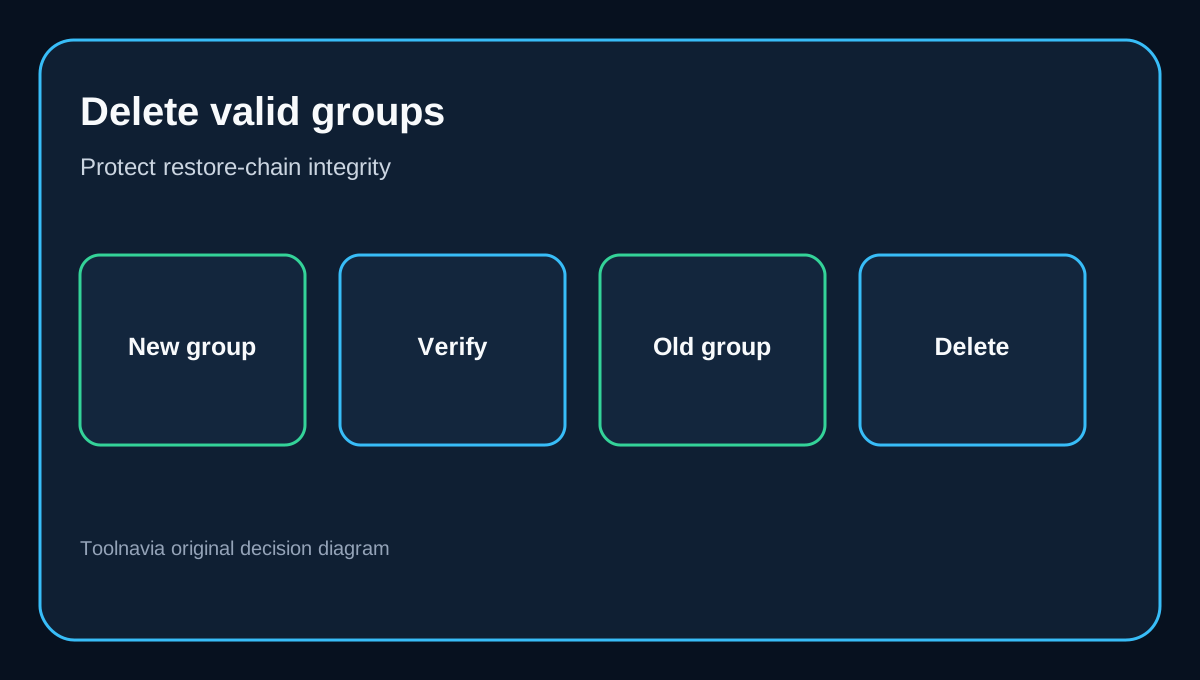
The official guide documents four cleanup methods: by quantity, by time, by daily/weekly/monthly generations, and by space. Those labels sound simple, but the deletion unit matters. Incremental chains are handled as complete groups so the software does not knowingly leave an unusable set behind. Old data is removed only after another valid group exists.
Four policies, four different questions
**Quantity** is easiest when you know how many valid restore groups you want. It is not necessarily the same as keeping that many individual image files.
**Time** fits a policy such as “retain roughly the last 30 days,” but missed runs and changing backup frequency affect how many restore points actually exist.
**Daily/weekly/monthly** retention is useful when calendar coverage matters more than file count. It can preserve a structured history, though the destination still needs room for new groups before old ones become deletable.
**Space** reacts to destination capacity. It is the most direct answer to a nearly full disk, but buyers should still reserve headroom for a fresh valid group. Cleanup cannot rescue a destination that is already too small to create the next usable backup.
Incremental versus differential changes the storage equation
Incremental backups usually consume less space per run because each stores changes since the previous backup. The tradeoff is chain dependency: losing or corrupting one link can affect later restore points. Differential backups store changes since the original full backup. They grow larger over time, yet any differential restore depends on the full image rather than every intermediate backup.
That means an “incremental plus quantity cleanup” plan should be evaluated by complete groups, not raw file count. A differential plan may need more peak capacity before rotation, even if it offers a simpler dependency path. The right comparison is usable restore history per gigabyte, not the smallest individual image.
**The permanent-first-full option is a deliberate storage tax**
AOMEI allows the original full backup to be kept permanently. That creates a stable baseline, but the file is excluded from automatic deletion. Treat it as reserved capacity before estimating room for rotating groups. If the destination is modest, keeping a permanent baseline may reduce the number of recent restore groups that fit.
There is no universal winner. A permanent baseline is useful when you value a known starting image. It is less attractive when recent recovery points matter more and capacity is tight.
Edge cases that change the buying decision
Automatic cleanup should be configured inside the task rather than approximated with manual file deletion. AOMEI warns that manual deletion can interfere with backup relationships. The guide also says Backup Scheme does not work with alternating multiple external drives. Buyers who rotate USB disks should not assume one policy will clean every drive independently.
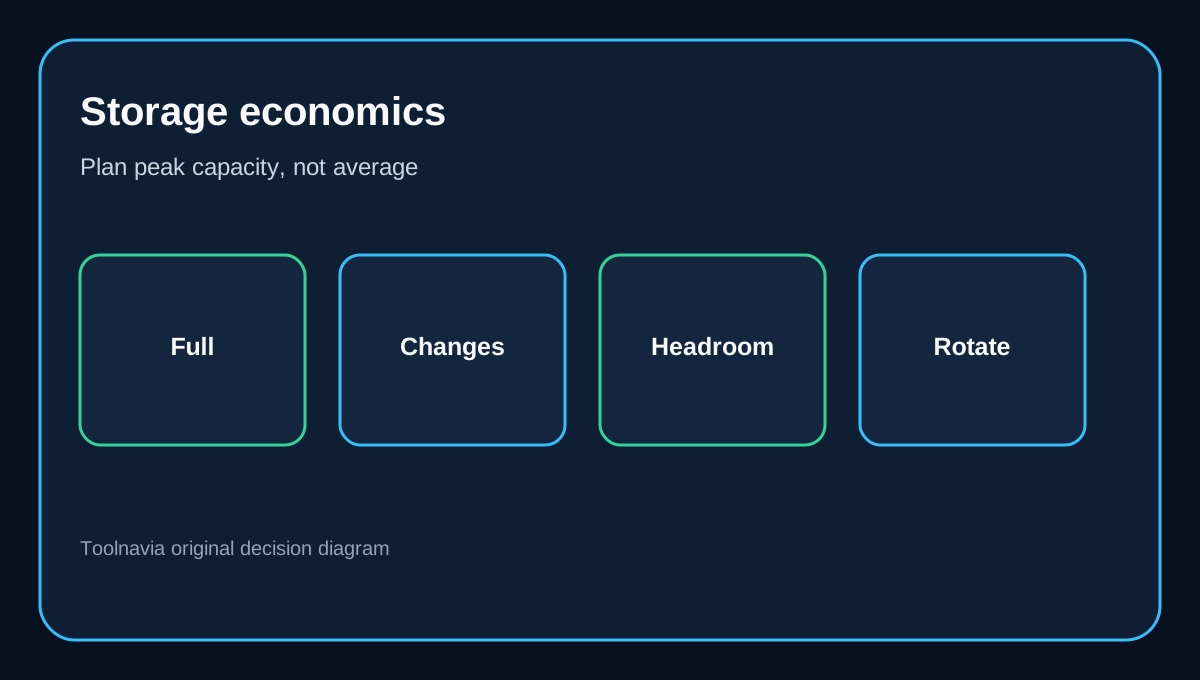
The sequence matters: a new valid group generally has to exist before an old group is removed. Size the destination for peak usage, not only steady-state usage. If a full backup is 250 GB and daily changes are substantial, a “keep two groups” policy can temporarily require room for a third group during rotation.
What independent reviews add
Independent reviews broadly frame Backup Scheme as a paid storage-management convenience, not as a substitute for recovery design. PCWorld evaluates Backupper’s imaging workflow, while Comparitech specifically notes that the free edition omits Backup Scheme and that automatic cleanup can matter on limited destinations. BestBackupReviews highlights configurable retention, and TechRadar’s category overview reinforces that backup software should be judged on dependable recovery as well as features. These sources support the buying context; AOMEI’s documentation still controls exact behavior.
Is the Professional upgrade worth it?
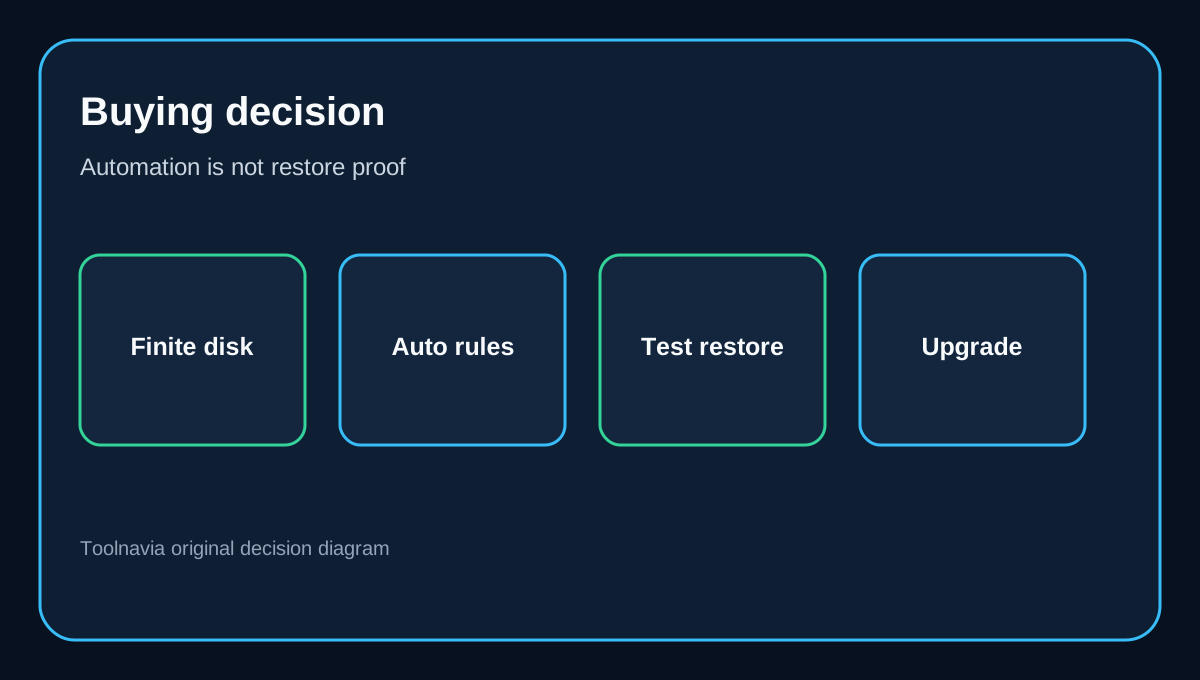
Professional is a sensible purchase when three conditions are true: you already trust Backupper for recovery, your destination capacity is finite, and you want the application to enforce a documented retention rule. The exact approved Toolnavia route is /go/aomei-backupper-professional-official-usd; checkout controls the current regional price.
It is a weaker purchase if you run backups rarely, manually archive images for compliance, alternate external drives, or have not tested a restore. Cleanup automation reduces housekeeping; it does not validate that a backup can restore.
A practical setup checklist
1. Measure one full backup and several typical incremental or differential runs. 2. Decide the restore window in business terms: number of valid groups, days, or calendar generations. 3. Reserve space for a new group before old data becomes eligible for deletion. 4. Count a permanent first full backup as non-reclaimable capacity. 5. Configure cleanup within the backup task; do not delete chain files casually. 6. Avoid assuming alternating external drives share one automatic policy. 7. Run a test restore, then inspect the destination after at least one real rotation.
The best policy is the one that preserves the restore points you can actually use while keeping enough free space to build the next valid group.