TOOLNAVIA / BUYING GUIDE
AOMEI Backupper 8.5.1 Security Update: Scan Before You Trust It
The short answer
AOMEI released Backupper 8.5.1 on October 19, 2026 after investigating short-lived tampering in update-related infrastructure. The defensible verdict is narrower than “fixed”: **8.5.1 hardens future delivery, but does not prove that a previously exposed PC is clean**. Existing users should follow the live official response—scan, update, hunt, protect credentials—then prove that a clean backup can actually be restored.
> **Affiliate disclosure:** Toolnavia may earn a commission if you buy through the approved AOMEI link below, at no extra cost to you. Do not buy Professional merely because an incident update exists. Buy only when paid backup or clone features fit a tested recovery need and the response gates below pass.
At a glance
- Best for
- Users who can scan, verify 8.5.1, review endpoint evidence, protect credentials and test recovery.
- Price model
- Checked 2026-11-02: $39.95 yearly/1 PC; $69.95 Lifetime/1 PC; $89.95 Family Lifetime/5 PCs; live cart controls.
- Check first
- Anyone seeking a universal clean bill, complete victim list, guaranteed containment or incident-response certification.
What happened, with dates that matter
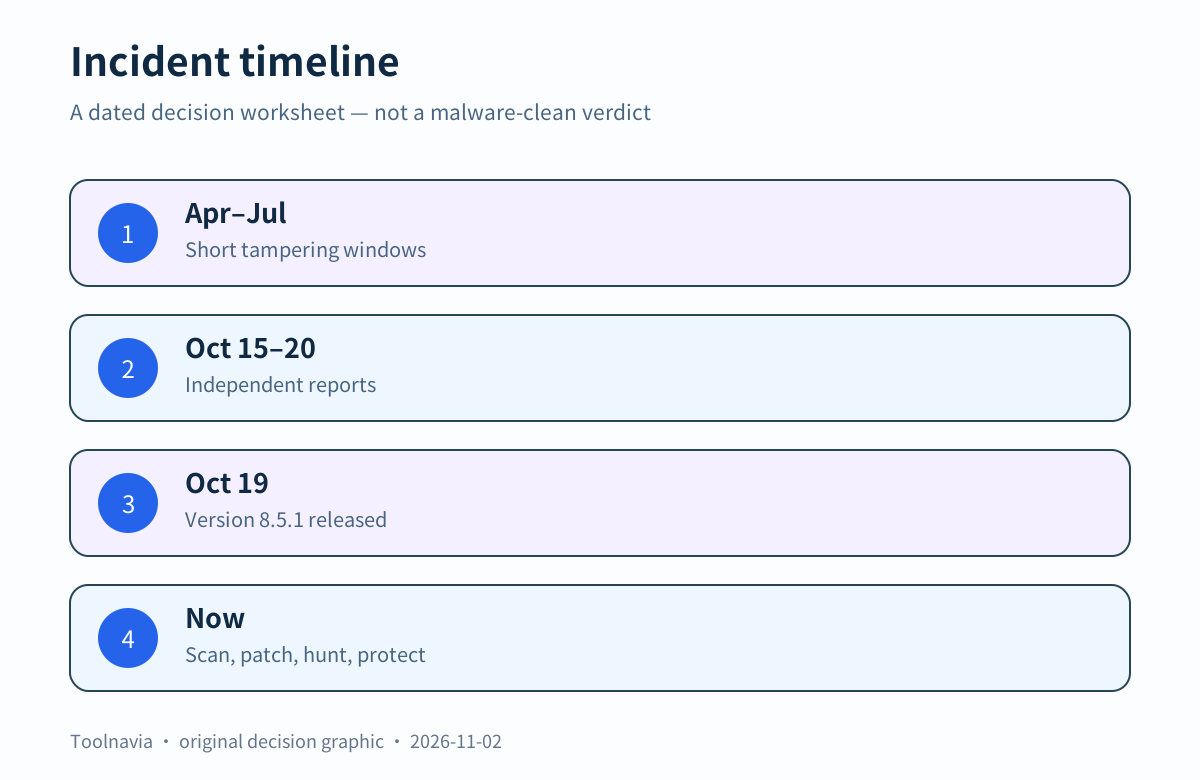
AOMEI says configuration tampering occurred in brief bursts between April and July 2026. Its current statement names three known UTC windows: May 28 05:40–05:50, July 16 08:33–08:39, and July 20 10:35–10:40. Google and ManageEngine describe a compromised delivery path that could serve malicious content during short windows; a later check could look normal. BleepingComputer and SecurityWeek explain the same timing problem.
The windows are evidence, not a complete victim list. Reporting did not establish an exhaustive vulnerable-version range, and AOMEI says other risk cannot be ruled out even after its scanner and update. Do not infer “not affected” merely because a PC was offline on one listed date, no alert appeared, or today's vendor file looks clean.
What 8.5.1 changes—and what it cannot prove
The changelog says 8.5.1 disables in-app promotional content and automatic-update entry points, adds asymmetric protection and signature verification for remote configuration, separates updates from marketing resources, stops using a former host, and restricts update files to official AOMEI hosts. These are meaningful forward-looking controls.
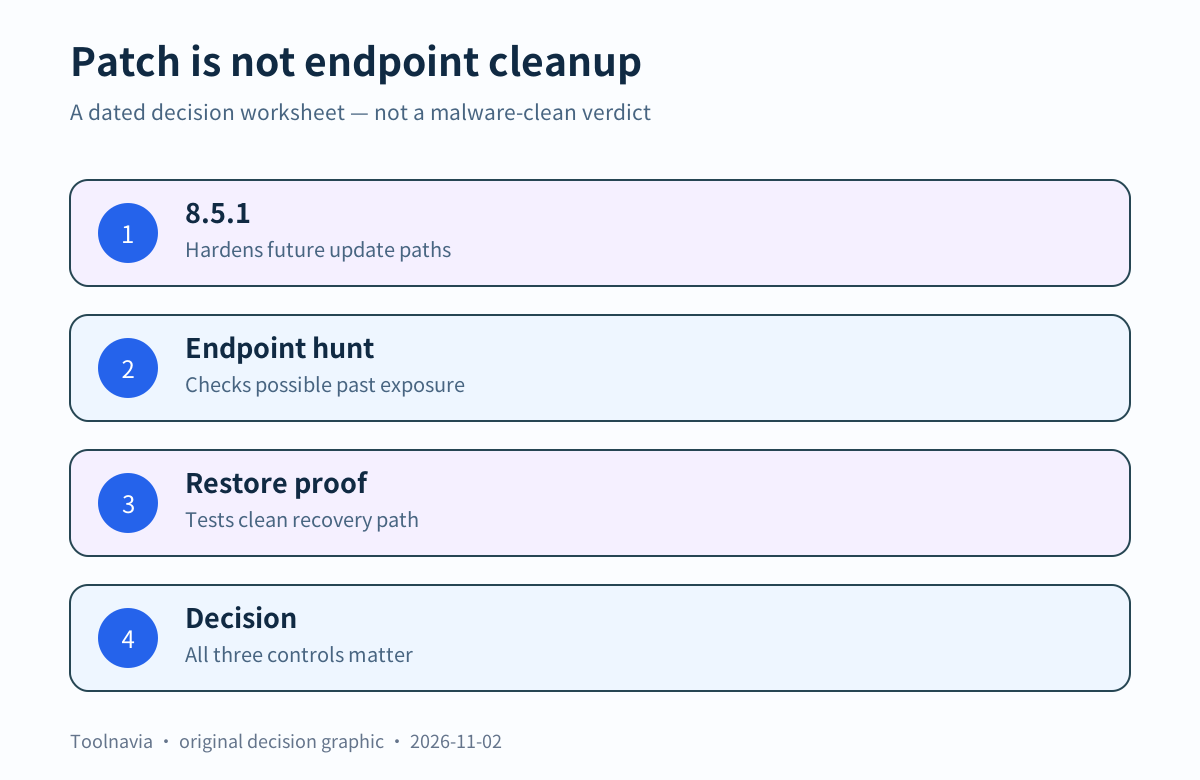
They do not answer a backward-looking question: did an endpoint receive or execute something during an exposure window? Google and ManageEngine warn that repairing the server path does not disinfect endpoints already affected.
| Control | Question it answers | What it cannot prove | |---|---|---| | 8.5.1 update | Is the current client using the documented hardened path? | Whether the endpoint was previously exposed | | Endpoint scan or hunt | Is there evidence consistent with reported activity? | That no compromise of any kind ever occurred | | Clean backup and restore test | Can you recover to a known, tested state? | That the running endpoint is clean before recovery |
AOMEI's separate amwrtdrv.sys issue was addressed in 8.5.0 and concerns a different local access-control problem. Do not merge its scope or remediation with the delivery incident.
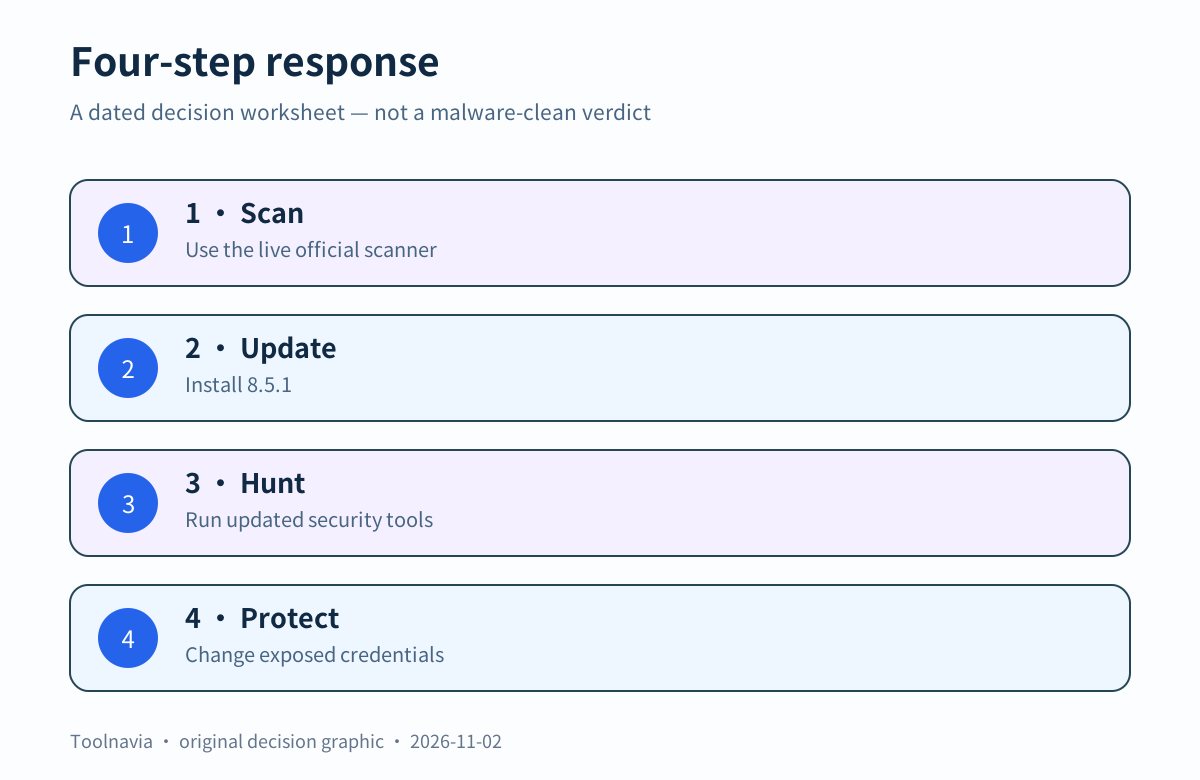
Four steps for an existing user
Use the live AOMEI incident statement as the starting page because scanner links or hashes can change.
1. **Scan before trusting the update.** Download the current official scanner only from the live statement. Record download time, displayed hash, scan time and result. A clean result narrows evidence; it is not a universal clean bill. 2. **Install 8.5.1 from the official path.** Confirm the version. This moves the client to the documented hardened design, but does not replace step 1. 3. **Run updated independent security tools and review telemetry.** Inspect relevant alerts and persistence evidence and preserve suspicious findings. Google and ManageEngine recommend endpoint-side investigation. 4. **Protect credentials.** Follow AOMEI's precaution to change Windows or domain credentials after endpoint review. Teams should coordinate rotation with responders so evidence is not destroyed.
If the scanner, security tool, EDR or network history shows suspicious updater or promotional activity, stop ordinary use and escalate to qualified incident response. Reinstalling the application alone is not an investigation.
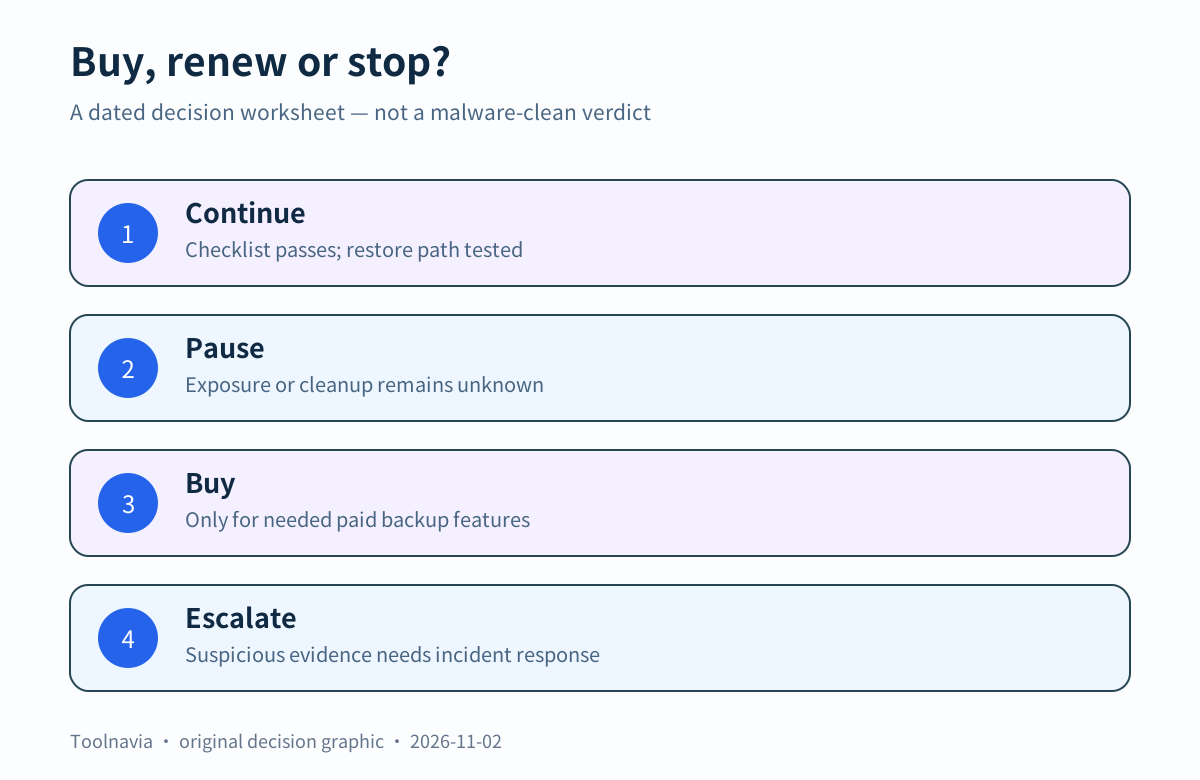
A buyer or renewer should use two gates
**Trust gate:** Can you document the scanner result, current version, security review and credential decision? If not, pause. A discount cannot compensate for unknown endpoint state.
**Recovery gate:** Is there a clean backup created outside suspected exposure, stored independently and proven by a non-destructive restore rehearsal? If not, fix recovery readiness first. Keep at least one copy a compromised Windows account cannot silently rewrite.
At check time, AOMEI showed Professional Yearly at US$39.95 for one PC, Lifetime at US$69.95 for one PC, and Family Lifetime at US$89.95 for five PCs. Tax, currency, renewal, device count and checkout terms can change. Security remediation is not a paid entitlement: paying does not make an endpoint clean.
[Check the live AOMEI Backupper Professional offer](https://www.jdoqocy.com/click-101895278-17143105)
Professional is a reasonable candidate only if you already need its paid backup, clone, automation or recovery workflow and both gates pass. If Standard covers the task, do not upgrade solely for the incident patch. If your organization requires independently attested containment or complete victim notification, the public evidence reviewed here does not provide it.
Restore readiness after the response
After endpoint review:
- identify a backup created before or outside suspected exposure and do not overwrite the only copy; - verify the backup and storage permissions from a trusted environment; - boot current rescue media on the real hardware and confirm storage or network visibility; - open the restore workflow far enough to distinguish source and target, then stop before destructive confirmation; - for high-risk systems, restore on spare hardware or an approved isolated test disk; - record version, media date, image date, result and next retest trigger.
A passing restore test does not prove the endpoint clean. It proves that investigation can lead to isolation or rebuild without losing the recovery path. A clean scan without a tested restore still leaves you dependent on a system you may need to replace.
Source conflict disclosure
AOMEI reports remediation, monitoring and the 8.5.1 release. ManageEngine said containment had not been independently verified at publication, while The Record reported incomplete customer identification or notification. These statements have different dates and scopes. This guide does **not** say “fully contained,” “all users are safe,” or every affected endpoint is known.
October 16 coverage said no fixed version was identified at publication. That statement is now dated: the official changelog records 8.5.1 on October 19. The update changes the current path; the endpoint-cleanup limit remains.
Verdict
For existing users, the minimum defensible sequence is **official scanner → 8.5.1 → independent endpoint review → credential precautions → tested clean recovery path**. For buyers, Professional should win on needed backup and recovery functions, not an assumption that paying resolves the incident. Pause when exposure status is unknown; escalate when suspicious evidence exists; resume ordinary use only when trust and recovery gates are documented.
[Verify the exact plan and current checkout](https://www.jdoqocy.com/click-101895278-17143105)
This article is decision guidance, not malware clearance or incident-response certification. Sources and prices were checked on 2026-11-02; the live official statement, security telemetry and checkout control.