TOOLNAVIA / BUYING GUIDE
AdGuard Personal: 1-Year or Lifetime for 3 Devices?
The short answer
At a glance
- Best for
- Users needing system-wide filtering across up to three supported devices after testing the app workflow.
- Price model
- Dynamic official USD checkout; Personal3 devices;1-year auto-renews, Lifetime one-time/perpetual
- Check first
- Numeric totals are dynamically hidden, platform features differ, and Toolnavia has not benchmarked blocking performance.
Verdict
AdGuard Personal is a three-device system-wide ad-blocking license sold in both 1-year and Lifetime forms. The current purchase page confirms those license types, device counts, auto-renewal, and a 30-day money-back guarantee, but its numeric Personal prices are dynamically rendered and are not reliably present in the readable page. The right buying decision is duration and scope first: choose annual for lower commitment, or Lifetime if you already know you want the full app long term and accept the live checkout price.
What you are paying for instead of a free browser extension
AdGuard's paid apps work beyond a normal browser extension. The Windows product, for example, documents system-wide filtering across browsers and apps, Safe Web checks, privacy and tracker controls, DNS filtering, HTTPS filtering, and parental-control features. The same Personal license can cover up to three supported devices across Windows, macOS, Android, and iOS.
That wider scope is the main reason to pay. If your only goal is blocking ads inside one browser, a free extension may already solve the problem. Do not assign extra value to system-wide filtering until you have tested the actual operating systems and apps you use.
The 1-year license is the lower-commitment route
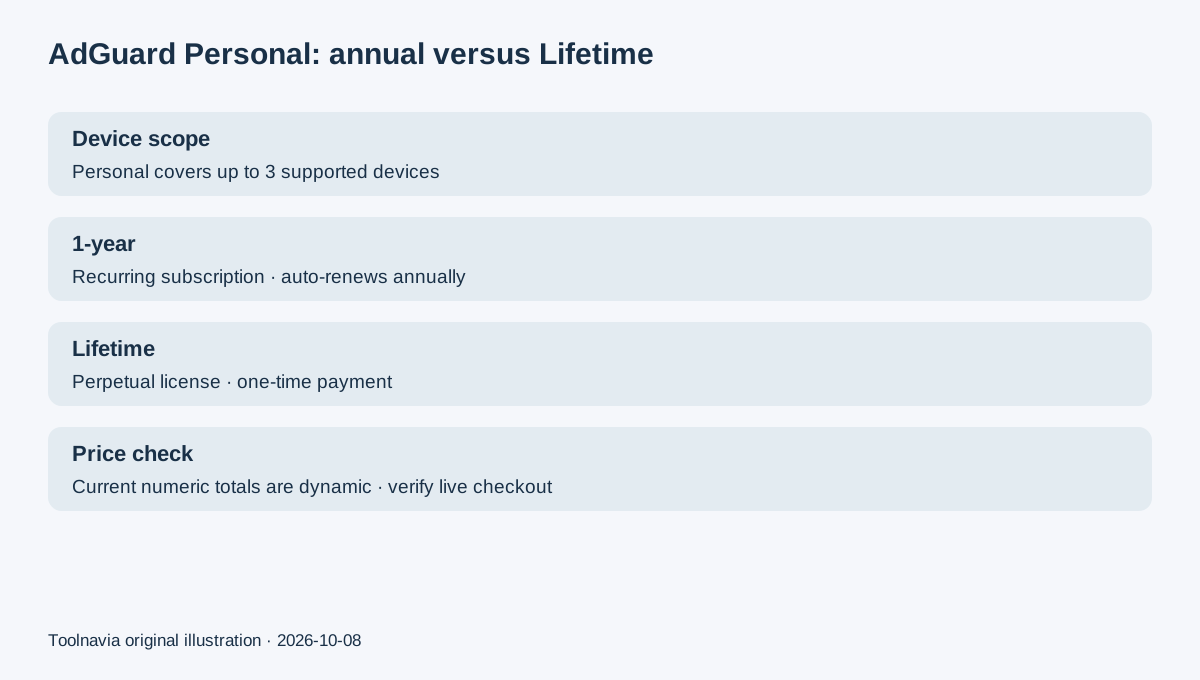
AdGuard says 1-year Personal licenses cover up to three devices and renew automatically every year when bought through the website. You can cancel auto-renewal in the AdGuard account, and the canceled subscription remains valid until its expiry date.
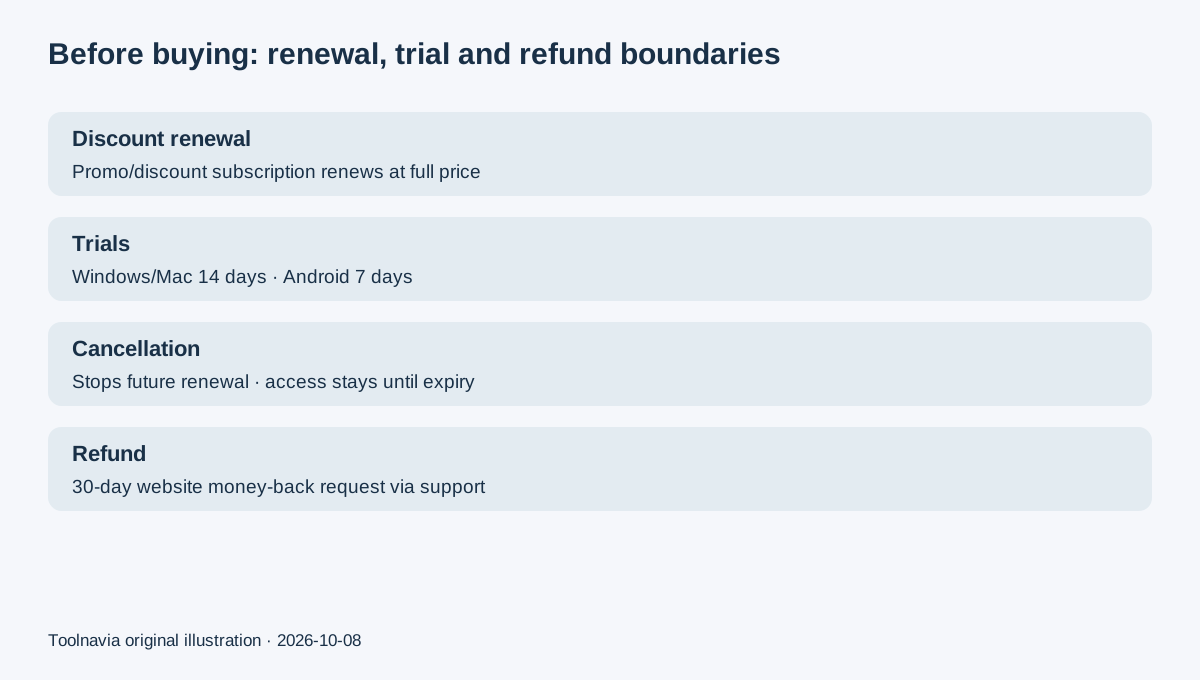
The current Terms also contain an important renewal rule: a subscription bought with a promo code or discount renews at full price after the discounted term expires. Because the live numeric Personal price is dynamically rendered, this guide does not invent either today's total or a future renewal amount. Save the checkout receipt and check the renewal line in your account before the next charge.
One exception matters: the purchase page says licenses bought with cryptocurrency are not auto-renewed. Payment method therefore changes the renewal workflow.
Lifetime removes renewal, not the three-device limit
A Lifetime Personal license is perpetual and still covers up to three devices. It is a one-time purchase rather than an annual subscription. The license is universal across supported operating systems, and AdGuard lets you move a license to a new device after removing it from the old one in the app or account.
Lifetime is not automatically the better deal just because it has no renewal. The current checkout does not expose a stable numeric Personal Lifetime total in the readable page, so there is no defensible break-even calculation here. Compare the actual annual and Lifetime totals shown to you on the same day, then decide whether avoiding future renewals is worth the larger upfront commitment.
Trial and refund boundaries
AdGuard's current license documentation lists a 14-day full-function trial for Windows and Mac and a 7-day trial for Android. iOS has a different App Store path, while an existing universal AdGuard license can also activate supported iOS devices.
For website purchases, AdGuard advertises a 30-day money-back guarantee and instructs customers to contact support to request a refund. Canceling auto-renewal is not the same action as requesting a refund: cancellation simply leaves the subscription active through its expiry date.
Use the trial on representative devices before relying on Lifetime. Test the websites and apps that actually matter, including any custom filters, DNS behavior, and app-specific compatibility.
Free and lower-cost alternatives change the value equation
1Blocker Premium is Apple-focused and currently lists $2.99 monthly, $14.99 yearly, or $39.99 Lifetime, with the same Premium features across billing durations and a 14-day trial. It is useful context for an Apple-only buyer, but it does not match AdGuard's broader cross-platform system-wide model.
Ghostery now makes all of its tracker and ad-blocker features free with no paid tier or required account. Malwarebytes Browser Guard is also free and focuses on browser-level ad, tracker, scam, and malicious-site blocking. Both are strong zero-cost checks before buying a system-wide license.
Next step
Start with the free or trial route on the devices you actually use. Buy the 1-year Personal license if you want system-wide filtering but are not ready to commit permanently. Consider Lifetime only after the workflow is proven and the live one-time total makes sense against the live annual price.
AdGuard's public affiliate program is currently open and advertises up to 50% commission on license sales and renewals. Toolnavia approval and its actual rate are unverified, so affiliate tracking remains disabled.