TOOLNAVIA / BUYING GUIDE
WPX Business to Starter Downgrade: 1 Site, 10GB & Billing
The short answer
At a glance
- Best for
- Current WPX Business customers with one retained site deciding whether Starter safely fits after client churn.
- Price model
- $17.99 Starter vs $29.99 Business monthly references; no pro-rata downgrade refund
- Check first
- No live downgrade or performance benchmark; account eligibility, mail, tax, term and next invoice require support or checkout confirmation.
The one-minute decision
Downgrade WPX Business to Starter only when the account can end the cycle with **one WordPress site, no more than 10GB of total disk use, and no Business-only workflow you still need**. The public monthly reference drops from $29.99 to $17.99, a $12 monthly difference after the lower plan actually takes effect. This is not an immediate $12 refund, and WPX says pro-rata downgrade refunds are unavailable.
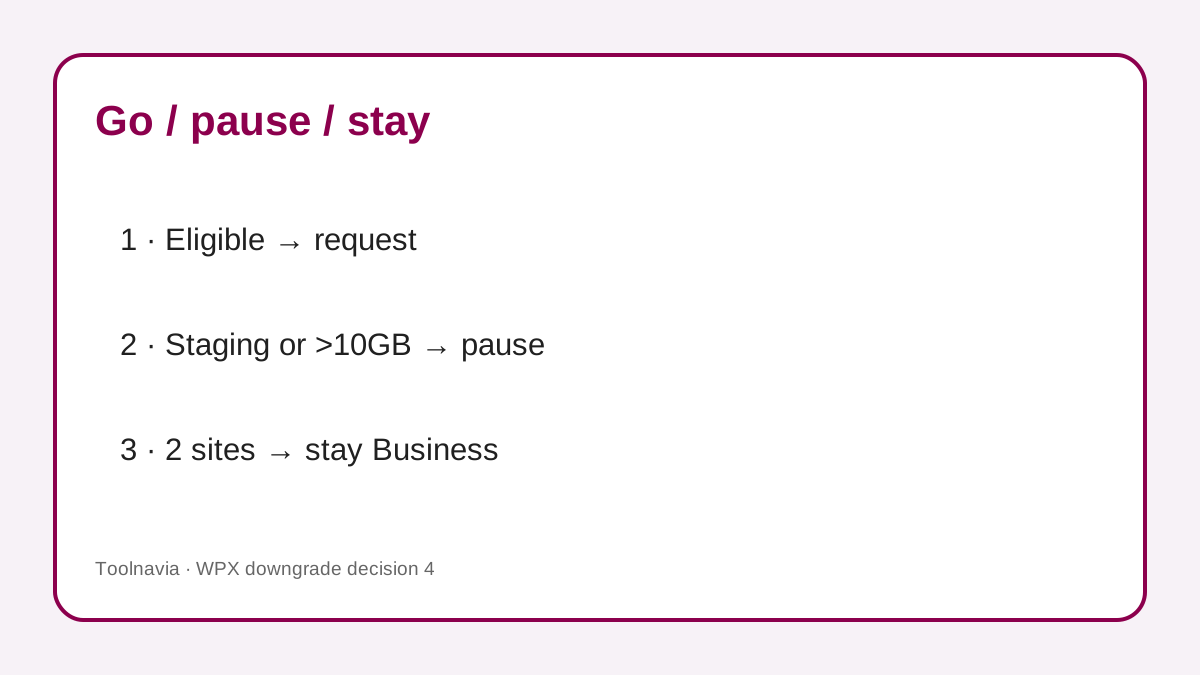
A client leaving is a reason to review the plan, not a reason to delete first. Check every live site, staging copy, mailbox, database and personal backup before requesting the change. If you still have two live sites, one live site plus staging, or more than 10GB after counting mail and backups, Starter is not yet an eligible landing point.
> Affiliate disclosure: Toolnavia may earn a commission if you buy WPX through the verified link in this guide. That disclosure does not increase your price. No Toolnavia coupon code is claimed.
Eligibility comes before deletion
WPX puts the downgrade control under **Control Panel → Plan Details → options → Downgrade**. An inactive option means the plan is not currently eligible. The provider says a downgrade is possible only near the end of the billing cycle—described as seven days for monthly plans and 30 days for annual plans—and support can monitor the request when the due date is close. Treat those numbers as eligibility windows, not guaranteed processing times.
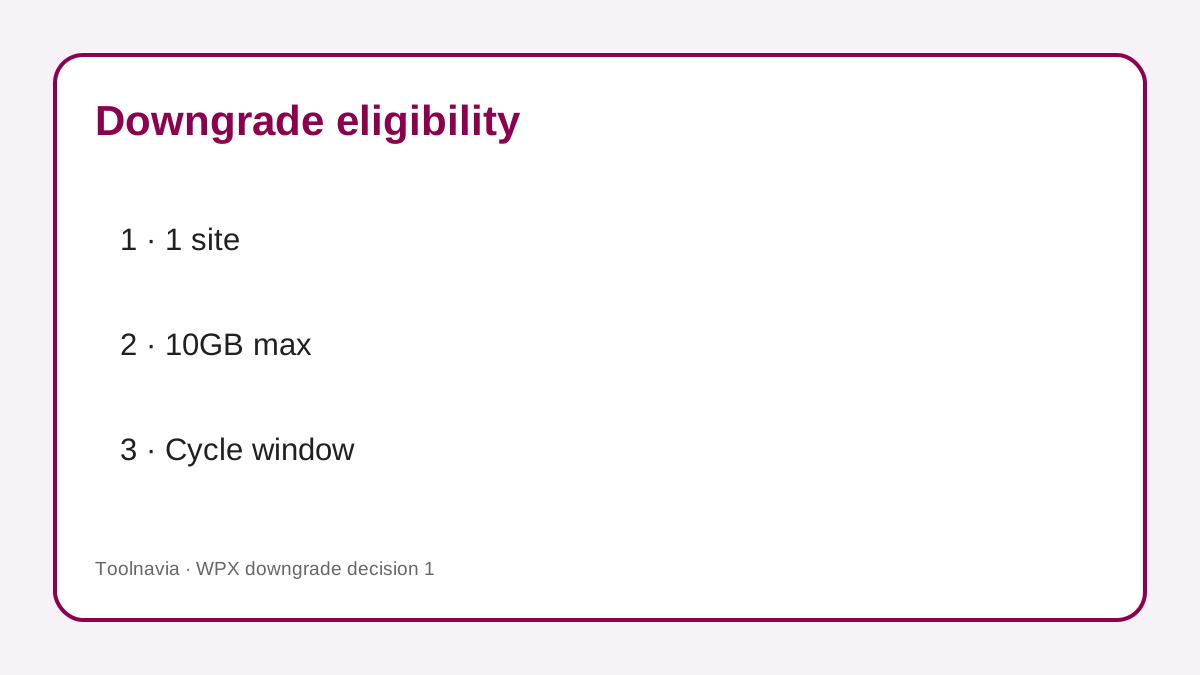
Starter's hard preflight is one site and 10GB. Business allows up to five sites and 20GB. The 10GB check is broader than a quick file-manager glance: WPX says files, mailboxes and personal backups consume disk, while database usage also counts even if its amount is not shown in the main display. Export what you need, remove obsolete downloadable backups, and ask support to confirm the final reading before the cycle closes.
Do not delete a client site merely to make the counter show one. WPX says the main site cannot be deleted through the ordinary path, and restoring a deleted site requires support without a guarantee. First confirm that the former client owns a complete copy, DNS and email responsibility have moved, and your retention obligations allow deletion.
What the price change really means
The current public monthly references observed on October 28, 2026 are $17.99 for Starter and $29.99 for Business. Starter lists one site, 10GB storage, 100GB bandwidth, 3GB RAM, 0.5 CPU and nine PHP workers. Business lists up to five sites, 20GB, 200GB bandwidth, 5GB RAM, one CPU and 15 workers. These are plan envelopes, not speed-test results or dedicated-per-site guarantees. The same monthly figures are independently standardized by Capterra, but WPX controls the actual cart and policy.
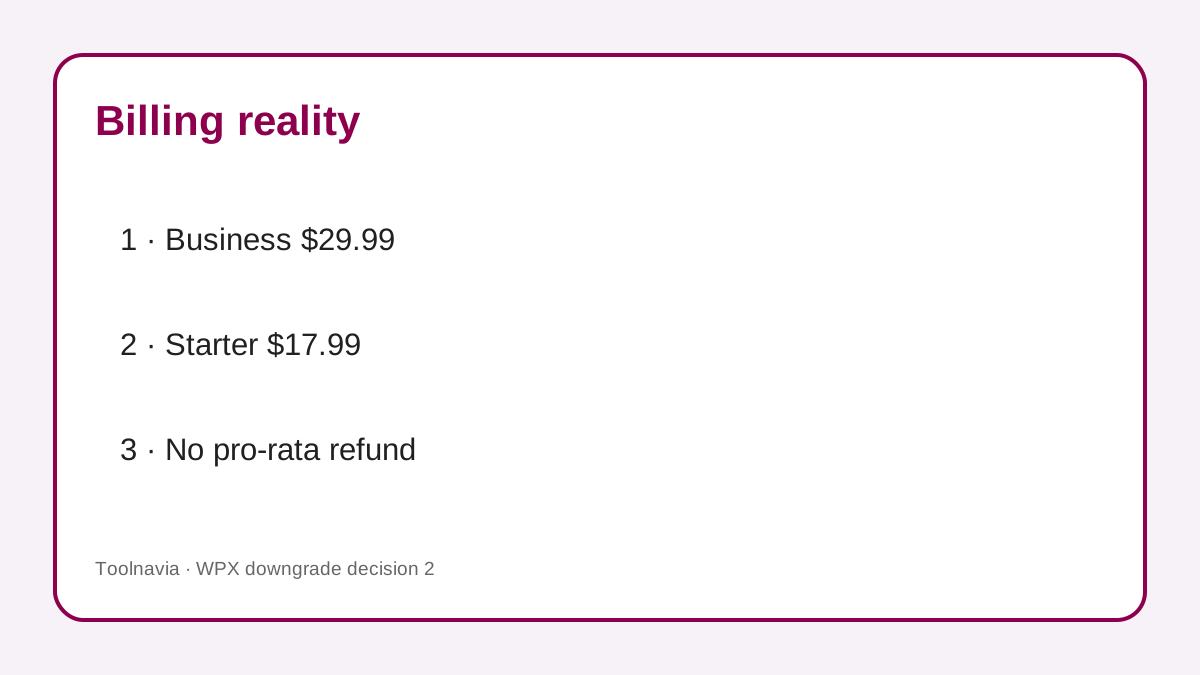
If the downgrade takes effect for the next monthly cycle, the reference difference is $12 per month or $144 over twelve future monthly invoices. That arithmetic is a planning reference, not a promise: taxes, current promotions, term choice and live checkout control the charge. It also does not recover unused Business time. WPX explicitly says no pro-rata downgrade refund.
PayPal deserves a separate check. WPX recommends removing the old PayPal recurring subscription so the higher-plan amount is not charged again; if that mismatch happens, the downgrade guide says the difference can be refunded. Record the old subscription cancellation, the accepted lower plan and the next invoice amount. Do not cancel the hosting service itself: cancellation and downgrade are different actions.
Back up the retained site before shrinking
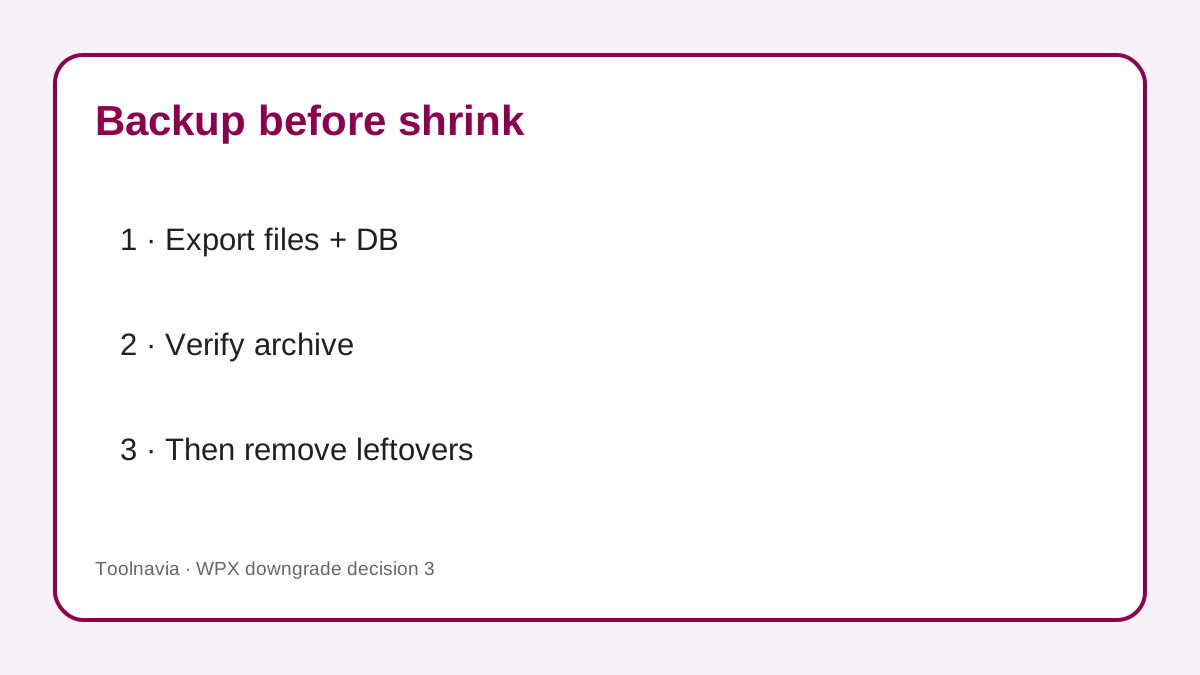
Create an independent, downloadable copy of the retained site's files and database before removing anything. WPX's automatic backups are normally kept for 28 days, but they are restore points inside the provider workflow. A personal backup can be downloaded, lasts only 24 hours on the account and consumes plan disk until removed. Download it, verify the archive, and remove the temporary server copy only after the checksum or restore test is recorded.
The cancellation article mentions backups retained for up to 90 days, while the regular backup article specifies 28-day automatic retention. Those statements apply to different contexts; this guide uses 28 days for normal active-plan restore planning and does not promise that a downgrade creates a 90-day safety net. Ask support what will remain accessible after the exact plan change.
One retained live site plus a WPX staging copy is another stop signal. WPX says staging consumes a plan site slot, while Starter permits one site. Decide whether to remove staging after an export, rebuild it elsewhere, or stay on Business. Also inventory mailboxes: public plan descriptions may differ by tier, so verify email retention and migration before approving the lower plan.
A safe downgrade runbook
1. **Freeze the decision date.** Record the current billing cycle, renewal date, payment method and current plan. 2. **Inventory every site.** Mark the retained site, transferred client sites, staging installations and any alias or test copy. 3. **Complete client handoffs.** Confirm files, database, DNS, domain, email and ownership were accepted before deleting the old copy. 4. **Measure total disk.** Include files, databases, mailboxes and personal backups; target a margin below 10GB rather than exactly 10GB. 5. **Create an external backup.** Download a full archive and record its timestamp, size and restore test. 6. **Remove only verified leftovers.** Never delete the main site or an unaccepted client site just to satisfy the plan counter. 7. **Check Starter feature fit.** Confirm staging, mailbox, resource and support expectations against the account. 8. **Request the downgrade in the eligible window.** If the option is inactive, ask billing support instead of cancelling service. 9. **Reconcile PayPal or card billing.** Remove the obsolete recurring authorization only as WPX directs and preserve the hosting subscription. 10. **Read the next invoice.** Verify plan, term and amount after the change; keep the support transcript with the handoff record.
Why other hosts are only a comparison
Kinsta also names client loss and closed sites as reasons to downgrade, but it applies its own automatic plan-switch and second-by-second proration rules. WordPress.com schedules many out-of-refund-window downgrades for renewal and documents feature loss. Pressidium routes current plan changes through support. These are useful questions to ask, not WPX promises.
The consistent operational lesson is to create a current restore point before a risky account change. Kinsta recommends a manual backup because daily data may be old; Pressidium recommends an instant backup before changes. WPX has its own 28-day automatic and 24-hour downloadable personal-backup behavior, so follow the WPX method for the actual downgrade.
Search results for “WPX downgrade Business to Starter” are dominated by WPX's own procedure, while broader “managed WordPress hosting downgrade plan” results emphasize provider-specific timing, proration and backup rules. That gap is why this guide focuses on the operational preflight rather than repeating a generic Starter-versus-Business price table.
When Starter is worth it—and when it is not
Starter is a rational destination when one retained site comfortably fits below 10GB, bandwidth and compute needs are modest, staging is not consuming a second slot, mail requirements are confirmed, and the next-cycle $12 monthly reference difference matters. The downgrade should follow client handoff, not replace it.
Stay on Business for now when a second live site remains, staging must stay online, total disk is near 10GB, the retained site depends on Business capacity, or billing support cannot confirm the change before renewal. A single busy store can also justify Business even after client churn; site count alone is not a performance assessment.
The final decision should read: **one accepted site, one verified external backup, one eligible billing window, and one confirmed next invoice**. If any of those is missing, pause the downgrade. Use the verified WPX link only if Starter still fits after that review.