TOOLNAVIA / BUYING GUIDE
WPX Business DDoS & WAF Protection: What Is Covered—and What Still Falls on You
The short answer
WPX Business includes several security layers, but “included” is not the same as unlimited protection or an uptime guarantee. The practical buyer question is whether WPX’s XDN, origin mitigation and ModSecurity WAF cover your normal WordPress risk—and what you must still monitor, document and escalate yourself.
The short answer: WPX says its XDN can switch among multiple DDoS mitigation services, each origin location uses its own provider, and every WPX server runs a ModSecurity web application firewall. That is meaningful baseline protection. Yet WPX’s Terms list exposure to large-scale or repeated DDoS attacks that compromise server integrity among prohibited or limiting conditions. Buy Business for layered managed protection, not for a promise that every attack will be absorbed without downtime or account consequences.
At a glance
- Best for
- WPX Business buyers who want managed DDoS/WAF protection with clear operational boundaries.
- Price model
- Business live-cart term and total vary; security is included in the plan rather than separately priced on the reviewed cart.
- Check first
- No unlimited mitigation, zero-downtime, named provider, capacity or custom-rule promise; verify current Terms and written support scope.
What WPX Business includes
The current Business cart is positioned for up to five websites and lists the same core security bundle inherited from Starter: SSL, daily backups, malware scanning and removal, support and the XDN. The current public cart showed $19.99 per month on a five-year prepayment, with $1,199.60 due upfront and a $29.99 reference price when checked. These are volatile live-cart observations, not a guaranteed quote. Verify term, total, taxes and renewal before paying.
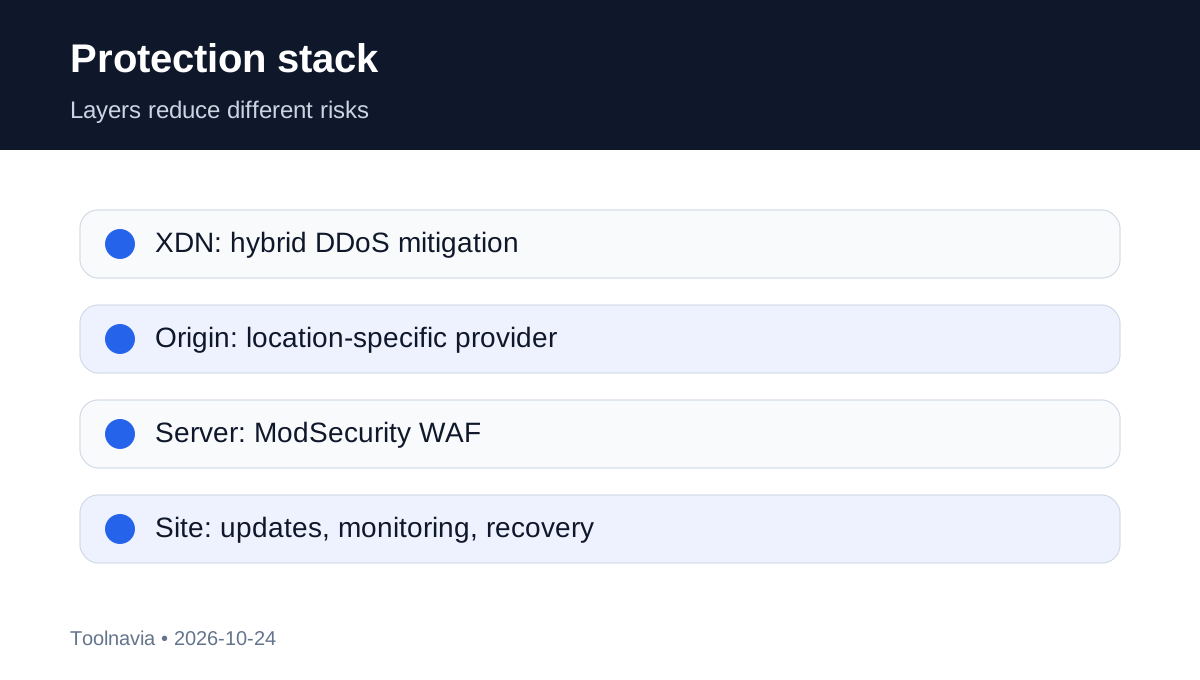
WPX’s security knowledgebase separates the protection stack into layers:
- **XDN edge layer:** hybrid DDoS mitigation using a blend of services that WPX can switch. - **Origin layer:** one DDoS mitigation provider per server location; the provider can differ by location. - **Application layer:** ModSecurity WAF rules on WPX servers, updated as the security team identifies vulnerabilities and scan patterns. - **Account and WordPress layer:** brute-force controls, daily malware scans, backups and customer monitoring.
That stack is stronger than treating a WordPress security plugin as the only defense. It also explains why “WAF” and “DDoS protection” should not be used as synonyms. DDoS defenses span network and HTTP attack classes, while a WAF evaluates application requests and known exploit patterns.
Where the marketing boundary sits
WPX’s security page says origin locations are safeguarded by location-specific DDoS providers and describes an actively updated WAF. The knowledgebase is more operational: XDN mitigation can switch dynamically, origin providers vary, and customers should still watch for suspicious behavior. Neither page publishes a numerical mitigation capacity, guaranteed time-to-mitigate, per-attack service level or zero-downtime promise.
The Terms are the decisive boundary. They say the service is provided as-is, disclaim uninterrupted or error-free operation, and identify large-scale or repeated DDoS exposure that compromises WPX server integrity as a service limitation. This does not erase the included protection. It means the included controls are a risk-reduction service rather than insurance against every attack.
An older independent review identifies Incapsula as the provider for all plans. That description conflicts with WPX’s current knowledgebase, which says providers vary by origin and XDN can switch among services. Treat Incapsula as historical reviewer context, not a current universal WPX dependency.
What ModSecurity can and cannot decide
A ModSecurity WAF can match generic rules for common web attacks such as SQL injection, cross-site scripting and file-inclusion patterns. OWASP describes its Core Rule Set as a first line of defense designed to limit false alerts, not a guarantee of perfect detection. WPX does not publish the precise rule-set version or every tuning choice on the pages reviewed.
False positives are therefore a normal operating risk. A checkout, webhook, API request or admin action can resemble a malicious pattern. Before launch, test login, payment, webhooks, uploads, search and REST endpoints. If a valid request is blocked, record the UTC time, URL, request path, response code, client IP and reproducible steps before asking support to investigate. Do not disable protection globally just to make one request work.
Your responsibilities do not disappear
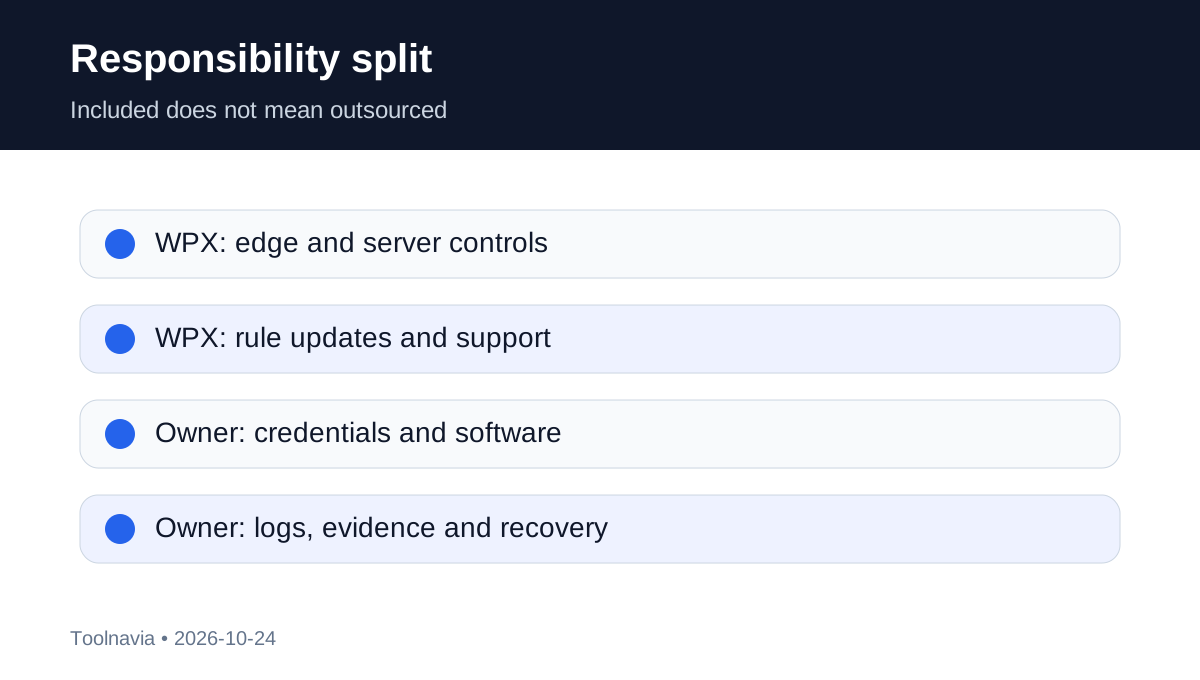
WPX’s own knowledgebase tells customers to monitor sites because malware detection or cleanup may not be immediate. WordPress’s official hardening guidance likewise treats security as layered work and recommends updates, backups, logging and monitoring. For a Business-plan buyer, the remaining work includes:
1. Protect the WPX account with a unique password and 2FA, and restrict administrator access. 2. Keep WordPress core, supported themes and plugins current; remove abandoned components. 3. Maintain an independent recovery copy and know how to restore outside a live incident. 4. Monitor availability, file changes, logs, checkout errors and unusual traffic. 5. Keep domain and DNS access separate from the hosting login so you can redirect traffic if needed. 6. Preserve incident evidence before making destructive changes. 7. Notify WPX promptly if you suspect account compromise or a sustained attack.
A WAF cannot repair insecure business logic, stolen credentials, vulnerable custom code or a compromised external service. DDoS mitigation cannot promise that every attack type, size and route will be absorbed forever.
A buyer’s incident plan
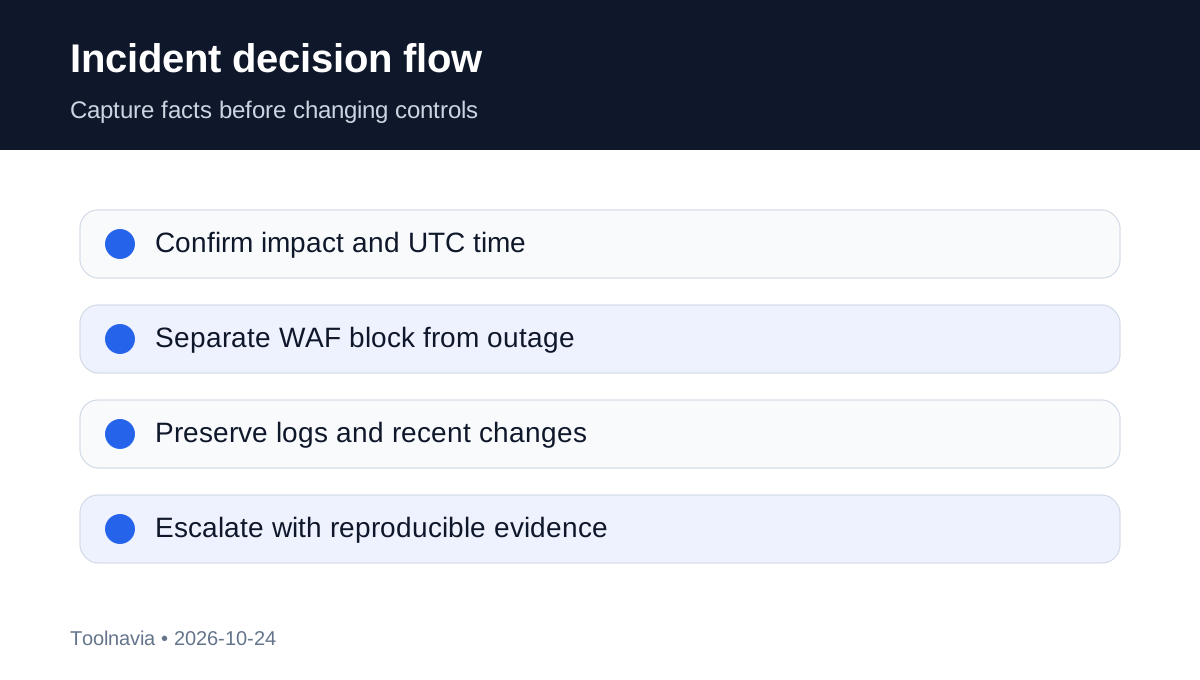
For a short traffic spike, confirm whether the site is actually unavailable, check status and monitoring, and capture the time and affected URLs. For repeated 403 or 429 responses, distinguish a WAF block from capacity or application failure. For a sustained attack, open support with the first-seen time, hostname, source patterns if known, business impact and any recent DNS or plugin changes.
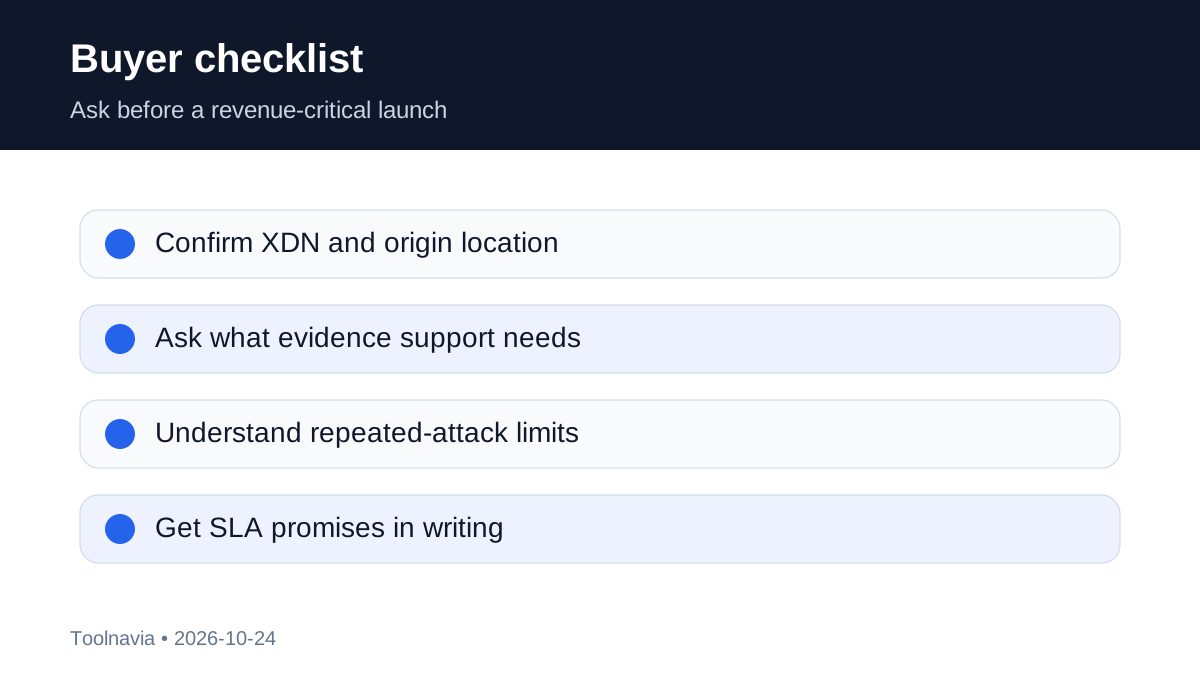
Ask support four questions before committing a revenue-critical store:
- Is the exact Business site on XDN and which origin location will serve it? - What evidence should you capture for a suspected DDoS or WAF false positive? - What happens if repeated attacks threaten shared server integrity? - Can support explain the safe escalation path without requiring you to disable controls?
If your contract requires a documented mitigation SLA, named capacity, dedicated logs, custom WAF rules, guaranteed response steps or an external incident report, get those commitments in writing or use a specialist security layer. The public Business plan pages reviewed do not establish them.
Who should buy—and who should add another layer
WPX Business is a good fit for up to five WordPress sites whose owners want managed baseline protection and are willing to maintain the application, monitoring and recovery plan. It is especially useful when you do not want to assemble separate edge, server and malware tools for an ordinary small-business site.
Do not rely on it alone for a site with a known extortion threat, regulated incident-response requirements, contractual zero-downtime obligations, bespoke API traffic or a history of large repeated attacks. In those cases, compare a dedicated edge-security service, managed SOC support, external uptime monitoring and an incident-response retainer. Extra tooling should solve a documented gap rather than duplicate controls already included.
Verdict
Choose WPX Business if the included hybrid DDoS, origin mitigation and ModSecurity layers match your normal risk and you accept the Terms’ limits. The deciding value is not “free unlimited security”; it is a managed baseline that reduces routine work while leaving credentials, software hygiene, monitoring, evidence and escalation with you.
Toolnavia’s commercial route is the exact approved [WPX Business offer](/go/wpx-managed-wordpress-business-official-usd). It does not expose the raw tracking URL and does not claim that the unconfirmed TOOLNAVIA code works. Check the live cart and current Terms before paying.