TOOLNAVIA / BUYING GUIDE
WPX Business Database Access: phpMyAdmin Yes, Remote MySQL Unverified
The short answer
At a glance
- Best for
- Teams using WPX Control Panel and phpMyAdmin for WordPress database work.
- Price model
- Live WPX checkout; no coupon or fixed price claimed
- Check first
- External Remote MySQL, MySQL Workbench or TCP database access is not established by the reviewed WPX public documentation.
One-minute verdict
WPX Business documents browser-based phpMyAdmin access from its Control Panel. It also documents creating databases and users, importing SQL files, exporting backups and asking support to handle an import that exceeds the browser path. Those are solid capabilities for ordinary WordPress administration and migrations.
What WPX does not publicly establish in the pages reviewed here is an external Remote MySQL endpoint for MySQL Workbench or another off-server client. That is an evidence gap, not proof that remote access is disabled. If an outside application must connect over a host, port and allowlisted IP, ask WPX support to confirm the exact production workflow in writing before purchase.
Toolnavia has an approved affiliate relationship with WPX and may earn a commission from qualifying links at no extra cost to you. No coupon code is claimed; live checkout controls the price.
What WPX publicly confirms
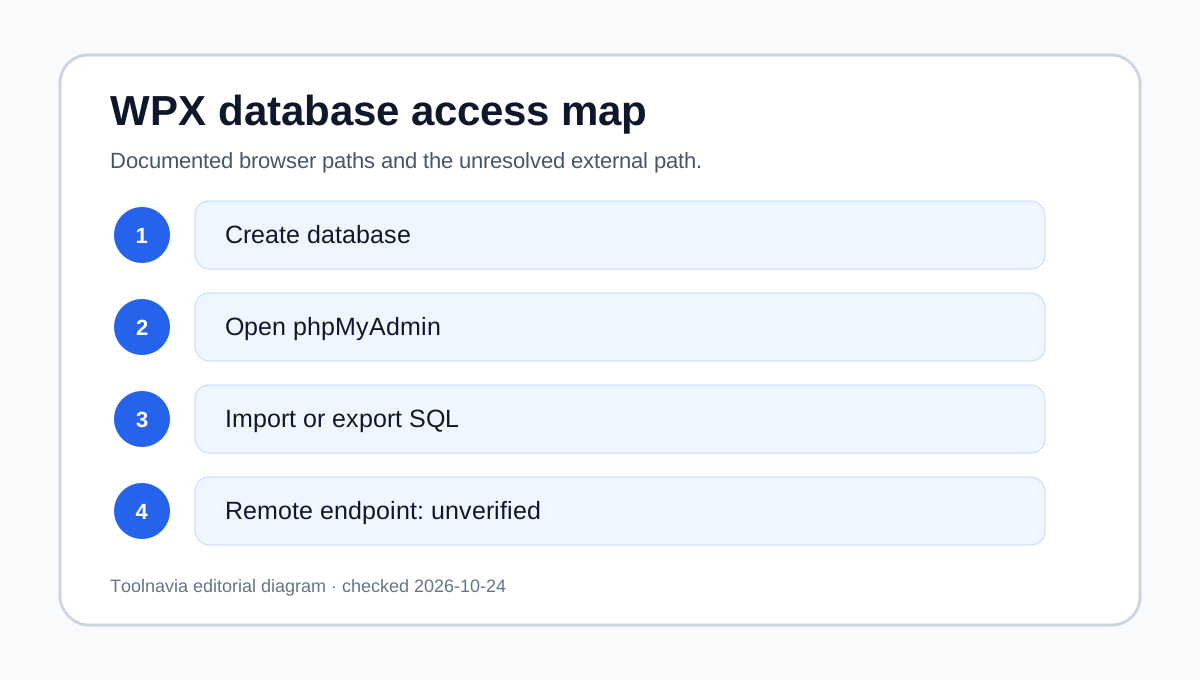
The documented route is Control Panel > Databases > phpMyAdmin. WPX says the button logs you into phpMyAdmin automatically, so routine inspection and administration happen in the browser rather than through a separately published database endpoint. WPX also recommends backing up before making database changes.
The Control Panel overview shows database creation and database-user management as panel functions. WPX's application tutorials use a local database host, including 127.0.0.1, for software installed inside the hosting environment. That supports an on-platform application pattern, but a local host value must not be reinterpreted as an internet-facing Remote MySQL address.
Import, export and migration workflow
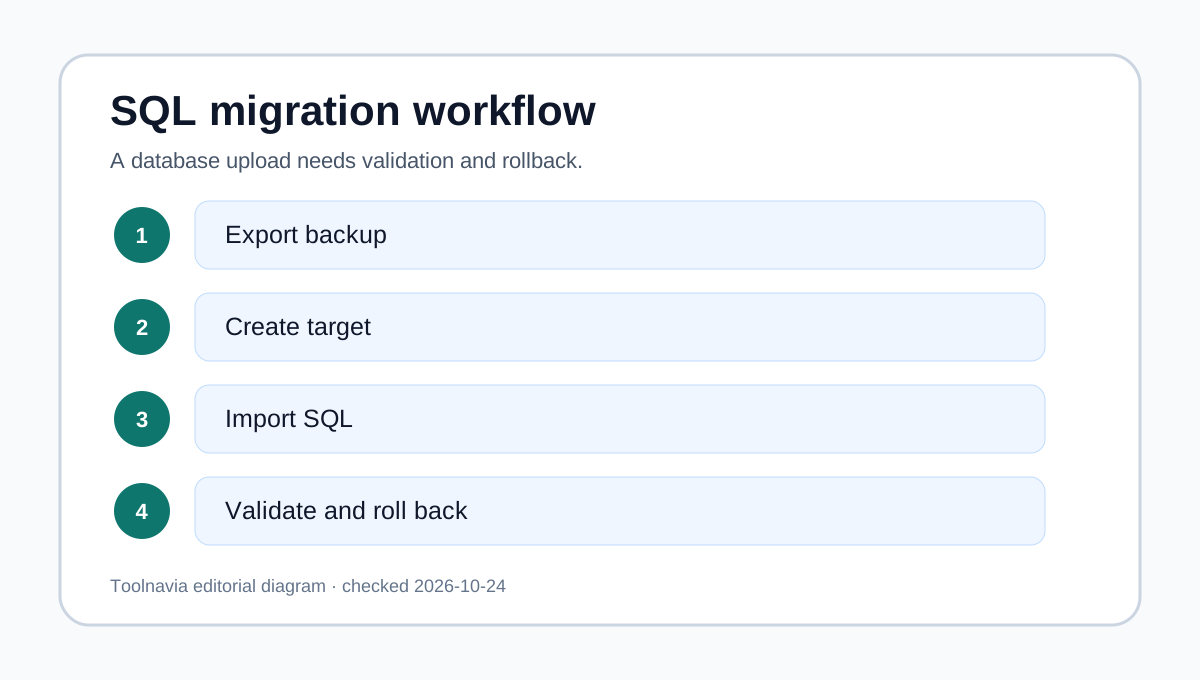
For a normal migration, create the target database and user, open phpMyAdmin, select the target database, choose Import, upload the SQL file and run the import. WPX's documented upload page says support can import a database when it is too large for this browser workflow.
Before changing tables, export a current copy and store it away from the live account. After an import, verify the table prefix, WordPress site URL and home URL, application credentials and the public site. A successful upload is not the same as a successful application cutover. Keep the previous database available until the new site passes login, checkout, forms and scheduled-job checks.
Remote MySQL is the purchasing boundary
Remote MySQL normally means that a client outside the hosting environment connects to the database service using a hostname, port, database credentials and often an allowed IP address. SiteGround, Hostinger and hosting.com publish explicit enablement or allowlisting steps, while WP Engine documents an SSH-tunnel workflow and Kinsta documents external database access details.
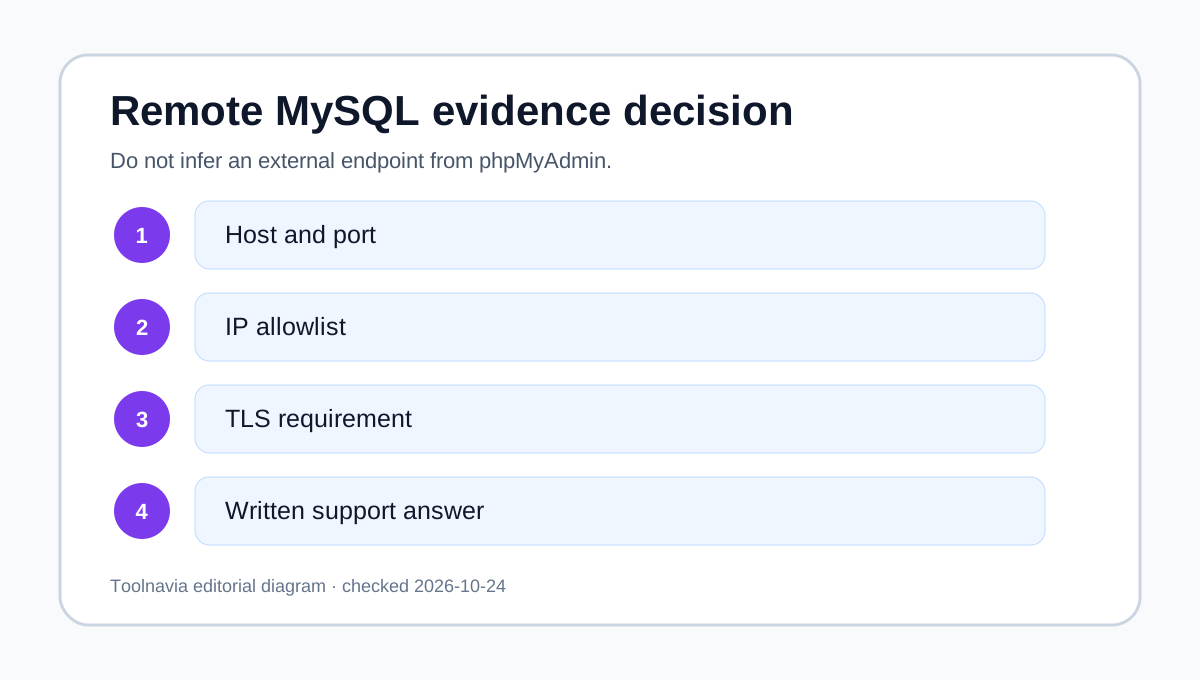
WPX's public documentation reviewed for this article does not publish an equivalent endpoint or enablement procedure. WPX separately states that it does not provide SSH shell access, so buyers should not assume the SSH-tunnel pattern used by some competitors. Therefore the defensible verdict is “unverified,” not “included” and not “blocked.” Ask support five precise questions: Is external MySQL allowed on Business? Which host and port apply? Is IP allowlisting required? Is TLS required? Are read/write tools such as MySQL Workbench supported? Save the answer with the purchase record.
Four buyer workflows
| Workflow | WPX Business fit | Evidence-based reason | |---|---|---| | Inspect or edit WordPress tables | Good with care | Browser phpMyAdmin is documented; back up first. | | Import or export a migration database | Good | phpMyAdmin import is documented, with support help for oversized imports. | | Run an application inside the WPX environment | Conditional | WPX tutorials demonstrate local database host settings; confirm the exact application. | | Connect MySQL Workbench from a laptop or BI service | Unverified | No public WPX remote endpoint was found in the reviewed first-party pages. |
This distinction prevents a common purchasing mistake: phpMyAdmin access proves browser administration, but it does not by itself prove direct TCP access from an external client.
Safety and rollback checklist
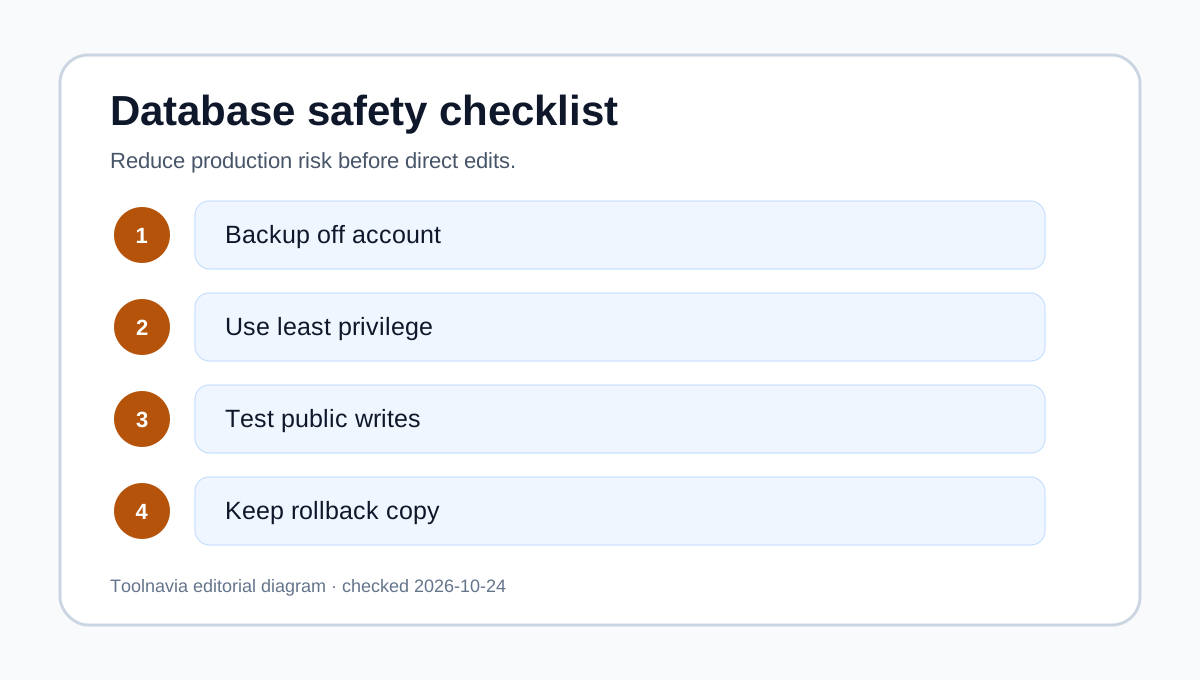
Export the database before edits, name the backup with the site and timestamp, and avoid testing destructive SQL on production. Use the least-privileged database user that the application permits. During migration, record the old and new database names, users, prefixes and URLs without storing passwords in the article or ticket.
For large imports, contact WPX support rather than splitting SQL blindly. After completion, check page rendering, admin login, form writes, WooCommerce orders if applicable, and scheduled tasks. If validation fails, restore the last known-good export and reverse DNS or application configuration changes in the planned order.
When WPX fits—and when to choose differently
Choose WPX when the operating model is managed WordPress, panel-created databases, phpMyAdmin administration and support-assisted migrations. That covers many agencies and site owners without opening a database service to the public internet.
Choose a host with a documented remote database procedure when external Workbench, reporting, ETL, development or disaster-recovery tools are mandatory. The competing hosts cited here use different connection and security models, so compare TLS, tunnel, IP allowlisting, credential scope and production policy—not merely a “remote MySQL” checkbox.
Bottom line
WPX Business clearly supports phpMyAdmin and database import workflows. External Remote MySQL remains publicly unverified in the evidence reviewed. Treat that as a pre-purchase confirmation item, not as an assumed feature or an assumed prohibition. If browser administration and managed migration support are enough, WPX is a credible fit; if an off-server client is non-negotiable, obtain WPX's written answer before checkout.