TOOLNAVIA / BUYING GUIDE
WPX Business SSH Access: SFTP Yes, Shell Access No
The short answer
At a glance
- Best for
- Agencies and site owners that deploy reviewed files through SFTP and keep build commands outside production.
- Price model
- Live WPX checkout; no coupon or fixed price claimed
- Check first
- Teams that require an interactive production shell for Git, Composer, WP-CLI, scripts or live command-line debugging.
One-minute verdict
WPX Business supports encrypted SFTP, but WPX explicitly says it does not provide SSH shell access. That is the decisive boundary. If your team deploys WordPress through the dashboard, a local build step, SFTP and managed support, WPX can fit. If production work requires logging into the server to run Git, Composer, WP-CLI, shell scripts or CI commands, the public WPX workflow does not provide that shell. Do not treat SFTP access and SSH access as interchangeable terms.
This guide evaluates access workflow, not a discount. WPX is an approved affiliate relationship for Toolnavia, so qualifying links may earn a commission at no extra cost to you. No coupon code is claimed here, and live checkout controls the price.
What WPX Business actually gives you
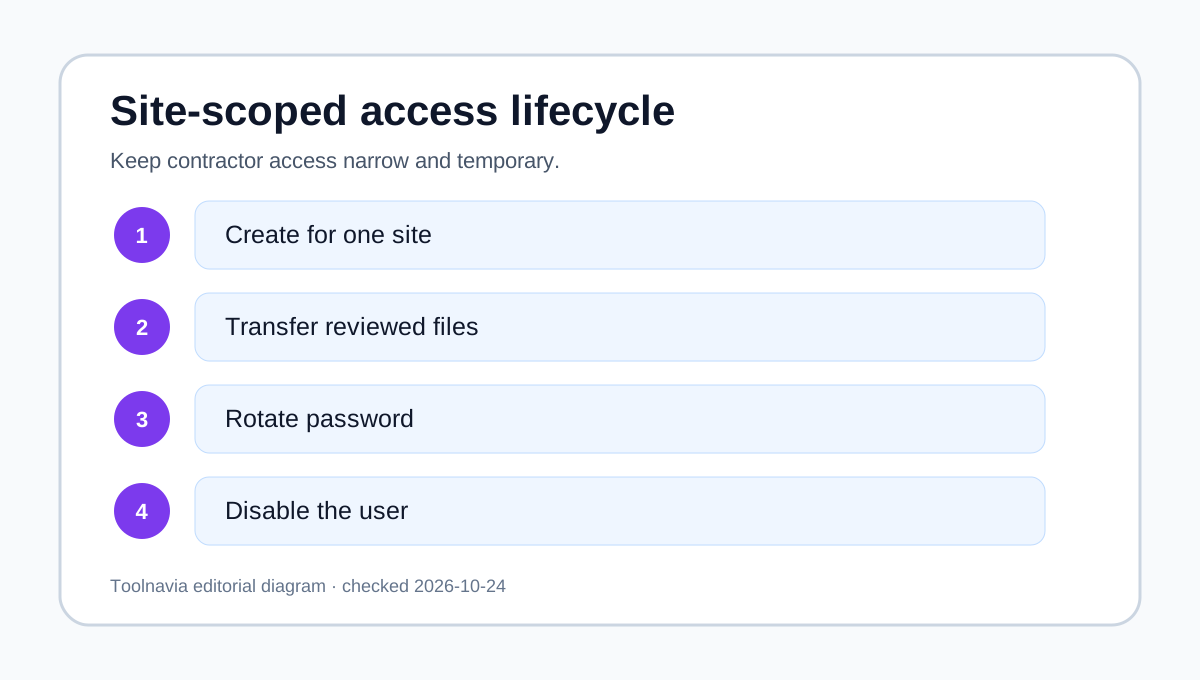
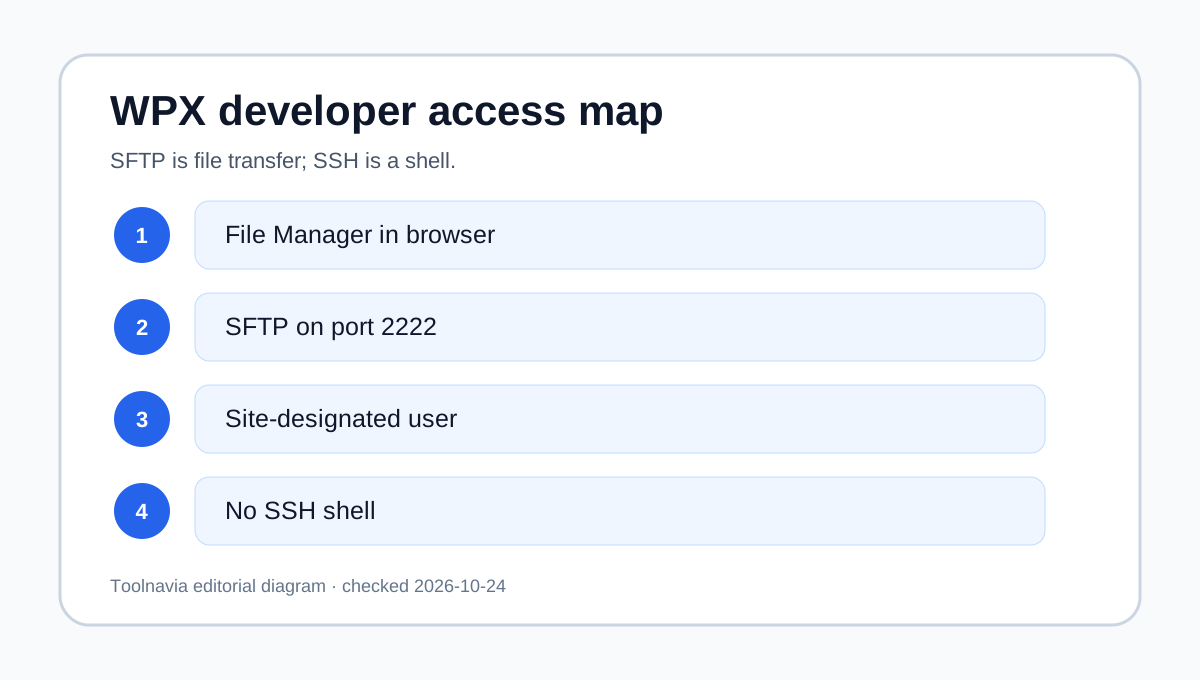
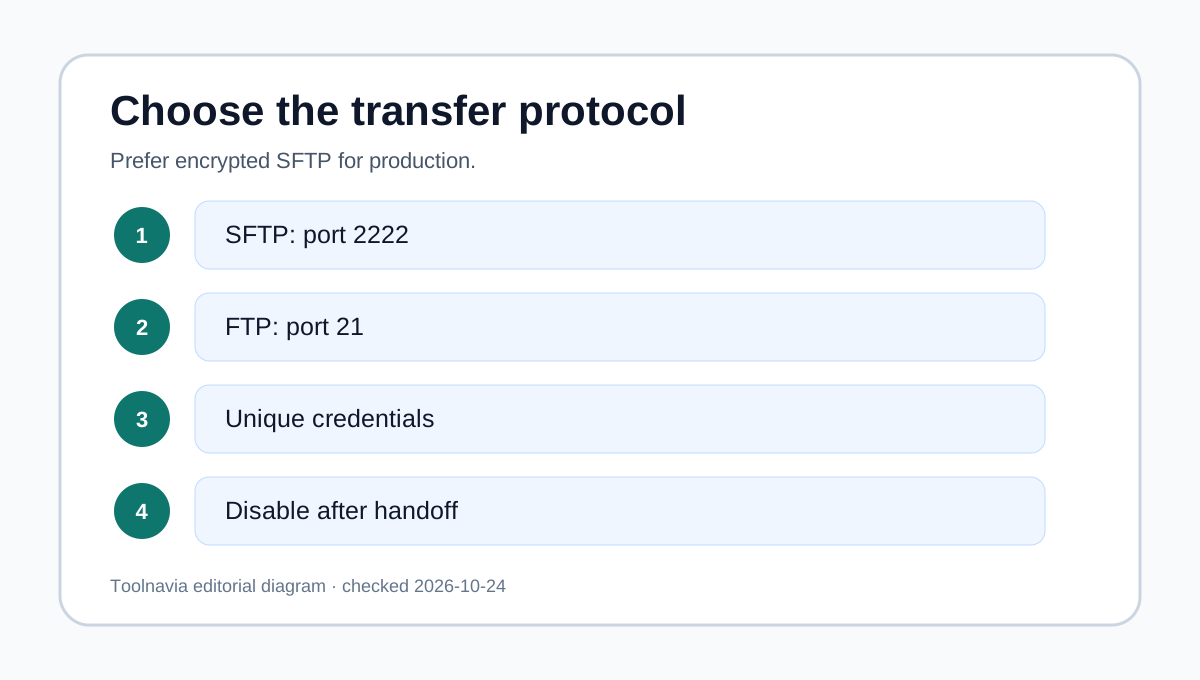
WPX documents three practical file paths. First, its browser File Manager lets you inspect and edit files from the control panel; WPX recommends taking a backup before edits. Second, an FTP client such as FileZilla can connect over SFTP on port 2222. Regular FTP uses port 21 and is not encrypted, so SFTP is the safer default. Third, you can create a separate FTP user for a designated website, change its password and disable it later.
Each website has its own public_html root. That separation is useful for agencies because a contractor can receive credentials for one site instead of the whole hosting account. It is not the same as a jailed shell: the account is a file-transfer identity, not a command-line session.
The shell boundary buyers should notice
SSH normally means an interactive command line on the server. On hosts that expose it, developers can run Git pulls, Composer installs, WP-CLI commands, log inspection and deployment scripts. Kinsta documents both SSH and encrypted SFTP, while SiteGround publishes SSH and SFTP workflows of that kind, while Cloudways distinguishes SFTP-only application credentials from credentials that have SSH enabled.
WPX takes a different managed-hosting position: no SSH access, with File Manager and FTP/SFTP offered instead. That can reduce the production surface area a team must govern, but it also removes a class of server-side automation. Managed support may help with specific tasks, yet it should not be presented as a substitute for a persistent shell unless WPX confirms the exact task in writing.
Four workflows and whether they fit
| Workflow | WPX Business fit | Why | |---|---|---| | Upload a plugin, theme or static build | Good | SFTP on port 2222 or File Manager covers file transfer. | | Give a contractor access to one website | Good with controls | Create a site-designated FTP/SFTP user, rotate the password and disable it after handoff. | | Run Git, Composer or WP-CLI on production | Poor | WPX says SSH access is not provided. | | Upload a large folder in the browser | Conditional | File Manager cannot upload folders directly; archive first and observe the documented 1 GB single-file limit. |
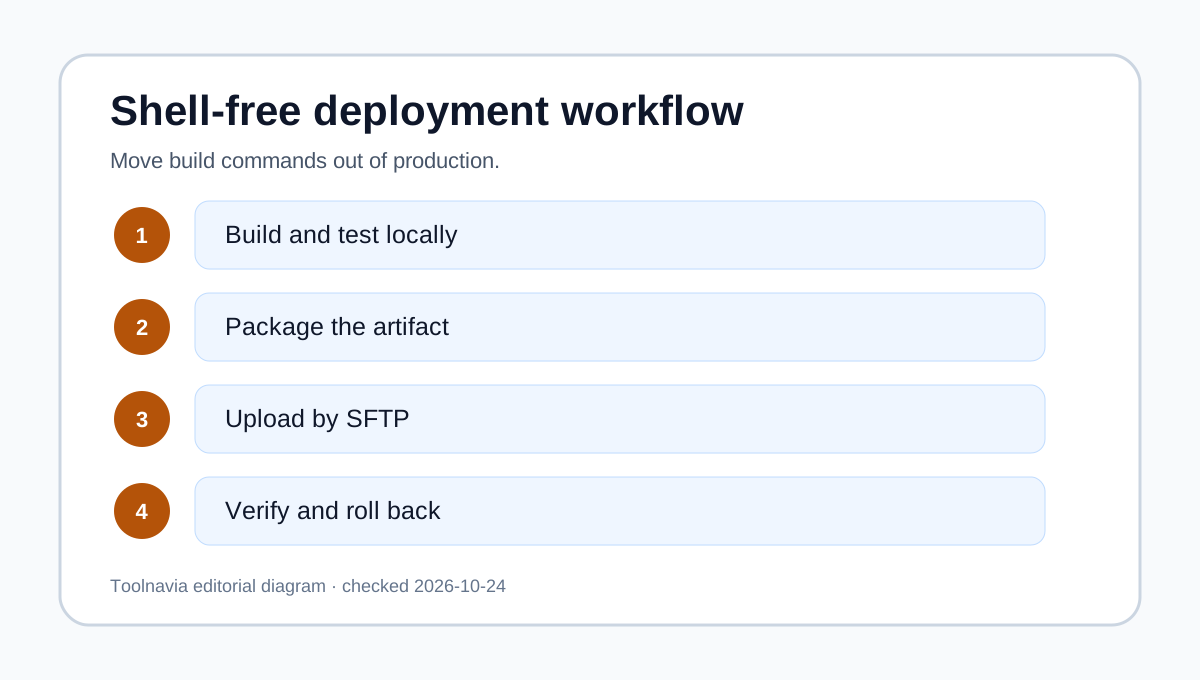
The most important design choice is where the build happens. With WPX, compile assets, install dependencies and run tests in local development or CI, then transfer only the reviewed artifact. That keeps production changes auditable without relying on a server shell.
Agency access checklist
Create one SFTP user per site and per outside party where practical. Prefer SFTP port 2222, record the site root, use a unique password, and disable the account at the end of the engagement. Before any direct file edit, make a backup and record the intended rollback path.
For releases, package directories as zip or tar.gz when using File Manager, because folders cannot be uploaded directly. Keep individual archives below the documented 1 GB limit. After upload, verify the destination public_html directory, extract only the expected files, test the public site and remove temporary archives.
Never send master hosting credentials when a site-scoped transfer user will do. Avoid regular FTP on port 21 for production secrets because WPX labels it non-secure.
When another hosting model is a better fit
Choose a host with documented shell access if your runbook requires server-side Git, Composer, WP-CLI, cron debugging, custom deployment scripts or interactive log work. Kinsta, SiteGround and Cloudways publish different SSH models, so compare user scope, activation rules and command availability rather than merely checking an SSH box.
Choose WPX when your operating model is managed WordPress plus controlled file transfer, with builds and tests completed before production upload. The boundary is predictable and easy to explain to contractors. It is less suitable when engineers expect production to behave like a general-purpose Linux account.
Bottom line
WPX Business is SFTP-capable, not SSH-shell-capable. Use SFTP on port 2222, create site-designated users, back up before edits, and move build commands out of production. That is a workable agency model when file deployment is enough. If command-line production access is non-negotiable, select a host that documents it before checkout.