TOOLNAVIA / BUYING GUIDE
WPX Business Cron Jobs: Can WooCommerce Subscriptions Run on Time?
The short answer
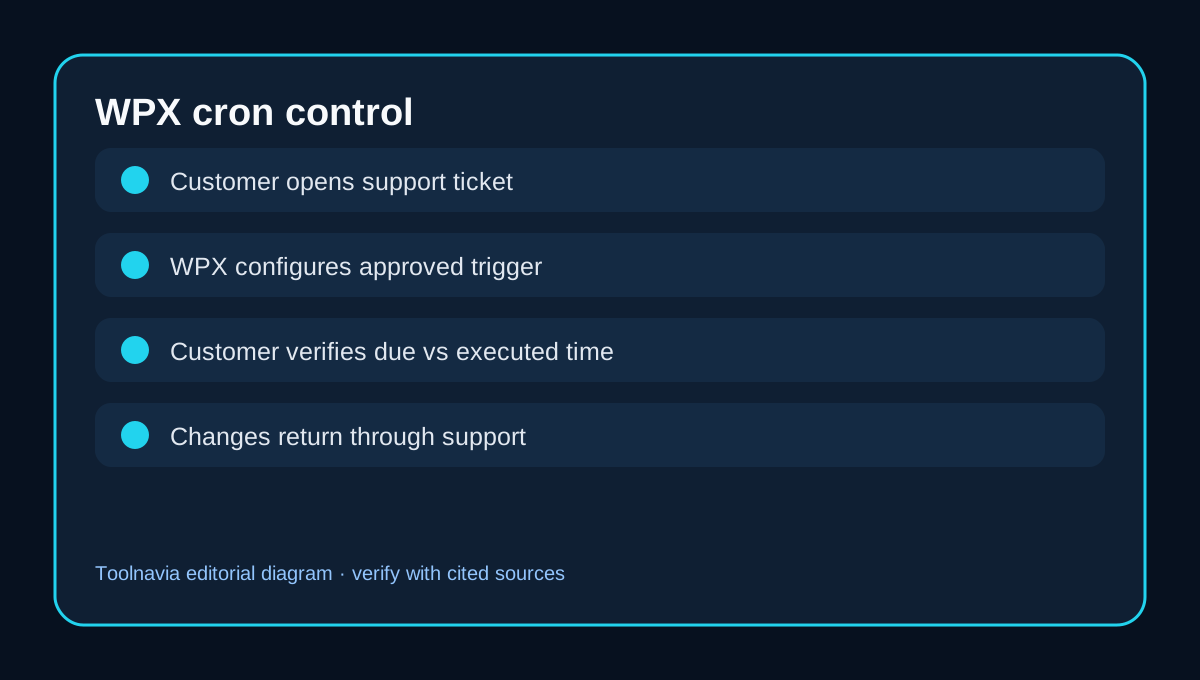
WPX Business can host up to five sites, but the buyer decision is not just how many sites fit. Stores, memberships and course sites also depend on scheduled work: subscription renewals, order emails, webhooks, scheduled posts and maintenance queues. WPX says customers cannot create cron jobs directly and must ask support to configure them. Its separate management guide also frames cron as a monitored operational system rather than a set-and-forget feature. That support-mediated model can be workable, but only if its unknowns match your operations.
At a glance
- Best for
- Operators comfortable with support-mediated cron configuration who can monitor Action Scheduler and run controlled prelaunch tests.
- Price model
- Live WPX checkout; monitoring or development may cost extra
- Check first
- Teams requiring self-service scheduler access, very short intervals, formal timing guarantees or instant production changes without support handoff.
The restriction you should understand before paying
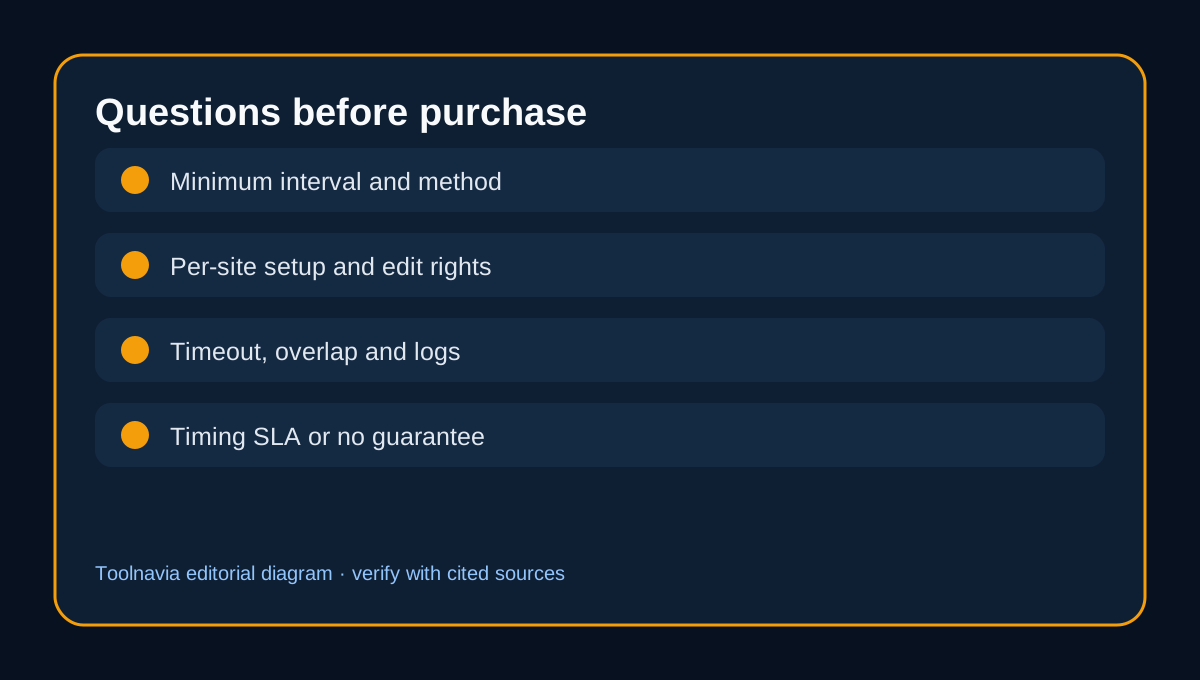
WPX says overly frequent cron jobs can slow a server, so it restricts direct user access and asks customers to raise a support ticket for one or more sites. The public page does not state the minimum accepted interval, whether the trigger is HTTP or CLI, whether each Business site gets a separate job, who can edit it later, or a timing SLA. Do not treat those unanswered questions as hidden guarantees.
The practical purchase test is control. If a sale, renewal or member message depends on a scheduled action, ask how quickly support can create, change, pause and diagnose the trigger. Request the answer in writing before migration.
[Figure 1: cron-control-en.svg]
WP-Cron and Action Scheduler are different layers
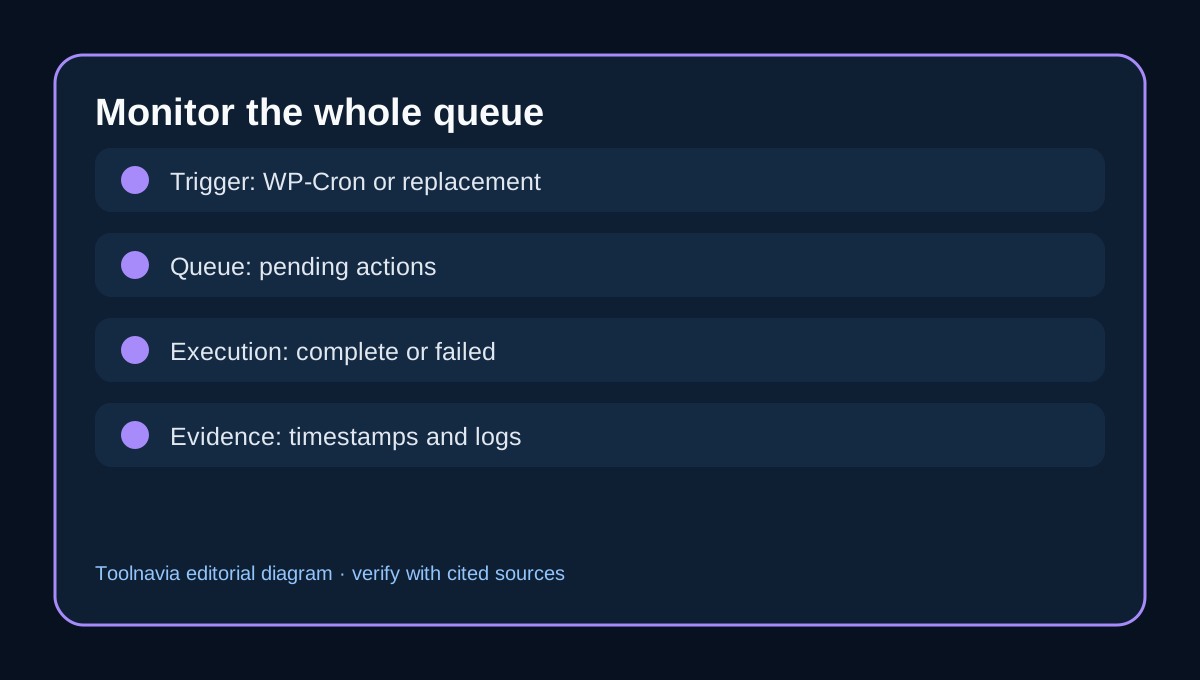
WordPress WP-Cron checks due events when a request reaches the site; it is not a continuously running operating-system scheduler. WooCommerce Action Scheduler is a job queue used by extensions for background work. WP-Cron can trigger the queue, while Action Scheduler records and processes individual actions.
Low traffic can leave due work waiting for the next request. Busy traffic can create repeated checks and compete with customer requests. This does not prove that WPX delays a particular store. It explains why the trigger, queue and application logs must be tested separately.
[Figure 2: queue-monitor-en.svg]
Why this matters for WooCommerce Subscriptions
WooCommerce says Subscriptions needs working cron behavior and recommends checking both the latest successful WP-Cron event and the latest successful scheduled action. A configuration flag saying cron is enabled is not evidence that every renewal, webhook or email ran.
Before launch, inspect WooCommerce > Status > Scheduled Actions. Record pending, failed and complete counts; open logs for late or failed actions; and test a controlled renewal on staging or a payment sandbox. A recovered queue may process a backlog, so monitor customer messages and downstream systems after recovery.
Seven questions for WPX support
Ask WPX: (1) Can Business run a separate periodic trigger for each of five sites? (2) What is the minimum supported interval? (3) Is the trigger HTTP, CLI or another method? (4) Who can view, change and pause jobs? (5) What timeout or overlap protections apply? (6) Do staging jobs run, and can they send live messages or payments? (7) Is any execution timing guaranteed?
Those are buying questions, not accusations. WPX may provide account-specific answers that its public documentation does not publish. Save the ticket response with your operating runbook.
[Figure 3: support-questions-en.svg]
Do not disable WP-Cron before the replacement works
Both WPX and WordPress describe replacing visitor-triggered WP-Cron with a scheduled trigger. Disable the default only after the replacement is confirmed and monitored. Otherwise scheduled posts, renewals and background work can stop. Also avoid creating two uncontrolled triggers, which can complicate diagnosis or overlap work.
WP-CLI can inspect or process events in environments that permit it. Those general docs do not establish that a WPX Business customer has direct shell or cron rights. Confirm the allowed method with WPX support.
A 14-day acceptance test
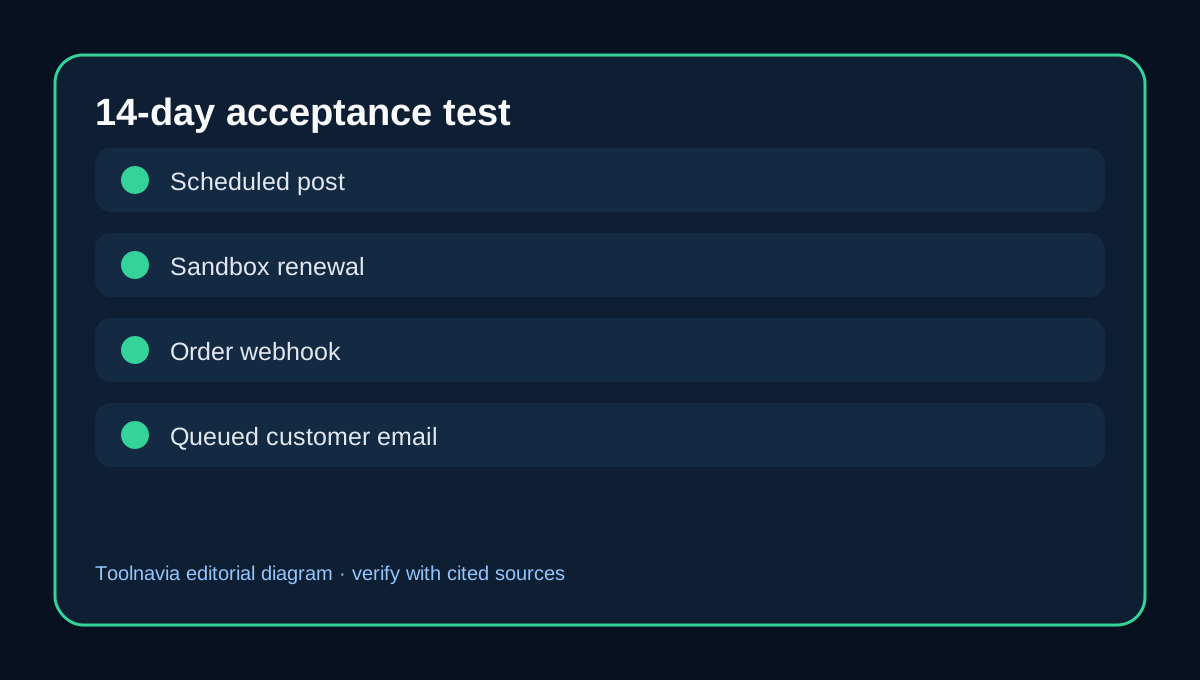
Use four controlled events: a scheduled post, a sandbox subscription renewal, an order-status webhook and a queued email. For each, record due time, observed start, completion, failure and retry. Repeat on a low-traffic day and a busier day. After an overnight quiet period, check the age of the oldest pending action and whether recovery creates a burst.
Watch PHP and database pressure while the queue runs. WPX documents plan-level CPU considerations, while Action Scheduler explains that background processing still consumes application resources. A five-site plan can therefore have a shared operational bottleneck even when each site looks small.
[Figure 4: test-matrix-en.svg]
Who should buy WPX Business for scheduled workloads?
WPX Business is a reasonable candidate when you accept support-mediated cron changes, your intervals are not unusually aggressive, and you can monitor Action Scheduler. It is a weaker fit when you require self-service scheduler control, very short intervals, formal timing guarantees or immediate production changes without a support handoff. A same-intent managed WordPress guide likewise warns that overlapping or poorly managed WooCommerce cron work can cause duplicate, delayed or missed tasks, but that source does not establish WPX policy.
The current WPX cart controls plan price and billing. This guide does not assert a coupon code, cron SLA or dedicated queue workers. The commercial button maps only to the approved WPX Business offer.
[Check the current WPX Business offer](/go/wpx-managed-wordpress-business-official-usd)
Sources: WPX cron access https://wpx.net/kb/how-can-i-set-up-cron-jobs/ WooCommerce scheduled actions https://woocommerce.com/document/understanding-the-woocommerce-system-status-report/scheduled-actions/ WooCommerce Subscriptions cron guide https://woocommerce.com/document/subscriptions/develop/complete-guide-to-scheduled-events-with-subscriptions/ WordPress system scheduler https://developer.wordpress.org/plugins/cron/hooking-wp-cron-into-the-system-task-scheduler/ Action Scheduler https://actionscheduler.org/ Pressable WooCommerce cron guide https://pressable.com/blog/woocommerce-automation-cron-job/