TOOLNAVIA / BUYING GUIDE
Verpex Bronze PHP Versions: Why the Official Lists Don’t Match
The short answer
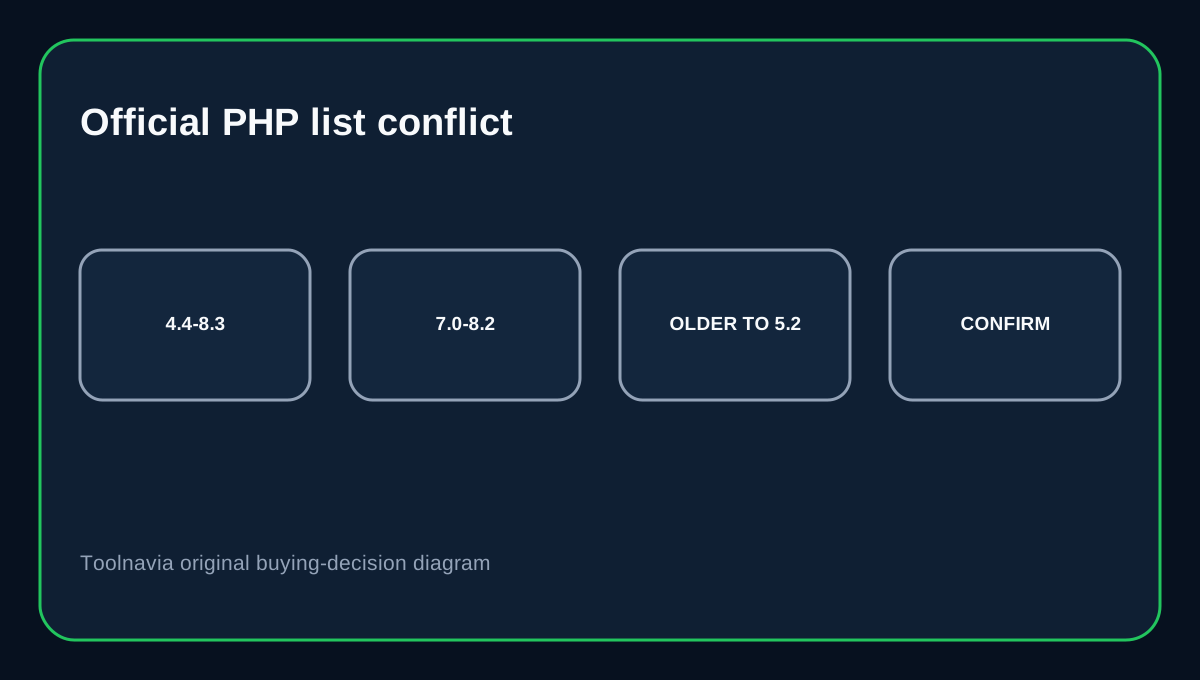
Verpex Bronze clearly supports multiple PHP versions, but its own current pages do not present one perfectly consistent list. The PHP Hosting comparison table says PHP 4.4 to 8.3, the FAQ on that same page names PHP 7.0 through 8.2, and Verpex's Technology page says the PHP Selector offers the latest and older versions going back to 5.2. That documentation conflict matters if an application needs one exact branch.
At a glance
- Best for
- Legacy PHP migrations where broad compatibility matters and exact availability can be confirmed.
- Price model
- Current PHP Hosting page: $0.60 first month; $6/mo renewal reference.
- Check first
- Current official sources do not resolve one exact full PHP version list.
What Bronze costs and includes
Verpex's current PHP Hosting page advertises Bronze from $0.60 for the first month and shows a $6/month renewal reference. It includes one website, 30GB NVMe storage, 1GB memory, one vCPU, cPanel, SSH, cron, Git, phpMyAdmin and Remote MySQL.
The feature table says PHP 4.4 to 8.3
The main Developer Tools table on the current page lists “PHP 4.4 to 8.3.” If that table alone were the only source, a buyer might reasonably expect every branch in that span to be selectable. But the same page's FAQ gives a narrower list—PHP 7.0, 7.1, 7.2, 7.3, 7.4, 8.0, 8.1 and 8.2.
Verpex Technology gives a third description
Verpex's Technology page says its PHP Selector lets users choose latest and older PHP versions, with older versions going back to 5.2 and patched for security. That statement is broader than the FAQ but different from the 4.4-to-8.3 table. Toolnavia therefore does not promise that a specific old PHP branch is available on every Bronze server simply because one marketing table names a wide range.
New WordPress sites should not target the oldest selectable version
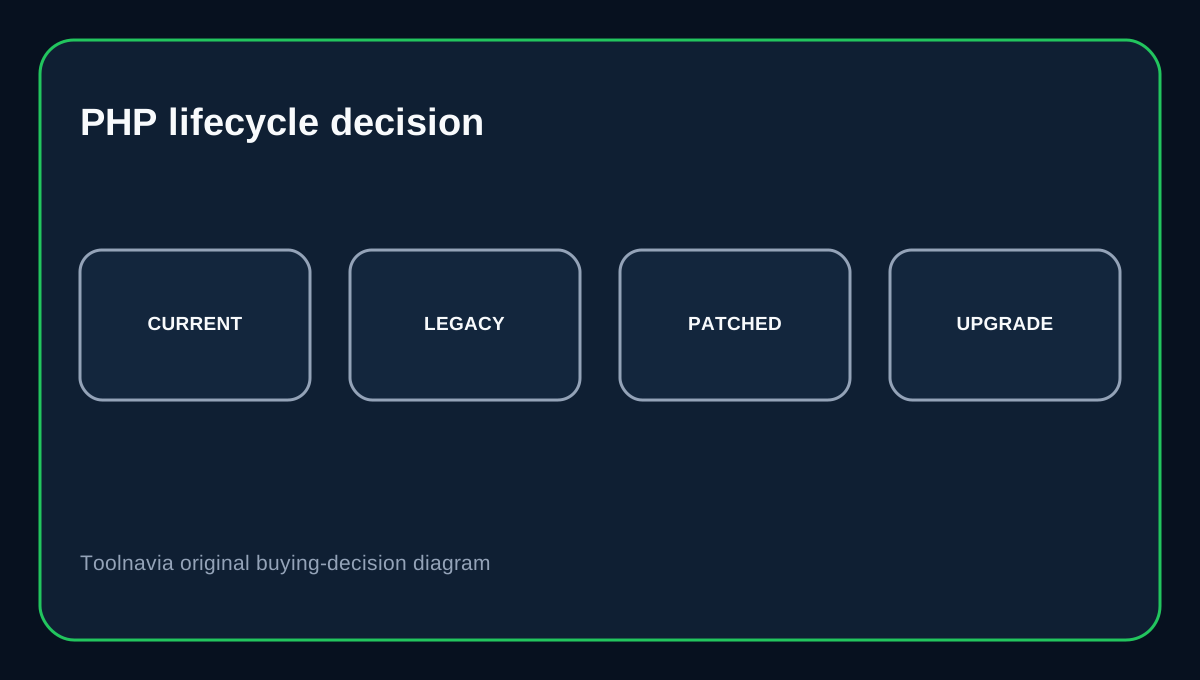
WordPress recommends PHP 8.3 or greater. The PHP project publishes active and security-support windows for current branches and shows why upstream lifecycle still matters. A hosting provider may backport fixes to legacy packages, but that does not guarantee a modern plugin or WordPress release supports the old runtime.
Verify the actual selector before depending on a legacy branch
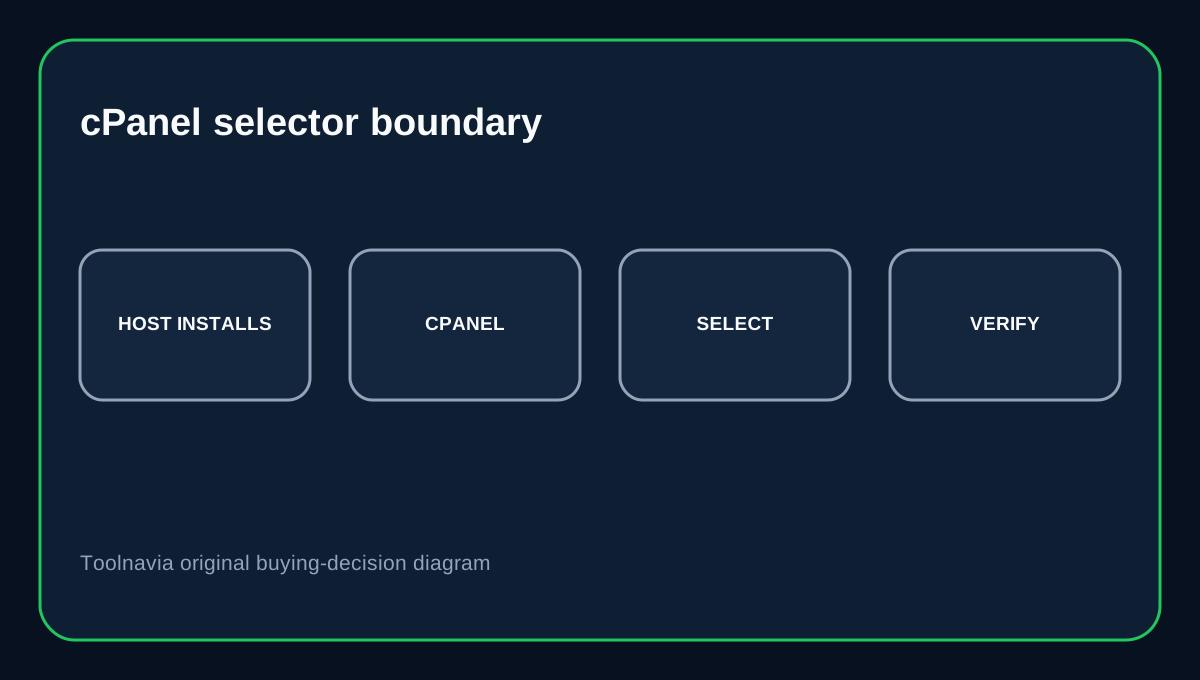
cPanel's MultiPHP Manager only lets a user select versions installed and exposed by the hosting provider. If a legacy application absolutely requires PHP 5.x, 7.0 or another exact version, ask Verpex to confirm the version on the specific Bronze environment before migrating or paying for a long term.
Treat legacy PHP as a migration bridge
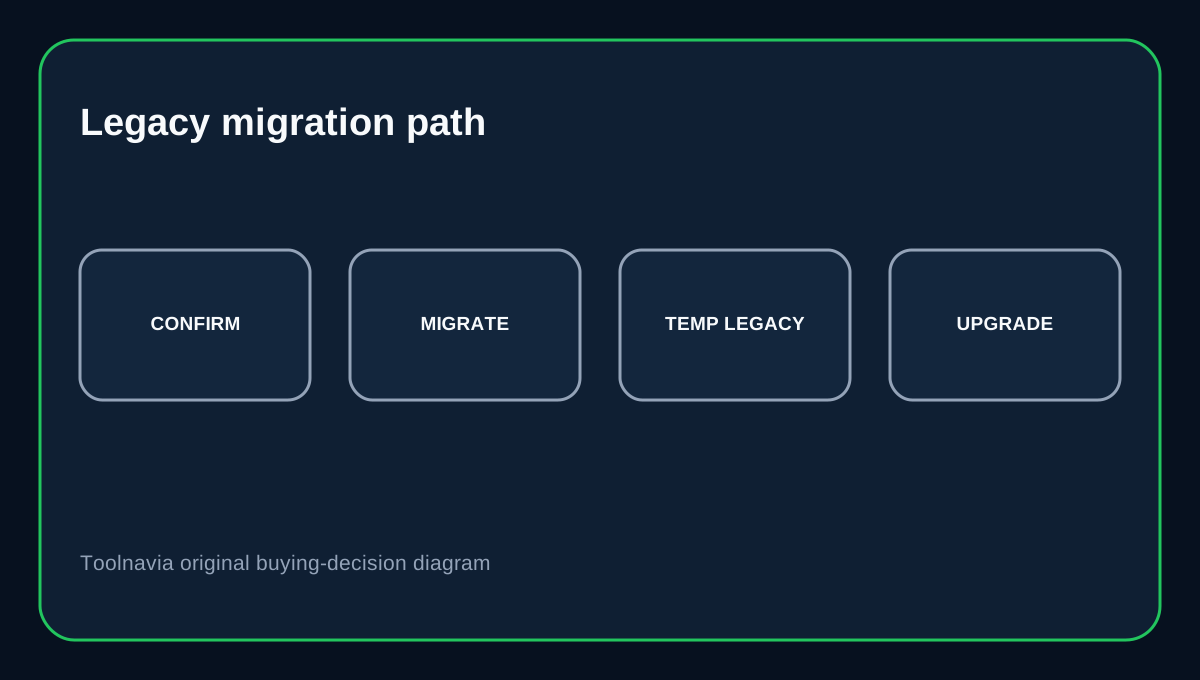
Verpex's ability to support old PHP can be valuable when moving a legacy site. The safe goal is still to upgrade the application, extensions and code so the site can move to a currently supported branch. GreenGeeks' current PHP guidance offers a useful same-market comparison: it exposes legacy versions but recommends newer supported versions for normal operation. That is the safer mental model here too.
Buying decision
Choose Verpex Bronze if you want inexpensive cPanel hosting with broad PHP compatibility and you can verify the exact runtime your site needs. It is especially useful for migration work where a temporary legacy branch may be necessary. Do not buy solely because “PHP 4.4 to 8.3” appears in one table. The current Verpex pages conflict, so an exact legacy dependency deserves account-specific confirmation.
Affiliate disclosure: Toolnavia may earn a commission from an eligible Verpex purchase.