TOOLNAVIA / BUYING GUIDE
Verpex Bronze SSH & SFTP: Port 22, cPanel Login—and No VPS Root
The short answer
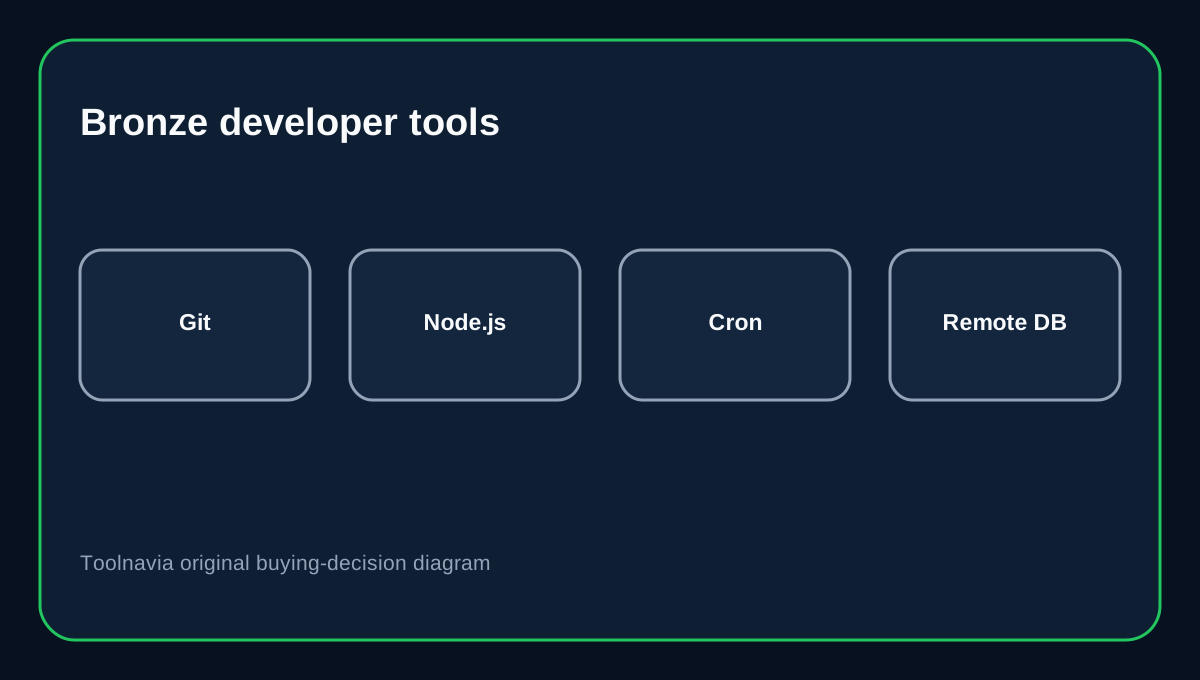
Verpex Bronze includes more developer access than many entry shared-hosting plans: **SSH is enabled by default, SFTP uses port 22, and the plan table lists Git, Node.js, Cron, Remote MySQL, Memcached and Redis**. Bronze is still shared hosting, though, so this is account-level shell access rather than the full-root control Verpex advertises on its VPS line.
The current Bronze plan is one site with 30GB NVMe, 1GB RAM and 1 vCPU, with a $6/month renewal reference on the shared-hosting table. That is enough for many WordPress and lightweight development workflows if you understand the permission and resource boundary.
At a glance
- Best for
- One-site developers who need SSH/SFTP and common developer tools without full root.
- Price model
- Current Bronze renewal reference $6/mo; live checkout controls the intro term.
- Check first
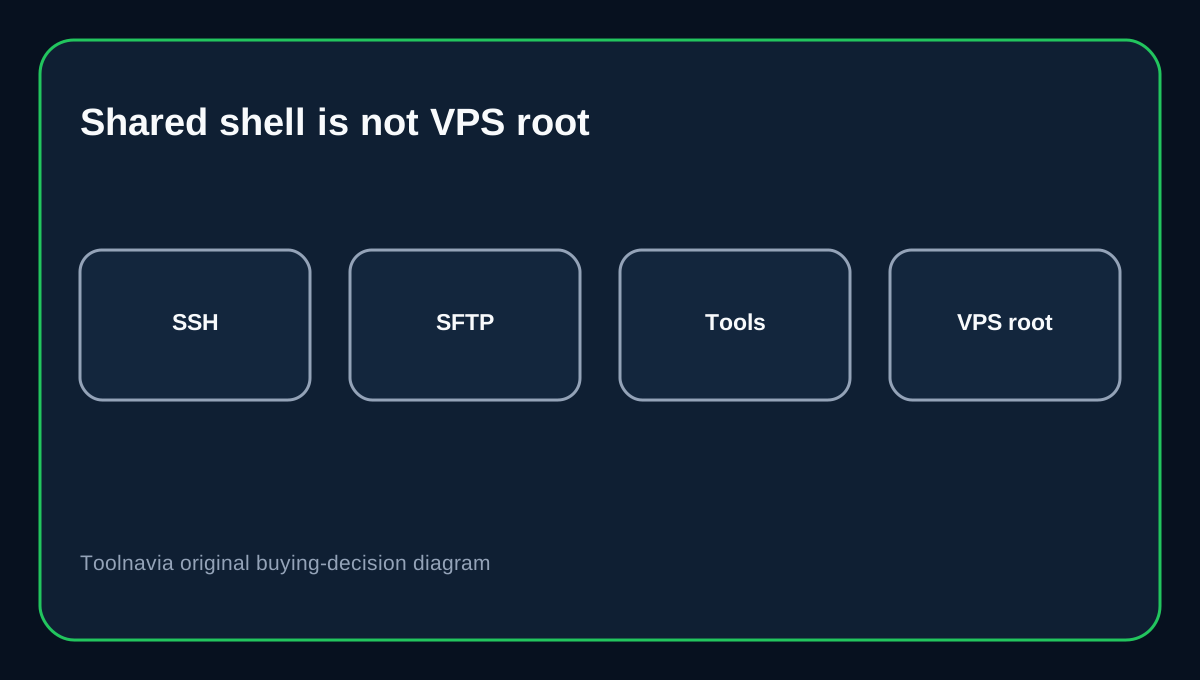
- Shared Bronze offers account-level shell access; VPS is the explicit full-root tier.
SSH is enabled by default on port 22
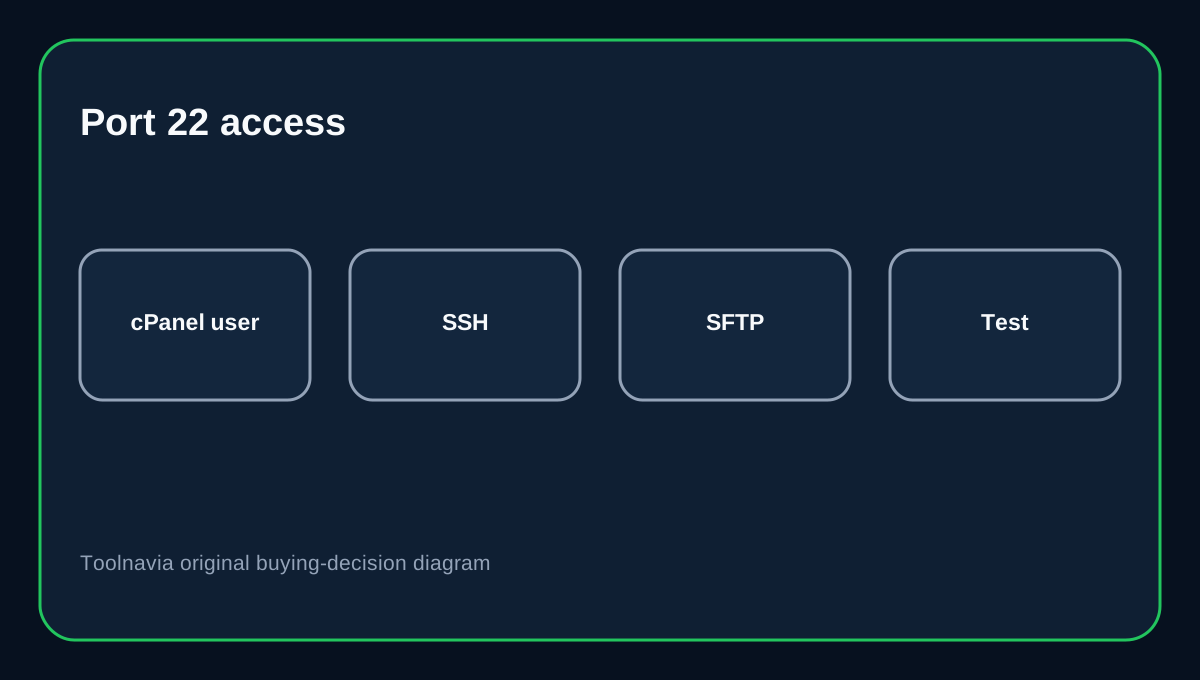
Verpex's cPanel file-management guide says SSH shell access is enabled by default on port 22 and uses the cPanel username and password.
That makes the first connection straightforward, but it also means the cPanel credential is a powerful account secret. Do not share the owner password casually with contractors. cPanel supports SSH keys and key authorization/deauthorization, which gives you a cleaner way to revoke machine access later.
SFTP also uses port 22
Verpex documents SFTP over SSH on port 22, while plain FTP uses port 21. Both use the cPanel account credentials in the documented workflow.
For production file transfers, SFTP is the safer default because the session is encrypted. If a contractor only needs a limited folder, Verpex lets you create additional FTP accounts with a selected path—but do not assume those extra FTP identities automatically become separate SSH/SFTP shell users.
Developer tools are real—but still shared-hosting tools
The Bronze table lists PHP, Node.js, SSH, SFTP, Cron, Git, Remote MySQL, Memcached and Redis. That is a useful stack for ordinary CMS development, small Node tasks, scheduled scripts and remote database administration.
It does not mean you can install arbitrary system packages, change the SSH daemon, bind privileged services or redesign the OS firewall. Verpex reserves explicit **full root access** language for VPS hosting.
Git deployment needs credential discipline
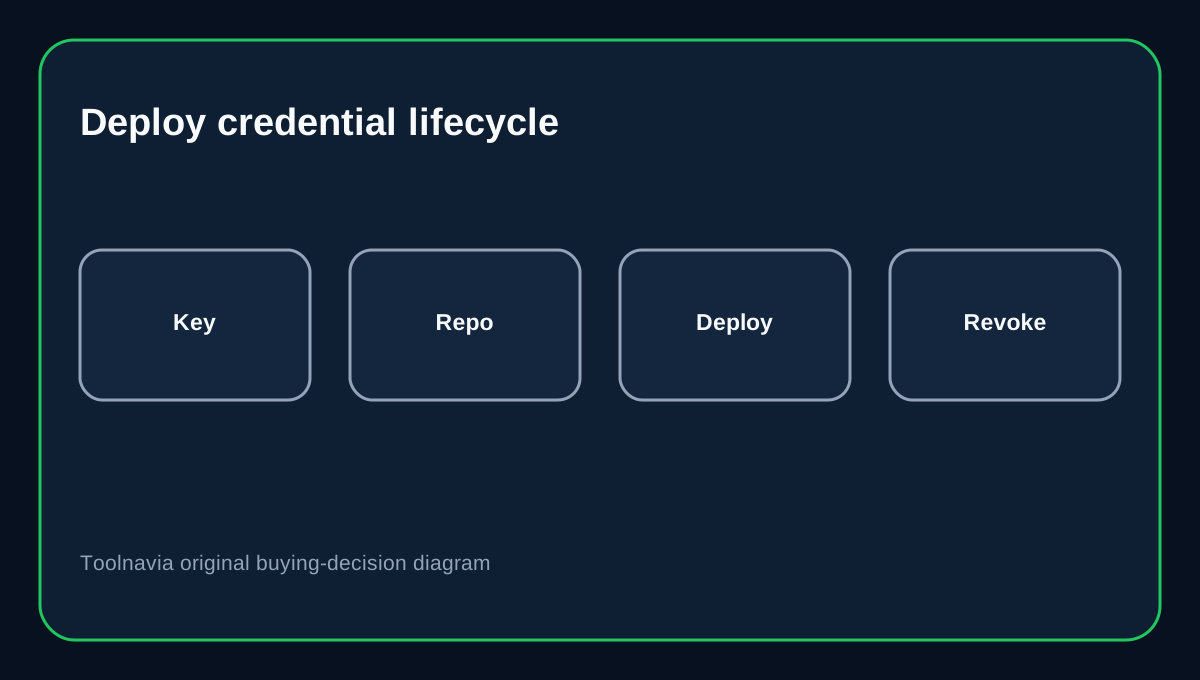
cPanel's Git documentation says private-repository workflows require shell access and an authorized public key. For GitHub, a deploy key can grant a server access to one repository and is read-only by default unless write access is explicitly enabled.
That is generally safer than leaving a developer's personal high-scope credential on the server. Record which repository key is installed, avoid storing private keys under the web root, and remove obsolete keys after a project or contractor ends.
WP-CLI can work over the same SSH path
WP-CLI supports remote execution over SSH with explicit user, host, port and path parameters. Since Verpex uses the standard SSH port 22, remote WordPress commands can fit naturally into this account-level access model when WP-CLI is available on the server.
Still test the exact command path before depending on automation. Shared hosting can expose the tool while restricting long-running processes or OS-level dependencies.
Know when Bronze has reached its boundary
Bronze has 1GB RAM and 1 vCPU. Build jobs, Node processes, Redis/Memcached usage, database work and the live site all share that account envelope.
If your application needs persistent custom daemons, Docker, system package installation, privileged ports, separate Linux users or predictable dedicated CPU/RAM, move to VPS rather than trying to stretch shared SSH into server administration.
Buying decision
Choose Verpex Bronze when you want a low-cost one-site cPanel plan with SSH/SFTP, Git and common developer tooling, and account-level shell access is enough. Choose a VPS when full root and dedicated server control are real requirements.
Before production, test SSH, SFTP, Git and scheduled jobs with the exact credentials you will use, then document how those credentials will be revoked.
Affiliate disclosure: Toolnavia may earn a commission from an eligible Verpex purchase. That does not change the access-boundary analysis.