TOOLNAVIA / BUYING GUIDE
UltaHost Free SSL: Missing Button or a Paid Upgrade?
The short answer
UltaHost Shared Starter includes free SSL. A missing AutoSSL button or a browser warning is therefore a reason to diagnose the setup before buying another certificate. The decisive checks are the panel version, the certificate status and the page's resources.
This guide uses official documentation, not a tested UltaHost customer account.
At a glance
- Best for
- One-domain hosting with included certificate tools
- Price model
- $4.39/month public reference; SSL included
- Check first
- Panel version and DNS still matter; refund exclusions apply
Start with the included route
UltaHost's guide sends customers through Services, the service details and cPanel, then SSL/TLS Status to run AutoSSL for selected domains. Record the exact hostname you need, such as the main domain and www, and inspect the result for each.
That guide describes an interface path, not a guarantee that every current account has identical buttons. If your screen differs, save the panel version and a screenshot without credentials. Ask support where the included free certificate workflow lives on that account.
A changed interface does not establish a new charge
Current cPanel documentation says SSL/TLS Status can appear as its own page or as a tab within SSL/TLS Certificates. Its certificate list distinguishes active, expired, unsecured and excluded domains.
A separate cPanel support article describes new-domain behavior associated with version 134.0.3: some configurations require reviewing the Let's Encrypt terms through the Wizard before issuance. Crucially, the same article says the default is license-dependent and refers to development licenses. This does **not** prove that UltaHost customers have this behavior.
The include/exclude guide also distinguishes older versions from 134+, where exposing controls can require a root-level configuration change. On shared hosting, ask the provider to handle that change. Do not buy a VPS merely to recover a missing button, and do not assume a shared cPanel login gives server-root rights.
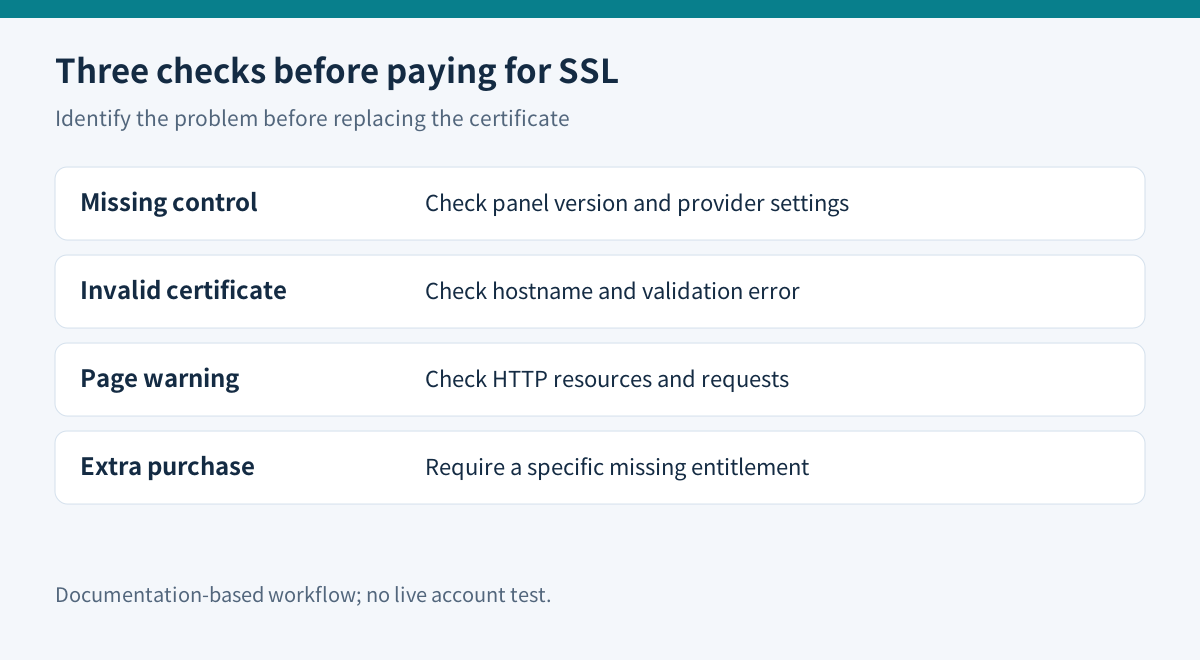
Separate three kinds of failure
| What you observe | First check | Buying implication | |---|---|---| | No familiar AutoSSL button | Panel version, unified SSL page and provider settings | A different interface alone does not justify paid SSL | | Certificate absent or invalid | Exact hostname, status, validation error and DNS | Repair eligibility or validation before choosing another issuer | | Certificate valid but page warnings remain | HTTP assets and application requests | A replacement certificate will not rewrite page resources |
cPanel exposes certificate status and recorded AutoSSL errors. Use those specific messages when requesting help, rather than repeatedly starting a new certificate order.
CAA records restrict which certificate authorities may issue for a hostname. Let's Encrypt documents that CAA errors can arise from DNSSEC failures, unavailable authoritative nameservers or timeouts, even when the owner did not intentionally set a restriction. Ask the DNS operator to investigate the recorded error; do not remove an organization's certificate policy without approval.
A valid certificate can still leave mixed content
cPanel describes sites with installed SSL and HTTPS redirects that still warn because parts of the page use HTTP. MDN explains that browsers may upgrade some resources and block others, including insecure scripts or requests.
Test a representative page, login and form in a normal browser. Inspect the console for the exact failing URL. Replace or repair that resource through the application workflow, then test again. Keep a backup before changing stored URLs. The certificate and the website's links are separate maintenance objects.
This check is particularly useful after migration: a successful certificate does not prove a theme, old image or third-party integration now uses HTTPS correctly.
Check the hosting bill separately
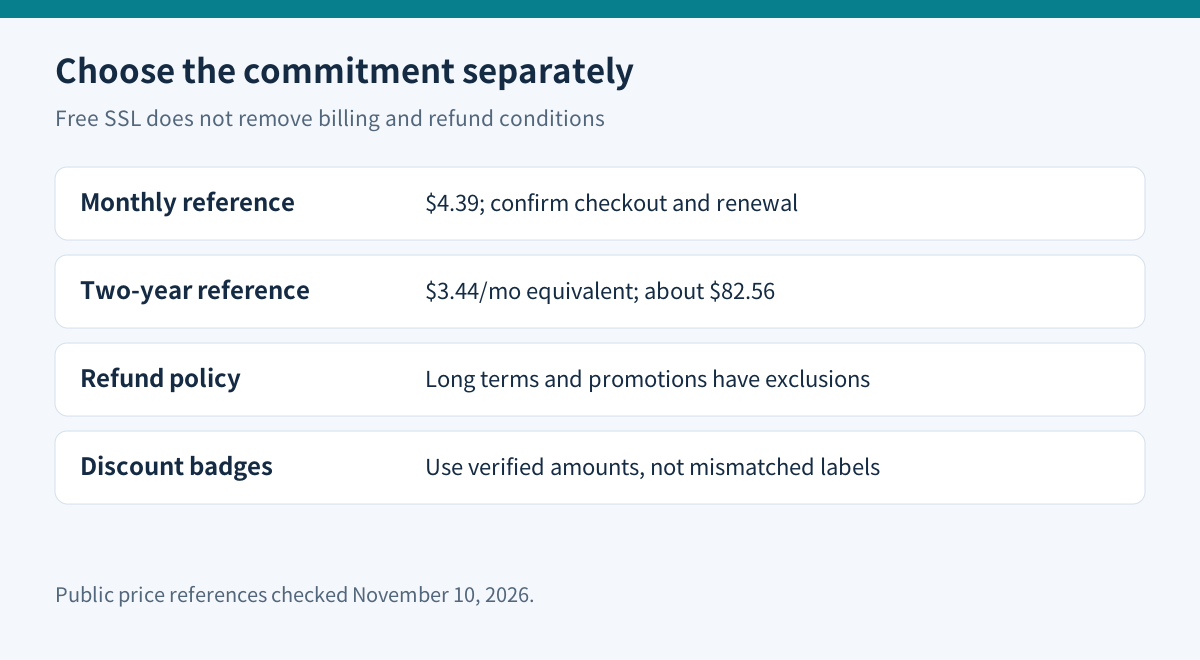
The November 10 homepage shows Starter at **$4.39 monthly**, with the same currently displayed renewal reference. The shared-hosting page shows **$3.44/month equivalent for two years**, about $82.56 across 24 months. These are different commitments, not interchangeable invoices.
The cards' discount badges do not reconcile with their crossed-out $6.89 reference. This guide therefore uses the displayed amounts and terms without endorsing a savings percentage. Confirm checkout currency, tax, total and renewal.
The detailed refund policy excludes biennial/triennial shared plans and separately excludes special-promotion or discount-link purchases; the broad 30-day badge is insufficient. Paid SSL certificates also appear among excluded items. Verify eligibility before using a long commitment as an evaluation period.
Decide what would justify paying more
Use included SSL when the exact required hostnames receive valid certificates and the provider confirms the ongoing workflow. Consider another certificate only after identifying a specific missing requirement, such as documented coverage, organizational validation or a contractual support obligation. This research does not establish that Starter includes every such option.
Before purchase, ask support three concrete questions: where is free SSL activated on this account, which required names will it cover, and what happens if renewal validation fails? Those answers are more useful than a generic “secure hosting” label.
Toolnavia may earn a commission through the verified UltaHost Shared Hosting direct link. The evidence does not justify purchasing an extra certificate merely because the interface changed.