TOOLNAVIA / BUYING GUIDE
UltaHost Shared Starter PHP Modules: When Shared Hosting Stops Being Enough
The short answer
UltaHost Shared Starter includes a broad preinstalled PHP module set, but it is still shared hosting: you cannot assume any extension your application wants can be installed on demand. UltaHost's current module page says modules not on its list are either incompatible with or not allowed on shared/reseller hosting, while VPS and Dedicated servers are less restrictive. That boundary can decide whether Starter is a bargain or the wrong architecture.
At a glance
- Best for
- Conventional WordPress/PHP apps whose extension requirements fit the provider-managed shared stack.
- Price model
- Current two-year path $3.44/mo; two-year renewal shown at $3.44/mo.
- Check first
- Shared cPanel does not provide root-level PECL or arbitrary PHP extension installation.
What Shared Starter costs
UltaHost currently lists Shared Starter at $3.44/month on the two-year path and shows the same $3.44/month renewal rate for two years. The plan includes one domain, about 10,000 monthly visits, 30GB NVMe storage, unlimited bandwidth, free backups and cPanel. For a conventional WordPress, PHP CMS or small business site using standard extensions, that is a low-cost way to avoid server administration.
Check the module list before you migrate
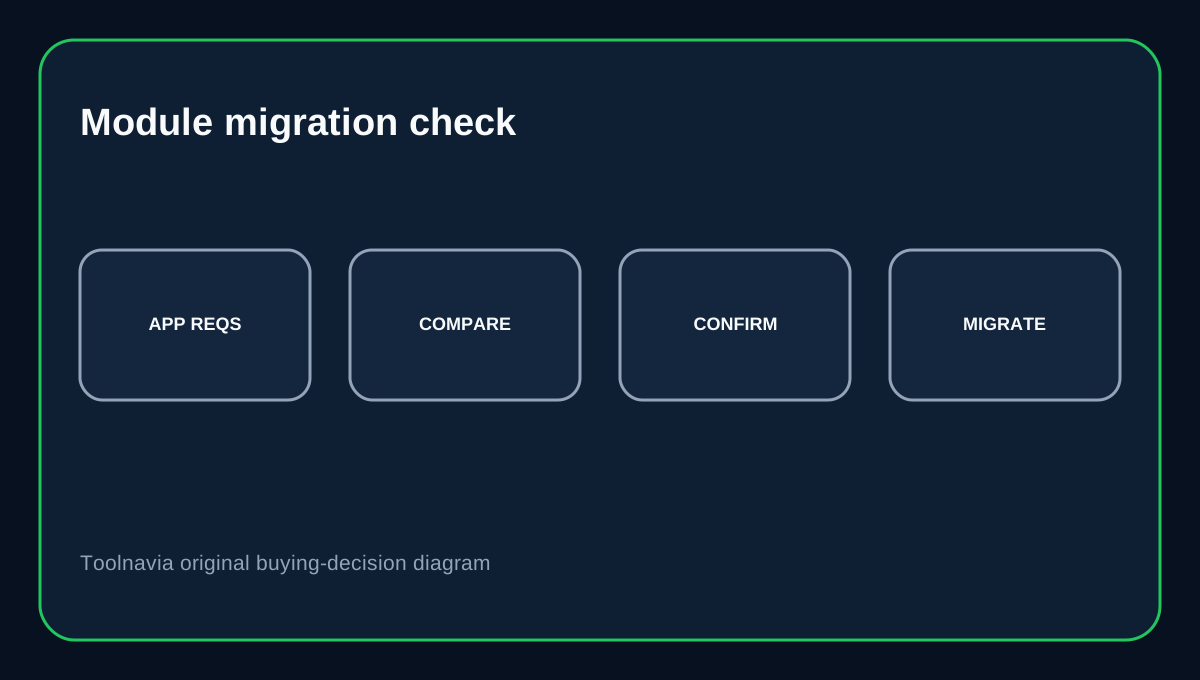
UltaHost currently lists common modules such as curl, gd, imagick, imap, mbstring, mysqli, PDO, pdo_mysql, soap, sockets, zip and ionCube Loader. It also notes that exif, imagick and magickwand are Linux-only. If your app depends on a specific extension, compare its requirements with the current UltaHost list before migrating. Some commercial PHP applications require ionCube, SOAP or a specific PECL package that may not be available on shared hosting.
Missing listed module? Ask support first
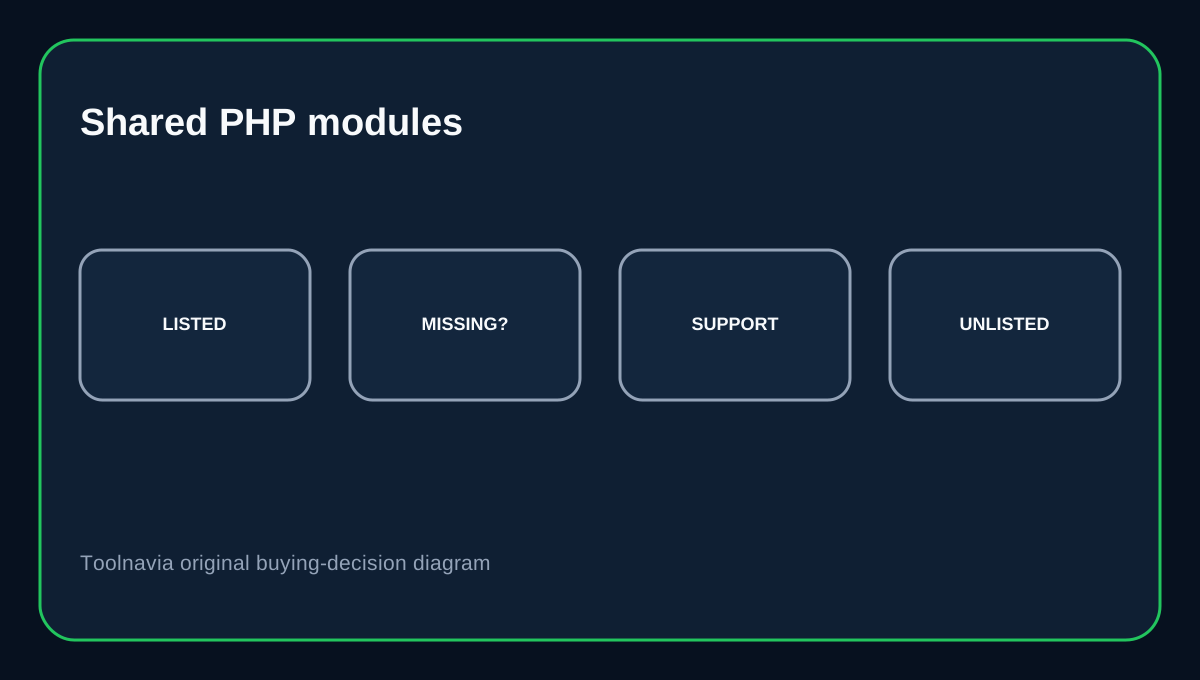
UltaHost says that if one of the modules on its published list is missing, contact support with the module name. That is different from requesting an arbitrary extension not on the list. For an unlisted module, the provider says the extension is either incompatible or not allowed on shared/reseller hosting. Support may confirm the restriction, but this article does not promise they will compile or install it for your account.
Why cPanel does not mean you can install any extension
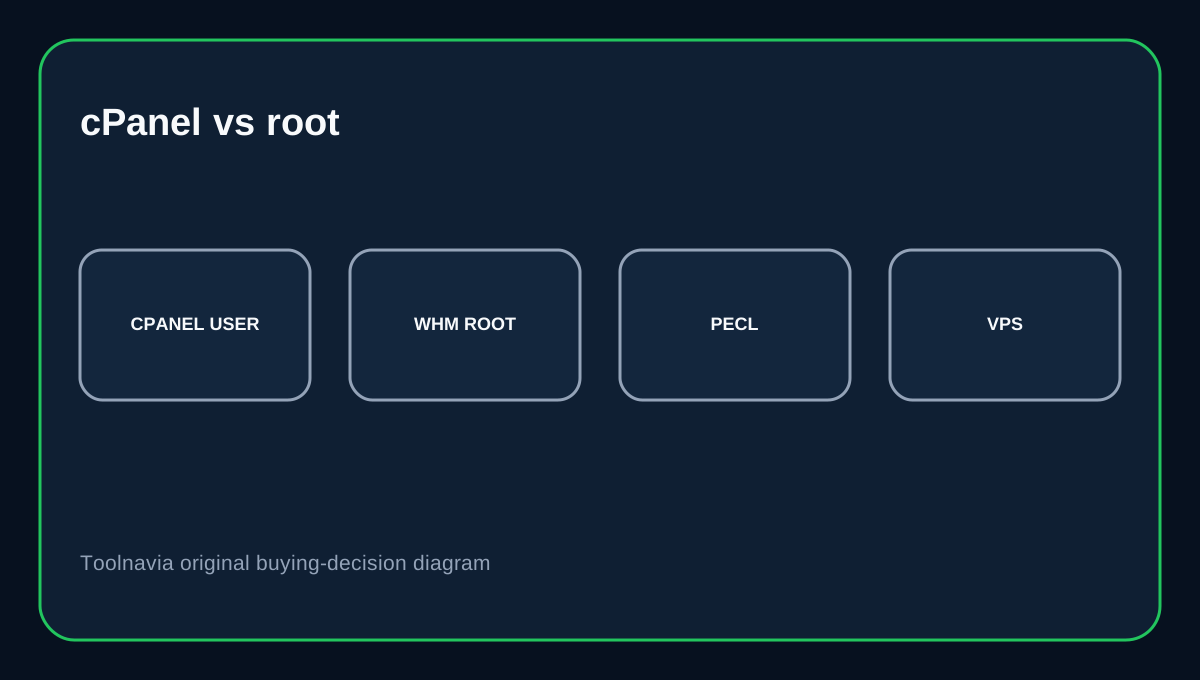
Shared Starter includes cPanel, but cPanel's PHP Extensions and Applications Package installer is a WHM/root-level interface. cPanel's documentation explicitly says this interface is available only to root-level users. Its PECL module installer is also root-only. So seeing cPanel on the Starter feature list does not imply the shared-account user can install arbitrary PECL packages or rebuild PHP. The provider controls the shared server's PHP stack.
WordPress usually does not need custom server modules
WordPress recommends PHP 8.3 or greater, MariaDB 10.11+ or MySQL 8.0+, and HTTPS. PHP's upstream support table separately shows which branches are in active or security-only support and which have reached end of life. Most mainstream WordPress plugins use extensions commonly provided by shared hosts. But a specialized plugin, image pipeline, encryption library or proprietary application can have extra module requirements. Check those requirements before purchase, especially if the old server was a VPS where you previously installed packages yourself.
When VPS is the cleaner answer
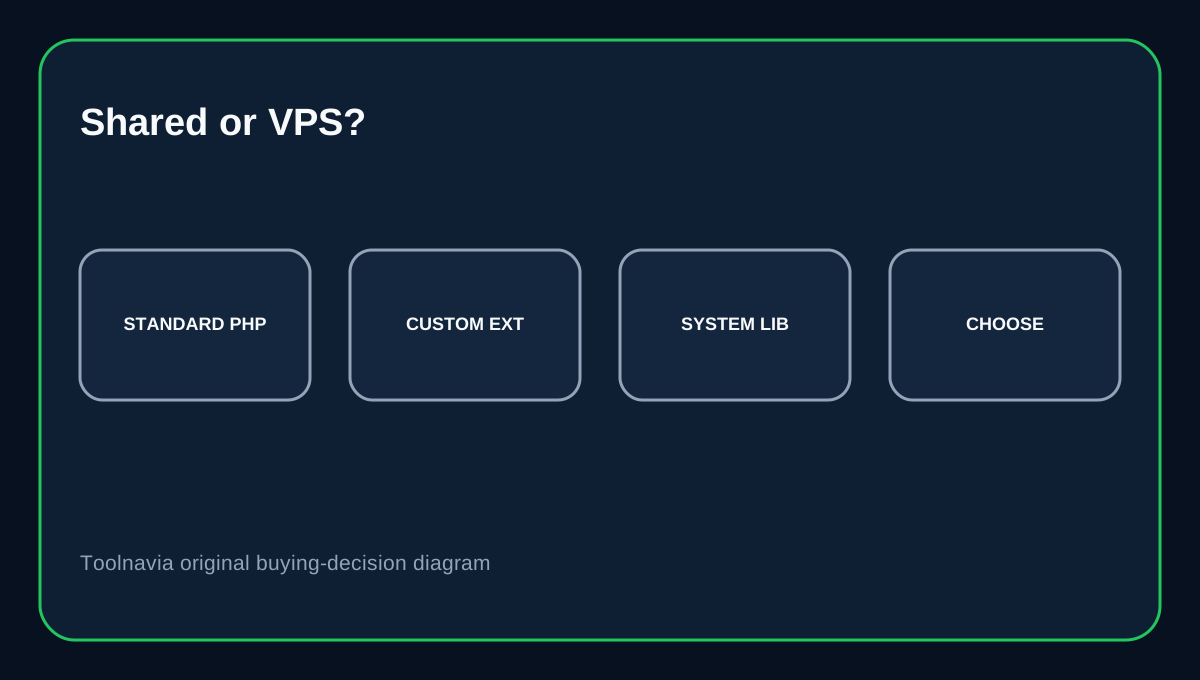
UltaHost's module page explicitly says VPS and Dedicated servers are less restrictive when applying or requesting modules. cPanel's own docs show why: installing PHP extensions is a root-level server operation. If your application requires an extension that Shared Starter does not allow, needs custom system libraries, or expects you to compile a PECL module, moving to VPS is generally cleaner than designing the application around an unavailable shared-host feature.
Buying decision
Choose Shared Starter when your application fits UltaHost's published module set and you want low-cost cPanel hosting without root administration. Before migration, inventory the exact PHP extensions your application uses and verify any unusual requirement. Choose VPS when custom PHP modules or system packages are a hard requirement. The point is not that VPS is always better; it is that root-level extension control is a different product requirement from ordinary shared-host PHP compatibility.
Affiliate disclosure: Toolnavia may earn a commission from an eligible UltaHost purchase.