TOOLNAVIA / BUYING GUIDE
UltaHost Starter Migration Guide 2026: Daily Backups, Free Move, Safe Cutover
The short answer
**Quick verdict:** UltaHost Starter combines **daily shared-hosting backups** with **free migration**, but a safe move still requires the old host to remain live, your own full backup to exist, and the destination to pass acceptance before DNS changes or cancellation.
At a glance
- Best for
- One-site buyers who can overlap old/new hosting and want daily backups plus migration help.
- Price model
- Current monthly route $4.39/month with same monthly renewal reference; verify selected term
- Check first
- Shared resources remain finite; live changes after a source snapshot can be missed; refund eligibility depends on selected billing cycle.
Daily backups are a recovery layer, not your only copy
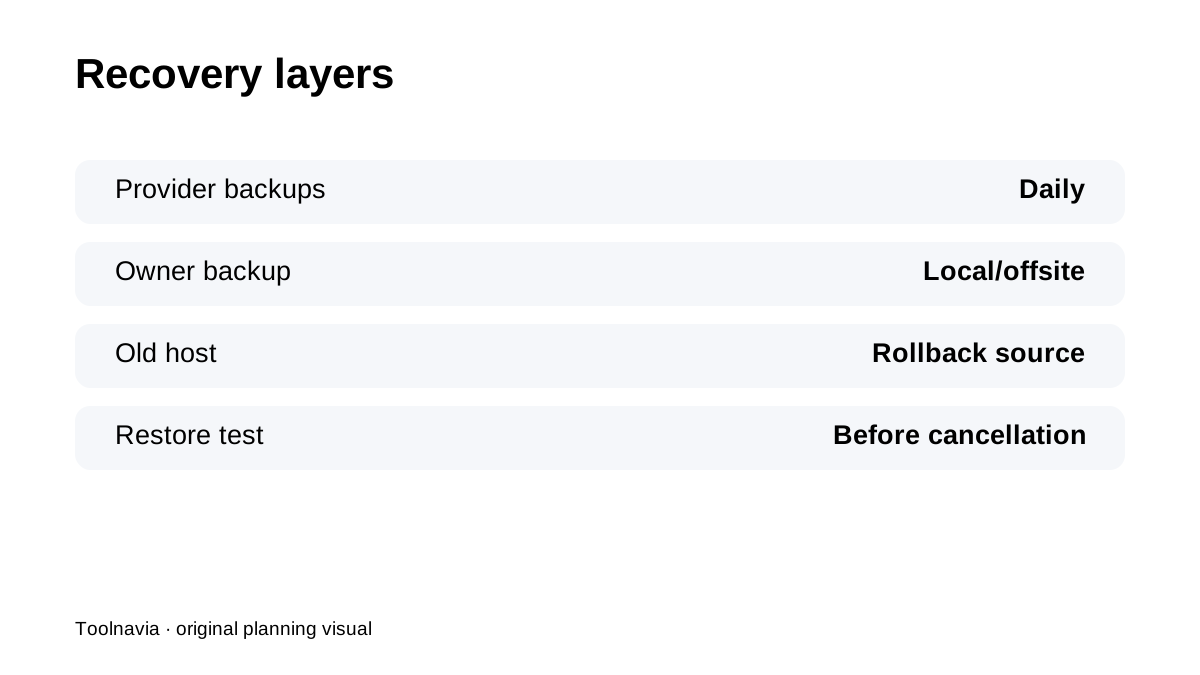
UltaHost says shared-hosting sites receive daily backups with multiple recovery points. Its migration guide still instructs customers to create a full backup and download it locally before moving. That is the right model: provider backups are one layer; your independent copy is the rollback path you control.
Start the move before the deadline becomes urgent
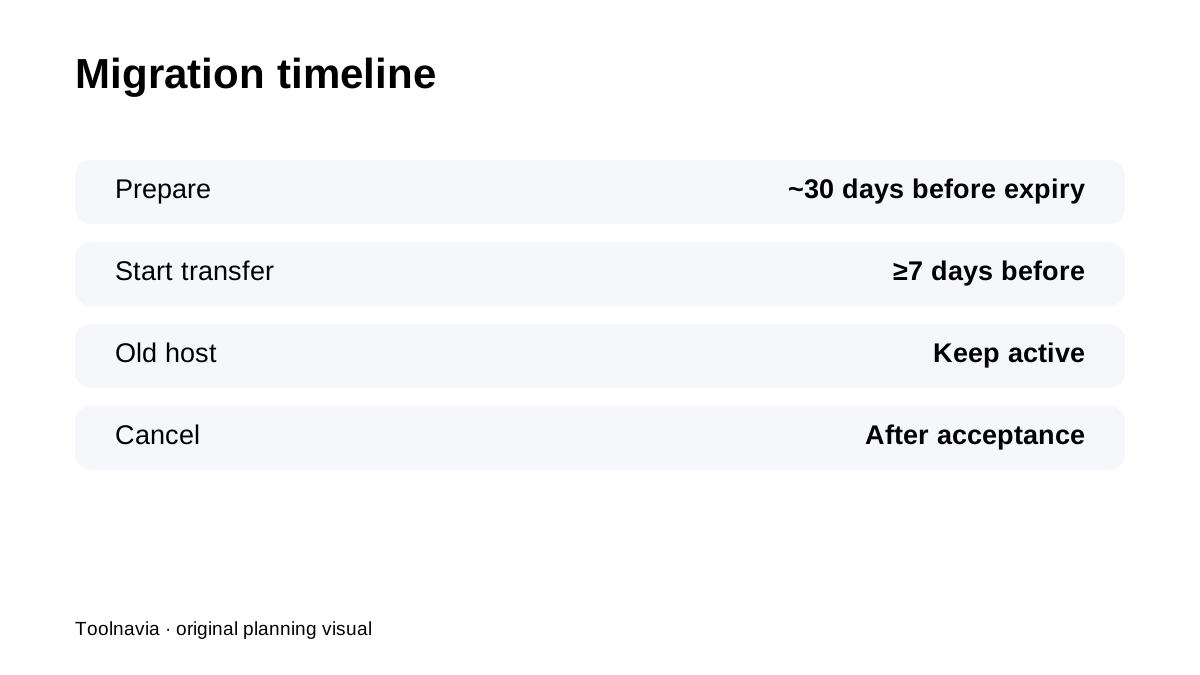
UltaHost recommends signing up about **30 days before** the old plan expires and starting migration at least **7 days before** expiry. That buffer gives time for credentials, transfer, database checks, email, DNS and support conversations. Starter's current monthly route is **$4.39/month** with the same monthly renewal reference, so a short overlap period can be cheaper than rushing a production cutover.
Refund eligibility depends on the billing cycle
UltaHost's refund policy has cycle-specific conditions and exclusions. Do not build the migration plan around a generic “30-day money-back” label without checking the exact Starter term. The safest evaluation strategy is still to validate the site quickly, document the result and keep the old host available until the destination is accepted.
Protect against the source-snapshot gap
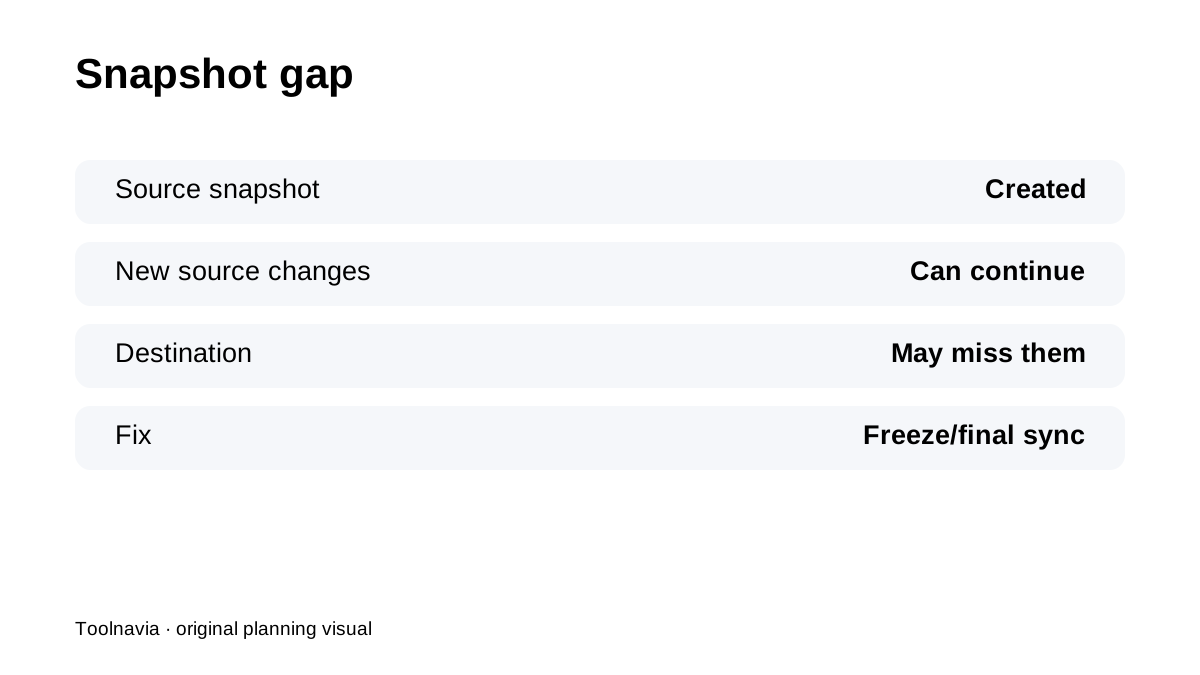
For cPanel moves, a source account backup is created and restored at the destination. UltaHost warns that content changed after that snapshot may not appear on the new server. For WooCommerce, bookings or membership sites, schedule a content freeze, final database sync or controlled low-traffic cutover so orders and user changes are not stranded on the source.
cPanel and non-cPanel sources need different plans
UltaHost says cPanel-to-cPanel can be handled as an account migration, while non-cPanel sources may require manual file/database work. Before scheduling the cutover, confirm the old panel and explicitly list websites, databases, mailboxes, DNS records, cron jobs and application-specific files that must move.
Migration success does not prove workload fit
Starter is one domain with **30GB NVMe** on shared infrastructure. A perfect transfer only proves the site copied successfully. After cutover, monitor real response behavior, email delivery, resource use and a restore test before deciding the migration is operationally complete.
Current reviews reinforce the same caution
HostingRanker and JoshWP both praise UltaHost's backups/migration value while recommending plan-specific verification. Hostiliate emphasizes billing-term commitment, while GoogieHost adds broader operational experience. The exact migration/refund rules remain controlled by UltaHost's first-party documentation.
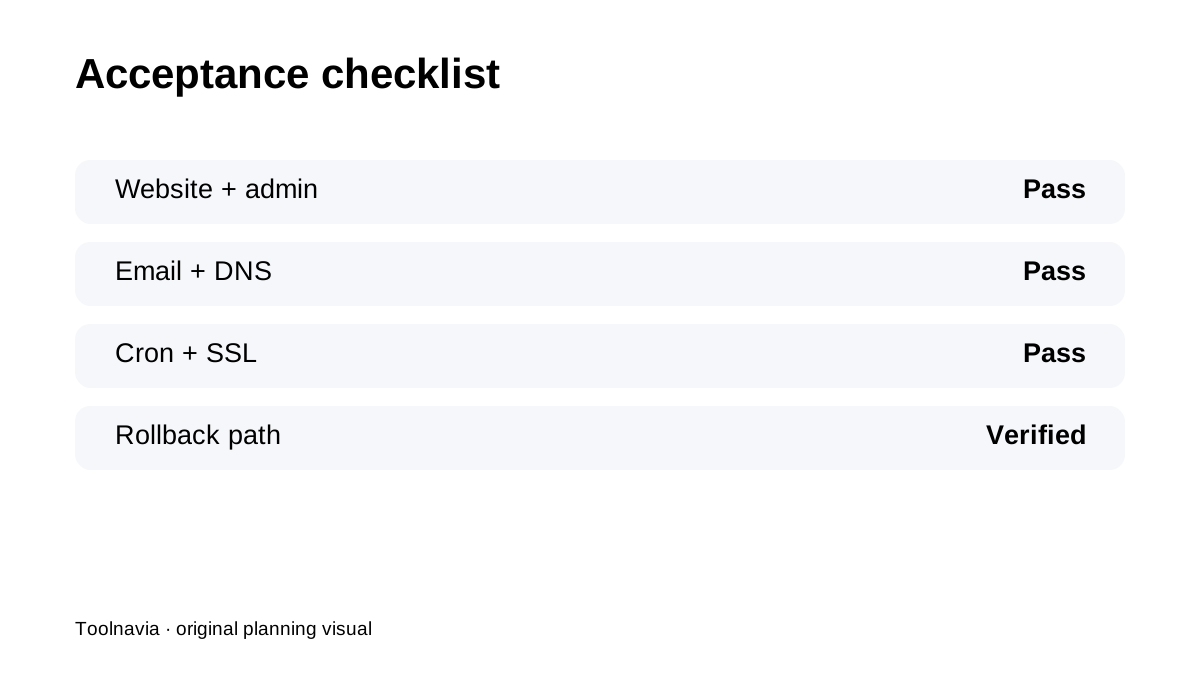
**Bottom line:** use UltaHost's free migration as a **planned overlap project**: keep an independent backup, leave the old host active, protect live data after the snapshot and cancel only after website/email/DNS/rollback checks pass.