TOOLNAVIA / BUYING GUIDE
ScalaHosting Build #1 SShield: What It Blocks—and What You Still Must Fix
The short answer
ScalaHosting Build #1 includes **SShield** as part of its managed-cloud security stack. ScalaHosting says SShield watches server requests, file changes and database activity, blocks suspicious behavior and sends detailed alerts. Its published **99.998% attack-block figure is ScalaHosting's own claim**, not an independent lab benchmark.
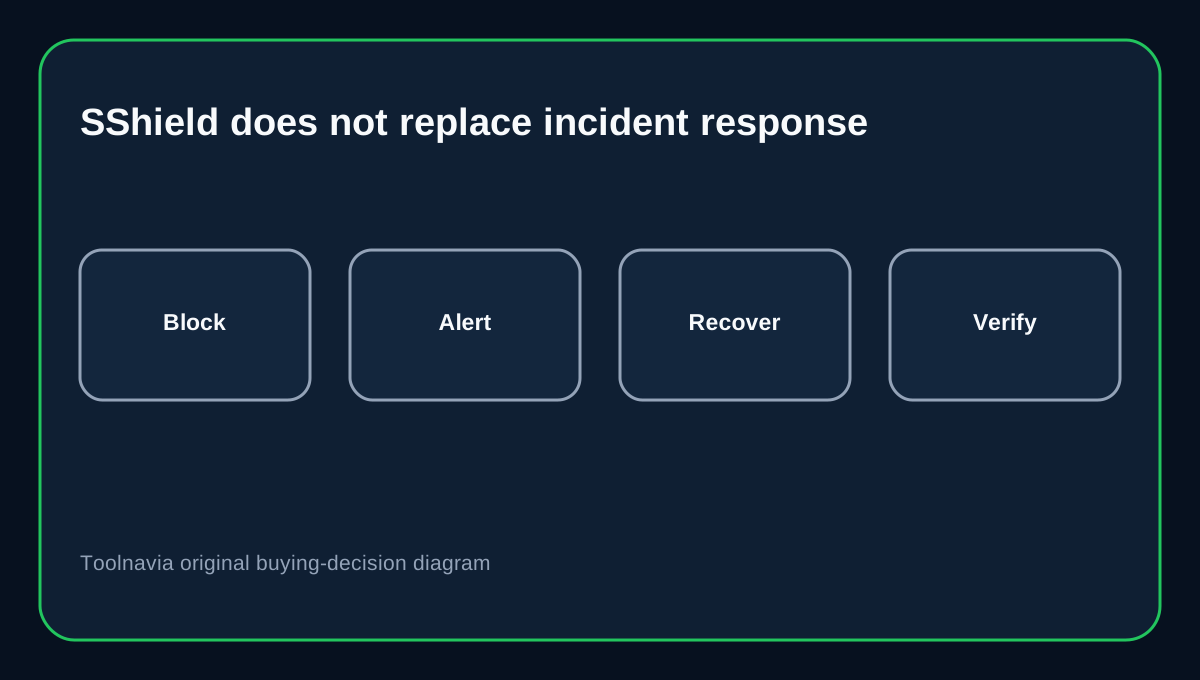
That distinction matters because SShield is not a promise of hands-off incident recovery. ScalaHosting's own documentation says that after a compromise SShield can report affected files and recommended steps. SPanel can show detections, rescan, permanently remove a file or exclude a suspected false positive. The owner still needs a plan for restoring clean content, patching the entry point, rotating credentials and confirming the site stays clean.
At a glance
- Best for
- Managed VPS buyers who want included SShield but understand that application cleanup and recovery remain shared responsibilities.
- Price model
- Current 2026 campaign: $54.95/mo standard, $22.46/mo one year, $29.95/mo three years; live checkout controls.
- Check first
- SShield is not a guarantee against compromise or a complete forensic cleanup service; recovery still requires clean data, patching, credential hygiene and verification.
What SShield actually gives Build #1
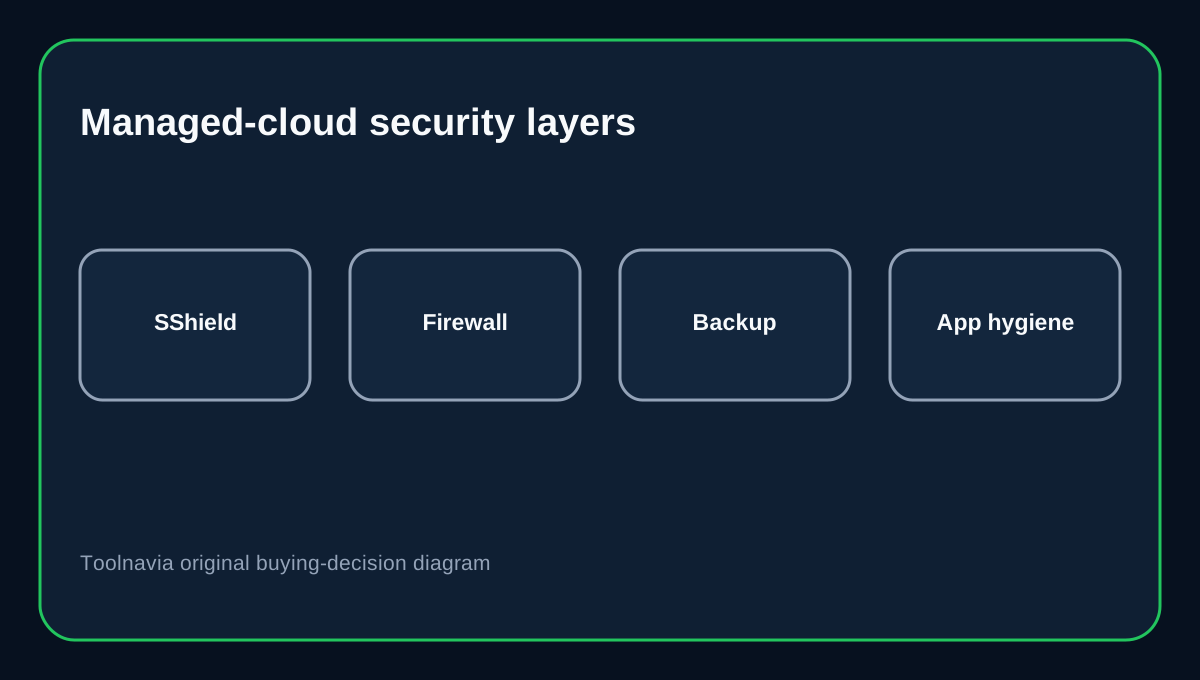
On managed cloud, SShield is integrated into SPanel and intended to run automatically. The managed-cloud product line also lists server-side firewalling, brute-force protection, suspicious-IP blocking, daily backups and free SSL. These layers reduce exposure before an incident and provide recovery tools afterward, but they solve different problems.
SShield's role is prevention and detection at the hosting layer. ScalaHosting says it analyzes traffic and server-side changes, can block suspicious activity and can identify files that may be infected. ScalaHosting also documents WP Lock and WAF controls, while WordPress still expects owners to keep core, plugins and themes updated.
"Remove" is not the same as "repair the site"
The SShield screen can show a detected path, rescan after action and remove an infected file. ScalaHosting warns that **Remove is permanent**. Deleting a purely malicious file may be correct, but deleting a compromised application file can break the site if there is no clean replacement.
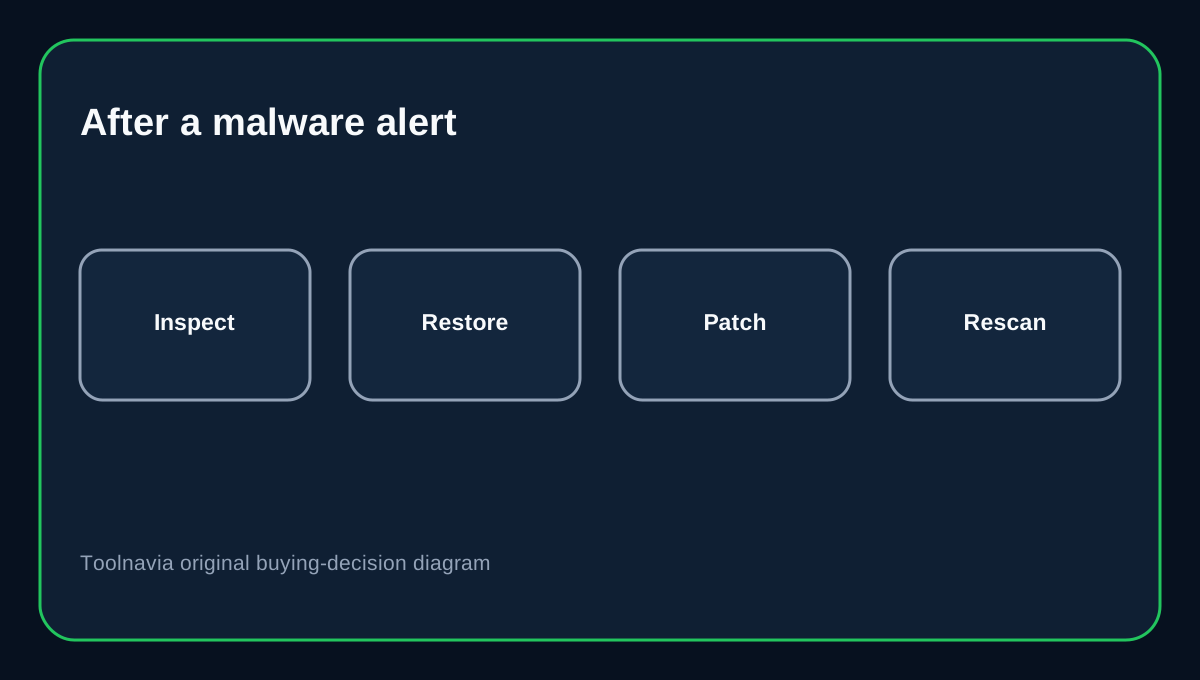
A secure recovery therefore has at least four steps:
1. **Contain and inspect.** Review the alert, affected path, account activity and recent changes. 2. **Recover clean content.** Replace or restore infected files from a trusted source or backup instead of blindly deleting required application code. 3. **Fix the entry point.** Patch the vulnerable plugin, theme or application, rotate exposed credentials and remove unauthorized users or keys. 4. **Verify.** Rescan, watch logs and confirm the site does not immediately reinfect.
WordPress and cPanel guidance reinforce the same boundary: detection is only one part of incident response, and some infections still need manual or specialist cleanup.
Backups are a recovery layer, not proof of safety
ScalaHosting documents daily remote backups for managed VPS accounts and gives users restore controls in SPanel. It also recommends keeping your own backup.
Before an incident, test that files and databases can really be restored. After an incident, do not assume the newest backup is clean merely because it exists. If the compromise began before that snapshot, a restore can bring the malware back too. Use a restore point you can validate, then patch the vulnerability before returning the site to service.
What remains your responsibility
For WordPress or a similar CMS, keep the application and extensions updated, use strong unique credentials and MFA where available, remove abandoned accounts and plugins, keep administrator devices clean, and maintain an independent recovery copy. WordPress's own guidance treats these as ongoing operator duties.
If SShield alerts on a file, do not stop at "Removed." Ask why the file changed, whether a hosting or CMS credential was exposed, whether persistence exists elsewhere, and whether other sites on the same VPS show related activity.
When professional cleanup is worth paying for
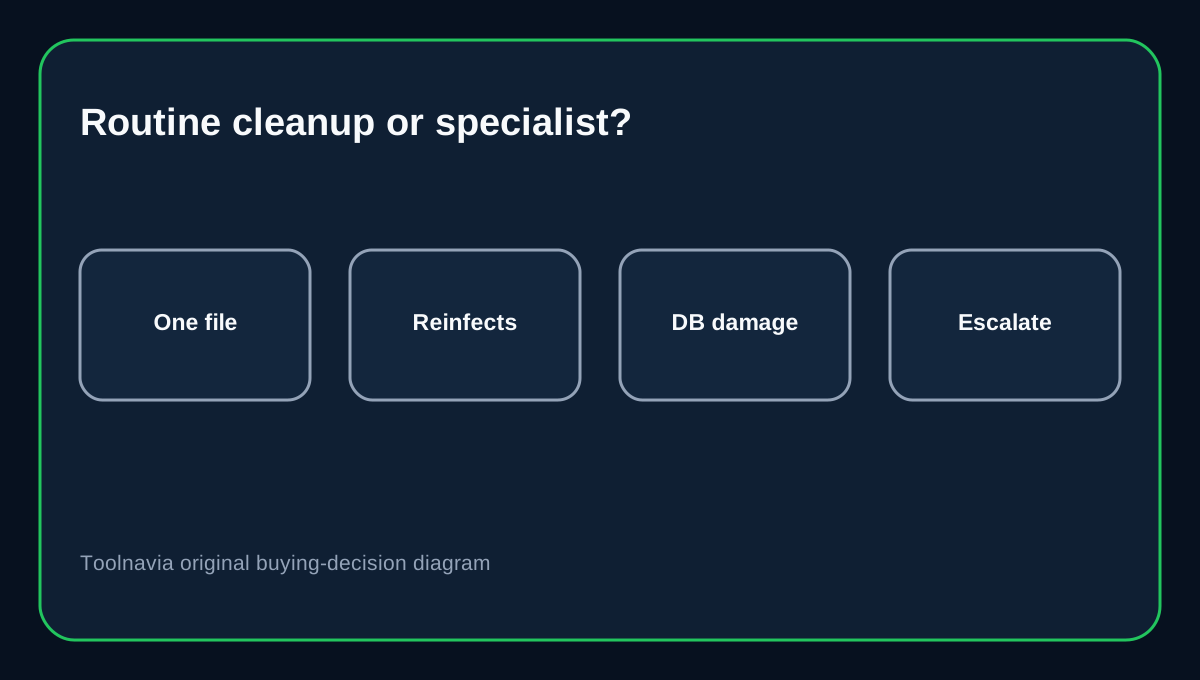
Bring in a specialist when the site repeatedly reinfects, many files or database records are modified, you cannot identify a clean restore point, customer or payment data may be affected, or Google shows a malware or hacked-site warning. Google advises fixing the underlying problem and requesting review only after the site is fully clean and secure.
That is the clearest boundary: SShield can be a strong included prevention-and-detection layer, but it is not a substitute for forensic investigation or a guaranteed rebuild of a compromised application.
Current Build #1 price context
ScalaHosting's October 2026 Black Friday page lists Build #1 at a $54.95 monthly standard price, $22.46/mo for the one-year promotional term and $29.95/mo for the three-year promotional term. The campaign runs through December 1, 2026 and applies to new plans and upgrades rather than renewals. Treat these as time-limited campaign terms; live checkout controls eligibility, billing and final price.
Buying decision
Choose Build #1 if you want a managed VPS with SPanel, an included server-side security stack and practical detection/remediation controls—and you are comfortable owning application hygiene and incident follow-through. Do not choose it on the assumption that a 99.998% marketing claim means no site can ever be compromised or that every infection will be repaired automatically.
Affiliate disclosure: Toolnavia may earn a commission from an eligible ScalaHosting purchase. The security-responsibility boundary above does not change based on commission.