TOOLNAVIA / BUYING GUIDE
ScalaHosting SPanel Team Access: Admin, Sub-User, or Billing Login?
The short answer
ScalaHosting Build #1 can support a small agency or operations team without sharing one master SPanel password. The buying question is not simply “does it have multi-user access?” It is whether you can place each person in the correct access layer, restrict the pages they can reach and remove them cleanly when work ends.
*Documentation analysis completed October 29, 2026. We did not log into a customer SPanel account or test the current checkout.*
At a glance
- Best for
- Agencies and teams that need separate SPanel admins and limited account sub-users.
- Price model
- Black Friday: $22.46/mo 1Y or $29.95/mo 3Y; $54.95/mo standard renewal; verify checkout.
- Check first
- No preset enterprise roles, SSO or SIEM export is promised; official pages conflict on forced-2FA controls.
Price and entitlement now
ScalaHosting’s dated Black Friday page lists Build #1 at **$22.46/month for one year**, **$29.95/month for three years**, and **$54.95/month at standard renewal**. The promotion runs through December 1, 2026, applies to new plans and upgrades, and does not apply to renewals. The live managed-cloud page has term selectors, so confirm the selected term and upfront total before paying.
ScalaHosting’s current team-access guide says multiple admins, sub-users, 2FA, API tokens and activity logs are included on every managed VPS without a per-seat add-on. Treat that as a current product claim, not a promise that every future plan or interface remains unchanged.
Independent reviews distinguish the server and site management layers and discuss collaborator or agency use cases; a separate September price review cross-checks the $29.95 introductory and $54.95 renewal figures outside the dated Black Friday campaign. These sources add context, but official SPanel documentation controls the permission claims.
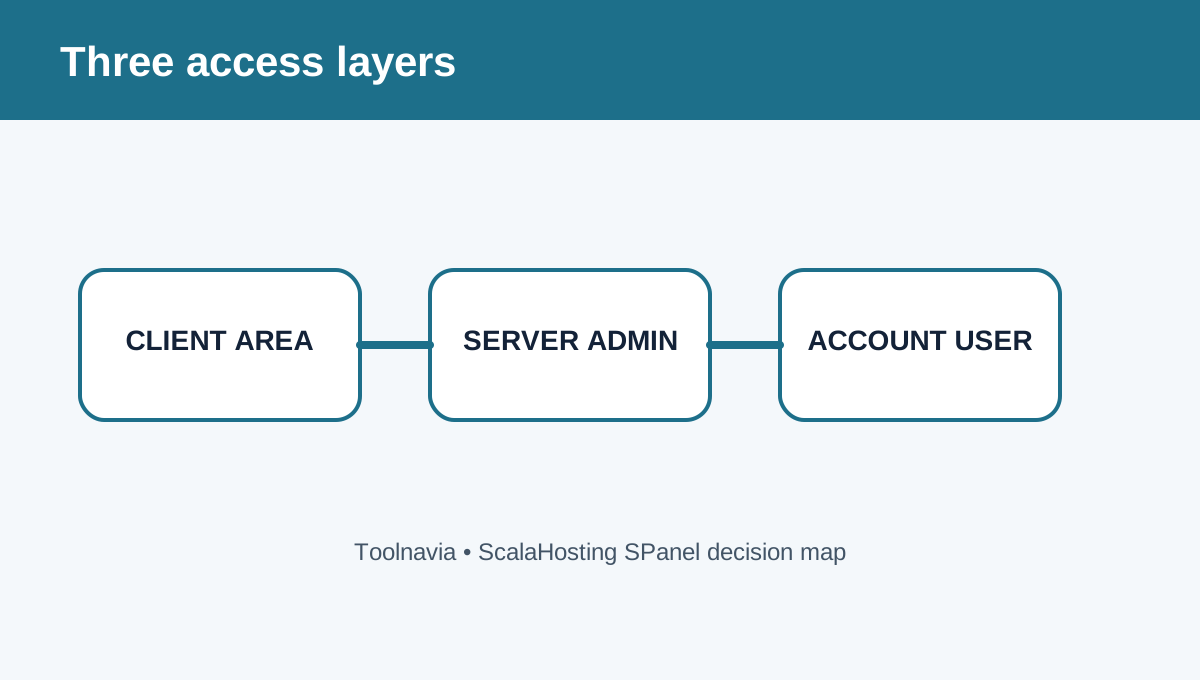
Choose the right of three access layers
| Access layer | Scope | Typical user | Main risk | | --- | --- | --- | --- | | ScalaHosting client area | Billing, services and account ownership | Owner or finance lead | Exposes commercial/account controls | | SPanel Admin Interface | Server-wide accounts, packages and settings | Hosting administrator | Broader than one client site | | SPanel User Interface sub-user | One hosting account and selected pages | Client, developer or mail operator | Manual permission grid can be over-granted |
The client area is separate from SPanel. Do not give a contractor billing access when a server admin or account sub-user is enough. A second SPanel admin can be limited to selected server pages, while a sub-user belongs to one hosting account and can receive only email, database, domain, file, tool or software pages.
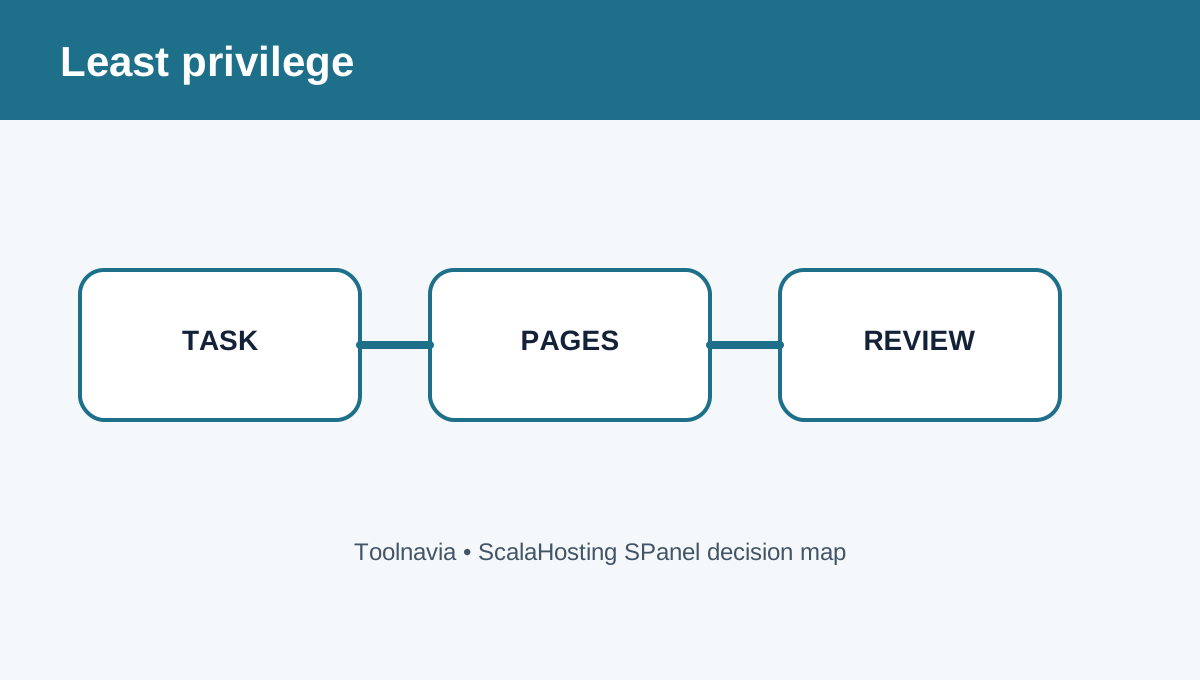
Build permissions from the task, not the job title
SPanel does not provide a fixed catalog of roles such as “Editor” or “Billing Admin.” You assemble access page by page. For an email operator, grant mailbox and forwarding pages but not File Manager or DNS. For a developer on one client account, grant only the database and file pages actually required. Use a server admin only when the person must create accounts, change packages or manage server settings.
The API follows the same model: creating a sub-user requires an explicit permissions array, and the current permission list can be queried from SPanel. Avoid an unrestricted token when a narrower endpoint set works.
Treat 2FA enforcement as a verification item
Two current official guides say the server owner can enable and enforce authenticator-app 2FA for admins and users from Server Settings. However, the official “second admin” KB says 2FA is available per account but no control forces every admin to enroll. Because these official pages conflict, verify the current Build #1 Admin Interface before promising mandatory MFA to a client.
Even when enforcement is available, enrollment is not automatic until the owner turns on the policy and team members complete setup. API-token expiration is also optional, and IP allowlisting is off until configured.
Logs help review; they are not a SIEM
ScalaHosting describes centrally stored admin activity logs with timestamp, source IP, username and action. Its current guide says the interface offers no delete control, but also states the log is not a tamper-proof audit system and has no export, syslog or SIEM feed. Use it for routine review and incident follow-up, not as your only compliance archive.
Onboard and offboard deliberately
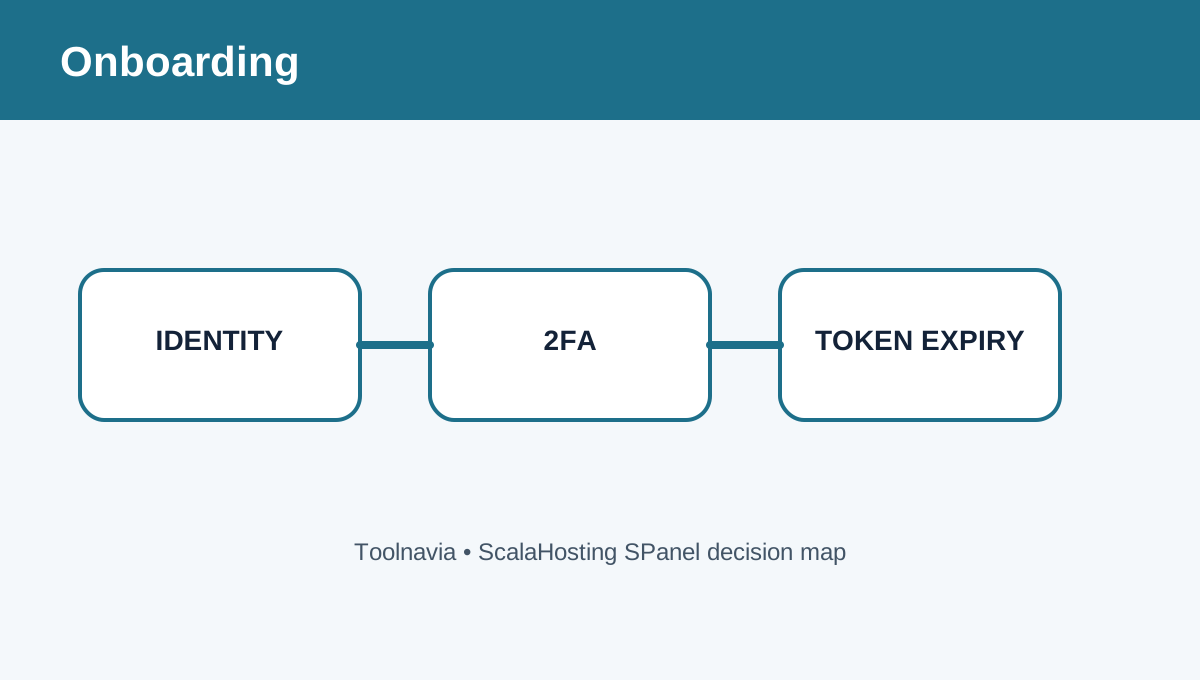
Before access is created, name an owner for each login, define the exact tasks and choose client area, server admin or account sub-user. Grant the smallest page set, require 2FA where the current interface permits it, and set an API-token expiration date instead of leaving “Never.” Record who approved the access.
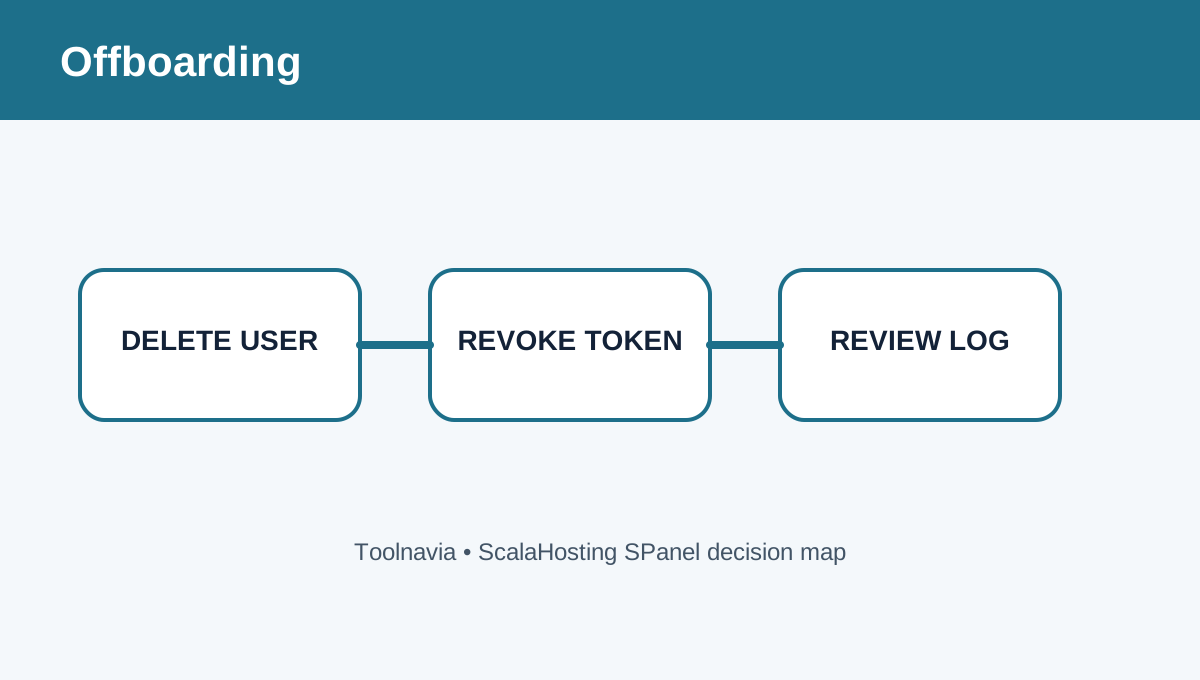
When work ends, delete the admin or sub-user, revoke associated tokens, remove IP rules that are no longer needed, rotate any shared secret that was exposed, and review recent activity. Deleting one sub-user should not require changing the main account password or disrupting other people.
Buying decision
Choose Build #1 for a team that wants managed VPS resources and is willing to design page-level SPanel permissions manually. It fits agencies that need server-wide staff accounts plus narrower client or contractor logins. Do not buy it expecting SSO, preset business roles, automatic token expiry, guaranteed mandatory MFA, immutable audit logs or SIEM export without confirming those controls in the current account.
Affiliate disclosure: Toolnavia may earn a commission from an eligible ScalaHosting purchase.