TOOLNAVIA / BUYING GUIDE
ScalaHosting Build #1 Databases: SPanel Users vs Root phpMyAdmin
The short answer
ScalaHosting Build #1 is more than “a VPS with phpMyAdmin.” The useful buying distinction is **which database layer each person can control**. SPanel's normal User Interface can create databases and database users, grant access, and open phpMyAdmin, while SPanel's Admin Interface also exposes a Database Server Manager with root phpMyAdmin, running-query visibility and service controls. That separation matters if you host client sites or work with developers.
At a glance
- Best for
- Agencies and multi-app owners that need managed database privilege separation.
- Price model
- Current displayed 36-month intro $29.95/mo; $54.95/mo renewal.
- Check first
- Admin/root database controls are high privilege and should not be shared with routine collaborators.
Build #1 gives you a real database layer, not one shared-site database
ScalaHosting's current managed-cloud page lists Build #1 at $29.95/month on the displayed 36-month introductory path, renewing at $54.95/month, and includes unlimited databases. That makes database administration a first-class VPS capability rather than a one-database add-on.
The price alone should not decide the purchase. The bigger value is whether you need to separate application credentials, client access and server-level database administration without handing every collaborator full server control.
SPanel User Interface handles app-level databases
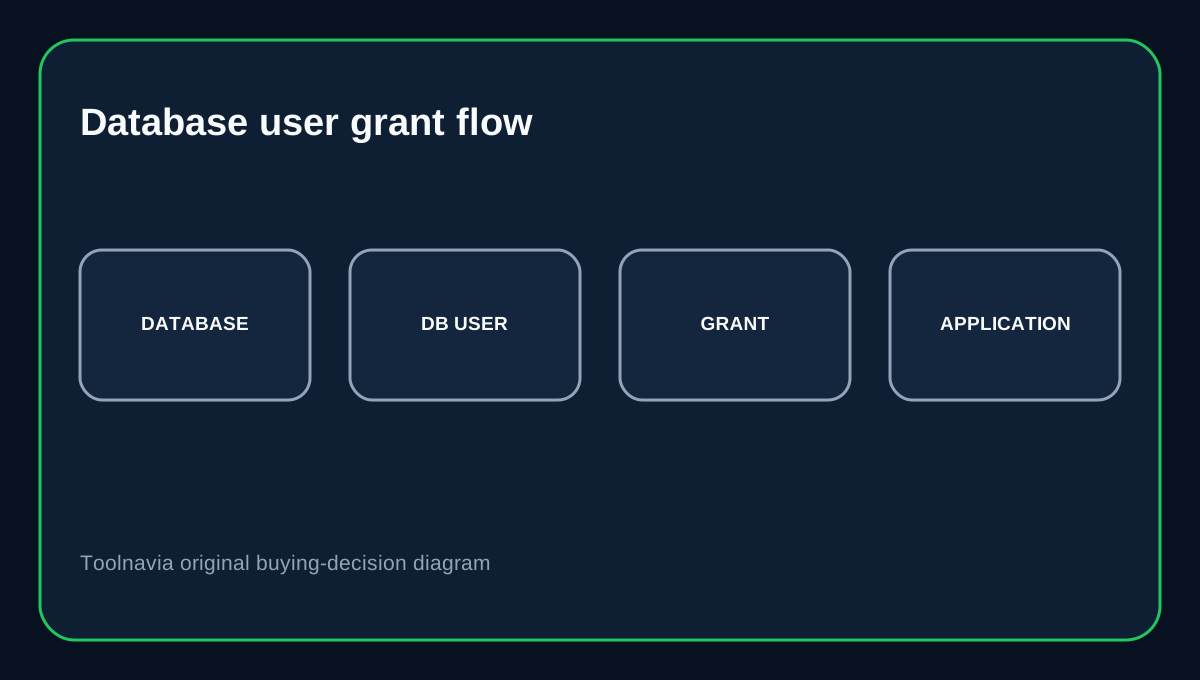
ScalaHosting's database guide says SPanel users can create a database and a database user from the MySQL Databases tool. A database without a granted user does not automatically have application read/write access; the “Grant the user access to the database” choice is what ties the account to that database.
The same guide says the default IP/Hostname is normally localhost unless you have a custom configuration. This is the right default for a website whose application and database live on the same managed VPS: create a dedicated database user for the application instead of reusing a broad administrator credential.
phpMyAdmin does not erase MySQL permissions
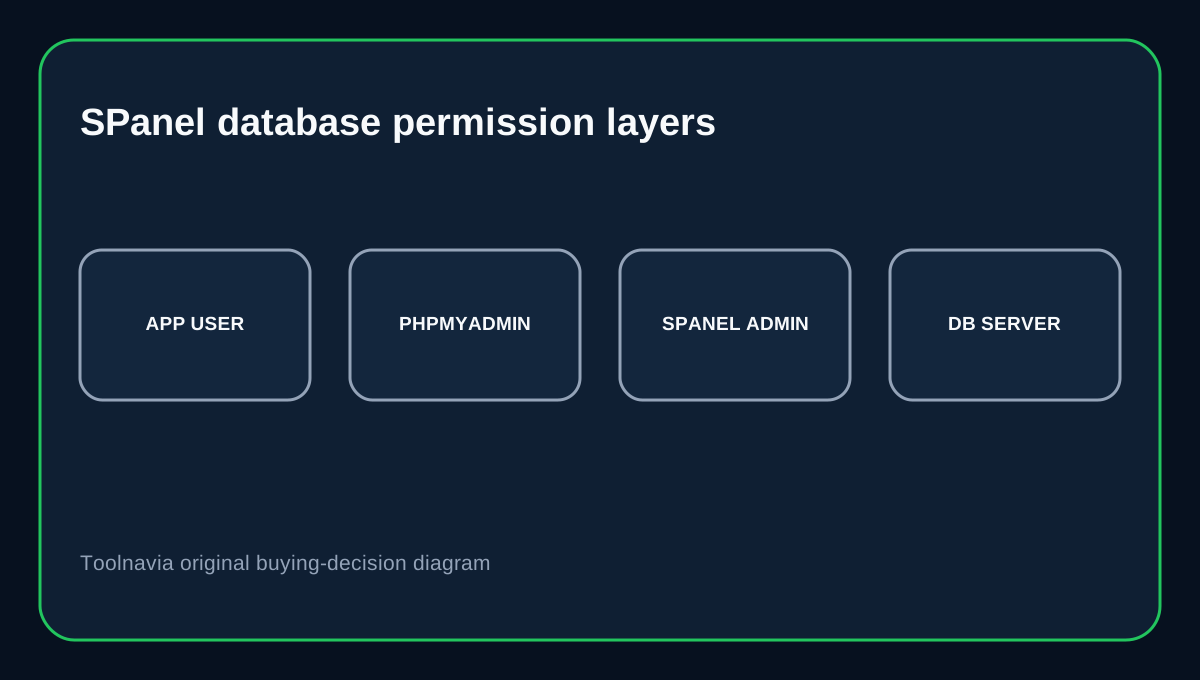
ScalaHosting's SPanel introduction says phpMyAdmin is integrated for managing the actual data, while SPanel's MySQL tool creates databases, accounts and permissions. phpMyAdmin's own documentation makes the security boundary clearer: phpMyAdmin passes credentials to MySQL, and MySQL decides what actions the user is allowed to perform.
So giving a developer access to phpMyAdmin does not have to mean giving them every database. Use database-specific credentials and privileges. Avoid global privileges when the person only needs one application database.
Admin Interface adds server-level database controls
ScalaHosting's Database Server Manager is an Admin Interface feature. It can expose all MariaDB databases through a root phpMyAdmin session, restart database services, show running queries and stop selected queries. This is fundamentally different from a normal site user opening phpMyAdmin with one database account.
Treat that admin layer like server administration. It is useful when troubleshooting a stuck query or managing the database service, but it is too powerful for routine client or contractor access.
SPanel sub-users let you separate people as well as databases
ScalaHosting documents multi-user logins with granular tool permissions. A sub-user can be allowed to use MySQL databases and phpMyAdmin without receiving unrelated tools, while admin permissions can include SQL-service visibility such as running queries.
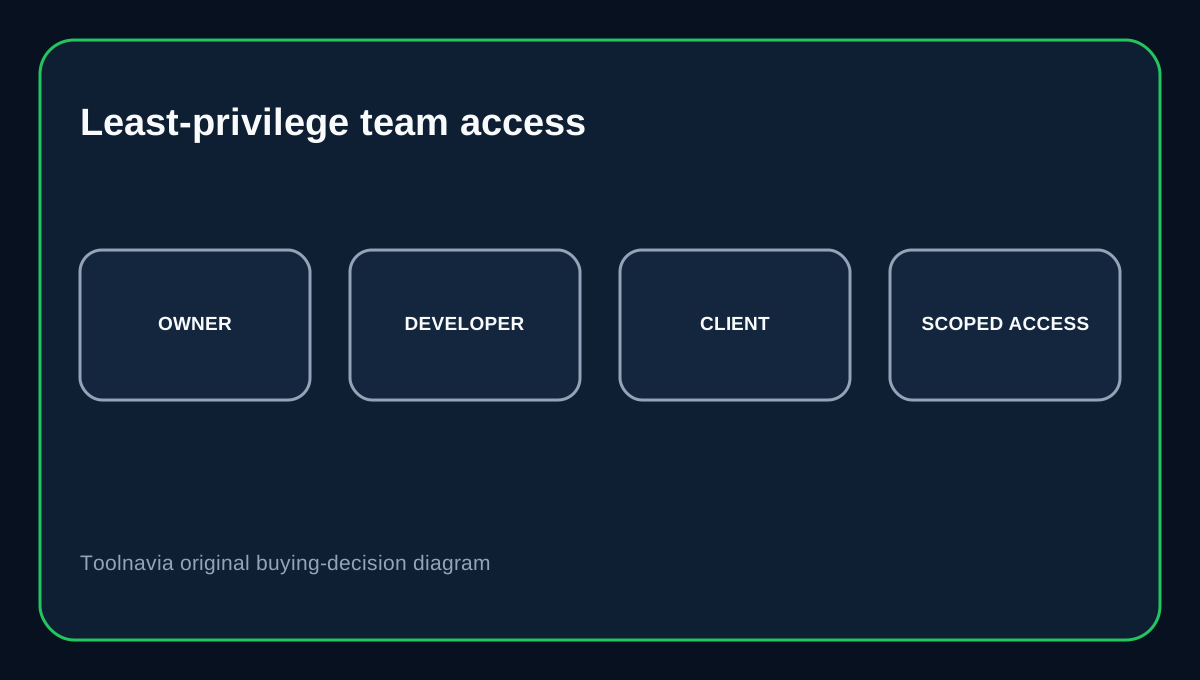
For an agency, this is a stronger pattern than sharing the main SPanel password: give each person a named login, expose only the tools they need, then use MySQL database-specific credentials behind that interface. Removing a collaborator no longer requires distributing a new master password to everyone.
Remote Workbench access is a different decision
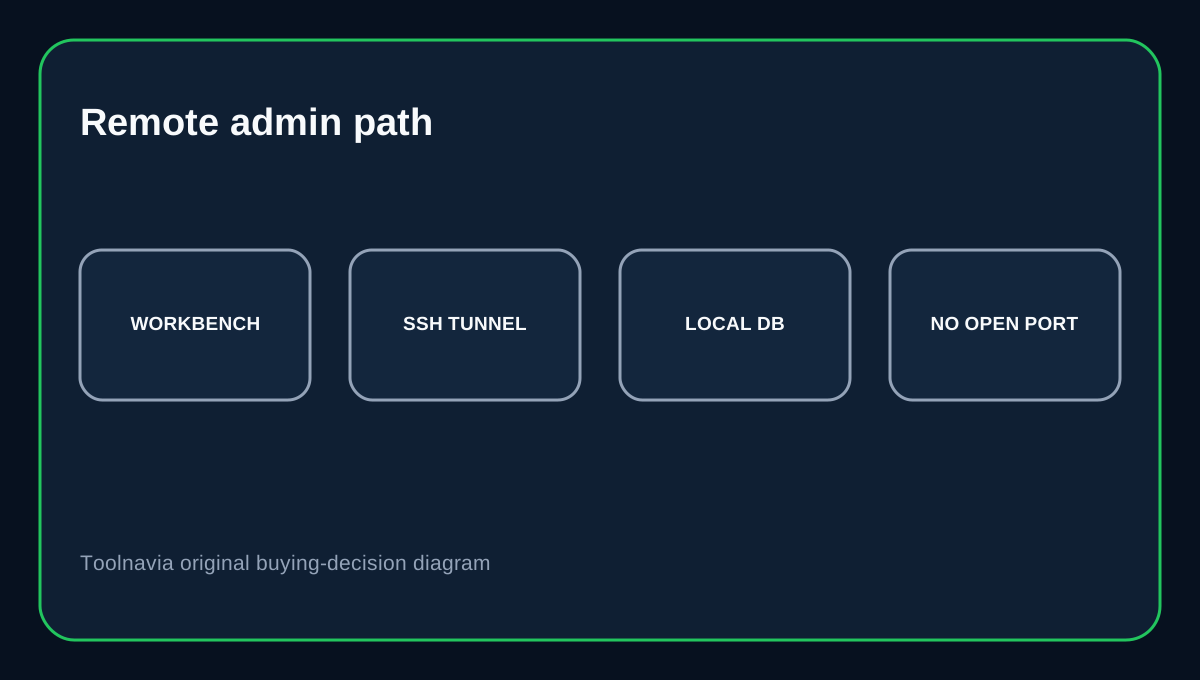
ScalaHosting's database guide also describes MySQL Workbench over an SSH connection and notes managed SPanel servers use a custom SSH port in its example. MySQL Workbench officially supports Standard TCP/IP over SSH as a distinct connection method.
A direct remote database listener is not the same thing as phpMyAdmin access. MariaDB's documentation shows that true remote client access also depends on server listening configuration and users defined for allowed remote hosts. If you only need occasional external administration, an SSH-tunneled workflow can reduce the need to expose the database service directly.
Buying decision
Choose Build #1 if you need managed cloud resources plus a clear split between site-level database users, phpMyAdmin access, named SPanel collaborators and admin-level database-server controls. It is especially useful for agencies or multiple applications where “everyone uses the root password” is unacceptable.
If you only run one small site and never need server-level query/service control, this database hierarchy may be more infrastructure than you need. If you do buy it, use the least privilege that fits each role: application DB user for the app, limited SPanel/phpMyAdmin access for collaborators, and Admin/root database controls only for trusted operators.
Affiliate disclosure: Toolnavia may earn a commission from an eligible ScalaHosting purchase. That does not change the access-control boundaries described here.