TOOLNAVIA / BUYING GUIDE
ScalaHosting Build #1 SSH & Root: When Should You Request Full Root?
The short answer
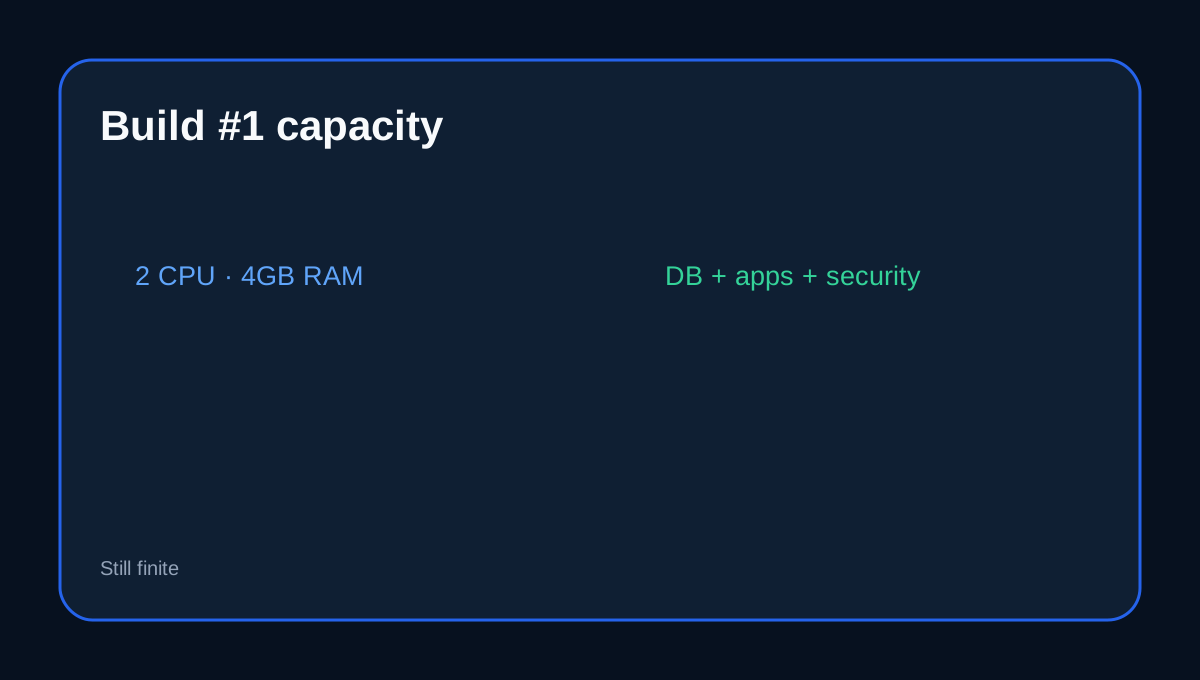
ScalaHosting Build #1 is a managed cloud VPS with SPanel, but its access model has layers. Account-level SSH can be enabled per user, while **full root is not enabled by default and must be requested**. The current Build #1 display is US$29.95/month with a US$54.95 renewal reference and 2 CPU cores, 4GB RAM and 50GB NVMe.
At a glance
- Best for
- Developers choosing account SSH or optional full root on a managed SPanel VPS.
- Price model
- Current display US$29.95/month; renewal reference US$54.95/month
- Check first
- Full root can affect support expectations and custom services still share finite resources.
SSH access is not the same as root
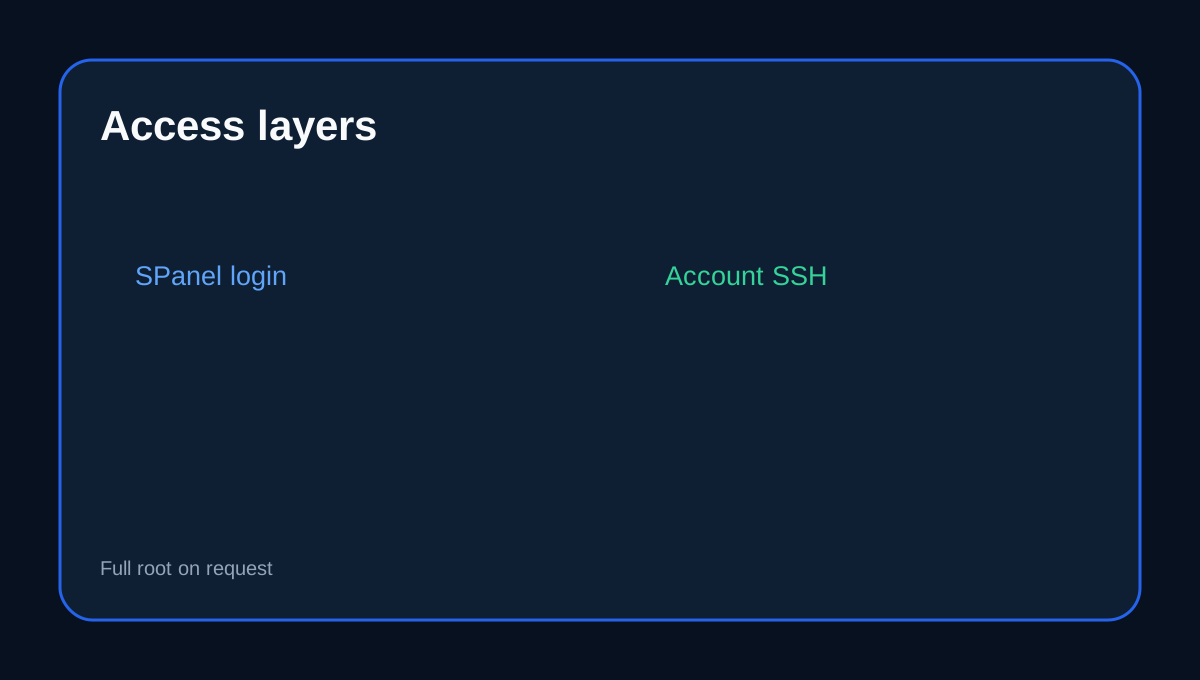
SPanel can enable SSH for individual hosting accounts. Those users can work with their own files and developer tools without receiving unrestricted server administration. Full root is a separate escalation that ScalaHosting says support can enable on request.
Root changes the support-risk equation
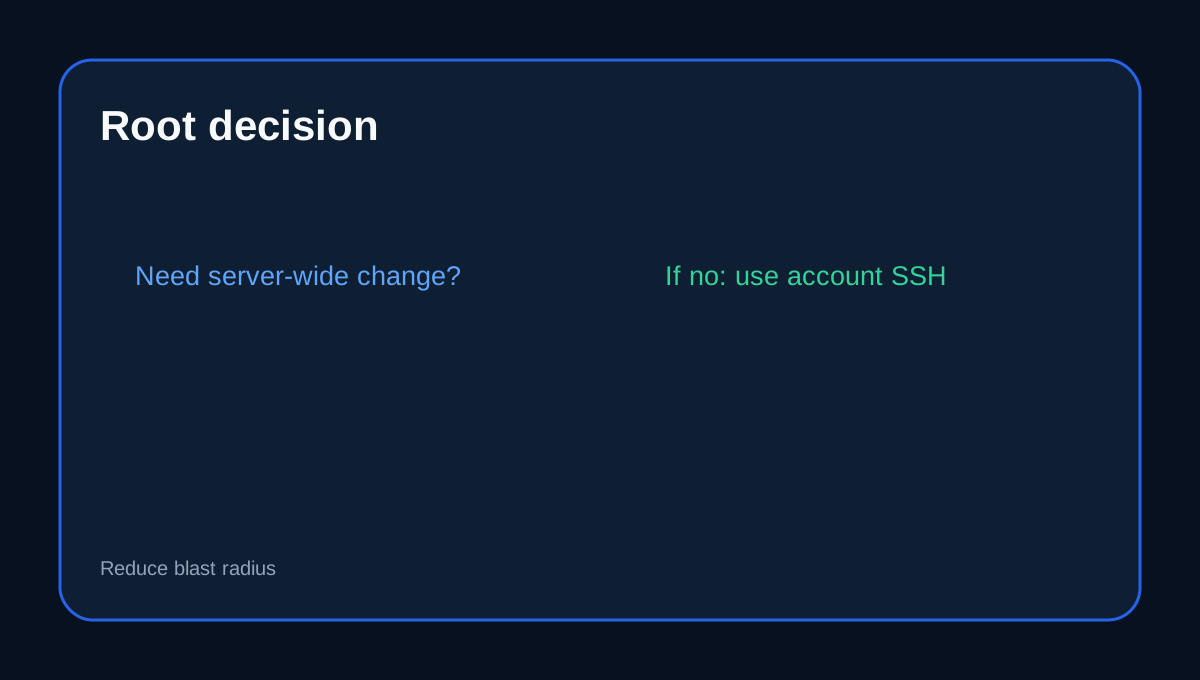
The default managed model is designed to let ScalaHosting maintain the server while customers manage sites and applications. Requesting full root increases what you can change—and what can be broken. Before requesting it, ask whether custom packages, firewall changes, kernel/service configuration or unsupported software change the management scope.
Use identity layers instead of one shared credential
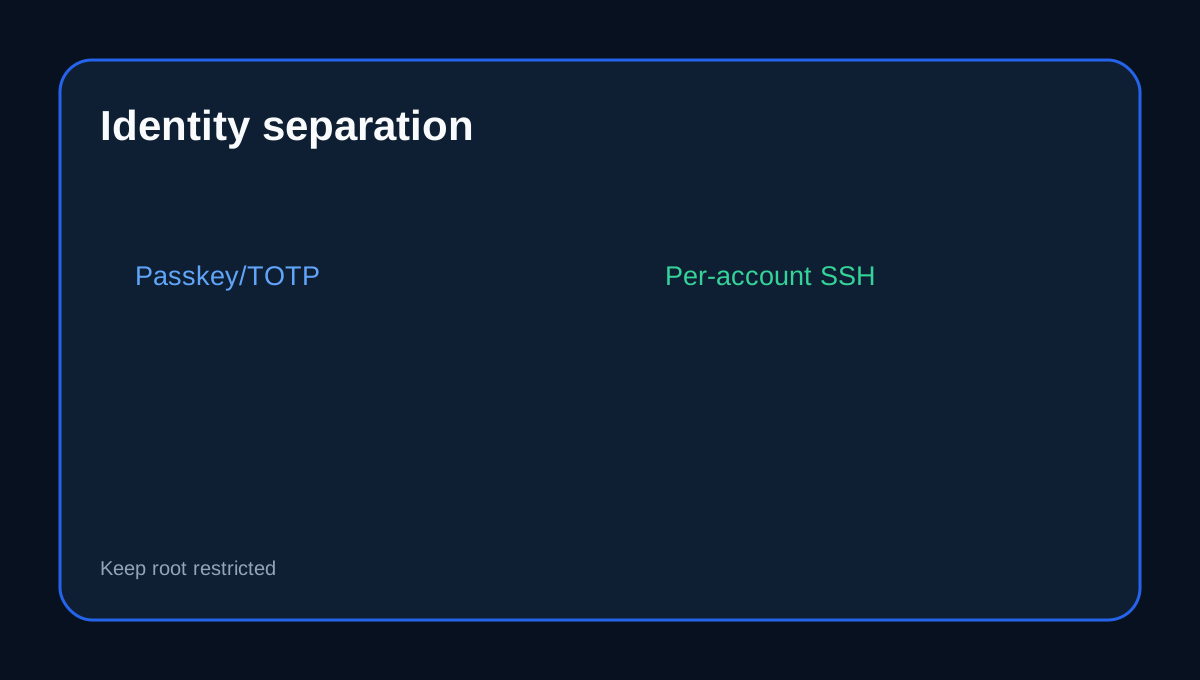
SPanel now supports password, TOTP and passkey login, while SSH access can be granted per account. Keep control-panel identity, account SSH and full-root credentials separated. Do not give a developer the server-wide credential when application-level SSH is enough.
4GB RAM gives more room, not infinite room
Build #1's 4GB RAM and 2 CPU cores provide substantially more headroom than an entry 1GB VPS, but databases, Node/PHP services, monitoring and security agents still compete for finite resources. Root access can make it easier to install too much software.
What to confirm before requesting root
Ask ScalaHosting to confirm: which server updates remain provider-managed after root is enabled; whether custom firewall/service changes are supported; how backups and restores are handled; whether SShield/SPanel protections remain fully supported; and what troubleshooting becomes best-effort after custom packages.
Independent managed-VPS guides reinforce the category point that support scope varies, but only ScalaHosting can define the exact Build #1 boundary.
Buyer fit
Build #1 fits a buyer who wants SPanel-managed cloud hosting with controlled SSH for users and optional full root for advanced administration. If you only need Git, WP-CLI, Composer or app-level shell access, requesting full root may add risk without adding practical value.
Affiliate disclosure: Toolnavia may earn a commission from an eligible ScalaHosting purchase; that does not change the access-boundary analysis.