TOOLNAVIA / BUYING GUIDE
ScalaHosting Build #1 Scaling Guide 2026: Add CPU, RAM or Storage—Not Everything
The short answer
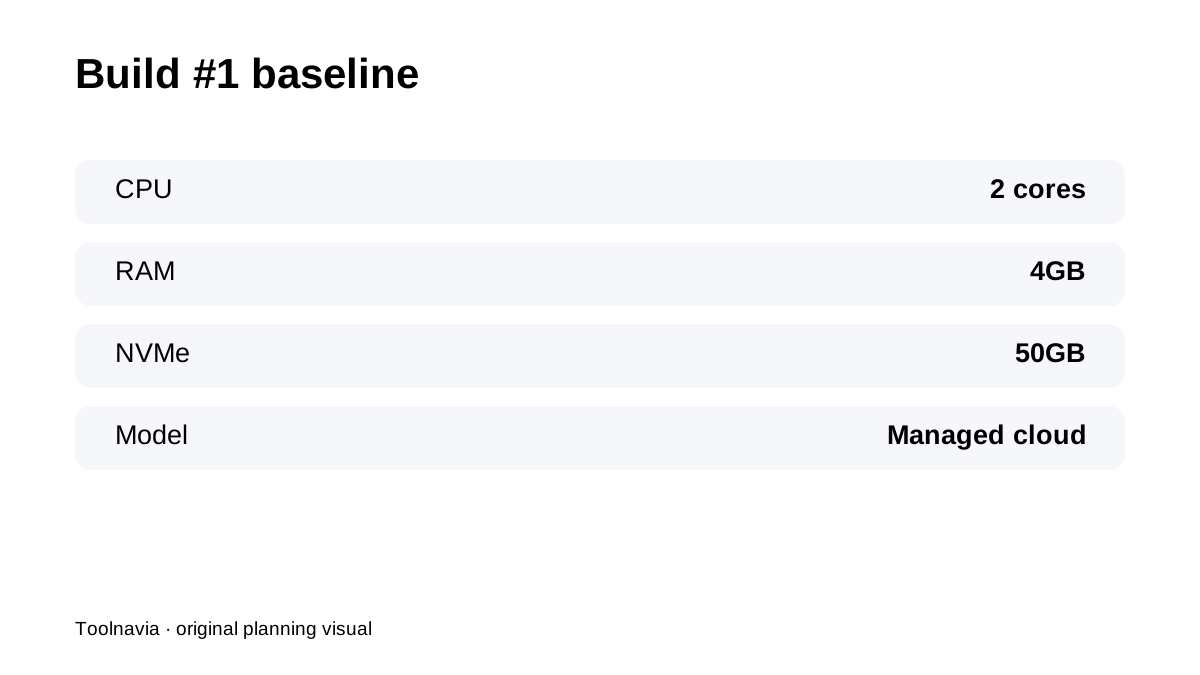
**Quick verdict:** ScalaHosting Build #1 starts as a **2 CPU / 4GB RAM / 50GB NVMe** managed cloud VPS, but the important buying advantage is that you do not have to treat Build #1 as a permanent ceiling. ScalaHosting positions CPU, RAM and storage as resources that can be adjusted as the workload grows.
At a glance
- Best for
- Build #1 owners who want to scale only the resource real monitoring shows is constrained.
- Price model
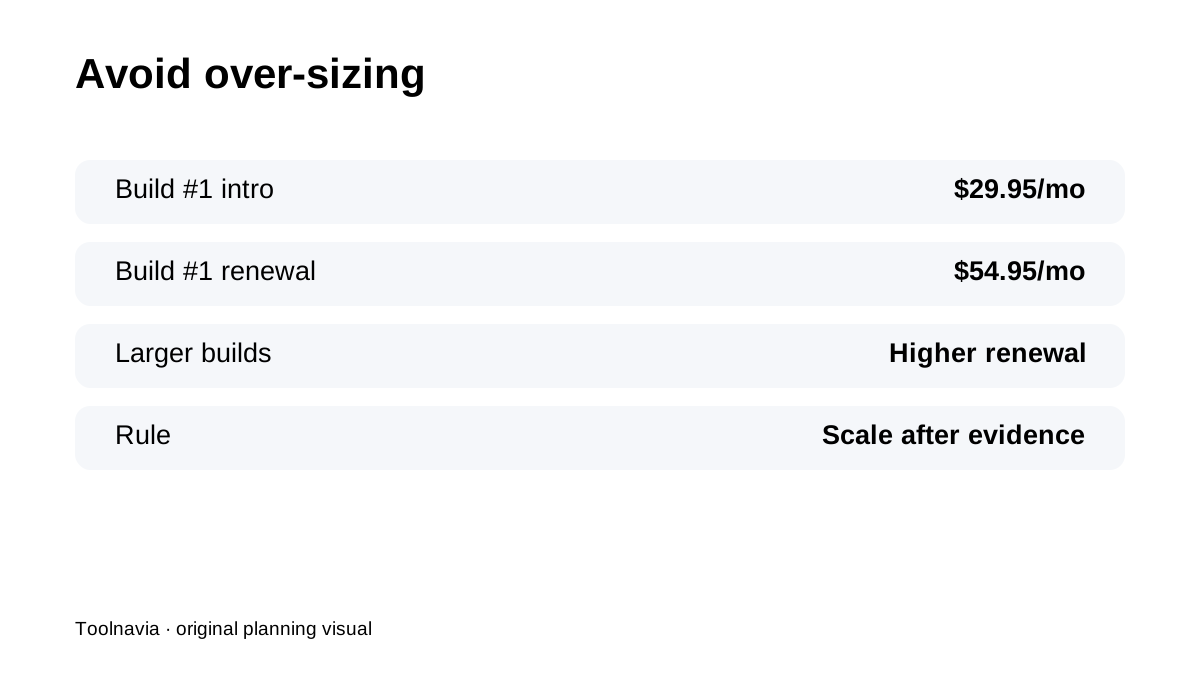
- Build #1 current public reference $29.95/mo intro, $54.95/mo renewal; custom resources verify live
- Check first
- Scaling does not fix inefficient software; custom-resource pricing can change; renewal economics remain important.
Start with the workload you have, not the workload you hope to have
Build #1 is already a meaningful step above shared hosting: dedicated cloud resources, SPanel, offsite backups and managed server work. Buying Build #2 or Build #3 “just in case” increases both the first-term bill and the renewal exposure. A better approach is to start with Build #1 when 2CPU/4GB is enough, then scale after real monitoring shows a specific bottleneck.
CPU, RAM and storage solve different problems
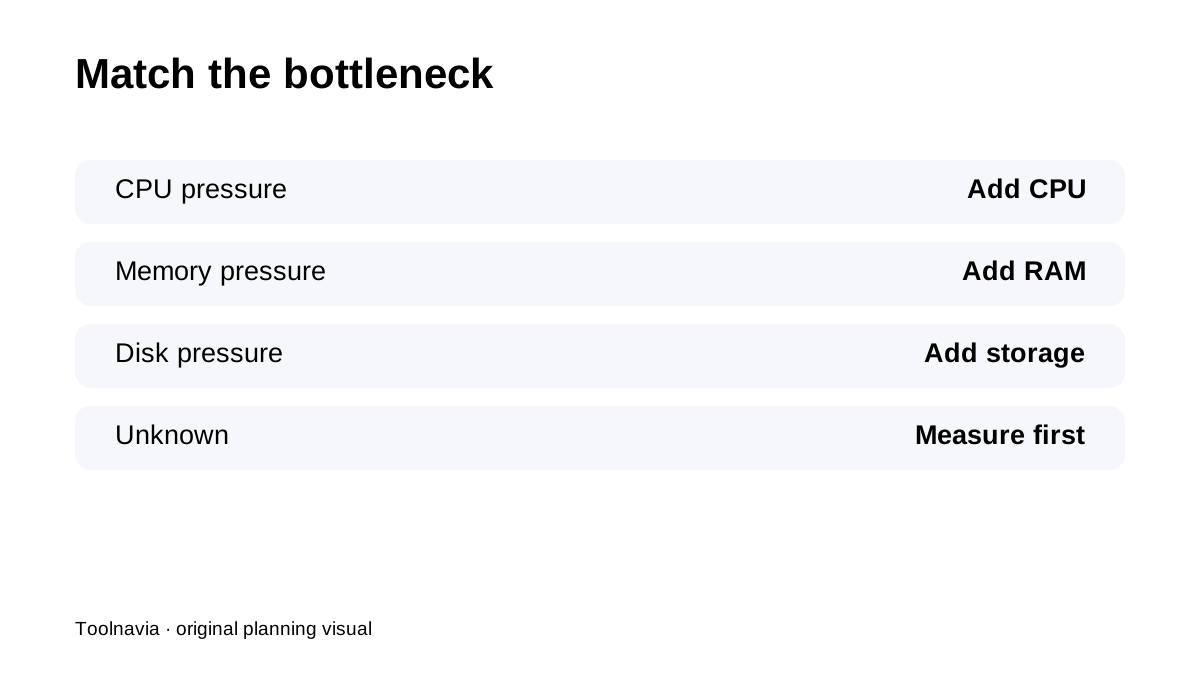
More **CPU** helps when PHP/database work is compute-bound. More **RAM** helps when applications, database buffers or many concurrent processes need memory. More **NVMe storage** solves capacity—not CPU or memory pressure. ScalaHosting explicitly markets independent resource adjustment, so identify which metric is actually constrained before upgrading everything at once.
Scaling does not fix inefficient software
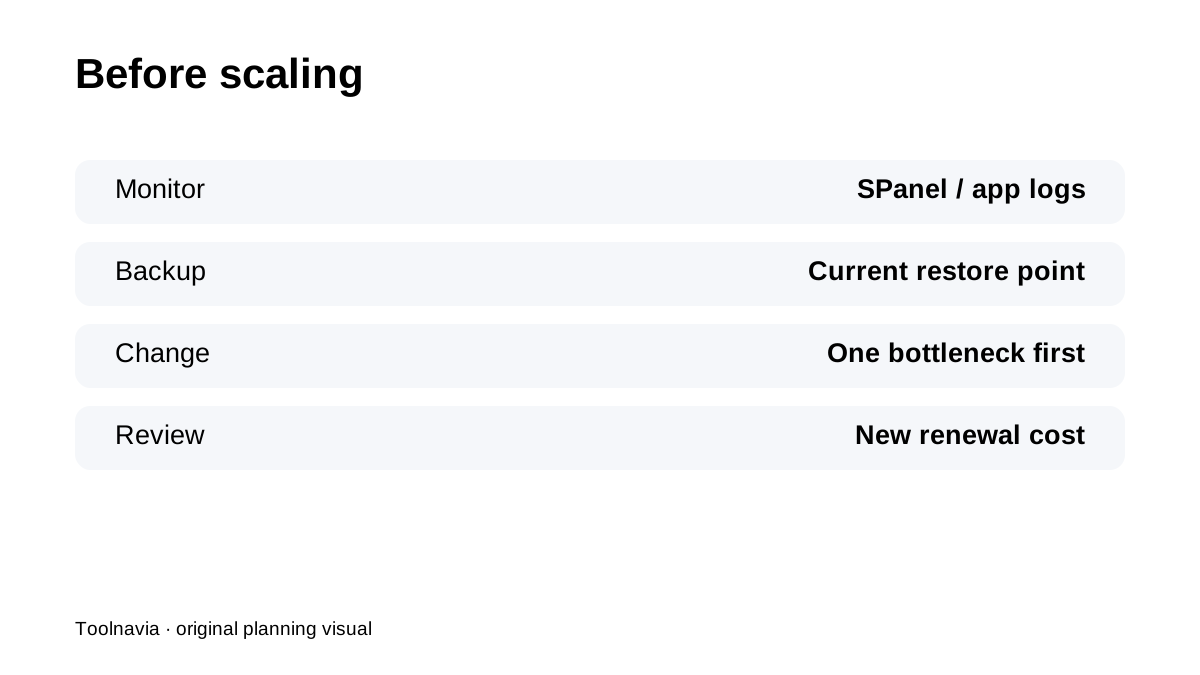
A resource increase can hide a bad plugin, runaway cron job, unindexed database query or uncached page for a while. Use SPanel/server metrics and application logs first. If CPU spikes during a specific task, fix or isolate that task before assuming the server needs a permanent larger build.
Build #2 is not automatically the next best answer
Current public Build tables move from roughly **2CPU/4GB/50GB** on Build #1 to larger CPU/RAM/storage bundles on higher builds. That is useful when the whole workload grows together. If only storage is tight, independent customization can be more efficient than paying for more CPU and RAM you do not need.
Renewal cost makes over-sizing expensive
Build #1's current public intro/renewal references are about **$29.95 → $54.95/month**. Larger builds renew much higher. Current independent reviews reach the same strategic point: size for the current workload, because ScalaHosting's managed cloud is designed to expand later.
Backups still matter before a resource change
Build #1 includes automatic offsite backups, but scaling is still an infrastructure change. Keep a current restore point and an independent business-critical copy before major resource/storage adjustments, especially if the change coincides with a software update or migration.
Four practical scaling signals
**CPU consistently high while RAM is comfortable:** investigate PHP/database hotspots, then add CPU if needed. **Memory pressure with modest CPU:** add RAM before buying an entire larger bundle. **Storage nearing 50GB but compute is fine:** expand storage instead of overbuying CPU/RAM. **Several sites all growing together:** a larger standard Build may become simpler than repeated piecemeal changes.
**Bottom line:** Build #1 is strongest when you treat it as a **managed starting configuration, not a forever plan**. Monitor the actual bottleneck, scale only the constrained resource and re-check the renewal bill before each permanent upgrade.