TOOLNAVIA / BUYING GUIDE
ScalaHosting Build #1 Upgrades: Add RAM or Buy a Bigger Plan?
The short answer
ScalaHosting Build #1 does not have to become a larger preset package whenever a site slows down. The provider advertises separately adjustable CPU, RAM and storage. That flexibility is useful only after identifying the actual constraint and obtaining the correct bill. This guide evaluates the documented purchase decision; no server was resized or benchmarked.
At a glance
- Best for
- Measured workloads needing a specific resource increase.
- Price model
- Public12-month Build #1 reference:$269.52 prepaid; standard renewal$54.95/month equivalent. Upgrade quote separate.
- Check first
- Account limits differ from server capacity; exact resize,downgrade and billing conditions need confirmation.
Measure the constraint before changing the plan
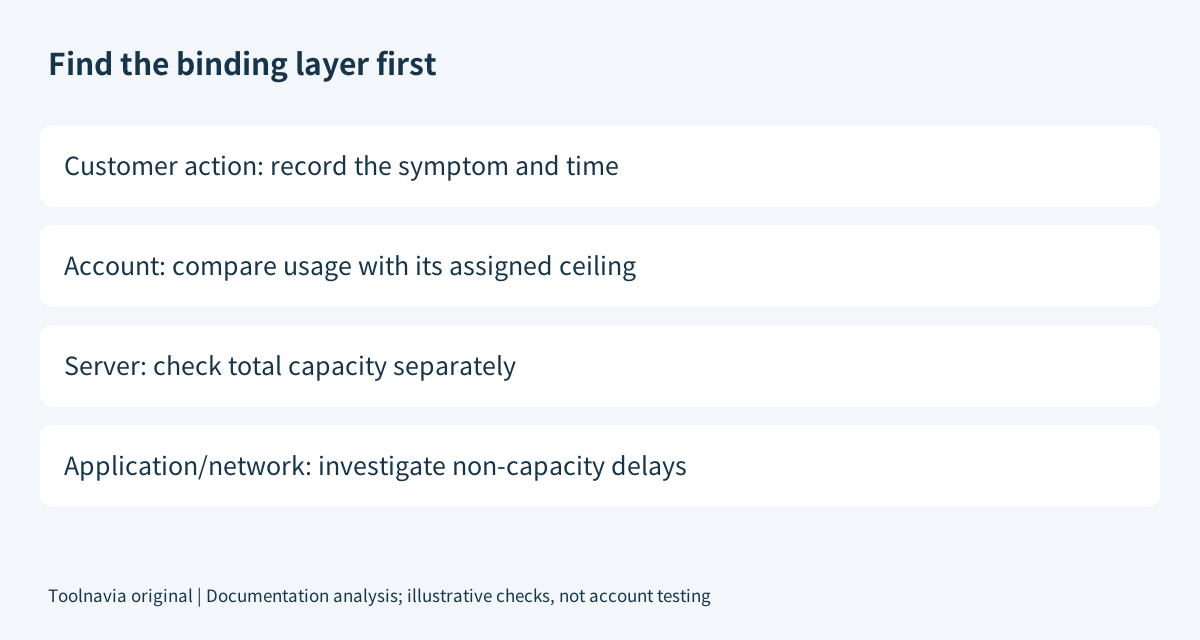
Start with the affected URL, time and business action, then compare the account's usage with its assigned limit and the whole server's capacity. SPanel's weekly history and per-account charts help locate repeated pressure. One account reaching its allocated ceiling is not, by itself, proof that the entire VPS has run out.
A slow first response can also include redirects, DNS, connection setup and server work. Adding RAM cannot be assumed to repair every component of that timing. WordPress similarly distinguishes application configuration, caching and hardware improvements. Diagnose before paying.
For account-allocation details, use the separate [SPanel limits guide](/en/hosting/scalahosting-build1-spanel-account-resource-limits-cgroups-vs-cloudlinux). This article focuses on the purchase that follows the diagnosis, not on rewriting account quotas.
Four capabilities that support a smaller, targeted change
| Capability | Benefit | Boundary | |---|---|---| | Separately adjustable resources | Request the resource actually needed. | No exact per-GB or per-core upgrade quote was verified. | | Account usage history | Distinguish recurring demand from a single incident. | An account ceiling and a server shortage are different. | | Period-based usage API | Retrieve daily, weekly or monthly records for review. | Reading history does not resize the server or forecast demand. | | Client-area upgrade path | Request an automated resource change. | Actual account eligibility and payment conditions still apply. |
A scheduled job that runs heavily at night deserves investigation before buying permanent headroom. However, do not dismiss every recurring peak as harmless: confirm that required customer actions remain usable while it runs. Our suggested goal is sufficient capacity for necessary work, not a permanently empty resource graph.
Separate the remaining-term charge from renewal
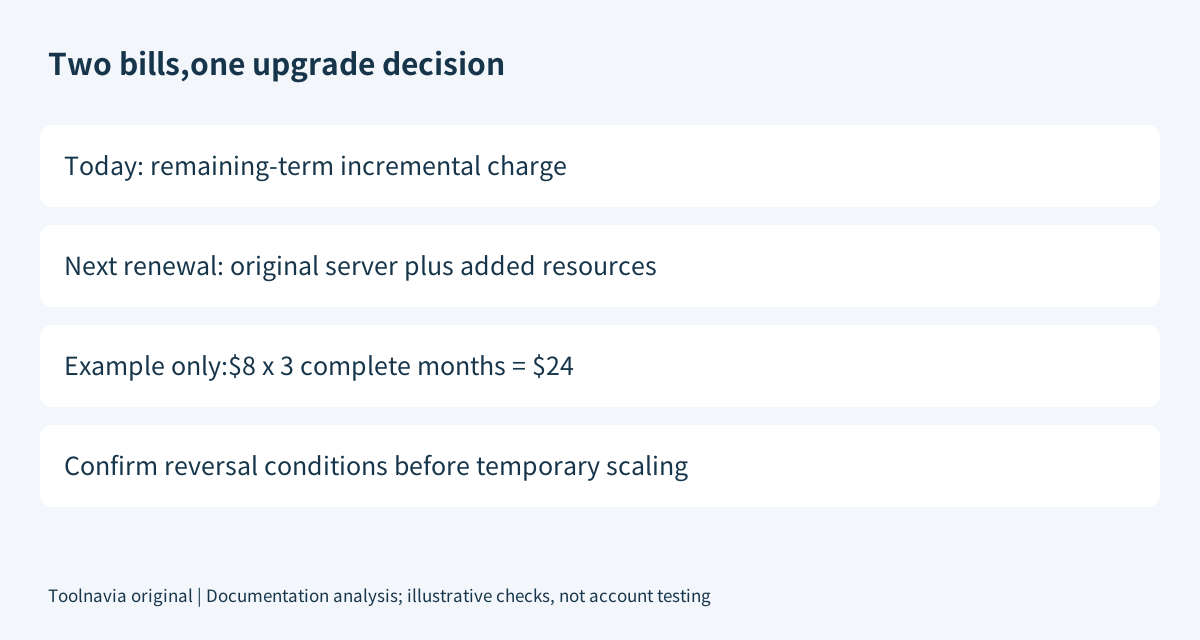
ScalaHosting explains that an upgrade during an active term is prorated for its remaining period. Its current guidance also says an existing promotional discount can apply to added resources for those remaining months, after which they renew at standard pricing. Campaign conditions can vary, so billing confirmation is required.
For an illustration only, an approved $8 monthly incremental charge with three complete months remaining would total $24 before tax. That does not establish a new twelve-month discount, a real ScalaHosting add-on price or the provider's exact day-count calculation.
Ask for two numbers: what is payable now, and the total next renewal including the original server and added resources. Keep the existing renewal date visible. A small immediate invoice can conceal a substantially different recurring commitment.
Compare a targeted quote with a complete build
Checked November 6, 2026, the published Build #1 promotion lists two cores, 4GB RAM and 50GB NVMe at $22.46/month on a twelve-month term, or $269.52 prepaid by arithmetic. The standard renewal reference is $54.95/month equivalent. The campaign runs through December 1 and distinguishes qualifying new plans/upgrades from ordinary renewals.
Those figures describe a public base-plan offer, not your incremental upgrade. Compare the same remaining period, location, control panel, support and renewal date when considering a custom resource increase versus the next preset. Do not subtract two promotional headline rates and present the result as a real invoice.
Also ask how a later reduction would work. The reviewed pages advertise flexibility, but do not settle your account's storage-reduction procedure, minimum size, credit treatment or cash refund. Obtain those details before treating a temporary increase as fully reversible.
Verify the result, not merely the payment
Our recommended acceptance record includes the previous allocation, approved new allocation, invoice and one repeatable customer action. Preserve a recoverable backup and agree the change procedure with Support before a material adjustment.
ScalaHosting promotes in-place scaling without interruption; that is a provider claim, not an outcome measured here. Confirm the procedure for your actual environment, then verify the resources visible to the server and repeat the affected action under comparable conditions.
Do not terminate unfamiliar processes or reboot production merely to make a graph look better. If the original symptom persists, return to the diagnosis instead of stacking additional purchases. Record both the useful outcome and the recurring cost.
Keep, resize or postpone
Keep Build #1 when necessary work fits and the issue is an application or allocation problem. Request a specific resource increase when repeated measurements support it. Choose a larger preset only when its combined resources are actually useful and its full bill compares favorably.
Postpone purchase when the binding resource, future renewal or reversal conditions remain unclear. Granular scaling is an opportunity to spend precisely, not a reason to skip verification.
Affiliate disclosure: Toolnavia may earn a commission from an eligible ScalaHosting purchase through its approved direct referral link.